
You are likely integrating building automation over Ethernet where copper reaches its limits: long cable runs, noisy electrical rooms, and mixed vendor switches. This article helps facilities and network engineers implement smart building optics using SFP transceivers for BACnet/IP and KNX tunneling across fiber. You will get a step-by-step build plan, a hard specification comparison, and field-tested troubleshooting patterns.
Prerequisites: what you must validate before buying SFP optics
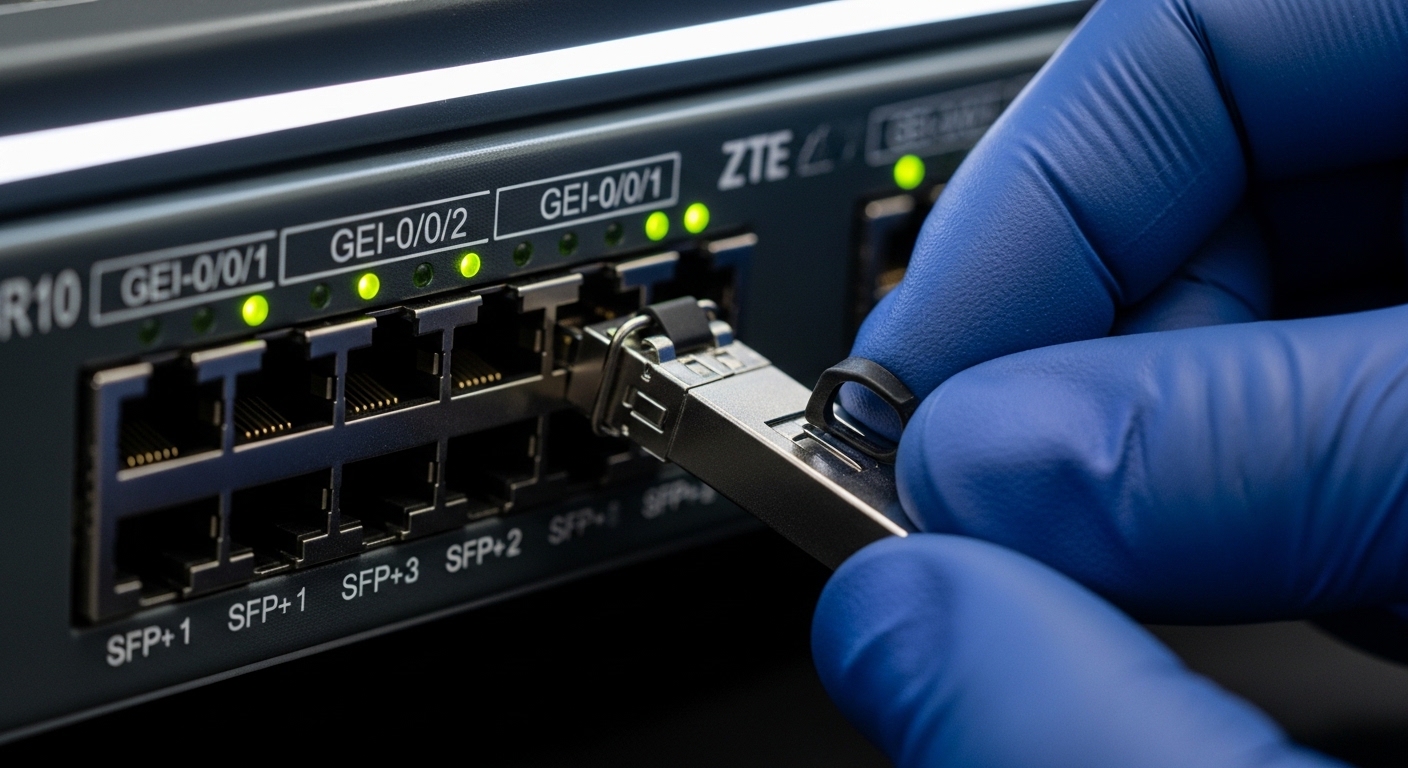
Before you select an SFP model, confirm the automation transport details and the physical layer constraints. BACnet/IP commonly runs over standard IP networks, while KNX often uses routing or tunneling patterns that still depend on deterministic L2/L3 behavior. In practice, you must verify switch capabilities (VLAN handling, IGMP behavior, and QoS if used), fiber topology (single-mode vs multimode), and environmental constraints like dust, temperature swings, and EMI.
Confirm the automation traffic profile
Document where BACnet services terminate and how KNX is carried. For BACnet, confirm ports for BACnet/IP discovery and typical use cases (device-to-server polling, event-driven updates). For KNX, identify whether you are tunneling via IP (for example, KNX/IP routing) and whether multicast is used between segments. Expected outcome: a traffic matrix with VLAN IDs, multicast needs, and whether you require static routes or pure L2 bridging.
Determine link distances and fiber type
Measure the real run length between the automation switch rack and the field access point. If you are using multimode fiber in older buildings, check the fiber plant age and end-to-end attenuation; do not assume OM3/OM4 performance. Expected outcome: a distance and fiber-type decision that maps to SFP reach limits and budget for insertion loss.
Identify switch SFP compatibility and DOM requirements
Check the access switch model and its transceiver compatibility list. Many building networks use managed switches that require accurate link diagnostics; Digital Optical Monitoring (DOM) is crucial for alarm thresholds and maintenance workflows. Expected outcome: confirmed SFP vendor support stance and whether you need readout for Rx power, Tx bias, and temperature.
Choosing smart building optics: SFP reach, wavelength, and power budget
For BACnet/IP and KNX transport, the optics must be transparent to standard Ethernet framing and stable under temperature variation. SFP selection is primarily about matching wavelength, connector type, and reach to your fiber plant, while ensuring the link budget supports your worst-case attenuation and aging. Engineers typically validate this with a link budget worksheet and then confirm real Rx power at commissioning.
Select wavelength and connector class
Single-mode links usually use 1310 nm (often for 10 km-class reach in cost-sensitive designs) or 1550 nm (for longer distances). Multimode links typically use 850 nm. Connector type matters: LC/UPC is common for SFP fiber patching in building enclosures because it is compact and repeatable. Expected outcome: a wavelength and connector pairing aligned to your fiber type and patch panel standard.
Use a link budget with margin, not a datasheet reach number
Datasheet reach is not a guarantee. You must account for fiber attenuation (dB/km), patch panel loss, splice loss, and connector loss. Add margin for aging and cleaning variability; in building environments, dust and reused patch cords can dominate the budget. Expected outcome: a calculated maximum allowable insertion loss that keeps the SFP receiver within its specified sensitivity.
Compare representative SFP options for building fiber runs
The table below compares common SFP classes you will encounter when building smart building optics for automation uplinks. Real part numbers vary by vendor, but the electrical and optical classes are consistent with IEEE 802.3 Ethernet optical link families. [Source: IEEE 802.3 standard, vendor transceiver datasheets]
| Use case fit | Typical SFP type | Wavelength | Reach (typical) | Connector | Tx power class | Rx sensitivity (typical) | DOM | Operating temp |
|---|---|---|---|---|---|---|---|---|
| Short multimode uplinks (floors, IDFs) | SFP 1G SX / 1000BASE-SX | 850 nm | 0.3 to 550 m (OM3/OM4 dependent) | LC/UPC | -9 to -3 dBm | ~ -17 to -20 dBm | Common | 0 to 70 C or -40 to 85 C (industrial variants) |
| Campus single-mode automation | SFP 1G LX / 1000BASE-LX | 1310 nm | up to 10 km | LC/UPC | -9 to 0 dBm | ~ -17 to -19 dBm | Common | 0 to 70 C or -40 to 85 C |
| High-density 10G building backhaul | SFP+ 10G SR | 850 nm | up to 300 m (OM3) / 400 m (OM4) | LC/UPC | -7 to -1 dBm | ~ -9.5 to -14 dBm | Common | 0 to 70 C |
| 10G single-mode long run | SFP+ 10G LR | 1310 nm | up to 10 km | LC/UPC | -8 to 0 dBm | ~ -14 to -16 dBm | Common | 0 to 70 C |
Example part families engineers commonly deploy include Cisco SFP-10G-SR, Finisar FTLX8571D3BCL, and FS.com SFP-10GSR-85, but always validate exact compatibility with your switch vendor and firmware. [Source: Cisco datasheets, Finisar/Viavi datasheets, FS.com product pages]
Pro Tip: During commissioning, do not rely only on “link up.” Capture Rx optical power and verify it sits comfortably away from both the minimum sensitivity and the maximum safe input. In building automation closets with frequent patch cord rework, marginal Rx power is a top cause of intermittent BACnet/IP discovery failures that look like application issues.
Implementation: step-by-step fiber handoff for BACnet and KNX
This section is written as an installation runbook you can execute in a live building or campus. The key is to treat BACnet and KNX as IP services that require clean L2/L3 behavior, while optics require disciplined fiber handling and consistent transceiver parameters.
Stage the SFPs and clean the fiber before insertion
Confirm you have matching transceiver types at both ends (wavelength and speed class). Clean LC ends with approved inspection and cleaning tools, then re-check with a fiber microscope if your program uses one. Insert SFPs with ESD-safe handling and verify the switch reports DOM values if supported. Expected outcome: stable link negotiation without excessive optical alarms.
Configure VLANs and verify multicast behavior
Create VLANs for BACnet/IP and any KNX IP segments, then apply trunk/access settings as required by your automation design. If BACnet uses multicast discovery or KNX uses group traffic, validate IGMP snooping settings on the switch. Expected outcome: devices discover correctly and traffic flows without flooding or unexpected drops.
Commission with optical and network telemetry
Record baseline Rx power, temperature, and any vendor-reported DOM alarms. Then run functional tests: verify BACnet/IP device discovery from the management workstation and confirm KNX tunneling sessions establish and remain stable. Expected outcome: a documented “known good” state for future troubleshooting and replacement planning.
Common mistakes and troubleshooting for smart building optics
Automation networks often fail in ways that look like application bugs. The root cause is frequently optical instability, VLAN misconfiguration, or wrong SFP class selection. Below are the top field failure modes and how to fix them.
Failure mode 1: Link flaps due to dirty connectors
Root cause: LC/UPC ends contaminated by dust or reused patch cords inside ceiling or riser enclosures. Symptom: link up/down cycles, BACnet/IP discovery intermittent, DOM Rx power oscillation. Solution: inspect with a fiber scope, clean with lint-free approved methods, replace patch cords if cleaning does not restore stable optical levels.
Failure mode 2: Wrong fiber type or overestimated reach
Root cause: using an OM3-rated SR SFP on a plant that effectively behaves like a lower-grade multimode link due to high attenuation. Symptom: link comes up but errors increase under load; KNX sessions drop during peak traffic windows. Solution: measure end-to-end attenuation and rerun link budget; switch to single-mode (LX/LR) optics if the fiber plant is uncertain.
Failure mode 3: Transceiver compatibility and DOM alarm thresholds
Root cause: non-validated SFPs triggering vendor firmware behavior, or DOM thresholds set too aggressively. Symptom: switch logs optical compliance warnings; automation management scripts treat the link as degraded. Solution: use vendor-approved or well-supported third-party optics, align DOM alert thresholds to your maintenance policy, and confirm firmware settings for diagnostic reporting.
Cost and ROI note: balancing OEM optics with third-party SFPs
In real projects, OEM SFPs can cost roughly 1.2x to 2.0x more than compatible third-party modules, depending on speed (1G vs 10G), reach (SR vs LR), and temperature grade. Over a multi-site building portfolio, the ROI comes from reducing truck rolls and shortening mean time to repair by standardizing part numbers and ensuring DOM visibility. However, third-party optics can introduce higher variance in compliance behavior across switch firmware, so you should validate in a pilot rack before scaling.
Selection criteria checklist engineers actually use
- Distance and fiber plant quality: measured run length, insertion loss, and splice/connector state.
- Data rate and Ethernet class: 1G vs 10G; ensure the switch port supports the optics type.
- Wavelength and reach: 850 nm for multimode, 1310 nm for single-mode typical automation uplinks.
- Connector standard: LC/UPC vs LC/APC; match patch panels to avoid return loss issues.
- DOM support and monitoring: ensure your switch reads Rx power and alarms for maintenance workflows.
- Operating temperature and enclosure conditions: consider industrial grade optics for hot risers.
- Switch compatibility and lock-in risk: check transceiver lists and test with your exact firmware.
- Power, budget, and spare strategy: choose optics that reduce rework and standardize spares per site.
FAQ
What SFP type is best for typical BACnet/IP links inside a building?
For short indoor runs between IDFs or small risers, multimode 850 nm SX is often cost-effective if the OM3/OM4 plant is verified. For uncertain fiber quality or longer distances, single-mode 1310 nm LX reduces reach risk and helps stabilize optical margins.
Does KNX tunneling require any special optics beyond standard Ethernet?
Generally, no. KNX tunneling still rides on Ethernet/IP transport, so you just need a reliable L2/L3 path with stable link performance. The optics must be consistent and monitored, because intermittent link degradation can drop sessions and break discovery flows.
How do I verify smart building optics are healthy after installation?
Use switch telemetry to record DOM values (especially Rx power and temperature) and confirm error counters remain stable under load. Then run functional tests for BACnet/IP discovery and KNX IP session persistence. Document the baseline for faster future troubleshooting.
Can I mix OEM and third-party SFPs in the same switch?
Yes in principle, but compatibility depends on switch firmware and the optics compliance profile. The safest approach is to standardize per chassis model, validate in a pilot, and ensure DOM behavior is consistent with your monitoring scripts.
Why does BACnet/IP “sometimes” fail even when the link is up?
Intermittent optical margin problems can cause frame errors that are not obvious from link status alone. Dirty connectors, marginal Rx power, or reach oversubscription commonly present as discovery timeouts and inconsistent device polling rather than a total outage.
What is a practical spare SFP strategy for multi-floor smart buildings?
Standardize on one optics class per distance tier and keep at least one spare per site per speed and wavelength class. If your environment has hot risers or frequent patch changes, consider industrial temperature grade optics for better long-term stability.
With disciplined SFP selection, measured fiber link budgets, and DOM-based commissioning, smart building optics can make BACnet/IP and KNX transport reliable across floor and campus boundaries. Next, review fiber-optic-link-budget-for-building-networks to turn your measured attenuation into repeatable commissioning targets.
Author bio: I design and troubleshoot 5G and enterprise fiber backhaul, and I have deployed SFP-based access optics for building automation in multi-tenant facilities. I focus on optical budget discipline, switch compatibility, and operational monitoring that survives real-world patching and temperature swings.
