
In an 800G deployment, “it links up” is not the same as “it performs.” This article helps network engineers and field technicians pinpoint signal quality issues in modern high-speed optics by walking through the highest-yield checks, from optical budget math to DOM and receiver margin. You will get practical selection criteria, troubleshooting pitfalls, and an engineer-friendly ranking table to guide fast decisions under outage pressure.
Top 1: Confirm the link standard and optics mapping before troubleshooting
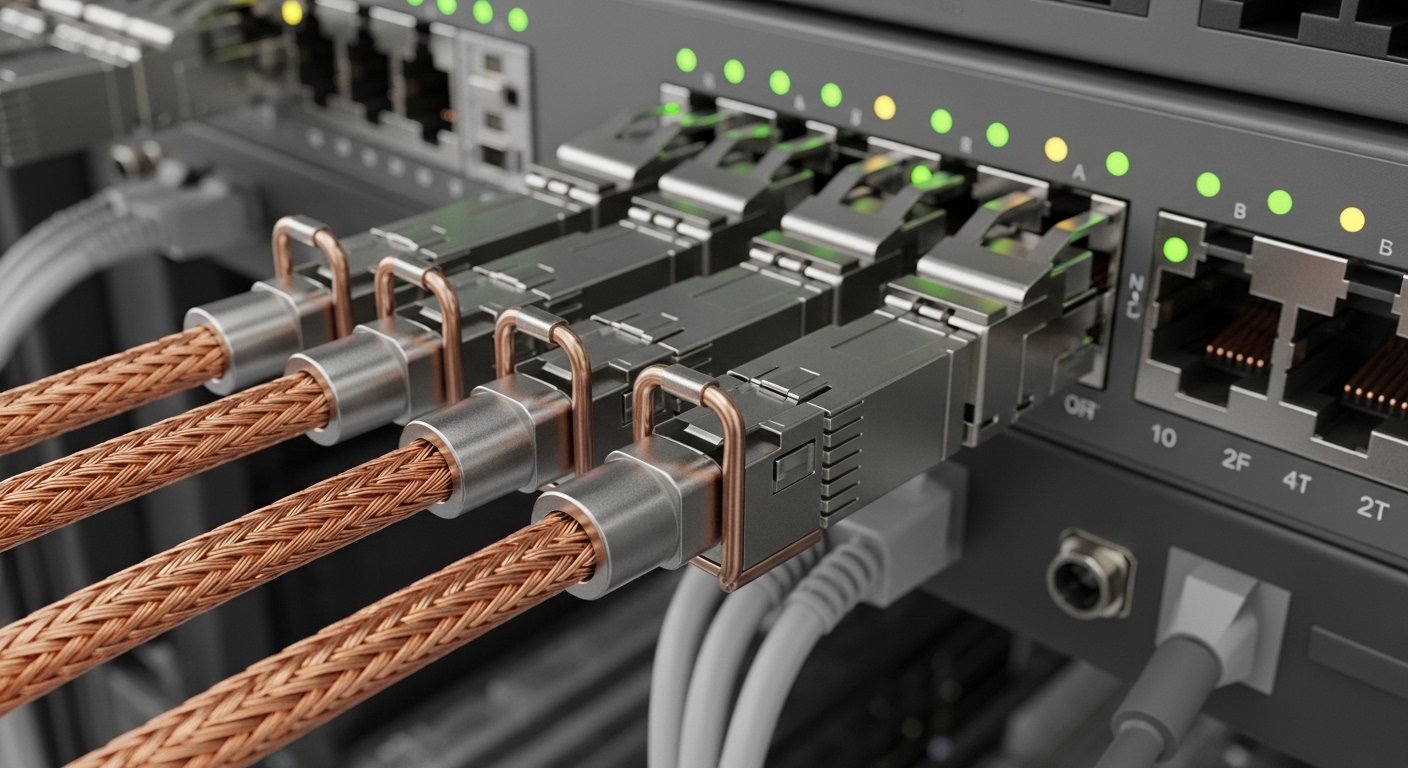
Signal quality problems often masquerade as “bad optics” when the real cause is a mismatch between the transceiver type and the switch port lane mapping. For 800G, the ecosystem commonly uses OSFP or QSFP-DD form factors depending on vendor, with internal lane rates and forward error correction (FEC) expectations that must align with the host. Start by verifying the transceiver part number, the switch’s supported optics list, and whether the port expects the correct modulation format. A field test that works: compare the module’s DOM-reported vendor, serial, and optics type against the switch’s transceiver compatibility matrix.
Best-fit scenario: In a leaf-spine data center fabric with 800G uplinks, you replace a failing transceiver and immediately see high FEC correction counts and link flaps. Before swapping again, verify that the new OSFP is the same lane configuration and that both ends negotiate the same line rate and optics mode.
- Pros: Avoids chasing symptoms; prevents unsafe “it should work” assumptions.
- Cons: Requires accurate inventory and switch documentation.
Top 2: Use optical budget plus margin thinking, not just reach labels
Reach ratings are necessary but insufficient for signal quality. What matters is the end-to-end optical power budget including transmitter output, receiver sensitivity, connector and splice loss, and any additional aging margin. For example, if your link uses a high-count fanout with many MPO connectors, the incremental loss can silently consume your margin and push receivers near threshold. In practice, engineers watch for drift in receive power and correlate it with error counters after maintenance windows.
Best-fit scenario: A 500 m intra-row 800G link starts degrading after cable rework. Measured connector cleanliness and re-terminated MPOs show higher insertion loss than the original baseline, and receive power drops by several tenths of a dB, triggering marginal signal quality.
Pro Tip: When vendors publish only “typical” optical power, use the “worst-case” transmit and the receiver sensitivity curves from the datasheet, then add a conservative margin for field cleanliness. DOM power readings are your real-time proxy for whether you are still inside that margin.
- Pros: Turns guesswork into a measurable budget.
- Cons: Requires datasheet literacy and loss measurement tools.
Top 3: Compare transceiver options by wavelength, connector, and power behavior
Different 800G transceiver families trade off wavelength plan, connector type, and power/thermal behavior. Those differences directly affect signal quality through dispersion tolerance, launch conditions, and thermal stability. Below is a practical comparison you can use when planning upgrades or troubleshooting mixed inventory. Always confirm the exact part number against your switch’s supported list.
| Key spec | Common 800G short-reach option | Common 800G medium-reach option | What it impacts for signal quality |
|---|---|---|---|
| Form factor | OSFP or vendor-specific high-density pluggable | OSFP or vendor-specific high-density pluggable | Thermal design and host lane mapping |
| Typical wavelength plan | Short-reach multi-lane, usually multimode-optimized | Longer-reach optimized wavelengths | Dispersion and receiver margin |
| Connector | MPO/MTP (12- or 16-fiber class depending on design) | MPO/MTP or LC fanout depending on design | Connector loss and return loss sensitivity |
| Reach (example planning range) | ~70 m to ~150 m class depending on fiber type | ~300 m to ~500 m class depending on fiber plant | Budget consumption and FEC workload |
| DOM data | TX bias/current, TX/RX power, temperature | Same categories, may include extra diagnostics | Detects drift that precedes errors |
| Operating temperature | Typical industrial datacenter range; verify module spec | Same; some designs tolerate higher temps better | Thermal stability affects eye opening |
Best-fit scenario: During a migration from 400G to 800G, you standardize on one OSFP family to reduce variability. You choose modules whose DOM telemetry aligns with the switch’s monitoring templates, so signal quality trends are comparable across racks.
- Pros: Faster troubleshooting with consistent telemetry.
- Cons: Mixed vendors can complicate interpretation of DOM fields.
Top 4: Read DOM telemetry like a field engineer, not a dashboard
DOM data is your earliest warning system for signal quality drift. Track temperature, TX bias/current, TX power, and RX power over time, then correlate with FEC counters, link CRC events, and any “degraded” alarms. A common pattern: RX power slowly declines (aging, dirt, microbends), while error correction increases before the link fully fails. In day-to-day operations, I typically log values every 5 to 15 minutes during post-change burn-in.
Best-fit scenario: After a patch-panel reorganization, you observe stable link status but rising corrected errors. DOM shows RX power trending down while temperature stays normal, pointing to optical loss rather than thermal issues.
- Pros: Predictive detection reduces downtime.
- Cons: Requires consistent polling and baseline comparisons.
Top 5: Validate fiber condition and cleaning with measurable return loss and insertion loss
Dirty connectors and microbends can destroy signal quality even when optical power “looks okay.” For MPO/MTP links, inspect end faces, use proper cleaning tools, and verify that caps are removed only immediately before mating. If you have access to an OTDR or a certified MPO loss tester, measure insertion loss and reflectance where supported. A key detail: a connector can pass a basic visual inspection and still fail at the microscopic contamination level.
Best-fit scenario: A single row experiences intermittent 800G flaps after a nearby ceiling work order. Re-cleaning and re-seating the MPO connectors restores stable FEC correction counts without changing optics.
- Pros: High success rate; fixes root causes.
- Cons: Needs disciplined handling and test equipment.
Top 6: Look for receiver margin issues using error counters and FEC behavior
At 800G speeds, signal quality is often best inferred from receiver margin via error and correction telemetry. Even when the link stays “up,” increasing FEC corrections can indicate an eye diagram that is shrinking due to loss, dispersion, or electrical noise coupling. Consult the IEEE 802.3 framework and vendor documentation for how corrected/uncorrected errors map to alarms. [Source: IEEE 802.3 standard] [Source: vendor switch and transceiver datasheets]
Best-fit scenario: During peak traffic, you see momentary CRC spikes. FEC correction counts correlate with temperature spikes, suggesting a marginal thermal operating point rather than static optical loss.
- Pros: Directly ties to link-layer integrity.
- Cons: Counter semantics vary by vendor; interpret carefully.
Top 7: Ensure switch compatibility, DOM support, and thermal airflow alignment
Signal quality issues can be triggered by host-side constraints: lane mapping rules, power class negotiation, and thermal airflow across the cage. Some 800G ports have strict requirements on transceiver type and may throttle or refuse full-rate operation if the module is not on the approved list. Also confirm that the module’s temperature stays within its specified operating range and that airflow baffles are intact. In the field, I have seen “mystery” degradation resolved by restoring front-to-back airflow after a fan tray swap.
Best-fit scenario: A batch of new transceivers shows higher error rates only in one aisle. After investigation, the aisle had partially blocked intake vents, raising cage temperatures by several degrees and shrinking receiver margin.
- Pros: Prevents recurring incidents across racks.
- Cons: Compatibility checks take time if documentation is incomplete.
Selection criteria checklist for 800G signal quality success
- Distance and fiber type: Use certified link loss, not only “reach” marketing.
- Budget and margin: Confirm worst-case transmitter and receiver sensitivity from datasheets.
- Switch compatibility: Verify exact part number support for OSFP/QSFP-DD and port mode.
- DOM support: Ensure the switch reads the fields you need for TX/RX power, temperature, and alarms.
- Operating temperature: Validate airflow, cage design, and module thermal spec under full load.
- Vendor lock-in risk: Check interoperability policies and availability of replacements.
- Connector ecosystem: Ensure MPO/MTP polarity and cleaning process are standardized.
Common mistakes and troubleshooting tips for signal quality issues
1) Swapping optics without checking standard or lane mapping. Root cause: module type mismatch to the switch’s expected port mode. Solution: confirm the port capability and the optics compatibility matrix before further swaps.
2) Trusting “link up” while
