
When a Cognex machine vision system goes dark after a fiber link change, the root cause is often not the camera at all, but the SICK fiber transceiver pairing: wavelength mismatch, connector type, DOM settings, or insufficient optical budget. This article helps field techs, automation engineers, and network maintainers verify compatibility between SICK and Cognex optical transceivers for industrial Ethernet and vision data paths. You will get a practical checklist, a specs comparison table, and troubleshooting steps you can run in the same service window.
How SICK and Cognex vision links typically behave on fiber
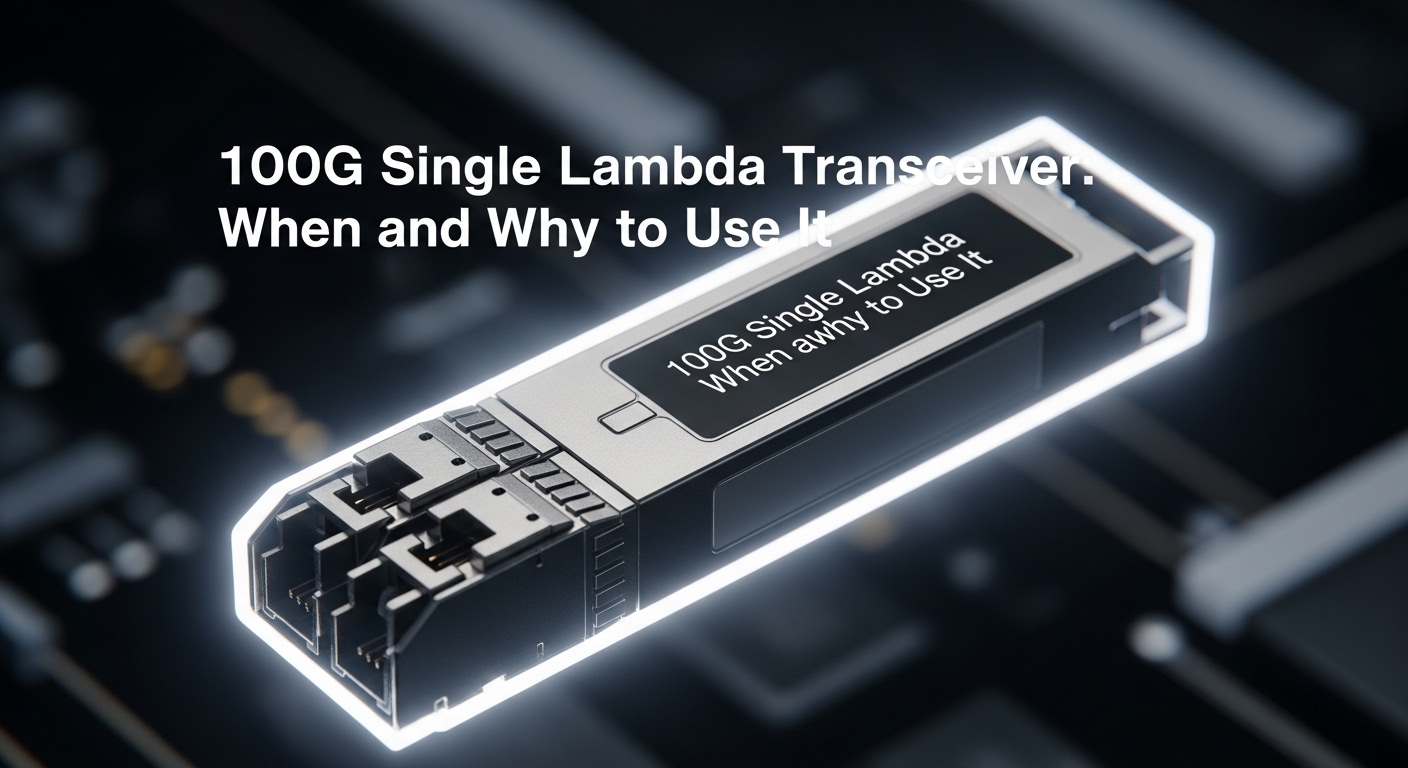
In machine vision cells, Cognex cameras and vision systems usually carry high-rate data over an industrial network, often using fiber to reduce EMI and cable loss. A SICK fiber transceiver is commonly used as the media conversion endpoint between copper Ethernet and fiber or between different switch segments. In practice, the transceiver must match the link partner on data rate, wavelength, and connector, and it must fit the switch or media converter optics profile. While many modules “work” at first, marginal optical power can cause intermittent frame loss that looks like camera timeouts or dropped inspection results.
What to confirm before you swap a module
Start by writing down the exact Cognex interface requirement from the system design: whether the link is intended as 1000BASE-SX, 1000BASE-LX, 10GBASE-SR, or another Ethernet PHY mode. Then verify the SICK transceiver label for Tx wavelength, Rx wavelength, and the expected fiber type (multimode vs single-mode). Finally, confirm whether the network side expects Digital Optical Monitoring (DOM) readings; if your switch firmware rejects unknown DOM behavior, the link can flap even when optics are otherwise correct.
Pro Tip: In industrial installs, the most common “it should link up” failure is not the fiber type itself, but a hidden mismatch: a module rated for 850 nm multimode installed into a path that is actually 1310 nm single-mode (or vice versa). The link may briefly negotiate, then drop as auto-negotiation retries and the receiver signal quality falls below threshold. Always check wavelength and fiber core type on the patch panel, not just the transceiver listing.
Optical specs that decide whether a SICK fiber transceiver will pass
Optical transceivers are constrained by physics: transmitter output power, receiver sensitivity, fiber attenuation, and connector/coupler losses. For Ethernet optics, IEEE defines the PHY behavior at the line rate and the optical performance targets; vendors then implement those targets in SFP/SFP+/SFP28/QSFP form factors. For machine vision, you care about stable link quality because inspection pipelines are sensitive to jitter and packet loss. If you are selecting a SICK fiber transceiver for a Cognex vision link, treat optical budget math and mechanical fit as first-class requirements.
Reference standards and what they imply
IEEE 802.3 defines the optical Ethernet PHYs (for example 1000BASE-SX and 10GBASE-SR) and the expected performance envelopes. Vendor datasheets for SICK modules translate those envelopes into real optical power, receiver sensitivity, and DOM telemetry behavior. If you are troubleshooting, compare your observed link errors and optical warnings against the thresholds in the module documentation and the switch’s DOM interpretation. For authoritative PHY targets, see [Source: IEEE 802.3] and vendor module datasheets such as [Source: SICK product documentation].
| Key spec | Common SICK module class | Example compatibility target |
|---|---|---|
| Data rate | 1G or 10G Ethernet PHY | Cognex vision ports and switch uplinks |
| Wavelength | 850 nm (SR/SX) or 1310 nm/1550 nm (LX/LR) | Must match link partner optics |
| Fiber type | OM3/OM4 multimode or single-mode OS2 | Patch panel and cable must match |
| Reach (typical) | ~300 m over multimode for 1G SX; ~300 m to 400 m for 10G SR depending on OM4 | Measured run length plus margin |
| Connector | LC (common) | Must match patch cords and adapters |
| DOM support | May include power/temp telemetry | Switch must accept DOM or ignore safely |
| Operating temperature | Industrial rated ranges vary; often around -10 C to +60 C depending on model | Control cabinet and cable trench heat profile |
Matching wavelengths and connectors in a real Cognex machine cell
Consider a typical deployment: a 3-tier industrial network with a vision control PC connected to a Cognex inspection unit, then uplinked to a plant switch. In one field case, the design used a 10G uplink between a Cognex-connected access switch and a downstream aggregation switch over OM4 multimode. The team initially swapped a failed media converter and installed a SICK fiber transceiver labeled for 850 nm, but the patch panel had been reworked earlier and the fiber run was actually single-mode. The link came up for a few minutes, then inspection triggers stalled as retransmissions increased.
Field checks you can do quickly
First, inspect the patch panel: confirm whether the fiber pigtails are OM3/OM4 (multimode) or OS2 (single-mode) using labeling and, if needed, a cable ID record. Second, verify connector geometry: LC vs SC adapters can introduce extra loss and intermittent contact if dirty. Third, measure and log link stability: check interface counters for CRC errors, runts, and symbol errors after the swap. If your transceiver supports DOM, read optical power and temperature to validate that the module is operating within its rated envelope.
Selection criteria checklist for SICK fiber transceiver compatibility
Even when two optics both say “fiber,” small differences can break the link. Use this ordered checklist so you can justify your choice in a maintenance record and reduce repeat failures.
- Distance and link budget: measure the run length, include patch cords, couplers, and splices, and keep an optical margin for aging and connector contamination.
- Wavelength pairing: match the SICK fiber transceiver wavelength to the partner module (for example 850 nm to 850 nm for SR/SX, 1310 nm to 1310 nm for LX).
- Fiber type: confirm OM3/OM4 multimode vs OS2 single-mode at the patch panel, not only in the original BOM.
- Data rate and PHY mode: ensure the transceiver class supports the exact Ethernet speed required by the Cognex port and the switch (1G vs 10G).
- Connector and adapter loss: confirm LC/SC and keep adapter chains short; clean connectors before insertion.
- DOM behavior: check whether your switch reads DOM and whether it expects specific thresholds or vendor-specific calibration.
- Operating temperature and enclosure airflow: verify industrial temperature rating and ensure the module will not exceed the spec in a warm cabinet.
- Vendor lock-in risk: if you need predictable compatibility, consider OEM or a tightly validated third-party with known DOM behavior; document the exact part number.
Concrete examples of part-number-level thinking
In many networks, operators standardize on a known transceiver family to reduce variability. For instance, third-party optics like Finisar models (for example an FTLX8571D3BCL class) and Cisco-branded equivalents often map to specific IEEE PHY targets and wavelength/fiber profiles, but compatibility still depends on the host switch’s DOM acceptance and firmware behavior. When you are selecting a SICK fiber transceiver specifically for automation equipment, prioritize the SICK datasheet’s electrical and optical parameters and cross-check the Cognex documentation for supported link types. If you later replace a failed module, the service record should include the exact part number, DOM status, and optical readings at install time.
Common pitfalls and troubleshooting for SICK fiber transceiver links
When a fiber link fails in a machine vision cell, you need to isolate whether the problem is optics, cabling, or host configuration. Below are frequent failure modes seen during commissioning and later service calls, with root causes and practical solutions.
Link flaps or never reaches “up”
Root cause: wavelength or fiber type mismatch (for example 850 nm multimode optics installed on a single-mode run). Receiver sensitivity collapses, causing repeated training. Solution: confirm fiber type at the patch panel, verify wavelength labels on both modules, then clean connectors and reseat; if needed, swap to the correct optics pair and retest link stability over 15 minutes while monitoring interface counters.
Link is up, but vision inspections time out
Root cause: marginal optical power due to dirty connectors, damaged fiber endfaces, excessive adapter loss, or too little optical budget margin. This often manifests as CRC errors and retransmissions rather than a full link drop. Solution: clean LC connectors with lint-free wipes and approved cleaner, inspect with a scope, and re-terminate or replace suspect patch cords; then verify DOM optical power and temperature values against the module datasheet.
Works on one switch port, fails on another
Root cause: host switch DOM handling, port-level speed/auto-negotiation constraints, or vendor-specific optics compatibility checks. Some industrial switches accept DOM from specific vendors; others treat unknown DOM as a fault. Solution: set the port speed explicitly if supported, update switch firmware where safe, test the transceiver in a known-good port, and document whether DOM is enabled or ignored in that firmware build.
Unexpected overheating in cabinets
Root cause: poor cabinet airflow or modules installed near heat sources; optical modules derate with temperature, which can reduce receiver margin. Solution: measure cabinet ambient temperature during peak operation, ensure it stays within the module’s rated operating range, and improve airflow or relocate the transceiver to a cooler switch location.
Cost and ROI reality: OEM vs third-party in industrial uptime terms
Pricing varies by form factor (SFP, SFP+, SFP28, QSFP), wavelength, and whether the module includes DOM. In many markets, OEM optics often cost roughly 1.5x to 3x the price of generic third-party equivalents, while third-party can be attractive for spares and bulk replacement. ROI should be calculated as total cost of ownership: not just purchase price, but labor time, downtime risk, and the probability of repeat failures due to DOM or compatibility quirks. If you maintain spare modules and log optical readings, you can reduce mean time to restore service and justify paying a premium for known-good compatibility.
For TCO modeling, include an estimated failure/return rate from your own spares history, plus the cost of a field visit. In some plants, a single unplanned outage during shift change can exceed the delta between OEM and third-party optics. In that scenario, a SICK fiber transceiver sourced from a validated channel with documented DOM compatibility can be the cheaper option even if the sticker price is higher.
FAQ
What does a SICK fiber transceiver need to match for a Cognex vision link?
At minimum, match Ethernet speed (1G vs 10G), wavelength (for example 850 nm to 850 nm), and fiber type (multimode vs single-mode). Also match connector type (commonly LC) and confirm whether DOM is supported or safely ignored by the host.
Can I use a third-party SICK fiber transceiver instead of OEM?
Often yes, but compatibility depends on the switch and its DOM handling. Validate with a known-good port, check for stable link counters over time, and record optical power/temperature readings if DOM is available.
How do I calculate whether the optical reach is enough?
Start with the transceiver’s rated reach for its PHY and fiber type, then subtract estimated losses: fiber attenuation per kilometer, plus patch cords, couplers, and splices. Add a safety margin for connector aging and cleaning variability, especially in industrial environments.
Why does the link sometimes come up but inspections still fail?
That usually indicates a quality problem: dirty connectors, marginal optical power, damaged fiber endfaces, or insufficient optical budget margin. Look for CRC errors, symbol errors, and interface retransmissions after the link stabilizes.
What should I check if the link works in one switch port but not another?
Check port configuration and firmware behavior: some ports enforce speed, some auto-negotiation settings differ, and DOM acceptance can vary by port or module type. Test in a known-good port, then compare port settings and switch logs.
Where can I find trusted spec targets for Ethernet fiber optics?
Use IEEE 802.3 for PHY definitions and performance targets, and rely on the exact vendor datasheets for optical power, sensitivity, and DOM behavior. For module-specific details, consult [Source: SICK product documentation] and the applicable IEEE section via [Source: IEEE 802.3].
If you want fewer surprises in the field, treat a SICK fiber transceiver selection like a controlled compatibility project: verify wavelength, fiber type, optical budget, and DOM behavior, then log link quality after installation. Next, review fiber-cleaning-and-link-uptime-checklist to reduce the most common “works today, fails tomorrow” causes.
Author bio: I work as a field automation and network reliability technician, documenting real commissioning notes for industrial Ethernet and vision systems. I focus on measurable link metrics, optical budgets, and repeatable troubleshooting methods grounded in vendor datasheets and IEEE PHY behavior.
Sources: [Source: IEEE 802.3] [Source: SICK product documentation] [Source: vendor transceiver datasheets]
