
In AI clusters, a “wrong optics choice” often shows up as link instability, unexpected power draw, or a costly swap during a maintenance window. This article helps network engineers and field technicians decide between SFP and QSFP28 transceivers for high-performance workloads, with practical checks that reduce rework. You will also get a step-by-step implementation path, a troubleshooting section for the most common failure points, and a realistic cost and ROI view.
Confirm prerequisites before you touch optics
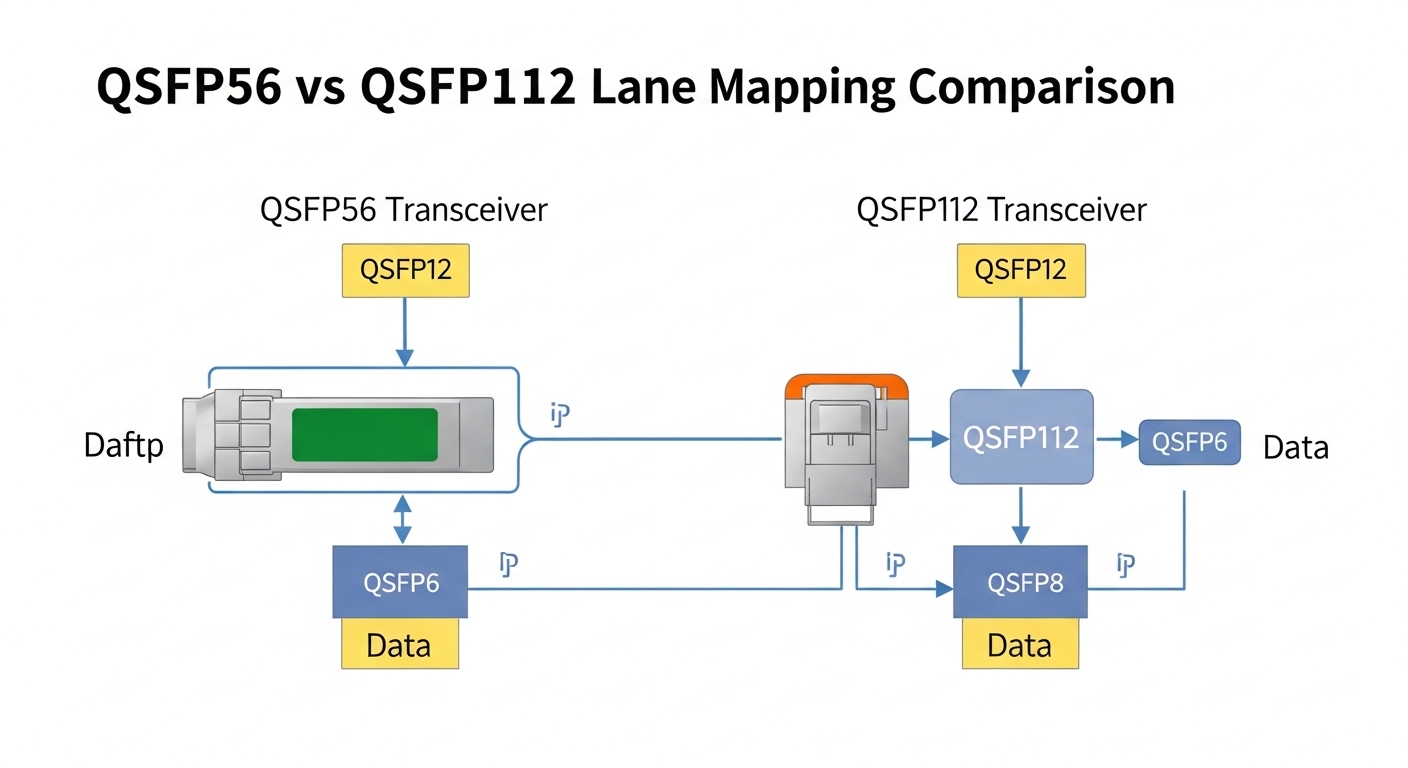
Before comparing SFP and QSFP28, lock down the physical and electrical constraints in your racks. In most Ethernet AI deployments, the optics must match the switch port type, lane speed, and optical budget, and the host interface must support the transceiver’s digital diagnostics.
Prerequisites checklist
- Switch models and exact port type: confirm whether ports are configured for 10G, 25G, 40G, or 100G, and whether they accept SFP, SFP+, or QSFP28.
- Fiber plant inventory: fiber type (OM3/OM4/OS2), end-to-end link length, number of connectors, splices, and patch panel loss.
- Optics qualification policy: vendor part number list, approved optics program, and whether third-party modules are allowed.
- Environmental constraints: inlet temperature range and airflow direction in the cabinet.
- Management expectations: whether you need DOM telemetry (temperature, laser bias current, received power) for automation and alerts.
Map your AI traffic to lane rate and port density
Think of transceiver selection like choosing the width of a delivery chute: the same “package” (Ethernet frames) can pass through narrow or wide chutes, but only if the chute matches the crane schedule (lane speed) and the building code (switch port capability). SFP modules are typically used for 1G/10G/25G class links (depending on the exact SFP variant), while QSFP28 is commonly used for 25G per lane up to 100G aggregate (4 lanes) in modern data centers.
For AI workloads, the practical question is usually: do you need 25G links at high density, or do you need 100G uplinks with fewer cables and lower overhead per byte? In many leaf-spine designs, leaf-to-spine might use 25G (or 100G with QSFP28), while server-to-leaf could use 25G via SFP28-style optics.
Compare SFP vs QSFP28 on specs that matter
Engineers often compare only wavelength and reach, but AI links fail in the real world due to power, temperature, and compatibility details. Below is a practical comparison using common module families you will encounter in the field.
| Spec | SFP (typical for 10G/25G class) | QSFP28 (typical for 100G aggregate) |
|---|---|---|
| Common data rate | 10G or 25G per module (variant dependent) | 4 x 25G for 100G aggregate |
| Wavelength (examples) | 850 nm (SR), 1310/1550 nm (LR/ER depending on vendor) | 850 nm (SR4) or 1310/1550 nm (LR4/ER4 depending on vendor) |
| Connector style | LC duplex for most multimode SR variants | LC duplex (or MPO/MTP for some SR4 variants depending on vendor) |
| Reach examples (multimode) | Often up to 300 m on OM3 or 400 m on OM4 for 25G SR (varies by module) | Often up to 100 m on OM3 or 150-200 m on OM4 for 100G SR4 (varies by module) |
| Power (typical) | Often a few watts per module; exact value depends on vendor and temperature | Often higher than single-lane modules; still optimized for data center thermals |
| DOM support | Commonly supported; check vendor datasheet | Commonly supported; check vendor datasheet |
| Operating temperature | Commonly 0 to 70 C or extended ranges depending on grade | Commonly 0 to 70 C or extended ranges depending on grade |
Use concrete part numbers when planning spares and approvals. For example, you may see 10G SR SFPs such as Cisco SFP-10G-SR and 25G SR SFP28 optics like Finisar FTLX8571D3BCL; QSFP28 SR4 optics are frequently available from OEM and compatible vendors (for instance, FS.com SFP-10GSR-85 illustrates the ecosystem approach, though it is a different form factor and rate). Always validate your exact platform’s compatibility list and consult the vendor datasheet for optical budget and DOM behavior.
[[IMAGE:A macro photography scene of a network transceiver comparison on a lab bench: two transceivers side by side, one labeled and shaped like an SFP module and the other like a QSFP28 module; include visible LC duplex connectors for one and an MPO/MTP-style connector for the other; shallow depth of field, neutral gray background, crisp product lighting, 50mm lens look, high realism, no brand logos readable.]
Implement a link budget that matches the optics family
In fiber optics, reach is not a promise; it is a budget. You must ensure that the total link loss (fiber attenuation plus connector and splice losses plus patch panel losses) stays within the transceiver’s specified optical power range. For multimode links, OM3 and OM4 behave differently; the “same meters” claim can fail when your patching and number of jumpers are higher than assumed.
How to calculate quickly in practice
- Measure or document end-to-end distance and fiber type (OM3 vs OM4 for SR optics).
- Count connectors and splices: each connector pair and splice has typical losses; use your cabling vendor’s field values when available.
- Confirm transceiver optical budget: check the vendor datasheet for launch power, sensitivity, and minimum received power.
- For QSFP28 SR4, remember there are multiple lanes and alignment can be sensitive to polarity and breakout configuration.
Pro Tip: In many AI deployments, the failure mode is not “bad optics,” but a polarity or lane mapping mismatch after re-cabling. QSFP28 SR4 links are especially prone when MPO/MTP breakout polarity is flipped; validate polarity with a tester before blaming the transceiver.
Select between SFP and QSFP28 using an engineer’s decision checklist
When choosing between SFP and QSFP28, treat it like a procurement decision with engineering constraints, not just a bandwidth decision. Order matters: start with platform compatibility, then distance, then optics budget, then operational temperature and diagnostics.
- Distance and fiber type: OM3 vs OM4 vs OS2, plus connector density and patching complexity.
- Switch and port compatibility: exact port speed mode and whether the platform supports SFP or QSFP28 at that lane rate.
- Data rate granularity: do you need 25G per server uplink, or 100G aggregate uplink to reduce oversubscription?
- Budget and availability: QSFP28 optics typically cost more per module; however, fewer ports and cables can reduce total installed cost.
- DOM and monitoring integration: confirm whether your network telemetry stack expects standard DOM fields and thresholds.
- Operating temperature and airflow: verify module grade and cabinet inlet temperatures; extended temperature parts reduce derating surprises.
- Vendor lock-in risk: check the switch vendor’s optics compatibility list and whether third-party optics can pass diagnostics and link bring-up.
Plan spares, power, and operational TCO
Cost is not just the purchase price of a transceiver. Total cost of ownership (TCO) includes power draw, expected failure rate, replacement labor time, and downtime risk during peak load training windows.
Realistic cost and ROI note
- OEM QSFP28 optics for 100G SR4 often carry a higher per-unit price than SFP class optics; third-party modules can reduce purchase cost but may increase compatibility and qualification time.
- In a 3-tier AI fabric, replacing a failed optics module can take 30 to 90 minutes including verification and patch management, which can be expensive during maintenance freezes.
- If QSFP28 lets you reduce the number of uplink ports by 4x compared to 25G uplinks, you may save on switch port licensing and cabling, offsetting higher optic cost.
For standards context, Ethernet link behavior and autonegotiation depend on IEEE specifications; consult IEEE 802.3 for the relevant physical layer definitions and vendor datasheets for optics-specific electrical and optical limits. anchor-text: IEEE 802.3 standard
[[IMAGE:Clean vector illustration in a “flowchart meets rack diagram” style: a 3-tier AI data center rack layout showing servers connected to a leaf switch using SFP-style optics, and leaf to spine using QSFP28-style optics; color-coded links, arrows labeled with 25G and 100G, bright flat colors, white background, minimal text, crisp lines, infographic style.]
Common mistakes and troubleshooting tips
Even experienced teams get burned during rollouts. Below are three frequent failure modes with root causes and fixes that field engineers recognize quickly.
Failure mode 1: Link won’t come up after installation
Root cause: Transceiver type mismatch with port capability (for example, inserting an SFP module into a QSFP28-only port, or selecting an optics variant that does not support the configured speed). Another cause is switch-side speed mode locked to a value not supported by the module.
Solution: Verify the switch port type and configured speed using the switch CLI; then confirm the optics part number matches that speed class. If you use third-party optics, validate against the platform’s approved list.
Failure mode 2: Flapping links and CRC errors during training
Root cause: Optical budget exceeded due to higher-than-expected patching loss, dirty connectors, or degraded fibers. With QSFP28 SR4, one lane can be marginal even if others look “mostly fine,” causing intermittent frame errors.
Solution: Clean connectors with lint-free wipes and approved cleaning solution; re-seat modules and verify MPO/MTP polarity. Measure receive power via DOM (if supported) and compare to the vendor’s minimum receive sensitivity. Replace any suspect patch cords.
Failure mode 3: Works on bench, fails in cabinet after thermal stress
Root cause: Module temperature derating because cabinet airflow is different from the bench. SFP and QSFP28 optics have specified operating temperature ranges; some “consumer grade” optics fail the margins under sustained load.
Solution: Confirm cabinet inlet temperature and airflow path; consider extended temperature rated optics. Monitor DOM temperature and laser bias current trends during peak load and correlate with error counters.
[[IMAGE:Photojournalistic lifestyle scene inside a server room: a field engineer in high-visibility vest using a fiber inspection scope to check an LC connector under bright LED lighting; nearby is a network rack with transceivers partially inserted; candid angle, realistic skin tones, shallow depth of field, documentary style, high contrast lighting.]
FAQ: SFP vs QSFP28 for AI transceiver choices
Q1: When should I choose SFP instead of QSFP28 for AI networking?
Choose SFP when your switch ports and bandwidth plan use 10G or 25G class links, especially for server-to-leaf connectivity where higher port density matters. If you need 100G aggregate uplinks, QSFP28 is often more efficient in cable count and uplink design.
Q2: Can I mix optics vendors for SFP or QSFP28 in the same fabric?
You can sometimes, but compatibility is platform-specific. Even if optics meet the same nominal standard, differences in DOM behavior, optical power, and tolerances can cause bring-up issues; validate with your vendor’s compatibility list and test in a staging rack.
Q3: What is the fastest way to validate a QSFP28 SR4 link after patching?
Verify MPO/MTP polarity with a polarity tester, then check DOM receive power and link error counters (CRC/FCS). If available, compare lane-by-lane diagnostics to confirm no lane is marginal.
Q4: Do I need DOM telemetry for choosing between SFP and QSFP28?
DOM is not always mandatory, but it is valuable for AI operations where errors can correlate with temperature and optical aging. If your automation stack uses DOM thresholds for proactive alerts, prioritize optics that expose consistent diagnostic fields.
Q5: How much should I budget for spares?
A common approach is to keep at least one spare per optics type per site for each critical fabric role (leaf uplinks vs server access), plus extra for high-failure-risk environments (overheated cabinets or frequently modified patch panels). Use your historical failure and maintenance windows to size spares realistically.
Q6: Which standards should I reference when planning transceiver interoperability?
For Ethernet physical layer definitions, start with IEEE 802.3 and then rely on the optics vendor datasheet for optical budget, DOM support, and operating temperature. For cabling guidance, consult ANSI/TIA cabling recommendations and your structured cabling vendor’s installation loss assumptions.
If you want the next step after selection, validate your plan with a staging rack test: confirm speed, polarity, and DOM thresholds before touching production. Then align the final optics BOM with your platform’s approved list using optics compatibility as your internal checklist topic.
Author bio: I have deployed SFP and QSFP28 optics in production AI fabrics, troubleshooting link bring-up, DOM telemetry, and optical budget issues under real cabinet thermal constraints. I write field-focused guidance grounded in vendor datasheets and IEEE Ethernet behavior to help teams avoid rework during cutovers.
