
In many AI/ML deployments, the bottleneck is not just GPUs; it is the network links feeding training and inference. This transceiver comparison explains how SFP+ and QSFP+ differ in throughput, cabling, power, and operational fit for common leaf-spine and storage fabrics. It helps network engineers, data center operators, and field techs choose the right optics before they buy hundreds of ports and later discover compatibility surprises.
Throughput and link behavior: how SFP+ and QSFP+ impact AI traffic
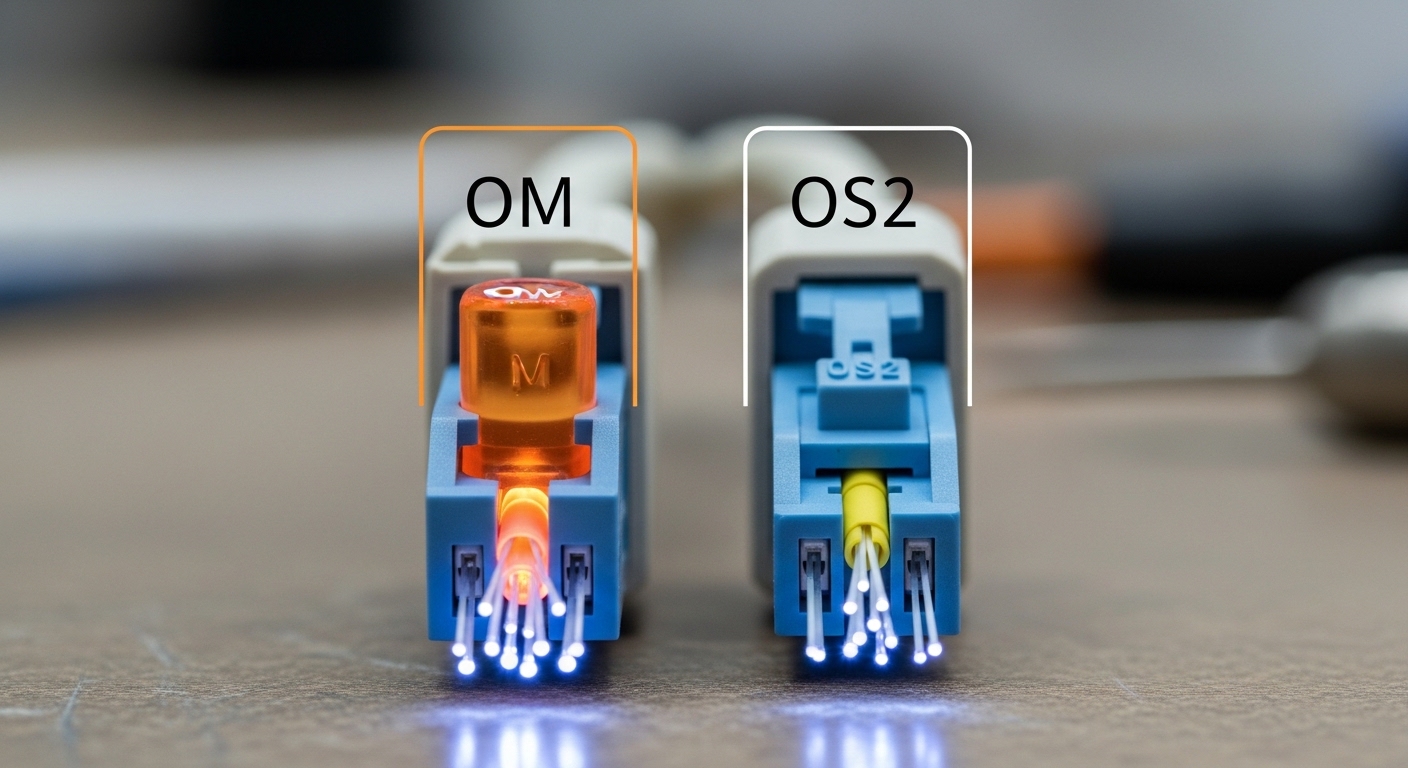
For AI/ML, traffic patterns often swing between bulk transfers (dataset staging, gradient exchange) and latency-sensitive bursts (parameter synchronization, inference fan-out). SFP+ typically carries 10 Gbps per port, while QSFP+ is commonly used for 40 Gbps by aggregating four lanes. In practice, QSFP+ reduces the number of physical ports needed for the same total bandwidth, which can matter in dense switch designs.
However, QSFP+ is not “four times faster” in every sense: your switch ASIC scheduling, ECMP hashing, and uplink oversubscription still determine effective throughput. If your workload is sensitive to microbursts, you may prefer more, smaller flows across multiple 10G links rather than fewer, wider 40G links—depending on how your fabric hashes traffic. IEEE 802.3 defines the Ethernet line rates and modulation behavior for these physical layers, but vendor implementations (including error handling and FEC choices where applicable) shape real outcomes. [Source: IEEE 802.3 standard]
Quick spec reality check
Most SFP+ optics are built for 10G Ethernet, while QSFP+ optics are built for 40G Ethernet using multi-lane parallel signaling. That means your optics, switch port type, and cabling plan must align. A wrong pairing can still “link up” under some conditions, but it can force fallback modes, raise BER, or increase retransmissions.
Reach, wavelength, and connectors: what actually fits your fiber plant
AI clusters often use short-reach multimode fiber for top-of-rack and aggregation, then move to single-mode for longer spans. SFP+ and QSFP+ are offered in both 850 nm multimode (short reach) and 1310/1550 nm single-mode (long reach), but the reach depends heavily on fiber type (OM3, OM4) and launch conditions. Always validate the vendor reach table for your exact transceiver part number and fiber grade.
| Spec | SFP+ (typical 10G) | QSFP+ (typical 40G) |
|---|---|---|
| Nominal data rate | 10 Gbps per port | 40 Gbps per port (4 lanes) |
| Common wavelength options | 850 nm MM, 1310/1550 nm SM | 850 nm MM, 1310/1550 nm SM |
| Typical short-reach reach | Often up to 300 m (OM3) or 400 m (OM4) for 10G | Often up to 100 m (OM3) or 150 m (OM4) for 40G |
| Connector style | Usually LC | Usually MPO/MTP (8-fiber array commonly used) |
| Power class (order-of-magnitude) | Often ~1 W to 2 W for common SR modules | Often ~3 W to 5 W for common SR modules |
| Temperature range | Commonly 0 to 70 C (commercial) or wider variants | Similar vendor options; verify per part number |
Field lesson: in AI racks, MPO/MTP cleanliness and polarity management are frequent root causes of intermittent link drops on QSFP+ SR optics. For SFP+ SR, LC cleaning is easier to standardize, but you still must follow your site’s fiber inspection and cleaning SOP.
Compatibility and optics governance: DOM, vendor lock-in, and switch support
Both SFP+ and QSFP+ rely on digital diagnostics, commonly implemented via MSA-style digital monitoring (DOM). In the field, you will care about whether the switch recognizes the module, reports temperature/laser bias/power correctly, and supports alarm thresholds. Many platforms accept third-party optics, but “accept” can mean anything from full diagnostics to partial support.
To reduce risk, confirm three items before deployment: port type (SFP+ vs QSFP+), lane mapping expectations for 40G, and DOM compatibility with your switch OS. Many network teams also enforce an optics governance policy using allowlists, so purchasing the “cheapest compatible” module can backfire during maintenance windows.
Pro Tip: If you are troubleshooting “link up but unusable” behavior, check port statistics for CRC errors and FCS drops first, then verify fiber polarity and MPO keying. QSFP+ SR errors are often not a “bad switch” problem; they are frequently a lane-level signal integrity issue caused by mis-mated polarity or dirty endfaces.
Cost and ROI: why fewer ports can still cost more
QSFP+ optics and QSFP+ ports often cost more per module than SFP+ optics, and QSFP+ SR can require MPO/MTP cabling (which adds one-time installation cost). A realistic pattern in AI/ML rollouts is: you pay more upfront for QSFP+ density, but you save on switch port count, cable management complexity at the panel, and sometimes power per delivered bit when the platform is designed for it. Still, total cost of ownership depends on your failure rates and spares strategy.
In budgeting terms, engineers commonly see third-party optics priced at a meaningful discount versus OEM, but OEM tends to have better governance alignment and predictable diagnostics. If your maintenance contract includes optics replacement, ROI shifts toward OEM. If you run a mature optics test bench and have a reliable cleaning process, third-party can be reasonable. [Source: Cisco and vendor transceiver datasheets; industry field practice]
Common mistakes and troubleshooting tips
1) Installing QSFP+ SR with the wrong fiber type or reach assumption. Root cause: OM3/OM4 mismatch or distance beyond the transceiver’s specified budget. Solution: verify the exact transceiver part number reach table and measure end-to-end fiber length; retest with an optical power meter and, if available, an OTDR.
2) MPO/MTP polarity reversed on QSFP+ links. Root cause: A-side/B-side mismatch or incorrect MPO keying during patching. Solution: follow your site polarity scheme and use a polarity tester; re-terminate or re-patch rather than repeatedly reseating the module.
3) Assuming module “link up” means diagnostics are healthy. Root cause: DOM readouts may be unsupported or alarm thresholds may differ, hiding a rising laser bias or degraded optical power. Solution: poll DOM metrics, check optical receive power, and correlate with CRC/FCS error counters. If DOM is blank, confirm switch support for third-party optics.
Decision matrix: pick the right option for your AI/ML fabric
| Factor | Bias toward SFP+ | Bias toward QSFP+ |
|---|---|---|
| Required bandwidth per rack | Moderate bandwidth, easier scaling by adding more ports | High east-west throughput with limited switch port counts |
| Fiber plant constraints | LC patch ecosystem, simpler polarity handling | Existing MPO/MTP infrastructure, short-reach within spec |
| Budget and spares | Lower module cost and simpler spares stocking | Higher module cost, but fewer ports to populate |
| Switch compatibility | Wider compatibility across many switch families | More strict port type and optics governance on some platforms |
| Operating temperature and airflow | Often easier to keep within spec in marginal airflow | Verify thermal behavior; QSFP+ optics can be power-dense |
| Operational risk | Lower risk of polarity confusion with LC | Higher risk if MPO polarity and cleaning SOPs are weak |
Which Option Should You Choose?
If you are building a new AI cluster with heavy east-west traffic and your switch
