
Remote work networks fail in quiet ways: a marginal fiber patch, an incompatible transceiver, or a DOM setting that triggers link flaps. This selection guide helps IT and field engineers choose the right fiber optic modules for home-office and small-branch environments, where you need fast installs, predictable link stability, and simple replacement paths. You will get a practical checklist, spec comparison, and troubleshooting steps tied to real deployment constraints.
Remote work fiber module choices: what actually matters on site
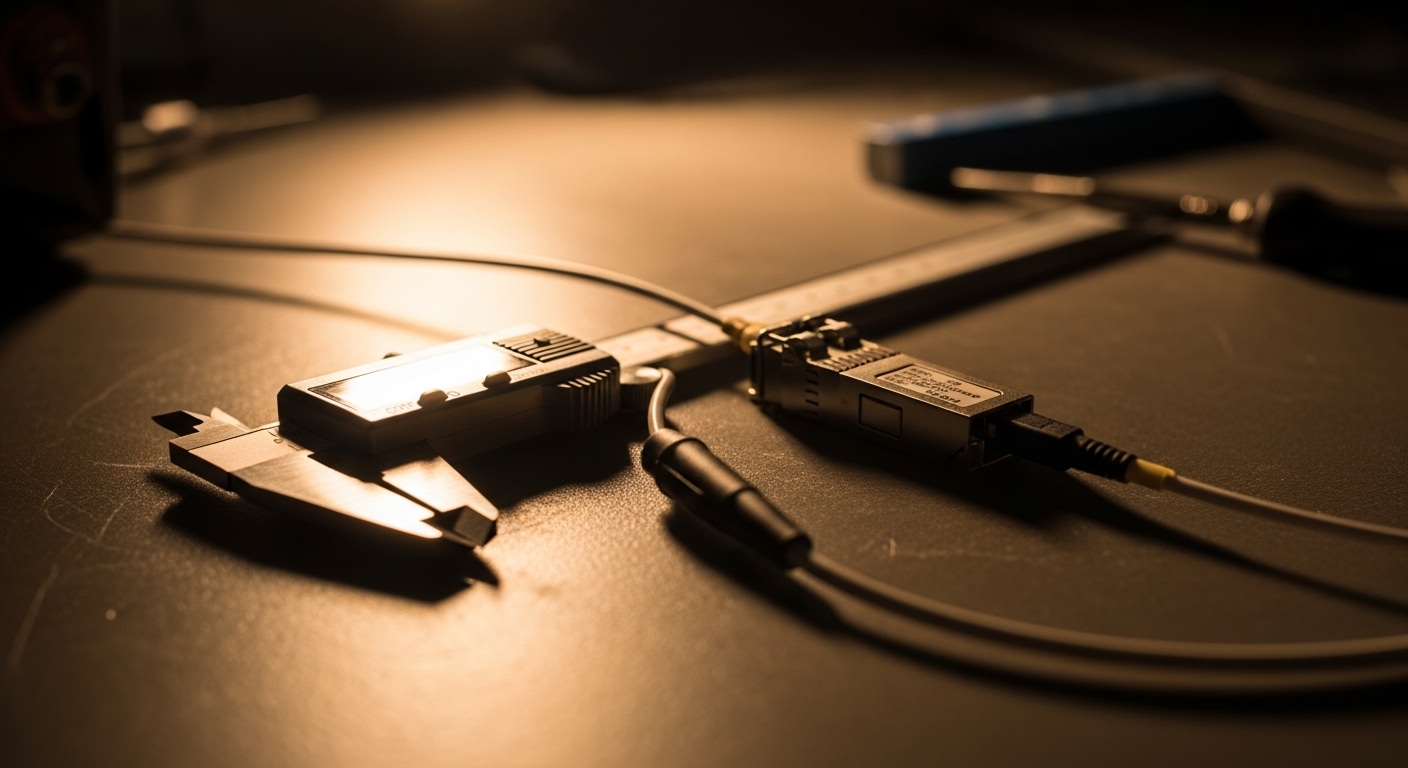
In remote work environments, the “last mile” is often inside a small rack, a closet, or a wall-mounted enclosure. You typically connect an ONT, router, or small switch to a fiber run that may be 500 m to 20 km, then patch into endpoints. The biggest selection drivers are fiber type (OM3/OM4 vs OS2), wavelength (850 nm vs 1310/1550 nm), connector style (LC vs SC), and switch compatibility (vendor + speed). If you also rely on monitoring, DOM support becomes a reliability requirement, not a nice-to-have.
Start with the physical link plan, not the marketing reach
Before selecting modules, confirm these items in the field: (1) the fiber type printed on the cable jacket (or measured), (2) the end-to-end distance between transceiver cages, (3) connector type at each end, and (4) whether the link is single-mode (SMF) or multi-mode (MMF). For example, many “remote office” builds use SMF for longer runs, while campus-like home offices might use MMF to keep costs down. Then map that to the IEEE Ethernet PHY expectation supported by the host switch.
Match the optical interface to the Ethernet lane
Most remote setups run 1G, 10G, or 25G Ethernet. Common module families include SFP (1G/2.5G), SFP+ (10G), SFP28 (25G), and QSFP+ or QSFP28 (40G/100G depending on the host). The host port must support the exact speed and signaling. Even if optics are “compatible” at the wavelength level, a mismatch in supported speed can prevent link establishment or force fallback modes that surprise you later.
Key optics specs comparison you can use during procurement
Use the table below as a quick selection reference. In remote work deployments, you want predictable behavior under temperature swings (often 0 to 70 C for standard commercial optics, sometimes higher for industrial sites) and you want power levels that won’t violate host thermal budgets. Also confirm whether your host switch requires vendor-specific EEPROM quirks or supports third-party optics with good DOM interoperability.
| Module family | Typical data rate | Wavelength | Fiber type | Connector | Typical reach (rule of thumb) | DOM / monitoring | Operating temp | Common use in remote sites |
|---|---|---|---|---|---|---|---|---|
| SFP-10G-SR class (SFP+) | 10G | 850 nm | OM3/OM4 MMF | LC | 300 m (OM3) to 400 m (OM4) | Often yes (SFF-8472) | Commercial: 0 to 70 C | Short runs to desks, small closets, patch-panel to switch |
| 10GBASE-LR class (SFP+) | 10G | 1310 nm | SMF | LC | 10 km | Often yes | Commercial: 0 to 70 C | Remote office uplinks over longer fiber runs |
| 10GBASE-ER class (SFP+) | 10G | 1550 nm | SMF | LC | 40 km (varies by vendor) | Often yes | Commercial or extended | Carrier handoffs, long-distance SMF segments |
| SFP28-25G-SR class | 25G | 850 nm | OM4 MMF | LC | 100 m (typical for OM4) | Often yes (SFF-8431) | Commercial: 0 to 70 C | Upgrading small campus-like remote sites |
| QSFP28-100G-SR4 class | 100G | 850 nm | OM4 MMF | LC | 100 m (typical) | Often yes | Commercial | Backhaul aggregates in regional sites |
Concrete examples you will see in real builds: Cisco SFP-10G-SR, Finisar FTLX8571D3BCL, and FS.com SFP-10GSR-85 are common 10G SR optics families (exact part numbers vary by vendor and platform). For standards alignment, rely on the host vendor’s transceiver compatibility matrix and the relevant form-factor and digital diagnostic interfaces: SFF-8472 for SFP/SFP+ and SFF-8431 for SFP28. Ethernet PHY expectations are defined in IEEE 802.3 for the underlying link types. [Source: IEEE 802.3, SFF-8472, SFF-8431]
Pro Tip: If you have frequent “it works on the bench, fails in the closet” cases, treat DOM alarms as a physical layer diagnostic tool. DOM values like received optical power (Rx power) and laser bias current can flag a degraded patch cord or a dirty connector long before the switch logs a hard link down event. In practice, teams that standardize a “DOM sanity check” during installation reduce repeat truck rolls by catching contamination early.
selection guide: step-by-step module matching for remote work links
Follow this ordered checklist to avoid the most expensive mistakes: wrong wavelength, wrong fiber type, wrong connector, and “unmonitored” optics that complicate support. This is built for remote work closets where you may not have time for deep packet captures or long downtime windows.
- Confirm the speed and module form factor: SFP vs SFP+ vs SFP28 vs QSFP+. Verify the host port supports the exact rate (for example, 10GBASE-SR on an SFP+ port).
- Measure or verify distance and fiber type: Use cable records or a fiber tester. For MMF, check OM3 vs OM4. For SMF, confirm OS2 and the actual link length.
- Pick the wavelength family: 850 nm for MMF short reach (SR/SR4), 1310 nm for SMF up to typical 10 km (LR), and 1550 nm for extended reach (ER). Do not assume “any 10G fiber works.”
- Match connectors and polarity: LC is common for data-center optics; confirm LC vs SC. Ensure patch panel polarity is correct (especially for SMF links with duplex LC).
- Choose DOM support and verify monitoring paths: Ensure the module supports digital diagnostics (SFF standards) and that your switch software reads DOM fields. If you need alerts, test in a staging rack first.
- Validate temperature grade and thermal margin: Check whether the environment can exceed 70 C near power supplies, or if you need extended/industrial optics.
- Manage vendor lock-in risk: Some switch vendors enforce strict optics qualification. If you plan to use third-party modules, verify the platform’s compatibility list or run a controlled pilot with at least two spares.
Deployment scenario: 10G uplinks for a small remote workforce
Consider a company with a regional hub and 18 remote home-office sites. Each site has a small managed switch feeding a desk network, plus an uplink to an ISP handoff over SMF. The fiber runs are 3 km to 8 km, with LC duplex connectors and OS2 fiber. The hub uses 10G SFP+ uplink ports on a leaf switch, while each remote switch uses matching SFP+ cages.
In this scenario, the practical choice is typically a 10GBASE-LR class (1310 nm, SMF) module on both ends, because LR reach aligns with 3 km to 8 km while staying cost-effective versus ER optics. Teams also standardize on DOM-capable modules so the operations dashboard can alert on Rx power drift during seasonal temperature changes. If a site uses a short internal MMF segment (for example, patch panel to switch inside the same closet), they choose an 850 nm SR class (OM4) module only for that local segment, not for the SMF uplink.
Common mistakes and troubleshooting tips in remote fiber installs
Below are frequent failure modes that show up in remote work deployments, along with root cause and fixes.
Link fails after swapping modules: speed or lane mismatch
Root cause: The host port supports 10G but the installed optic is designed for a different mode or form factor (for example, selecting an SFP module where SFP+ was expected, or mixing a QSFP with a QSFP28-only port). Some platforms hard-fail link on mismatch rather than negotiating gracefully.
Solution: Confirm the host port type and required transceiver family. Use the vendor compatibility matrix for the exact switch model and firmware version. If you have to substitute, test the pair in a controlled rack first.
Link flaps or errors increase: wrong wavelength or fiber type
Root cause: A 850 nm SR optic placed on an OS2 SMF run can produce either no light or very unstable behavior due to modal effects and incorrect expectations for reach. Similarly, using an LR optic on MMF may fail or underperform depending on MMF bandwidth and loss.
Solution: Verify fiber type on the jacket (OM3/OM4 vs OS2) and validate distance using a light meter or OTDR. Then align wavelength family: SR for MMF, LR for SMF, ER for extended SMF.
No link or intermittent link: dirty connectors or polarity errors
Root cause: Remote closets are magnets for dust. Dirty LC endfaces can reduce Rx power below the receiver threshold. Polarity reversal in duplex LC patching is another classic cause of “no light” even when the correct optics are installed.
Solution: Clean with approved fiber cleaning tools and re-seat connectors. If using a patch panel, verify polarity mapping end-to-end. Check DOM Rx power after cleaning; if Rx returns to expected ranges, you likely had contamination.
DOM shows warnings but link is up: marginal budget or temperature stress
Root cause: The link may be within spec at room temperature but drift out of budget when a closet warms. Receiver power can fall as connectors age or as temperature shifts the laser output.
Solution: Compare DOM Rx power to the module datasheet typical and minimum thresholds. If you see consistent low Rx power, shorten the patch path, replace suspect patch cords, or move to a higher-reach optic class if supported.
Cost and ROI note: how to keep TCO low without increasing outages
In remote work deployments, the optics cost is only part of TCO. A typical 10G SR or LR SFP+ module often falls in the broad range of $40 to $250 depending on brand, reach class, and whether it includes robust DOM. OEM modules can cost more, but they may reduce compatibility friction and shorten troubleshooting time. Third-party modules can be cost-effective, yet you should budget time for compatibility testing and keep at least one known-good spare per site type.
ROI comes from fewer truck rolls, faster swaps, and better monitoring. If your help desk can use DOM telemetry to confirm fiber health remotely, you avoid sending a technician for what is really a dirty connector or a marginal patch cord. Expect power draw differences to be small versus the cost of downtime, but thermal stability matters; running optics at the edge of temperature can increase early failures. For reliability framing, reference vendor datasheets for MTBF claims and operating temperature limits, and use IEEE and SFF standards to ensure diagnostic compatibility. [Source: vendor transceiver datasheets, IEEE 802.3, SFF-8472]
FAQ: fiber module selection for remote work networks
What fiber module should I use for a 6 km remote uplink?
For 6 km over SMF, a 10GBASE-LR class (1310 nm) SFP+ is the common match, assuming the host supports 10GBASE-LR and the link budget fits. Confirm the fiber is OS2 and verify connector polarity and endface cleanliness before blaming the optic.
Can I mix OEM and third-party optics in the same switch?
Often yes, but it depends on your switch model and firmware. Some platforms validate transceiver EEPROM fields more strictly than others, and DOM monitoring can behave differently across vendors. Run a small pilot with two optics pairs and confirm link stability and DOM visibility.
How important is DOM support for remote sites?
If you manage remote endpoints with limited onsite access, DOM is usually worth it. It enables remote visibility into Rx power, laser bias, and temperature, helping you detect degradation before a full outage. If DOM is not readable by your switch, you lose a major operational advantage.
What is the most common reason a fiber link shows “up” on one side but not the other?
The most common causes are mismatched optics (wrong wavelength class or speed) and connector polarity or contamination. Verify both ends match the intended wavelength family and that duplex LC polarity is correct through the patch panel.
How do I choose between SR and LR without overbuying reach?
Use the fiber type and distance. Choose SR (850 nm) for MMF short reach and LR (1310 nm) for SMF typical 10 km-class segments. Overbuying reach can raise cost without improving installation success if the connector and fiber type are wrong.
Do I need to worry about operating temperature in home-office closets?
Yes, especially in enclosures near power supplies or where HVAC is inconsistent. Many optics are rated for 0 to 70 C, and sustained higher temperatures can worsen laser output stability. If your environment can exceed the rating, select an extended-grade module or improve airflow.
If you apply this selection guide—matching speed/form factor, wavelength, fiber type, connectors, DOM, and temperature—you can standardize optics across remote sites and reduce avoidable downtime. Next step: use fiber transceiver compatibility matrix to verify your exact switch model and firmware before you buy spares.
Author bio: Field engineer focused on Ethernet optics deployments and DOM-based diagnostics in distributed networks. I help teams cut truck rolls by aligning IEEE and SFF requirements with real-world fiber conditions.
