
Optical upgrades are one of the fastest ways to add capacity, but they can also drain budgets if you buy the wrong optics or ignore compatibility constraints. This article helps data center and network engineers plan cost-effective upgrades that protect performance, reduce downtime risk, and improve ROI across transceivers, fiber links, and switch ports. You will get practical selection criteria, a spec comparison table, and troubleshooting patterns you can use during change windows.
Why optical upgrades swing ROI: capacity, risk, and lifecycle costs
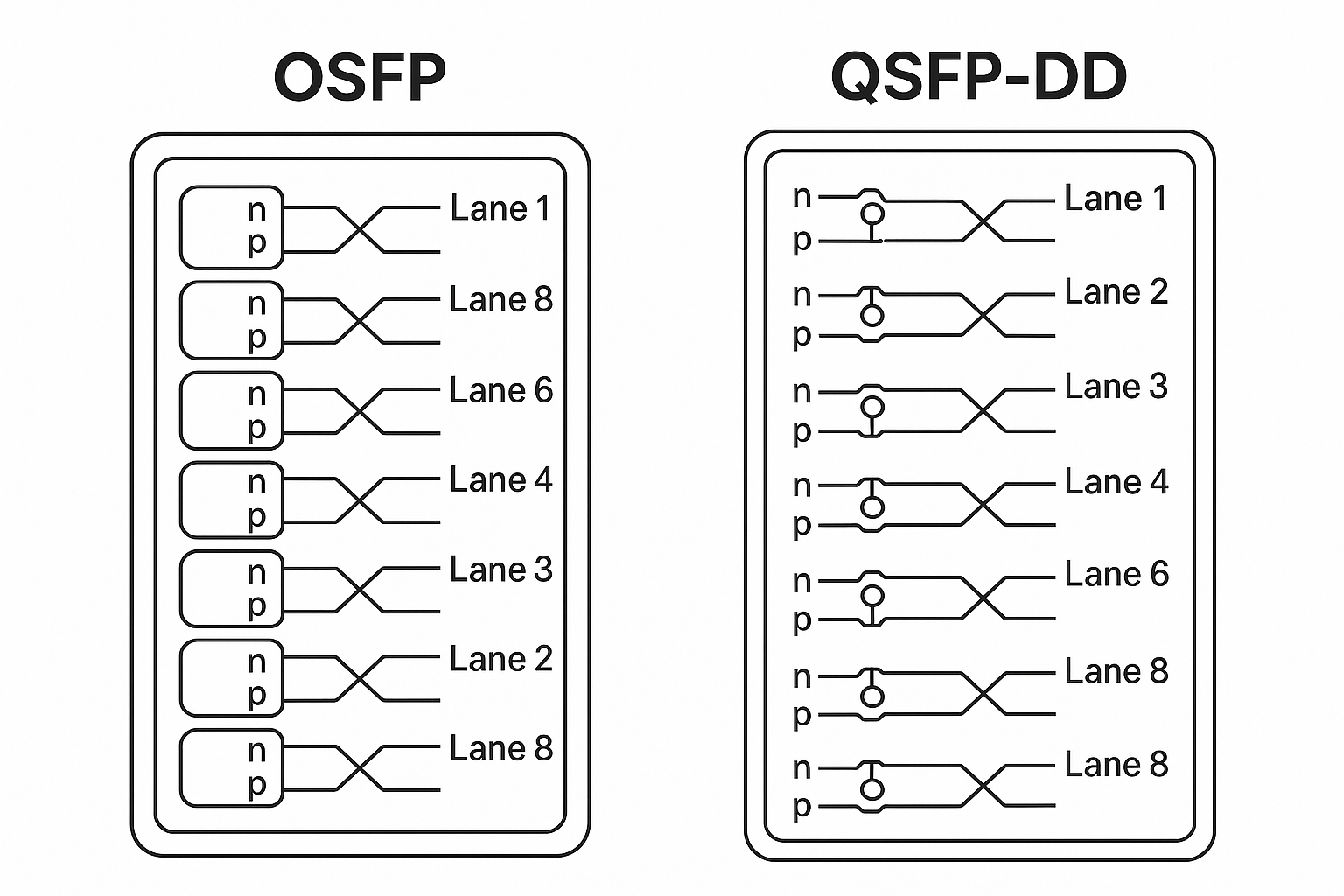
In real networks, optical ROI is not just about buying more bandwidth. It is the combined outcome of (1) how much traffic you can carry per port, (2) how reliably optics perform under thermal and power constraints, and (3) how often you trigger operational work like re-labeling, re-cabling, and repeat deployments. Standards such as IEEE 802.3 and vendor-specific transceiver implementations define link behavior, but your actual spend depends on how well optics match your optics budget, connector cleanliness, and switch DOM expectations.
For engineers, the most common ROI killers are mismatches: using optics with the right wavelength but wrong reach class, choosing the wrong connector type (LC vs MPO), or selecting a module that your switch firmware rejects. Even when links come up, you may lose margin due to aging fiber, dirty connectors, or insufficient optical power at the receiver. A cost-effective upgrade plan targets these failure modes early, so you avoid repeated labor and extended outages.
Transceivers and fiber: map your link budget before you shop
The fastest path to higher ROI is to start from link physics and then translate that into purchase decisions. IEEE 802.3 defines electrical and optical interfaces for Ethernet over fiber, while transceiver datasheets provide key parameters like transmit wavelength, typical output power, receiver sensitivity, and allowable budget. In practice, you should build a link budget that includes fiber attenuation, patch cord insertion loss, splice loss, and connector reflectance considerations.
Build a link budget with field-usable numbers
As a starting point, measure or estimate these components for each candidate link class: (1) fiber attenuation in dB/km at the relevant wavelength, (2) patch cord and adapter loss in dB per connection, and (3) splice loss in dB per splice. Then compare the sum against the transceiver’s stated link budget and minimum receiver sensitivity. If you are upgrading from 10G SR to 10G LR or to 25G SR, the margin difference can be dramatic, especially in dense cabling where patch cords add up quickly.
Also account for operational realities: connectors get dirty, and transceiver performance varies slightly with temperature. If your facility runs hot—common near cable trays or in poorly ventilated rows—DOM telemetry should be monitored during burn-in and after maintenance windows.
Key specification table: typical choices that affect ROI
Below is an engineer-oriented comparison of common short-reach and medium-reach Ethernet optics. Exact values vary by vendor and exact part number, so treat them as decision anchors and confirm against your module datasheet and your switch compatibility list.
| Module family (example) | Data rate | Wavelength | Typical reach | Connector | Power/thermals (typical) | Operating temperature | Upgrade ROI driver |
|---|---|---|---|---|---|---|---|
| SFP-10G-SR (10G SR) | 10G | 850 nm | ~300 m over OM3 / ~400 m over OM4 | LC duplex | ~0.8 to 1.5 W class | 0 to 70 C (varies) | Low cost per port for short runs |
| FS SFP-10GSR-85 (10G SR) | 10G | 850 nm | Up to OM4 typical specs | LC duplex | ~0.9 to 1.6 W class | -5 to 70 C (varies) | Good value when fiber is already OM4 |
| FS.com SFP-25G-SR (25G SR) | 25G | 850 nm | ~70 m (OM3) to ~100 m (OM4 typical) | LC duplex | ~1 to 2.5 W class | 0 to 70 C (varies) | Higher throughput without pulling new fiber |
| Cisco SFP-10G-SR (OEM example) | 10G | 850 nm | OM3/OM4 class | LC duplex | vendor-specific | vendor-specific | Max compatibility with strict DOM policies |
Reference sources for Ethernet optical behavior include IEEE 802.3 link layer and vendor datasheets for specific transceiver part numbers. For standards context, see IEEE 802.3 overview and for module electrical/DOM behavior, consult each vendor’s transceiver datasheet. [Source: IEEE 802.3, vendor transceiver datasheets]
ROI selection checklist: how engineers choose optics that actually deploy
When the goal is ROI, the best procurement decisions are repeatable. Use the ordered checklist below during pre-approval, before you buy inventory. This prevents the most expensive scenario: you install optics, links flap, and the team spends days swapping modules and re-testing.
- Distance and fiber type first: confirm OM3 vs OM4 vs OS2, and validate link length plus patch cord count. Do not rely only on “rated reach.”
- Switch compatibility and DOM policy: verify the switch model supports the transceiver type and DOM behavior. Some platforms enforce vendor-specific optics tables.
- Connector and polarity correctness: confirm LC vs MPO and polarity mapping (especially with MPO fanouts). A polarity error can look like a “bad module” during troubleshooting.
- Operating temperature and airflow: check whether your row temperature exceeds module limits. Elevated temperatures reduce optical output margin and can increase link errors.
- Wavelength and laser safety class: match the wavelength to your fiber and ensure correct safety handling procedures for the facility.
- Budget and power consumption: compare power draw per port and project total facility power. Even small differences matter at scale.
- DOM support and monitoring needs: ensure the module exposes the telemetry you use for alarms (temperature, bias current, received power).
- Vendor lock-in risk: weigh OEM pricing against interoperability. Plan a pilot with your exact switch firmware and transceiver models.
Pro Tip: In many deployments, the “real” ROI comes from reducing rework, not from shaving dollars per module. A short pilot that measures received optical power via DOM after installation often prevents a larger incident where links come up but later degrade due to marginal cabling and thermal conditions.
Cost-effective upgrade patterns that improve ROI without downtime surprises
To maximize ROI, choose an upgrade pattern that limits change risk while increasing usable throughput. Engineers commonly use three strategies: (1) incremental transceiver swaps at the same speed class, (2) speed upgrades within the same fiber type using reach-appropriate optics, and (3) topology changes paired with staged cabling validation.
Pattern A: staged transceiver swaps during scheduled maintenance
Example: In a leaf-spine data center with 48-port 10G top-of-rack switches, you can upgrade select uplinks to 25G if your fiber plant is OM4 and your uplink distances are within SR reach. Instead of replacing every port at once, start with 8 to 12 uplinks on the highest utilization leafs, validate stability with error counters, and then expand. This reduces pilot blast radius and provides telemetry evidence for stakeholders.
Pattern B: keep fiber, change optics, and validate DOM thresholds
When you move from 10G SR to 25G SR on OM4, the reach can shrink. Engineers often recover ROI by using DOM to confirm you still have margin: compare received power values immediately after installation and again after the next cleaning cycle. If you see received power near the vendor’s minimum, schedule connector cleaning and consider shorter patch paths rather than buying higher-reach optics.
Pattern C: targeted fiber remediation before buying expensive optics
If your link budget is tight, upgrading optics alone can be misleading. A practical ROI approach is to first clean connectors, replace visibly damaged patch cords, and verify attenuation with an OTDR or equivalent. Only after confirming that the fiber plant meets expectations should you invest in higher-cost optics.
Common mistakes and troubleshooting steps that protect ROI
Even with correct specs, field issues can erase ROI by causing downtime and extra labor. Below are frequent failure modes with root causes and practical solutions.
Mistake 1: “It should work” reach assumptions
Root cause: Purchasing based on marketing reach rather than measured link length plus patch cord/adapter loss. OM3 vs OM4 differences and extra patching can reduce optical margin.
Solution: Build a link budget using actual patch cord counts and measured attenuation where possible. Confirm received power via DOM and set alarms for drift.
Mistake 2: connector polarity errors on multi-fiber links
Root cause: For MPO or fanout cabling, incorrect polarity mapping can prevent the receiver from seeing light, or cause intermittent errors that look like optics faults.
Solution: Verify MPO polarity with a polarity tester or a documented polarity scheme. Re-terminate or swap fanouts if the link fails to establish consistently.
Mistake 3: dirty connectors and overlooked cleaning between swaps
Root cause: Repeated module swaps often happen without cleaning the same connector faces. Microscopic contamination can cause high insertion loss and elevated bit error rates.
Solution: Use a fiber inspection scope, clean with lint-free methods, and re-check link stability. Make cleaning part of the change checklist, not an optional step.
Mistake 4: ignoring thermal constraints in high-density racks
Root cause: Modules have operating temperature limits; poor airflow increases temperature, reduces optical output margin, and can trigger alarms or link resets.
Solution: Measure inlet and exhaust temperatures at the rack level. Improve airflow management and confirm the module stays within its rated temperature range.
Cost and ROI modeling: OEM vs third-party and total cost of ownership
To estimate ROI, include not only acquisition cost but also labor, spares strategy, and downtime risk. OEM optics often cost more, but they may reduce compatibility friction and reduce time spent in troubleshooting. Third-party modules can lower per-port spend, yet they may increase the probability of “works in one switch, fails in another” events, especially when firmware and DOM enforcement differ.
As a realistic budgeting heuristic, many 10G SR optics commonly fall into a wide range depending on OEM and supply chain conditions; third-party options are often cheaper per unit, while OEM pricing can be higher due to support and strict qualification. For higher speeds like 25G SR, costs rise further, and the ROI calculation becomes more sensitive to link margin and fiber readiness. [Source: vendor price listings and typical market behavior reported by reputable tech media; confirm current pricing with your procurement team]
Operationally, TCO often dominates: one additional technician hour, one failed change window, or one prolonged outage can outweigh the savings from cheaper optics. Build a spares plan that matches your risk tolerance: keep a small pool of known-good modules for each switch model and firmware line, and track DOM telemetry to detect early degradation.
FAQ: ROI-focused questions engineers ask before buying optics
What does ROI mean for an optical upgrade in practice?
ROI is the net benefit after accounting for module cost, installation labor, testing time, and downtime risk. In optical networks, it also includes how long the upgrade remains “good enough” as traffic grows, because margins and reach affect future scaling. Measure it using both budget impact and operational stability metrics like link error counters.
Should I prioritize OEM optics or third-party modules?
OEM optics can reduce compatibility friction, especially on switches with strict DOM or optics qualification policies. Third-party optics can improve ROI if you run a pilot on the exact switch model and firmware version, and you validate DOM telemetry and link stability. The safest approach is staged rollout with documented acceptance criteria.
How do I confirm compatibility before purchasing a large batch?
Use a pilot on the target switch model with the same firmware, and verify link bring-up plus DOM telemetry behavior. Confirm that the switch reports alarms correctly and that received power and temperature readings fall within expected ranges. Then expand only after you meet stability thresholds over a defined monitoring period.
What fiber checks matter most for ROI?
Connector cleanliness and end-to-end attenuation are the biggest practical factors. Use an inspection scope for every change, and verify link attenuation with an OTDR or equivalent when reach is tight. Also confirm polarity and patch cord counts, because these directly consume optical power budget.
Can DOM telemetry improve ROI?
Yes. DOM telemetry lets you detect marginal links early by tracking received power drift, temperature trends, and bias current changes. That reduces surprise failures and prevents repeated troubleshooting, which is often where ROI gains come from in the field.
What is the biggest hidden cost during optics upgrades?
Labor and downtime risk. If links flap due to marginal margin, polarity issues, or thermal problems, the cost quickly exceeds the difference between OEM and third-party module pricing. A thorough link budget and connector cleaning workflow usually prevents these hidden costs.
If you want to maximize ROI, treat optics purchases as the last step after you validate link budget, switch compatibility, and cabling hygiene. Next, review optical-budget-and-link-testing to tighten your testing workflow and reduce rework during the next change window.
Author bio: I am a network engineer who has deployed and troubleshot pluggable optics in multi-vendor data center environments, focusing on measurable link margin and operational telemetry. I write with a field-first mindset so your upgrade plan stays compatible, testable, and financially justifiable.
