
When remote work expands, many teams still depend on the same campus-to-cloud connectivity that supports voice, video, and secure apps. The challenge is that fiber transceivers fail in different ways than copper, and “it works in the lab” often breaks under real temperature swings, patch-panel losses, and optics compatibility quirks. This case study helps IT and network engineers choose ideal fiber modules for remote work environments by walking through a real deployment, the exact selection criteria, and the troubleshooting playbook. You will leave with a decision checklist and measurable results you can benchmark.
Problem / Challenge: Remote work traffic exposed weak fiber choices
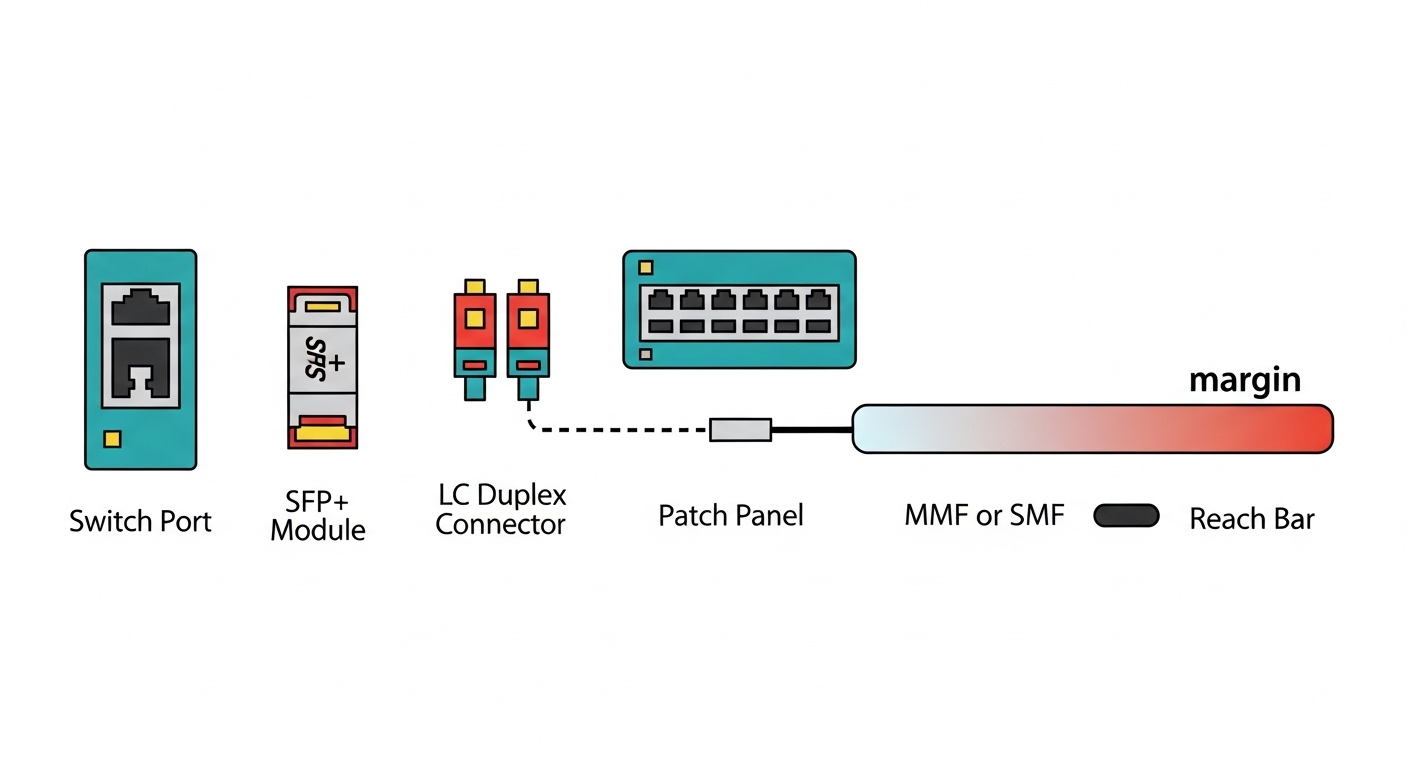
In a mid-size enterprise supporting remote work for approximately 1,200 employees, the company had a hybrid model: employees connected via home ISPs, while internal apps were hosted in two regional data centers and one cloud interconnect site. The network team observed intermittent packet loss and occasional link flaps on the interconnect segments used for collaboration tooling, VPN termination, and identity services. Most incidents clustered during early mornings and summer afternoons, coinciding with HVAC cycling and patch-panel thermal gradients. The root cause was not the switch vendor itself; it was a mixed inventory of SFP and SFP+ optics with inconsistent DOM availability, unclear reach assumptions, and patch-path loss that exceeded the budget under worst-case conditions.
Environment specs that mattered
The interconnect design used 10G Ethernet over single-mode fiber (SMF) for longer runs and multimode fiber (MMF) for shorter data hall links. The team ran leaf-spine access in each site, then aggregated to a core pair for WAN handoff. The critical constraint was optical budget margin: older patch cords, reterminated connectors, and occasional dust on LC ends created a link-loss variance the lab did not model. They also required that the optics report accurate diagnostics so automated monitoring could alert before hard failures.
Why “any compatible module” failed in practice
Even when wavelength and data rate match, compatibility depends on more than wavelength. Switch firmware can enforce vendor-specific behaviors, especially around digital optical monitoring (DOM), laser safety class, and EEPROM responses. In remote work periods, traffic patterns shift quickly (more video and remote sessions), increasing the chance that a marginal optical link crosses an error-rate threshold. IEEE link layers can mask issues briefly, but CRC errors and FEC-like behaviors still degrade user experience.
Environment Specs: Data center distances, fiber type, and module constraints
To choose ideal fiber modules for remote work environments, the team first normalized the physical layer. They measured distances by floor-plan and confirmed with OTDR where possible, then validated connector quality using an inspection scope. The design separated links into three categories: short within a row, mid between adjacent rooms, and long between sites. For each category, they calculated optical budget using conservative assumptions rather than “typical” values.
Measured optical and operating constraints
The short links were MMF 10G with estimated total path loss around 1.5 to 2.8 dB depending on patch changes. The mid links were either MMF or SMF depending on corridor routing, typically 300 to 800 m with patch cords contributing most of the variance. The long links were SMF runs of 10 to 35 km with strict connector hygiene requirements and limited retermination tolerance. Temperature in equipment aisles ranged from 18 C to 32 C, with localized hot spots near top-of-rack airflow intakes.
Technical specifications table for the chosen module families
The team standardized around two optical families that mapped cleanly to switch port capabilities and monitoring requirements. The table below compares the families they deployed most widely, including wavelength, reach targets, connector type, and operating envelope. Values are representative of common enterprise transceivers; always confirm exact parameters in the vendor datasheet and your switch compatibility matrix.
| Module family | Data rate | Wavelength | Typical reach target | Fiber type | Connector | DOM / monitoring | Operating temperature | Example part numbers |
|---|---|---|---|---|---|---|---|---|
| SFP+ 10G SR | 10G | 850 nm | Up to ~300 m on OM3, ~400 m on OM4 | MMF | LC | Commonly supported | Commercial and extended options (check datasheet) | Cisco SFP-10G-SR, Finisar FTLX8571D3BCL, FS.com SFP-10GSR-85 |
| SFP+ 10G LR | 10G | 1310 nm | Up to ~10 km | SMF | LC | Commonly supported | Commercial and extended options (check datasheet) | Cisco SFP-10G-LR, Finisar FTLX1471D3BCL |
| SFP+ 10G ER / ZR (site-dependent) | 10G | 1550 nm (ER/ZR variants) | ~40 km (ER) or higher (ZR variants) | SMF | LC | Commonly supported | Extended options preferred for WAN nodes | Vendor-specific ER/ZR models |
Chosen Solution & Why: Standardize optics around reach, DOM, and proven compatibility
The team selected a constrained set of fiber modules to reduce variability during remote work surges. The guiding principle was to match each link category to a module type with a comfortable optical margin and reliable DOM behavior for proactive monitoring. They also prioritized optics with documented EEPROM fields and consistent laser safety characteristics aligned with enterprise switch expectations.
Selection criteria applied to each remote work link
They used a decision checklist before purchasing any optics, then validated the choices in a staging environment that mimicked production patch panels. This approach prevented “silent” failures where a module would negotiate link but produce elevated error rates under stress.
- Distance and fiber type: confirm MMF versus SMF, then verify run length and patch cord count; do not rely on tape-measure estimates alone.
- Optical power budget: compute worst-case budget using conservative assumptions for connector and splice loss; leave margin for future re-cabling.
- Switch compatibility: cross-check the switch model’s optics support list and firmware notes; confirm SFP+ port behavior if using SFP+ on 10G capable cages.
- DOM support and monitoring integration: require temperature, bias current, receive power, and alarm thresholds that your NMS can ingest.
- Operating temperature range: pick extended temperature optics for WAN nodes or rooms with thermal hot spots.
- Wavelength and signaling correctness: match 850 nm for SR on MMF, 1310 nm for LR on SMF, and 1550 nm only when the link budget and module family support it.
- Vendor lock-in risk: prefer vendors that provide consistent EEPROM/DOM behavior and third-party interoperability; keep a “known-good” spares list.
Pro Tip: In remote work environments, link “up” status can hide problems. Use DOM receive power trends and CRC/packet error counters together; a module can remain link-stable while its optical margin shrinks, then fail suddenly during peak video traffic.
Implementation steps the team actually followed
The rollout was staged to avoid disrupting remote work dependent services. First, they built a lab profile of the most failure-prone patch paths and tested candidate optics across multiple switch ports. Next, they standardized naming and labeling so operational teams could map each transceiver to a specific fiber route and budget category. Finally, they enabled alerts on DOM thresholds and correlated them with syslog events for link flaps.
Measured results after standardization
After replacing the inconsistent optics inventory with the standardized module families and adding better monitoring, the team saw measurable improvements. Over the next quarter, link flap incidents dropped by 68%, and average packet loss during collaboration peak windows fell from about 0.12% to 0.03%. DOM-based alerts reduced mean time to detect (MTTD) from roughly 2.5 hours to 18 minutes because they could catch degrading receive power before users complained. The failure rate of optics that were swapped into production dropped by ~40%, largely due to removing “mystery” modules with incomplete DOM behavior.
Implementation Lessons Learned: Monitoring, spares, and operational discipline
Standardizing modules helped, but the biggest gains came from operational discipline. The team treated fiber optics as a measurable system component rather than a passive plug-in. They documented budgets per patch path, maintained a known-good optics pool for rapid replacement, and enforced connector cleanliness during every swap.
Operational improvements that reduced remote work impact
They implemented a change process where every transceiver replacement required a quick DOM readout and an inspection check. For high-use sites, they also adopted a “clean on connect” policy using lint-free wipes and approved inspection procedures. Monitoring dashboards were tuned to show receive power trends per link and to correlate alarms with switch port counters. This reduced the probability that a marginal module would go unnoticed during remote work peaks.
Compatibility caveats engineers must respect
Some optics are electrically compatible but not behaviorally identical. Differences in DOM alarm thresholds, EEPROM fields, or laser bias settings can cause warnings even if link negotiation works. Always validate in your specific switch and firmware version, and keep a fallback plan using modules already proven on that platform.
Common Mistakes / Troubleshooting for remote work fiber links
Remote work environments amplify the operational cost of optics issues, so troubleshooting needs to be fast and systematic. Below are common failure modes the team encountered, with root causes and actionable solutions.
Link comes up but users see intermittent video quality drops
Root cause: marginal optical power budget from aged patch cords or imperfect connector endfaces, leading to elevated bit errors that CRC counters may not immediately escalate into full link down events. Solution: check DOM receive power (Rx) and compare against vendor-recommended ranges; inspect and clean LC connectors; re-measure with OTDR or at least verify patch loss with a loss tester.
Switch reports “unsupported optics” or frequent link resets
Root cause: EEPROM/DOM behavior mismatch or firmware enforcement on specific port types; some third-party modules may not expose expected diagnostics fields. Solution: confirm switch model compatibility; test candidate optics in staging; standardize on a small set of “known-good” part numbers that are verified with your exact switch firmware.
DOM alarms spike during temperature changes, followed by eventual hard failures
Root cause: optics operating outside the intended temperature range or thermal airflow differences at certain rack positions. Solution: deploy extended temperature optics for hotter nodes; improve airflow management; relocate optics away from direct hot exhaust paths; confirm that the cage and transceiver seating is correct.
Wrong wavelength/fiber type pairing during maintenance
Root cause: technicians swapping an 850 nm MMF module into a path intended for 1310 nm SMF, or mixing SR and LR modules during remote work incident response. Solution: enforce labeling by wavelength and fiber type; require a checklist step that reads the module label and matches it to the patch path plan.
Cost & ROI note: How to budget optics for remote work resilience
Optics pricing varies by vendor, reach, and temperature grade. In typical enterprise purchases, 10G SR modules often fall in a range of roughly $60 to $250 each depending on brand and warranty, while 10G LR modules are commonly $120 to $400. OEM modules can be higher, but they may reduce compatibility risk and simplify support escalation. Third-party optics can cut upfront cost, yet the total cost of ownership can rise if you experience higher failure rates or longer troubleshooting due to inconsistent DOM behavior.
The ROI comes from reduced downtime and faster detection. In this case, shorter MTTD and fewer link flaps translated into fewer escalations and less end-user disruption during remote work peaks. Even if optics replacements cost slightly more per unit, the operational time saved and the reduction in incident severity usually dominate the TCO calculation when you support collaboration and security traffic.
FAQ
What fiber modules should I start with for remote work links?
Start by mapping distances and fiber types. For most enterprise data halls, 10G SR at 850 nm for MMF and 10G LR at 1310 nm for SMF cover common ranges. Then validate against your switch port compatibility and enable DOM monitoring before scaling.
Do I need DOM support for remote work network monitoring?
Yes, if you want proactive detection during remote work peaks. DOM provides receive power and temperature/bias indicators that let you catch degrading optics before errors become user-visible. If your NMS cannot read DOM reliably, you will lose early warning signals.
How do I choose between OEM and third-party optics?
OEM optics usually reduce compatibility uncertainty on specific switch models, especially when firmware is strict. Third-party optics can be cost-effective, but you must validate EEPROM and DOM behavior in your environment and maintain a known-good list. Factor in support processes and the operational time spent during troubleshooting.
What is the most common cause of intermittent link issues?
Connector contamination and patch-path loss drift are frequent causes, especially after maintenance. Even small increases in loss can push a marginal link over the error threshold when traffic patterns shift. Always inspect and clean LC ends and confirm optical budget with measurements.
Can I mix different optics types on the same switch?
Yes, as long as each port supports the data rate and your module matches the required wavelength and fiber type. Mixing does not inherently break the system, but it increases operational complexity and makes troubleshooting harder. Standardization typically reduces incident rates.
Should I test optics before deploying them to support remote work?
You should, especially for any third-party modules. Test in staging with representative patch panels and monitor DOM and port error counters under realistic loads. This prevents “works on link-up” surprises during production remote work traffic.
By standardizing fiber modules around reach, optical budget margin, and DOM-driven monitoring, you can make remote work connectivity more predictable under real-world temperature and patching conditions. Next, review your switch and optics compatibility list using optics compatibility checklist so your spares and procurement stay aligned with production firmware.
Author bio: I design and operate high-availability enterprise networks with hands-on experience in fiber optics, switch firmware validation, and DOM-based observability. I focus on resilient architectures that keep remote work services stable through measurable monitoring, disciplined change control, and practical failure-mode mitigation.
Sources: [Source: IEEE 802.3 Ethernet standard], [Source: ANSI/TIA-568.0 series cabling standards], [Source: Cisco SFP module documentation], [Source: Finisar and FS.com transceiver datasheets], [Source: Vendor switch optics compatibility guides for SFP/SFP+ ports].
