
In a QKD-over-fiber deployment, the quantum transceiver is not just a “plug-in optics” part. It is where your security assumptions meet hardware realities: wavelength, optical power, timing jitter, connector cleanliness, and switch compatibility all affect whether key rates stay stable. This article helps engineers and lab leads plan, select, and troubleshoot quantum transceiver hardware for QKD systems running over installed fiber. It is written from a field-ops mindset: measured link behavior, operational limits, and the failure modes that actually show up during rollout.
Prerequisites before you touch the quantum transceiver
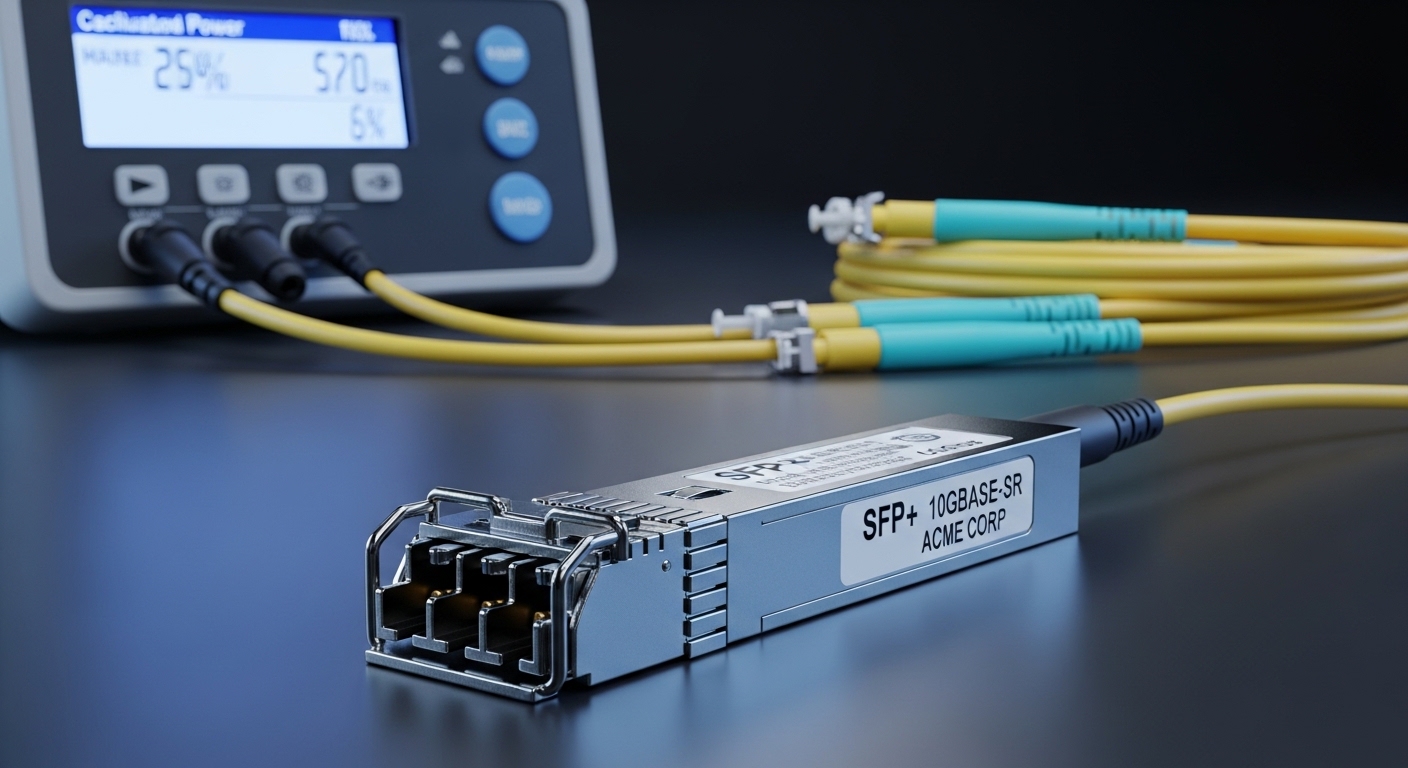
Before swapping optics or commissioning a QKD link, you need to confirm the fiber plant, the QKD system requirements, and the operational envelope of the transceiver. Many “mysterious low key rate” incidents trace back to basic prerequisites: wrong fiber type, contaminated connectors, or an unaccounted loss budget. Also confirm whether your QKD vendor expects a specific transceiver family, DOM interpretation, or a particular wavelength grid.
What to verify on the fiber and optics
Start with end-to-end loss and connector inspection. Use an OTDR and fiber inspection scope; for QKD links, even small splice losses and reflection events can destabilize photon-level measurements. Confirm the connector type (commonly LC), polarity scheme, and whether the system uses single-fiber or two-fiber bidirectional paths.
What to verify on the QKD equipment
Check the QKD transmitter/receiver wavelength and the expected operating temperature range of the transceiver. Many QKD systems target telecom bands aligned with standard fiber attenuation curves, but the exact wavelength and spectral width matter for coupling efficiency. Confirm whether the quantum transceiver supports vendor-specific diagnostics and whether your network gear or patch panel adds unexpected reflections.
- Expected outcome: You have a documented link budget (loss, reflection risk, and polarization handling notes) and confirmed optical parameters from the QKD vendor datasheet.
Step-by-step deployment: from link budget to first stable keys
Now you can implement the deployment as a sequence that reduces risk. The goal is to reach a stable, repeatable key generation state while keeping the hardware inside its safe operating window. This is also where you decide whether you can use third-party quantum transceiver modules or must stay with OEM optics.
Build an end-to-end loss budget with margin
Collect measured fiber attenuation from OTDR and connector/splice loss from records. For QKD, leave extra margin beyond the vendor “typical” numbers because real plants vary with temperature and patch-panel rework. If your budget is tight, prioritize cleaning and re-termination before changing optics.
- Expected outcome: A loss budget spreadsheet that includes fiber attenuation, connector insertion loss, splice loss, and a conservative margin.
Select the correct quantum transceiver form factor and interface
Match the transceiver form factor to the QKD unit’s optics cage and the physical connector type to your patch panels. In practice, many QKD appliances accept pluggable optics (SFP/SFP+/QSFP variants) or custom optical assemblies, but you must follow the vendor’s supported list. If you mismatch form factor or connector geometry, you risk poor alignment and intermittent coupling.
Confirm wavelength, reach, and power class against your fiber plant
Do not treat reach as a generic “distance rating.” For photon-counting systems, the effective link performance depends on wavelength alignment, spectral width, and receiver sensitivity. Compare vendor specs and your measured loss at the target wavelength.
Commission with connector hygiene and controlled handling
Clean connectors using lint-free wipes and approved alcohol, then inspect with a scope before insertion. During commissioning, avoid repeated plug/unplug cycles; each cycle increases the chance of micro-scratches or residue. If the QKD unit supports monitoring, log optical power and internal diagnostics at each stage.
Validate timing and stability under real operational conditions
Quantum systems are sensitive to timing jitter and environmental changes. Run commissioning at the same temperature and rack airflow conditions you expect in production, not just in a quiet lab corner. Keep a baseline log of key generation rate, error rate, and any “loss of lock” events.
Pro Tip: In field deployments, the biggest “quantum transceiver” performance swing often comes from connector cleanliness and patch-panel reflections, not from the nominal optical spec. If you see key rate oscillation, inspect and re-clean the connectors at both ends before concluding the transceiver is faulty.
Quantum transceiver specs that matter for QKD over fiber
For QKD, you care about more than wavelength and reach. Receiver sensitivity, optical power class, return loss, and thermal behavior directly affect photon detection and error correction outcomes. Below is a practical comparison template you can map to your vendor’s supported modules.
| Spec | What to check for QKD | Typical values you may see |
|---|---|---|
| Wavelength | Must match QKD unit tuning and fiber characteristics | Telecom bands (vendor-specific; confirm exact nm) |
| Connector / interface | LC/PC or LC/APC and correct polarity | LC family commonly used |
| Data rate / modulation | QKD often uses specialized optical modulation; do not assume “Ethernet compatibility” | Not always comparable to 10G/25G marketing specs |
| Receiver sensitivity (system-level) | Photon detection depends on coupling and noise | Vendor-defined; validate with key-rate tests |
| Optical power class | Receiver dynamic range and safety limits | Check TX power and RX max input |
| Operating temperature | Thermal drift impacts alignment and timing | Often ranges like -5 to +70 C (confirm) |
| DOM support | Diagnostics for power, temperature, alarms | Presence of digital monitoring depends on module |
| Return loss / reflections | Reflections can create spurious signals | Vendor-defined; clean connectors help |
Even when modules look similar, QKD-specific optical behavior can differ. For standards context, the underlying fiber and pluggable optics ecosystem is aligned with telecom hardware practices described in IEEE Ethernet transceiver usage, while the QKD application imposes stricter system-level requirements; see [Source: IEEE 802.3] and vendor QKD documentation for system-specific constraints. If you are using pluggables, also consult the vendor datasheet for the module’s electrical interface and DOM implementation.
Selection criteria checklist for a quantum transceiver in production
When engineers evaluate a quantum transceiver, they typically weigh operational risk and compatibility first, then cost. Use this ordered checklist to avoid late-stage surprises.
- Distance and measured loss: Use OTDR and connector inspection, not “reach” marketing.
- Wavelength and spectral compatibility: Confirm exact nm and bandwidth assumptions with the QKD unit.
- Switch and cage compatibility: Verify mechanical fit and electrical interface expectations.
- DOM and diagnostics support: Ensure the QKD controller can read alarms and interpret thresholds.
- Operating temperature and airflow: Validate thermal range under your rack conditions.
- Operating power safety: Confirm TX power and RX max input to avoid saturation and damage.
- Vendor lock-in risk: If OEM-only, estimate replacement lead time and spares cost.
- Security and operational reliability: Confirm that module swaps do not alter calibration assumptions.
Common pitfalls and troubleshooting for QKD transceiver links
Below are the top field problems that show up during commissioning. Each includes a root cause and a practical fix.
Pitfall 1: Key rate collapses after connector work
Root cause: Residue or micro-scratches on LC ends, sometimes combined with patch-panel misalignment or incorrect polarity. Reflections and reduced coupling can drop photon detection probability.
Solution: Inspect with a scope, re-clean with a consistent procedure, then re-terminate if scratches are visible. Re-check polarity and confirm both ends match the QKD vendor’s wiring diagram.
Pitfall 2: Intermittent “loss of lock” under temperature swings
Root cause: Thermal drift in optics alignment and timing-related behavior; airflow differences between lab and rack can be huge.
Solution: Commission in the same rack airflow profile as production. Log temperature and key-generation metrics over at least a full thermal cycle.
Pitfall 3: Works in one direction but fails in the other
Root cause: Bidirectional path mismatch (single-fiber vs two-fiber) or swapped TX/RX orientation. QKD systems can be more sensitive than classical links to directionality assumptions.
Solution: Validate the optical path mapping end-to-end. Confirm whether the system expects two fibers with distinct roles or uses a circulator-based architecture.
Cost and ROI reality for quantum transceiver hardware
Quantum transceivers for QKD tend to cost more than standard telecom optics because they are built around specialized system requirements and tighter calibration controls. In rough market terms, you may see OEM optics bundles priced in the hundreds to low thousands of dollars per unit, while approved third-party modules can be lower but may not support the same diagnostics or calibration behavior. ROI usually comes from uptime and commissioning speed: if an OEM module reduces “mystery failures,” the higher unit price can still win when you factor labor hours, truck rolls, and extended downtime.
TCO also depends on spares strategy. If lead times are long, keep at least one spare quantum transceiver per QKD endpoint and store it in controlled conditions as recommended by the vendor. Avoid frequent swapping during troubleshooting unless the vendor explicitly supports it.
FAQ
What is a quantum transceiver in QKD systems?
A quantum transceiver is the optical interface that carries the QKD photons between the transmitter and receiver. In practice, it must match the QKD unit’s wavelength, power class, and diagnostic expectations, not just “fit the cage.” The system’s security performance depends on stable optical coupling and noise behavior.
Can I use standard SFP or QSFP optics for quantum transceiver roles?
Usually not. Even if a pluggable has the right connector, QKD typically requires specific spectral and system-level behavior and may need vendor-supported diagnostics. Always check the QKD vendor’s supported optics list and commissioning procedure.
How do I confirm compatibility before purchasing?
Request the exact wavelength, power class, DOM/diagnostic behavior, and any required calibration or firmware assumptions from the QKD vendor. Then run a short commissioning test on a representative fiber patch path and monitor key rate stability over time.
What should I log during early commissioning?
Log key generation rate, error rate or QBER (if provided), optical power diagnostics, temperature alarms, and any lock-loss events. Also record environmental conditions like rack inlet temperature and airflow direction so you can correlate failures with drift.
Why does cleaning matter more for QKD than for classical links?
QKD operates at very low photon levels, so reduced coupling and added reflections can disproportionately affect detection probability and noise. Cleaning and inspection reduce insertion loss and reflection artifacts that can break delicate measurement conditions.
What is the fastest safe troubleshooting path?
Start with inspection and re-cleaning, confirm polarity and fiber path architecture, then verify wavelength/power compatibility. Only after that should you suspect the quantum transceiver itself, and even then, validate with vendor guidance to avoid invalidating calibration assumptions.
If you want the next step, map your current fiber plant and QKD endpoint requirements into a loss-and-reflection worksheet, then use the selection checklist above to choose a quantum transceiver you can operate reliably. For related planning, see How to build a fiber QKD link budget and align it with your commissioning logs.
Author bio: I have deployed QKD pilots over installed fiber, including optics swaps, OTDR-based loss verification, and operational monitoring under real rack airflow. I focus on pragmatic engineering tradeoffs: compatibility, security assumptions, and reducing tech debt in field operations.
