
Choosing QSFP28 optics is one of those projects that looks simple until a link flaps, a vendor refuses support, or a schedule slips during a cutover window. This buying guide helps data center engineers and network operators select the right QSFP28 module for their distance, fiber plant, and switch compatibility. You will get spec comparisons, a decision checklist, common failure modes, and a practical selection workflow you can run before ordering.
What QSFP28 module types actually fit your distance and fiber plant
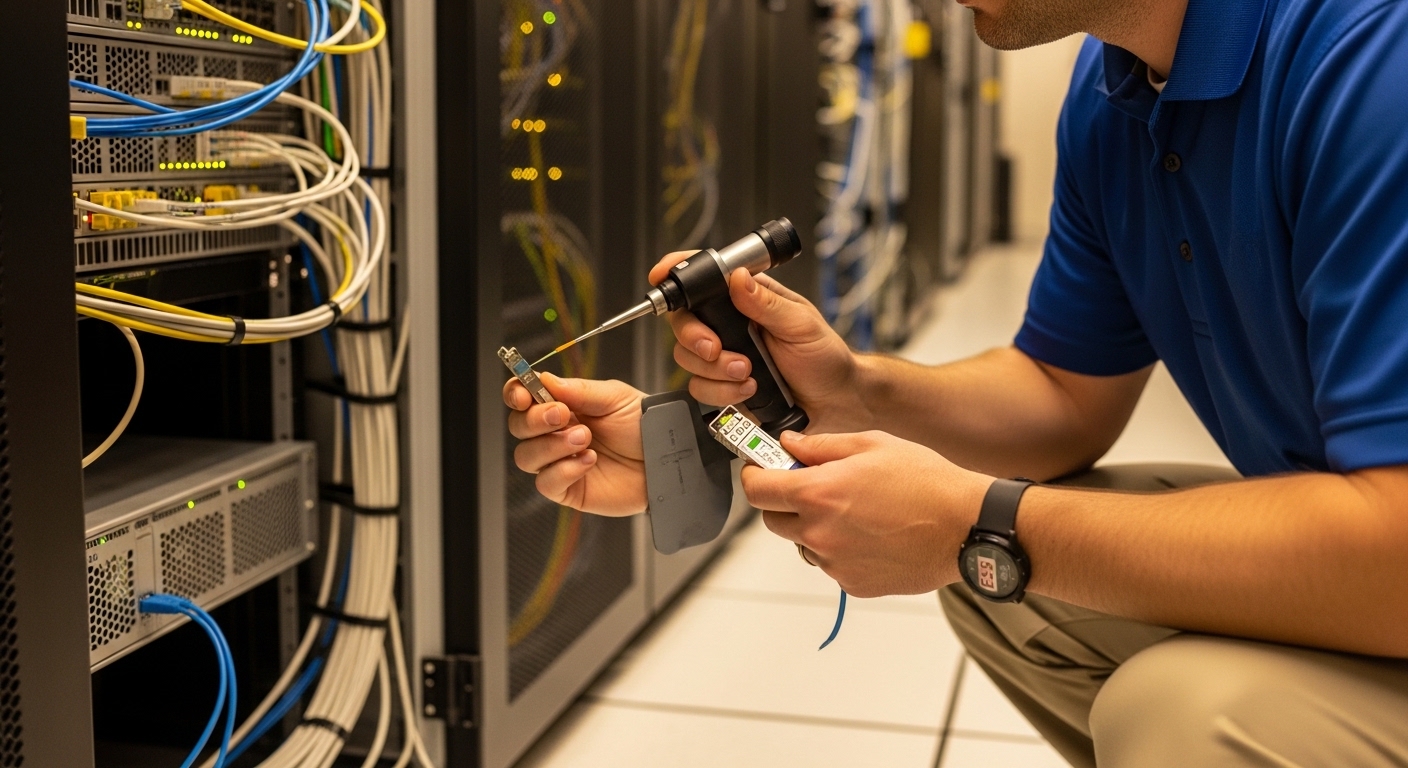
QSFP28 is commonly used for 25G Ethernet and related 100G breakout modes, depending on the switch and optics profile. In practice, the first decision is reach and media: multi-mode for short runs and single-mode for longer spans. Then you map that to your switch’s optic support matrix and the transceiver’s electrical interface requirements.
Distance mapping (engineer view)
Use the module type as a proxy for reach, but verify your exact system budget with the vendor’s link budget guidance and your connector cleanliness. For typical deployments, SR options target short reach on OM3/OM4 fiber, while LR and ER target longer reach on single-mode. DR4 is a data-center oriented option used for direct-attach style reach over twinax or short optical links depending on vendor implementation; some vendors label families differently, so confirm the actual wavelength and interface.
Spec anchors you should not ignore
Before you compare vendors, lock down the following on each candidate SKU: nominal wavelength, connector type, data rate, and operating temperature. Also check whether the module supports DDM/DOM and which DOM implementation the switch expects. Most modern switches rely on the transceiver management bus for temperature, voltage, and bias current; if DOM is absent or nonstandard, you can see monitoring gaps or link instability.
QSFP28 buying guide: SR vs LR vs ER vs DR4 at a glance
This comparison focuses on the specs that drive compatibility and planning. Real reach depends on fiber grade, link budget, and optics class, so treat the numbers below as starting points and validate with the vendor datasheet and IEEE optics expectations. Note that vendors sometimes publish different reach targets for OM3 versus OM4 and for different temperature grades.
| Module type | Common use | Nominal wavelength | Typical reach | Fiber / media | Connector | Data rate | Operating temperature | DOM/DDM |
|---|---|---|---|---|---|---|---|---|
| QSFP28-SR | Leaf-spine ToR uplinks, short patch cords | ~850 nm | ~100 m on OM4 (often quoted) | OM3/OM4 multi-mode | LC duplex | 25G per lane (typical) | 0 to 70 C or -10 to 70 C (varies) | Usually supported |
| QSFP28-LR | Spine-to-aggregation, longer intra-row | ~1310 nm | ~10 km (typical class) | Single-mode | LC duplex | 25G per lane (typical) | -5 to 70 C or similar (varies) | Usually supported |
| QSFP28-ER | Extended single-mode spans | ~1550 nm | ~40 km (typical class) | Single-mode | LC duplex | 25G per lane (typical) | Commercial or extended (varies) | Usually supported |
| QSFP28-DR4 (label varies) | Short-reach optics depending on vendor | Varies by vendor | Short span (verify) | Often multi-mode or vendor-specific | LC or proprietary (verify) | 25G per lane (typical) | Varies | Usually supported |
For standards context, QSFP28 optics and electrical behavior align with Ethernet transceiver expectations under IEEE 802.3 and related optical specifications, while exact module behavior is defined by vendor datasheets and the switch vendor’s transceiver compatibility list. Reference: IEEE 802.3 standard and vendor transceiver manuals.
Pro Tip: In the field, the fastest way to avoid “it should work” surprises is to compare the switch’s transceiver profile requirements (often including DOM behavior and lane mapping) against the exact part number you plan to deploy, not just the “type” (SR/LR/ER). Two modules with the same nominal reach can differ in transmit power class or DOM calibration, which impacts link stability during temperature swings.
Compatibility checks that prevent downtime during cutovers
QSFP28 buying guide decisions fail most often at the compatibility step. Even when the optics are technically correct for wavelength and reach, a switch may enforce vendor part numbers, DOM thresholds, or specific EEPROM fields. The result can range from “link down” to partial lane faults that only show up under load.
Step-by-step pre-ship validation
- Confirm switch support matrix: verify the exact module part number (not only “QSFP28 SR”). Many enterprise and OEM platforms publish an optics list.
- Match connector and polarity: LC duplex wiring and polarity mapping (A-to-A, B-to-B) must align with your patch panel labeling.
- Verify DOM/DDM capability: ensure the module provides the expected monitoring registers so the switch can read temperature, laser bias, and receive power.
- Check temperature grade: data centers with hot aisle recirculation or poorly tuned airflow can push optics toward upper limits; select an appropriate temperature range.
- Validate power class and link budget: use your measured fiber attenuation and connector loss rather than assuming a clean 100 m patch.
Example OEM and third-party part numbers you might see in the market include Cisco-branded optics such as Cisco SFP-10G-SR for SFP, and for QSFP28 specifically you will find many SR/LR variants from OEM and compatible vendors. Always treat a specific model number as the compatibility unit. For third-party examples, some widely sold QSFP28 optics families are listed by major resellers and manufacturers; verify the exact SKU and datasheet before ordering.
Selection checklist: pick the right QSFP28 module in the order engineers use
This is the ordered decision checklist most teams run during planning. If you follow it in sequence, you reduce rework and avoid late-stage returns.
- Distance: estimate run length including patch cords, slack loops, and jumpers; then validate with measured OTDR or fiber test results.
- Budget: compare OEM optics versus compatible optics including expected failure rate and return terms; factor labor time for replacements.
- Switch compatibility: confirm the exact QSFP28 part number appears in the platform support list or passes the switch vendor’s compatibility checks.
- DOM/monitoring support: verify DOM is supported and that monitoring values behave normally in your switch OS.
- Fiber type and connector: OM3/OM4 for SR; SMF for LR/ER; LC duplex and correct polarity labeling.
- Operating temperature and airflow: choose commercial or industrial grade based on actual inlet temperatures and local hot spots.
- Vendor lock-in risk: if your environment relies on strict OEM optics, consider a limited pilot to quantify operational impact.
Practical deployment scenario (what this looks like in a real data center)
In a 3-tier data center leaf-spine topology with 48-port 25G ToR switches and 2 spine switches, an operator may aggregate uplinks using QSFP28-SR on OM4. Suppose each ToR has 24 uplinks with patch cords averaging 12 m plus 5 m of jumpers, totaling roughly 17 m per link. If the site has measured average OM4 attenuation of about 2.5 dB/km and connector loss of around 0.3 dB per mated pair, the link budget typically remains comfortable for SR, but a few “dirty” connectors can still drive receive power near the margin. The team therefore orders a small pilot batch, validates DOM receive power stability under full traffic, and only then scales to the full port count.
Common pitfalls and troubleshooting tips (with root causes)
QSFP28 issues are rarely random; they usually trace back to fiber handling, compatibility fields, or environmental limits. Below are common failure modes you can recognize quickly during commissioning.
Link flaps after temperature changes
Root cause: optics operating near upper temperature limits or marginal receive power due to aging LEDs/lasers, dirty connectors, or higher-than-expected loss. Solution: clean LC connectors with approved lint-free methods, inspect patch panels, confirm airflow and inlet temperatures, and compare DOM receive power readings against expected thresholds from the vendor datasheet. If possible, run a controlled traffic test while logging DOM values.
“No DOM” or monitoring gaps, yet link sometimes comes up
Root cause: transceiver EEPROM fields or DOM implementation not matching what the switch expects, including alarm/warning thresholds. Solution: confirm DOM support in the module datasheet and validate in a lab or on a spare port first. Prefer modules explicitly listed as compatible by the switch vendor or validated by your integrator.
All links on one side fail after a patch panel re-route
Root cause: polarity mismatch (A/B swapped) or incorrect duplex orientation during cabling changes. Solution: verify polarity mapping end-to-end, re-terminate or re-patch to match the standard orientation, and run a quick optical continuity check before blaming the optics.
Works on short patch cords, fails on longer runs
Root cause: OM3/OM4 mismatch, higher fiber attenuation than assumed, or connector loss that accumulates across many mated pairs. Solution: use measured attenuation and connector loss from your fiber test record, not only the cable length. Recalculate the link budget with the vendor’s method and consider upgrading to LR/ER if the run is beyond the SR margin.
Cost and ROI: OEM vs compatible QSFP28 optics
Pricing varies by vendor, reach, and temperature grade, but many buyers see OEM QSFP28 optics priced at a premium compared with third-party compatible modules. In a typical procurement, OEM SR modules may cost roughly $150 to $400 per unit, while compatible SR modules may land lower depending on volume and warranty terms; LR/ER optics can be significantly higher. The ROI question is not only purchase price: include spares stocking strategy, expected failure rate, and labor for swaps during maintenance windows.
For TCO, engineers often compare three elements: (1) optics acquisition cost, (2) downtime and labor impact, and (3) risk of support denial. A practical approach is to run a pilot with a small number of ports, monitor DOM and error counters during peak traffic, and only then commit to full-scale procurement. Reference: IEEE 802 Working Groups home for standards ecosystem and vendor datasheets for module-specific budgets.
FAQ for QSFP28 module buying
Which QSFP28 type should I buy for 10G to 25G upgrades?
Buy based on the actual physical layer requirement of the switch port: SR for short OM3/OM4 links, LR or ER for single-mode longer spans. If your switch uses breakout modes or supports 100G-to-25G fanout, confirm the port mode and lane mapping in the switch manual before ordering.
How do I verify DOM/DDM compatibility quickly?
Install a single module on a spare port and check whether the switch reports temperature, voltage, and receive/transmit power without alarms. Then compare values against the transceiver datasheet ranges and ensure threshold events behave normally during a controlled traffic test.
Can I mix OEM and third-party QSFP28 modules in the same switch?
Often yes, but it depends on the switch vendor’s compatibility policy and the specific part numbers. Mixing is safest after a small pilot and only if the switch OS does not enforce strict vendor ID checks or DOM field requirements.
Do I need OM4 specifically for QSFP28-SR?
Not always, but OM4 typically provides better reach margin and tolerance than OM3 for many 25G SR implementations. Use your measured link budget and fiber certification results; if your plant is OM3, confirm the vendor’s reach and power class for that exact fiber grade.
What should I log during optics commissioning?
Log DOM readings (temperature, bias, and optical receive power), link state transitions, and interface error counters under normal and peak load. If the environment is thermally variable, record values across time to detect drift and marginal conditions.
When is it safer to switch from SR to LR?
Choose LR when your measured fiber attenuation plus connector loss erodes SR margin, or when you anticipate future re-cabling that increases distance. If you have repeated receive power warnings or intermittent link events, LR often reduces sensitivity to patch cord variability.
If you follow this QSFP28 buying guide—distance first, then compatibility, then DOM validation—you can standardize optics across racks while avoiding cutover surprises. Next, review your switch’s transceiver support list using the internal reference QSFP28 compatibility.
Author bio: A veteran data center network reporter and field engineer, I document optics selections by running pilots, capturing DOM telemetry, and validating link budgets against real fiber test results. I focus on operational reliability, not marketing claims, and I write buying guidance that teams can execute during maintenance windows.
