
You are planning a high-density Ethernet upgrade, but QSFP-DD options look similar and vendor specs are easy to misread. This buying guide focuses on how to select QSFP-DD transceivers for 200G class links (and adjacent 100G/400G migration paths) while minimizing interoperability and supply chain risk. It helps data center and campus network engineers compare reach, optics type, power, temperatures, and DOM behavior before you place a PO.
QSFP-DD vs alternatives: performance and optics reach
QSFP-DD is designed for higher lane counts and faster aggregate throughput than older QSFP+ and QSFP28 families. In practice, you will choose between SR (multimode), LR/ER (single-mode), and vendor-specific variants, each mapped to IEEE 802.3 channel assumptions and your fiber plant loss budget. Before comparing module SKUs, confirm whether your switch uses 200G line cards with a QSFP-DD front panel and whether it supports the optics vendor’s DOM format.
Most procurement failures come from assuming “same wavelength equals same reach.” For multimode, link reach depends on fiber type (OM3 vs OM4), patch panel cleanliness, and connector end-face quality. For single-mode, reach depends heavily on the actual installed loss, splice count, and aging margin.
| Spec | QSFP-DD SR (MMF) | QSFP-DD LR (SMF) | QSFP-DD ER (SMF) |
|---|---|---|---|
| Typical wavelength | ~850 nm | ~1310 nm | ~1550 nm |
| Typical reach class | Up to ~150 m (OM4 commonly) | Up to ~10 km | Up to ~40 km (varies by vendor) |
| Connector | LC duplex | LC duplex | LC duplex |
| Data rate | 200G class (mode-dependent) | 200G class (mode-dependent) | 200G class (mode-dependent) |
| Power draw (typical) | ~3.5 to 7 W | ~4 to 9 W | ~4 to 10 W |
| Operating temperature | 0 to 70 C (common) | 0 to 70 C (common) | -5 to 70 C (common options) |
| DOM / monitoring | Usually supported | Usually supported | Usually supported |
Compatibility head-to-head: switch support, DOM, and vendor lock-in
In procurement terms, compatibility is not just “does it fit.” You need to validate that the switch’s QSFP-DD port supports the specific electrical interface and that the module’s digital diagnostic parameters (DOM) are readable and within thresholds. Many enterprise switches accept third-party optics, but some enforce vendor whitelists or require specific firmware behavior for alarm reporting.
What to check on your switch vendor matrix
- Optics type mapping: ensure the switch lists QSFP-DD SR for your port speed profile (for example, 200G breakout rules).
- DOM format and alarms: confirm the switch reads temperature, laser bias current, received power, and supports alarm flags.
- FEC and link training: some platforms require specific coding assumptions at 200G.
- Vendor lock-in risk: if your vendor only supports OEM optics for warranty, compute TCO impact.
Pro Tip: In the field, the most common “it inserted but link won’t come up” cause is not optics wavelength—it is a DOM threshold mismatch that triggers port protection during link training. Ask your NOC to capture switch syslog and module alarm counters immediately after insertion, then compare against the module datasheet’s diagnostic ranges.
Cost and lead time: OEM vs third-party modules that actually ship
Pricing varies by reach and brand, but a realistic procurement range for QSFP-DD optics in many markets is roughly $250 to $600 per module for common SR/LR classes, with ER often higher. OEM modules may cost more (sometimes 20% to 60% premium), yet they can reduce operational friction when you are under strict support contracts. Third-party and OEM-compatible suppliers can cut cost, but you must budget for validation time and potential replacement logistics.
Lead time is the supply chain risk lever. During fast upgrade cycles, OEM inventory can be constrained, while third-party suppliers may offer faster availability but inconsistent batch-to-batch performance. For critical links, mitigate by ordering a small test quantity first, then place the bulk order with clear acceptance criteria and RMA turnaround SLAs.
Deployment scenario: 200G leaf-spine upgrade with mixed fiber plant
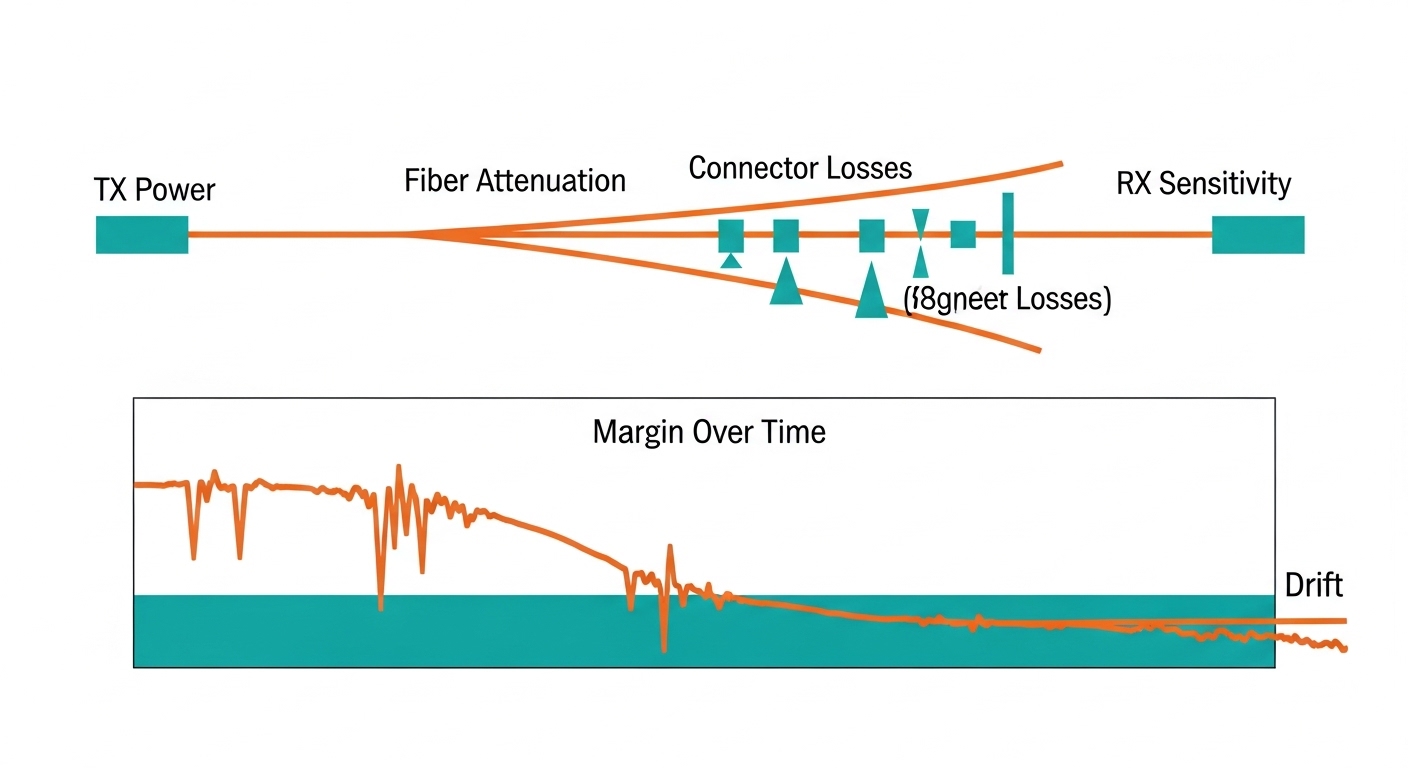
Consider a 3-tier data center leaf-spine topology upgrading 48-port ToR switches to 200G uplinks. You have OM4 fiber for short runs to nearby spines (about 60 to 120 m), and single-mode for longer aggregation links (about 3 to 8 km). In phase one, you deploy QSFP-DD SR for leaf-to-spine patch panels and QSFP-DD LR for the longer runs, keeping connector hygiene procedures consistent across both cable types. Field teams typically target an additional 3 dB margin for insertion loss and cleaning-related variability when building the loss budget.
Selection criteria checklist: how engineers buy QSFP-DD with fewer surprises
- Distance and fiber type: verify OM4 vs OM3, connector type, splice count, and total loss against vendor reach specs.
- Switch compatibility: confirm the exact switch model and port speed profile support the module type.
- DOM and monitoring: ensure the switch can read the module diagnostics and that alarms won’t cause port shutdown.
- Operating temperature: match your airflow and ambient conditions; avoid modules with tighter industrial limits if your racks run hot.
- Power and thermals: estimate module power and verify PSU and cooling headroom for your density.
- Supply chain risk: choose suppliers with clear lead times, batch traceability, and RMA policies.
- Acceptance test plan: require a link bring-up test and receive power verification before mass rollout.
Common pitfalls and troubleshooting tips
Pitfall 1: Reach mismatch due to optimistic fiber assumptions. Root cause: reach is based on ideal launch conditions; real patch panels add loss. Solution: run a link loss test (including connectors and patch cords) and add margin.
Pitfall 2: “Compatible” optics fail during link training. Root cause: DOM thresholds or coding/FEC expectations differ by platform. Solution: collect switch logs and module diagnostics immediately; test with a small batch and confirm alarm behavior.
Pitfall 3: Thermal throttling in high-density racks. Root cause: insufficient airflow or blocked vents increases module temperature and reduces optical output stability. Solution: validate ambient temps near the port, improve airflow paths, and monitor module temperature telemetry.
Decision matrix: which QSFP-DD option fits your constraints
| Buyer priority | Best fit | Why | Primary risk |
|---|---|---|---|
| Shortest patch runs, lowest cost | QSFP-DD SR | Uses common LC duplex MMF and typically lower cost | OM4 vs OM3 mismatch |
| Campus backbone to aggregation | QSFP-DD LR | Balanced reach with manageable fiber requirements | Splice/connector loss surprises |
| Long distance or limited fiber availability | QSFP-DD ER | Extended reach on SMF | Higher unit cost and tighter acceptance testing |
| Warranty and fastest support resolution | OEM optics | Vendor-backed compatibility and streamlined RMA | Higher unit price and potential lead time |
| Budget control with planned validation | Approved third-party | Lower cost and often faster availability | Batch variability and documentation gaps |
Which Option Should You Choose?
If your fiber plant is already OM4 and distances are under roughly 150 m, choose QSFP-DD SR to maximize cost efficiency and simplify deployment. If your links span kilometers with existing single-mode infrastructure, choose QSFP-DD LR for most cases and reserve ER for truly long runs where you cannot add fiber capacity. For procurement under strict warranty, prioritize OEM optics; for cost-sensitive expansions, select a third-party supplier only after a pilot validation that confirms DOM telemetry and stable link
