
In day-two operations, the wrong `pluggable optics` choice can mean link flaps, unexpected reach limits, or wasted budget on incompatible optics. This article helps network engineers and field technicians pick the right module family for 10G through 400G designs, using real-world constraints like power draw, DOM behavior, and temperature margins. You will get a specs comparison table, a step-by-step selection checklist, and troubleshooting pitfalls you can apply during commissioning.
What is changing in pluggable optics for 2025-era networks?
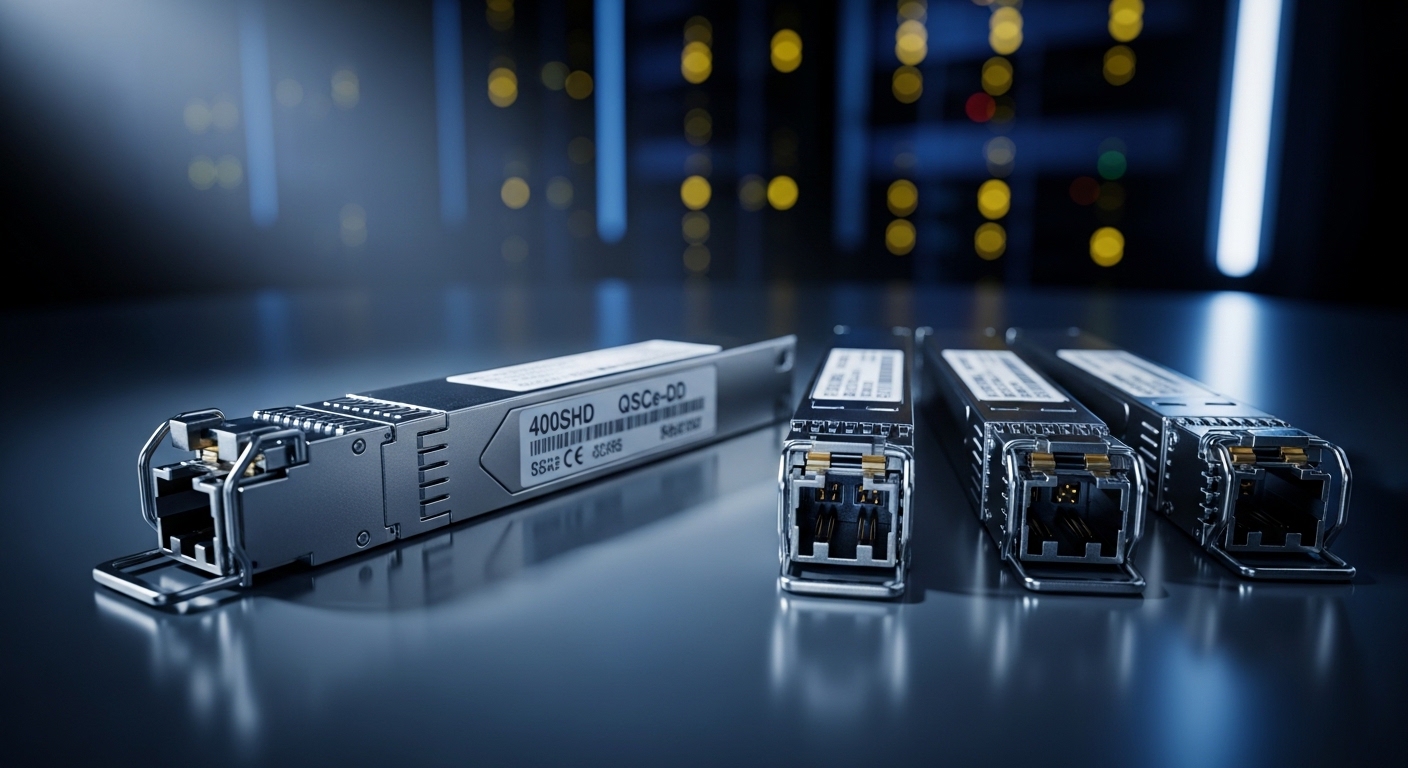
Modern pluggable optics are converging on higher aggregate rates, better diagnostics, and tighter integration with switch PHYs. In practice, the biggest shift is that operators increasingly standardize on Ethernet line rates (10G, 25G, 40G, 100G, 200G, 400G) while demanding predictable optics behavior across vendors. IEEE 802.3 defines the electrical and optical interfaces, but vendor implementations still vary in transceiver firmware, DOM thresholds, and compliance tuning. Always validate with your exact switch vendor and optic part numbers before scaling.
Deployment reality: the “works on the bench” problem
On a test bench, a module may establish link instantly at room temperature. In the rack, airflow patterns, dust loading on MPO/MTP endfaces, and optics temperature drift can push the module beyond safe operating conditions. Field teams often find that the same transceiver SKU behaves differently in cold aisles versus hot aisles. That is why temperature range ratings and link margin assumptions matter as much as wavelength and reach.
Key specifications that actually decide success
Pluggable optics selection is not only about “SR vs LR.” You must match wavelength, reach class, connector type, data rate, and compliance to what your switch expects. For multi-vendor environments, DOM support and optical power levels are frequent sources of surprises. Use the table below as a first-pass filter before you check switch interoperability matrices.
| Optic family | Typical data rate | Wavelength | Reach class (common) | Connector | DOM / diagnostics | Operating temperature |
|---|---|---|---|---|---|---|
| SFP+ | 10G | 850 nm (SR) / 1310 nm (LR) | SR: 300 m (OM3) to 400 m (OM4); LR: up to 10 km | LC duplex (most) | Usually supported; verify vendor thresholds | Commercial: 0 to 70 C; Extended: -20 to 85 C |
| SFP28 | 25G | 850 nm (SR) | Up to ~400 m on OM4 (varies by vendor) | LC duplex | DOM common | Commercial or industrial options exist |
| QSFP28 | 100G | 850 nm (SR4) | ~100 m on OM3 or up to ~150 m on OM4 (typical) | MPO/MTP (8-fiber) | DOM common | Commercial to extended depending on SKU |
| QSFP56 / OSFP (400G family) | 400G | 850 nm (SR) or 1310/1550 nm (LR variants) | SR: rack reach; LR: multi-km (vendor dependent) | MPO/MTP (often) | Full digital diagnostics expected | Commercial/extended; verify airflow assumptions |
Reference standards you should align to: IEEE 802.3 Ethernet physical-layer specs for each speed, plus vendor datasheets for optical power and receiver sensitivity. [Source: IEEE 802.3] and typical transceiver documentation from Cisco, Finisar/II-VI, and FS.com. See also interoperability guidance from your switch OEM, often published as an optics compatibility list.
Selection criteria checklist for pluggable optics projects
Use this ordered checklist during procurement and commissioning. It is designed to prevent the most common “late discovery” failures.
- Distance and fiber type: Confirm OM3/OM4/OM5 and single-mode specs, plus patch cord loss and splice counts.
- Data rate and lane mapping: Ensure the module matches the port speed and breakout expectations (for example, 100G SR4 to 4x25G behavior is not universal).
- Connector and polarity: MPO/MTP polarity (A vs B) and keying must match your patching plan; LC polarity is usually simpler but still matters.
- Switch compatibility: Validate against the exact switch model and firmware release; some optics enforce stricter timing.
- DOM support and alert thresholds: Confirm you can read DOM via your management stack and that thresholds do not trigger nuisance alarms.
- Operating temperature and airflow: Prefer extended temperature optics if the rack runs hot; verify with measured inlet temps.
- Vendor lock-in risk: If you must mix OEM and third-party optics, plan a qualification test and document acceptable error-rate behavior.
- Power and thermal budget: Higher-speed optics can increase module and switch chassis temperature; compare vendor power specs.
Pro Tip: In many field deployments, the “reach” printed on a datasheet is optimistic for real patching. Track end-to-end optical budget using connector cleanliness assumptions and actual measured insertion loss, then add a margin for aging and temperature. If you only test with a single short patch cord, you will miss the failure mode that appears after maintenance or recabling.
Common pitfalls and troubleshooting that field engineers see
When pluggable optics fail, the symptoms can look similar even when the root cause differs. Below are frequent mistakes with practical fixes.
Link up/down flapping under load
Root cause: Insufficient optical power margin due to higher-than-expected fiber loss, dirty connectors, or incorrect MPO polarity. Receiver sensitivity may be marginal at temperature extremes.
Solution: Clean connectors with approved methods, verify MPO polarity using a known-good polarity tester, and re-check optical budget with the full patch path (including patch cords and jumpers).
“DOM present” but alarms trigger immediately
Root cause: DOM threshold differences between module vendors or switch firmware interpreting values differently. Some optics report diagnostics in ways that cause aggressive alerts.
Solution: Compare DOM readings to vendor documentation, then adjust switch alarm thresholds if supported, or standardize on a single vendor family for that port group.
Works in one chassis slot, fails in another
Root cause: Slot-specific airflow, backplane constraints, or PHY tuning differences. Some switch platforms have different retimer/PHY behavior by slot or card revision.
Solution: Use the OEM interoperability list; test in the intended slots; measure inlet air temperature near the failing module and ensure fan profiles match design.
Wrong fiber standard assumption (OM3 vs OM4 vs OM5)
Root cause: Treating OM4 as OM3 or mixing patch cords from different fiber generations. SR optics at 25G/100G are sensitive to modal bandwidth and attenuation.
Solution: Verify fiber type with labeling and test results (where possible), then standardize patch cord types across the row. Confirm vendor reach claims for your exact OM grade.
Cost, ROI, and risk management for pluggable optics
Pricing varies widely by speed, reach, and certification. As a practical range, many 10G SFP+ optics land in the tens of dollars, while 100G QSFP28 SR optics are often in the low-to-mid hundreds, and 400G optics can run into the high hundreds to low thousands depending on SR versus LR and vendor certification. OEM optics usually cost more but can reduce commissioning time and compatibility churn.
TCO drivers: qualification labor, downtime risk, failure rate, and time spent on troubleshooting. Third-party optics can be cost-effective when you run qualification tests and maintain a controlled compatibility matrix. For example, if you deploy Cisco SFP-10G-SR or Finisar FTLX8571D3BCL in a Cisco environment, you reduce variability versus a mix of unqualified alternates. For broader sourcing, also validate FS.com models like SFP-10GSR-85 class optics against your switch platform and firmware.
FAQ about choosing pluggable optics
Which pluggable optics are best for data center leaf-spine?
Most leaf-spine designs use SR variants (850 nm) for rack and pod reach due to lower cost and simpler cabling. Confirm OM grade (often OM4/OM5) and MPO polarity, then validate with your switch OEM interoperability list. If you need cross-row distances, consider longer-reach LR variants.
Can I mix OEM and third-party pluggable optics on the same switch?
Yes, but only after qualification. DOM behavior, threshold interpretation, and firmware compatibility can differ, causing alarms or marginal BER performance. Start with a controlled pilot and document acceptable error counters and stability over temperature cycles.
How do I verify DOM support and avoid nuisance alarms?
Enable optics diagnostics and record baseline readings (Tx power, Rx power, temperature, bias current) immediately after installation. Compare against vendor datasheet typical ranges. If your platform allows threshold tuning, set alarms to meaningful operational limits rather than defaults that may be too strict.
What is the most common MPO-related failure?
MPO polarity mismatch is the classic cause of low receive power and unstable links. Use a polarity plan (A-to-A or A-to-B) that matches your patch hardware and verify with a polarity tester. Also ensure the correct fiber count and keying are used for QSFP28/400G optics.
Do I need extended temperature pluggable optics?
If your racks run hot or you have limited airflow headroom, extended temperature optics reduce the risk of drift-related failures. Measure actual inlet temperatures and compare to the module’s rated range. In many cases, airflow tuning provides more ROI than switching optics classes.
Where can I confirm standards and compatibility?
Use IEEE 802.3 for Ethernet physical-layer requirements and read the specific transceiver datasheet for optical budgets and power levels. Then confirm with your switch vendor’s optics compatibility list for your exact model and firmware. [Source: IEEE 802.3]
If you treat pluggable optics as a system decision—distance, fiber grade, polarity, DOM behavior, and thermal reality—you will avoid most commissioning surprises. Next, review fiber polarity and MPO patching to lock down connector polarity and patch loss before you order optics.
Author bio: I am a field-focused electronics specialist who has commissioned 10G through 400G transceiver networks in hot and cold aisle data centers, validating BER, DOM telemetry
