
Open RAN rollouts often stall at the “last mile” of optical networking: the transceiver choice. This guide helps RAN transport, DC, and field teams select the right SFP28, SFP-DD, QSFP28, or QSFP-DD optics for fronthaul and midhaul links while avoiding interoperability surprises. You will get a deployment-ready checklist, a specs comparison table, and troubleshooting patterns you can use during commissioning.
What optical networking links Open RAN really demands
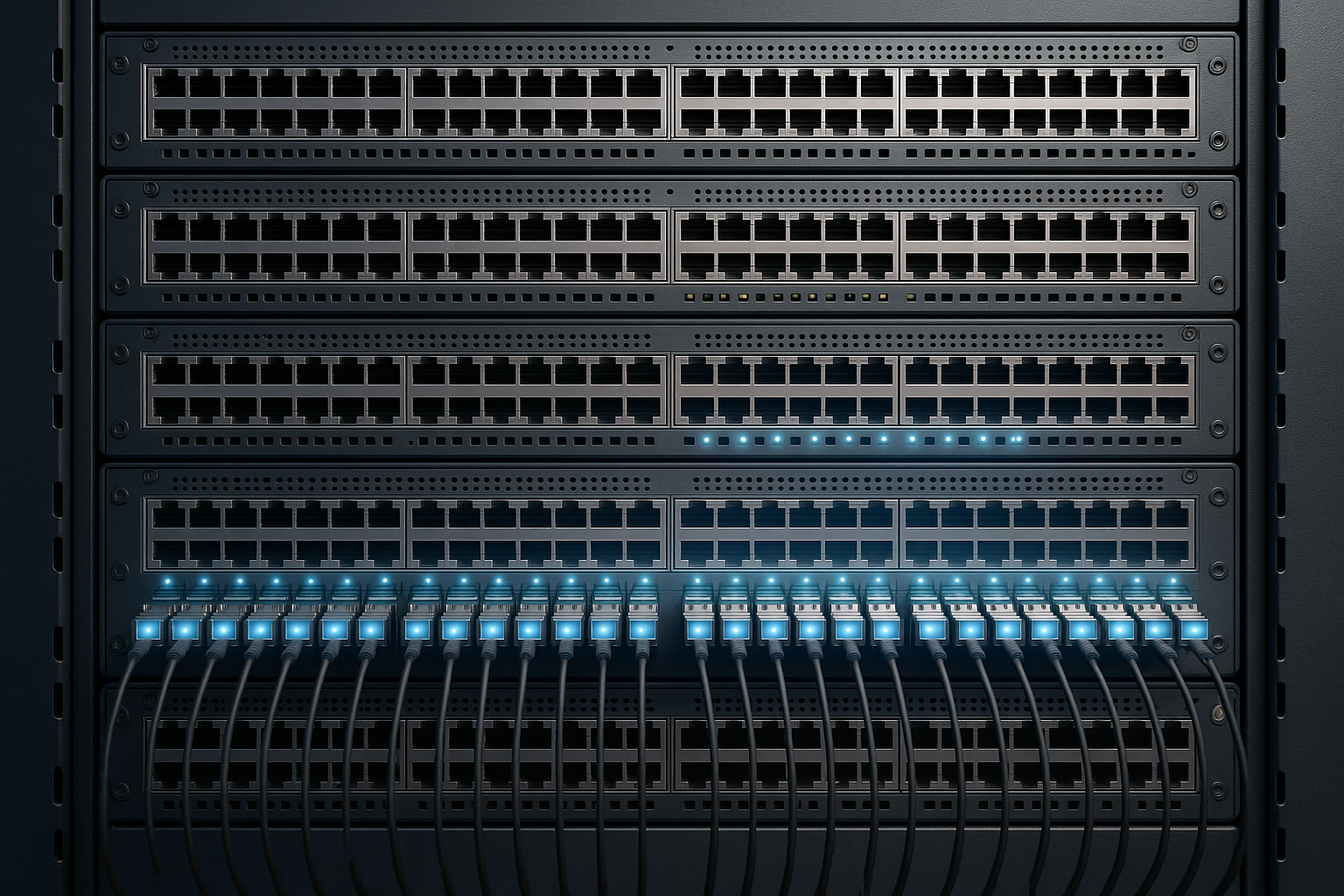
Open RAN transport is less forgiving than typical enterprise links because timing, jitter tolerance, and link loss budgets affect radio performance. In practical deployments, teams commonly run fronthaul over dedicated fiber with strict reach targets and deterministic latency expectations, then aggregate midhaul traffic toward regional data centers. Your transceiver selection must match the switch or O-RU transport interface, the fiber plant type (single-mode vs multi-mode), and the required optical power margin.
Map the link type to the optical interface class
Before picking a part number, classify the link: fronthaul often uses tight optics and well-controlled loss budgets; midhaul may tolerate a wider range of reach options. Identify whether you are targeting 25G, 10G, or 50G/100G line rates, and whether the platform expects a specific form factor such as SFP28, SFP-DD, QSFP28, or QSFP-DD. For Open RAN, also confirm whether your vendor expects standards-based optics with digital diagnostics (DOM) and whether it enforces EEPROM or vendor-specific compatibility.
Use IEEE reach targets as the baseline, then validate power budget
Start with IEEE physical layer expectations for optical transceivers, then validate against your actual fiber attenuation, patch panel loss, and connector endface quality. IEEE 802.3 defines Ethernet PHY requirements and typical optical link characteristics for common rates and wavelengths. Still, vendor datasheets define the effective transmit power, receiver sensitivity, and allowable link loss, which must cover your measured plant losses. Source: IEEE 802.3
Pro Tip: In field installs, the biggest source of “it should work” failures is not wavelength mismatch; it is DOM and compatibility enforcement. If a switch blocks third-party optics or expects a specific EEPROM layout, you can see link flaps even when optical power looks correct on a light meter.
Key transceiver specs to compare for Open RAN optics
For optical networking in Open RAN deployments, compare the specs that directly affect optical margin and operational stability. The table below focuses on the “must-check” parameters: wavelength, reach, connector type, DOM support, transmit power class, receiver sensitivity class, and temperature range. Use it as a pre-screen before you validate with your switch vendor’s optics compatibility list.
| Transceiver option | Typical data rate | Wavelength | Target reach (typical) | Fiber type | Connector | DOM | Operating temp (typical) |
|---|---|---|---|---|---|---|---|
| SFP28 SR | 25G | 850 nm | Up to 100 m | OM3/OM4 MMF | LC | Common | 0 to 70 C |
| QSFP28 SR | 25G per lane aggregate | 850 nm | Up to 100 m | OM3/OM4 MMF | LC | Common | 0 to 70 C |
| QSFP-DD LR4 | 100G | 1310 nm (4 lanes) | Up to ~10 km | SMF | LC | Common | -5 to 70 C |
| SFP-DD DR | 50G | 1310 nm | Up to ~500 m | SMF | LC | Common | -5 to 70 C |
Note that “typical reach” depends on optical power and receiver sensitivity as specified by the transceiver and the IEEE-defined budget. When you are planning fronthaul, treat reach as a budget, not a guarantee, and require margin for aging and cleaning variability.
Selection criteria checklist you can use on-site
When selecting optical networking transceivers for Open RAN, use this ordered checklist. It is designed to reduce rework during commissioning, when time windows are short and optics must be swapped quickly.
- Distance and fiber type: Confirm measured link length and fiber type (OM3/OM4 MMF vs SMF). If you do not have OTDR traces, request them before ordering.
- Switch and interface compatibility: Verify the exact port type (SFP28 vs QSFP28 vs QSFP-DD) and speed mode supported by the switch/transport appliance. Check the optics compatibility matrix from the switch vendor.
- Wavelength and reach class: Match SR vs LR vs DR vs ER expectations. For SMF options, confirm whether your plant uses 1310 nm or 1550 nm windows.
- DOM and monitoring requirements: Ensure DOM is supported and that the switch reads diagnostics without alarms. Confirm if you need thresholds for Rx power, Tx bias, and temperature.
- Operating temperature and airflow: Use the transceiver’s specified temperature range and verify rack airflow. In outdoor cabinets, consider extended temperature optics and confirm condensation controls.
- Budget and power margin: Use vendor datasheet link budgets with your measured loss, and add margin for connectors and future rework. If you are near the edge, choose a longer-reach optic class.
- Vendor lock-in risk: Determine whether the platform blocks third-party optics by EEPROM ID, vendor name, or DOM format. If so, plan a controlled OEM procurement path.
- Supply chain and spares strategy: Confirm availability of the exact SKU for spares. For multi-vendor networks, standardize optics types across sites to reduce training and inventory complexity.
Concrete examples of part families teams standardize
Many teams standardize on widely supported optics like Cisco SFP-10G-SR or Finisar-compatible 10G/25G SR modules for short intra-rack links, then move to SMF LR options for longer spans. For 10G SR, examples include Cisco-branded and third-party equivalents such as Finisar FTLX8571D3BCL and FS.com SFP-10GSR-85, but always validate against your switch’s compatibility list before you deploy. Source: Cisco optics documentation
Common mistakes and troubleshooting patterns in optical networking
Below are failure modes you can expect during Open RAN commissioning. Each includes root cause and a practical fix.
Link comes up intermittently or flaps under load
Root cause: Dirty or misaligned connectors, or marginal optical power due to underestimated patch panel loss. Some platforms also enforce optics compatibility policies that cause link renegotiation.
Solution: Reclean connectors using lint-free wipes and approved cleaning tools, then re-seat. Measure Rx optical power at the switch and compare to the transceiver’s min/max operating range from the datasheet. If flapping persists, try a known-good transceiver of the same type and confirm the platform accepts third-party EEPROMs.
“Module not supported” or “DOM alarm” despite correct form factor
Root cause: EEPROM formatting differences, missing DOM support, or switch firmware rejecting non-compatible optics. In some cases, the port expects a specific revision or transceiver type (for example, SFP-DD vs SFP28).
Solution: Confirm the exact transceiver standard required by the port. Update switch firmware if the vendor recommends optics compatibility updates. Use the vendor’s optics matrix for your specific switch model and firmware release.
Reach shortfall: link only works on short fibers
Root cause: Using MMF SR where the plant loss budget requires SMF LR, or exceeding the receiver sensitivity margin due to high attenuation, many splices, or aged connectors.
Solution: Pull OTDR or at minimum verify end-to-end attenuation with a calibrated light source and power meter. Then select a transceiver with a higher link budget margin (often switching from SR to DR/LR class) and re-terminate connectors if loss is concentrated at patch panels.
Wrong fiber polarity or swapped transmit/receive
Root cause: For duplex LC links, polarity reversal can prevent optical receive even when power levels look plausible. This is common when teams re-cable during site commissioning.
Solution: Validate polarity against your patch panel labeling plan. Swap fiber pairs at the patch panel (not inside the transceiver). Re-check link state after the swap and confirm receive optical power rises into expected range.
Cost and ROI note for Open RAN optics
Transceivers vary widely in cost based on reach class and vendor. In many enterprise and near-edge deployments, 25G SR optics often land in the low tens of dollars to low hundreds per module depending on OEM vs third-party and volume, while 100G QSFP-DD LR optics can be several times higher. TCO is driven less by the purchase price and more by failure rate, warranty terms, downtime exposure, and time spent during swaps.
OEM optics may reduce compatibility risk, but third-party options can cut acquisition cost if the platform accepts them and if you maintain strict compatibility validation. A practical ROI approach is to standardize on fewer transceiver SKUs across sites, maintain a small hot-spare pool per transceiver type, and measure field failure trends after the first rollout wave.
FAQ
Which optical networking transceiver should I start with for Open RAN fronthaul?
Start with your switch or transport interface requirements and the measured fiber distance. If you are in a short, controlled environment, SR optics for 25G class links are common; for longer SMF spans, move to DR or LR-class optics with sufficient power margin. Always confirm with the vendor optics compatibility list for your exact hardware and firmware.
Can I use third-party transceivers in optical networking for Open RAN?
Often yes, but only when your platform supports the transceiver type and reads DOM correctly without rejecting EEPROM IDs. Test with a small pilot set and document acceptance behavior before scaling. If the switch blocks non-OEM optics, plan OEM procurement for that platform.
How do I verify optical margin before commissioning?
Use a calibrated power meter and, where possible, OTDR results to estimate end-to-end loss including splices and patch panels. Compare your measured loss to the vendor’s link budget for the selected transceiver and ensure you maintain a safety margin for connector variability. Then validate Rx power and DOM thresholds after installation.
What DOM metrics matter most during troubleshooting?
Focus on Rx optical power (and whether it is near min/max), Tx bias current trends, temperature, and any reported alarm flags. If DOM shows alarms but the link still negotiates, treat it as a warning that you are near the margin and likely to fail under worst-case conditions.
Why does the link work at first and then fail after cleaning or re-cabling?
Re-cabling can introduce polarity errors or connector damage, and even “cleaned” connectors can be contaminated if re-touched. Re-verify polarity, clean properly, and re-seat connectors. Then re-check Rx power and DOM alarms to confirm the optics are operating within specified ranges.
Do I need to match wavelength exactly in optical networking?
Yes, wavelength class must match the transceiver expectation and the fiber plant characteristics. For example, SR optics typically use 850 nm over MMF, while LR/DR optics typically use 1310 nm over SMF. Mismatches can prevent link establishment or cause unstable operation.
If you want fewer commissioning surprises, treat optical networking selection as a compatibility and margin exercise, not just a reach exercise. Next, review your transport interface requirements and build a standardized optics SKU list for your Open RAN sites using optics compatibility as your starting point.
Author bio: I have deployed optical networking in telecom and data center environments, including switch port bring-up, DOM validation, and fiber plant loss budgeting during commissioning. I focus on practical acceptance testing steps that reduce outage risk during Open RAN rollouts.
