
Optical Modules for Industrial Networks: Fit, Specs, ROI
Industrial Ethernet and control systems fail in predictable ways: link drops in vibration, checksum errors during temperature swings, and mismatched transceiver settings. This article helps plant engineers, OT network owners, and field tech leads choose optical modules that survive harsh environments while meeting uptime and latency requirements. You will get practical selection criteria, a spec comparison table, and troubleshooting steps tied to real deployment constraints.
Why industrial optical modules behave differently than data-center links
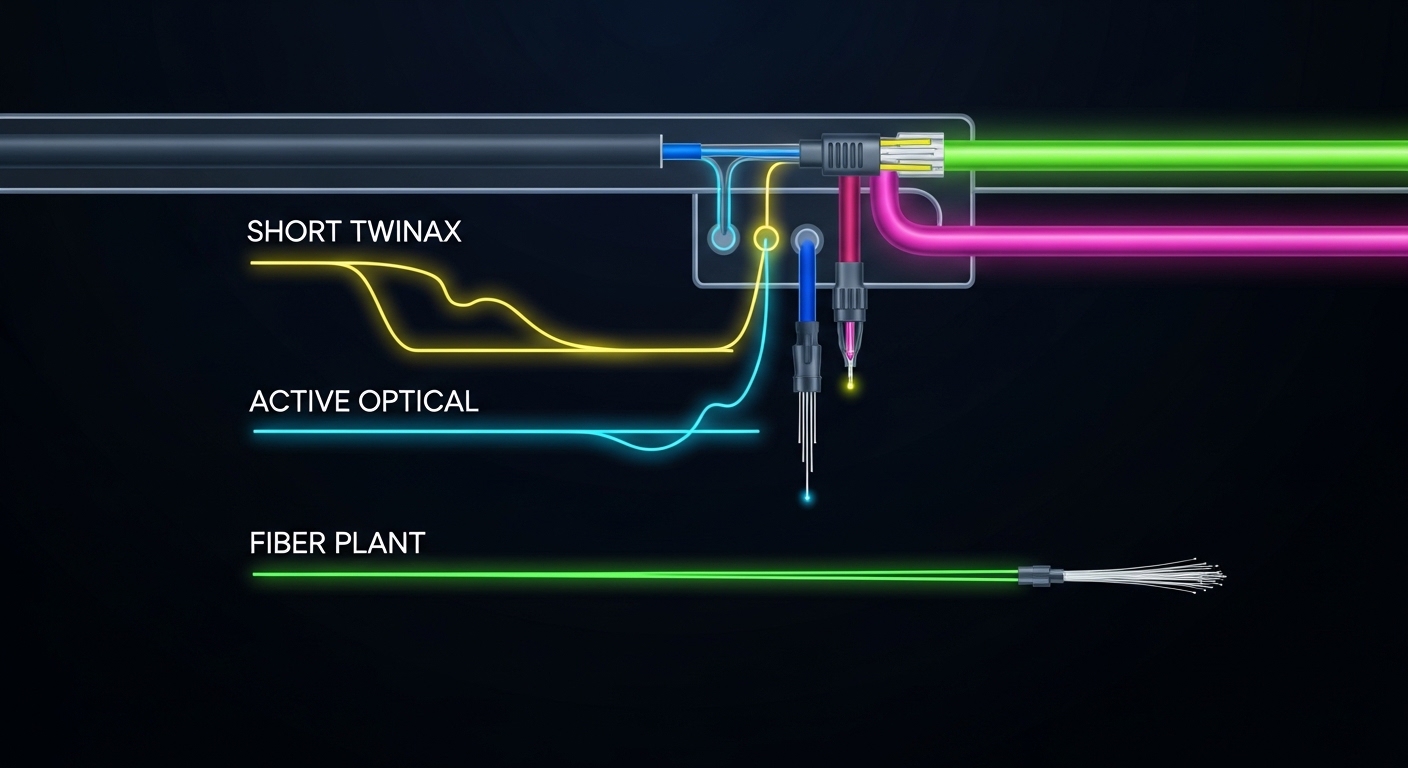
In factories, ports often run in cabinets with airflow limits, higher ambient temperatures, and frequent power cycling. Optical modules must handle link budget margins over aging fiber, dust or micro-bends, and EMC stress from motors and variable frequency drives. For many OT designs, uptime targets push you toward modules with strong diagnostics (DOM support) and predictable laser behavior under temperature. IEEE 802.3 defines the Ethernet physical layer behavior, but vendor datasheets define whether the module stays within spec across your operating envelope; review both. [[EXT:https://standards.ieee.org/standard/802_3 IEEE 802.3 Overview]]
Common industrial deployment patterns to design around
Typical cases include machine-to-machine uplinks, long haul between substations, and ruggedized links between PLC racks and edge gateways. You may also see ring topologies for redundancy, where a single transceiver mismatch can break failover if the link partner negotiates differently. If you rely on SFP/SFP+/SFP28 or QSFP/QSFP28 optics, confirm that your switch supports the exact form factor and signaling (for example, 10GBASE-SR uses optical signaling rules distinct from 10GBASE-LR). [[EXT:https://www.itu.int/rec/T-REC-G.652 ITU-T G.652]]
Pro Tip: In industrial cabinets, the biggest “silent killer” is not the fiber itself but connector cleanliness and micro-bends created during routine maintenance. Even when the link comes up, marginal optical power can degrade as dust accumulates, leading to intermittent CRC errors that look like application issues. Establish a cleaning and inspection routine before blaming firmware or PLC logic.
Key specifications to match: wavelength, reach, power, connector, and temperature
Industrial selection starts with the Ethernet standard, then the optics parameters that determine whether the link budget closes. You need the correct wavelength (for example, 850 nm for SR multimode or 1310/1550 nm for LR/ER), the reach class, and the connector type (LC is common). Next, verify transmit power and receiver sensitivity from the module datasheet, plus the allowed temperature range for your cabinet location.
Spec comparison table: three common industrial-friendly options
The table below compares representative modules often used in industrial uplinks. Exact values vary by vendor and part number, so confirm against the specific datasheet for the optics you purchase.
| Module type (example) | Data rate | Wavelength | Typical reach | Connector | DOM / diagnostics | Operating temperature | Notes for industrial use |
|---|---|---|---|---|---|---|---|
| SFP-10G-SR class (e.g., Cisco SFP-10G-SR) | 10G | 850 nm | Up to ~300 m on OM3 (varies by spec) | LC | Often supported (check model) | Typically commercial or industrial grade; verify | Best for cabinet-to-building runs with multimode fiber |
| SFP-10G-LR class (e.g., Finisar FTLX8571D3BCL) | 10G | 1310 nm | Up to ~10 km on single-mode | LC | Commonly supported | Industrial grade options available | Use for long runs between control rooms and substations |
| QSFP28-40G-SR class (e.g., FS.com 40G SR optics) | 40G | 850 nm | Up to ~100 m on OM3 (varies) | LC | Often supported | Industrial grade options available | High density in edge aggregation cabinets |
For standards mapping, treat each optics class as a specific physical layer profile. IEEE 802.3 clauses define how the transceiver participates in link establishment and performance monitoring; industrial switches may implement vendor-specific behaviors around optics compatibility and DOM handling. [[EXT:https://ieeexplore.ieee.org/document/802.3 IEEE Xplore: IEEE 802.3]]
Compatibility and selection checklist engineers actually follow
Even if the optics “match the standard,” industrial networks can still fail due to switch compatibility quirks, DOM thresholds, or unexpected power-level requirements. Use this ordered checklist during procurement and acceptance testing. It reduces downtime during commissioning and minimizes rework during spares planning.
- Distance and fiber type: confirm OM3/OM4 multimode vs OS2 single-mode, and verify the actual installed fiber length with margin for splices and patch cords.
- Wavelength and Ethernet profile: select SR vs LR vs ER (and the correct data rate) aligned to the switch port type.
- Switch compatibility: validate the exact module family supported by the switch vendor; some platforms have stricter checks for EEPROM fields.
- DOM and monitoring needs: ensure the module supports Digital Optical Monitoring and that the switch reads thresholds you can alarm (for example, Rx power low alarms).
- Operating temperature grade: pick industrial temperature parts when the cabinet can exceed commercial limits; confirm the module’s specified range in the datasheet.
- Connector and cleaning strategy: LC vs SC, angled physical contact (APC) if applicable, and whether your maintenance tools support consistent cleaning.
- Vendor lock-in risk: compare OEM vs third-party; verify interoperability and plan spares so you can swap within the same electrical profile.
- Acceptance test plan: define link test commands, error counters to watch, and a schedule for post-maintenance verification.
When you run this checklist, you can justify the module choice with measurable outcomes: fewer link flaps, stable Rx power over temperature cycling, and predictable failover behavior in ring topologies.
Common mistakes and troubleshooting in the field
Below are frequent failure modes I have seen during industrial commissioning, along with root causes and the fastest fixes. Treat these as a diagnostic flow, not a guess-and-check cycle.
Link comes up, then CRC errors spike under load
Root cause: marginal optical power due to dirty connectors, worn patch cords, or micro-bends causing intermittent attenuation. Solution: clean both ends with approved fiber cleaning methods, inspect with a scope, then re-measure Rx power and error counters after the cabinet door closes.
Module works in one switch but not the replacement port
Root cause: EEPROM compatibility differences or strict vendor checks for supported optics. Some industrial switches enforce presence and rate fields differently, especially around QSFP/QSFP28.
Solution: confirm compatibility lists, try the same module part number across a known-good port, and validate that DOM is readable. If DOM alarms are misinterpreted, align threshold configuration with the module’s typical ranges.
Intermittent link drops after vibration or power cycling
Root cause: mechanical stress on fiber terminations, insufficient strain relief, or connector misalignment in cages. Solution: secure patch cords with proper strain relief, re-seat optics, verify latch integrity, and run a vibration-aware cable management check. Then monitor link state during planned power cycles.
Temperature-related performance drift
Root cause: selecting a commercial-grade module in a cabinet that exceeds the datasheet limit, causing laser output and receiver sensitivity to drift. Solution: move to an industrial temperature grade module and ensure airflow or shielding meets the thermal design assumptions.
Cost and ROI: OEM vs third-party optics in industrial TCO
Pricing varies widely by data rate and reach, but a realistic planning model helps. Many 10G SR/SFP modules commonly land in the low tens to low hundreds of dollars per module depending on brand and temperature grade; higher-speed and longer-reach optics cost more, and QSFP28 tends to carry a premium. OEM optics may cost more upfront, but they can reduce commissioning time and compatibility surprises on first install.
For ROI, count not only purchase price but also downtime risk and labor. If an optics mismatch causes a weekend outage, the cost of a single “cheap” replacement can exceed the OEM delta many times over. Also consider power and cooling: stable links with fewer retries and less rework typically reduce operational overhead, even if the per-port power difference between good optics is small.
If you pursue third-party modules, require full acceptance testing and validate DOM telemetry behavior under your temperature conditions. A practical approach is to qualify two or three module models per standard and keep them in a controlled spares list to limit variation during maintenance.
FAQ for choosing optical modules in industrial environments
What optical modules work best for factory floor multimode runs?
For short-to-medium distances on multimode fiber, SR optics at 850 nm are common. Select OM3 or OM4 based on your installed fiber and verify the link reach calculation with the vendor’s power and sensitivity parameters. Also confirm the connector type and cleaning workflow used by your maintenance team.
How do I choose between SR and LR optics for a plant uplink?
Use SR when the run fits within the multimode reach budget and the fiber plant is already multimode. Choose LR when you need longer distance on single-mode, typically 1310 nm for 10GBASE-LR. The decision should be driven by measured fiber length, splice/patch loss, and required margin for aging and maintenance.
Do industrial switches require OEM optics?
Not always, but some platforms enforce strict optics identification via EEPROM fields and vendor compatibility logic. Third-party optics can work reliably if they match the exact electrical profile and are qualified on the specific switch model. Always run a controlled acceptance test before scaling deployment.
What DOM telemetry should I monitor for early failure detection?
Focus on Rx optical power trends and whether the module reports temperature and bias current within normal ranges. Set alarms for out-of-family thresholds and watch for gradual drift rather than only hard link-down events. Ensure your switch maps DOM values correctly to your monitoring system.
Why does cleaning fix issues that look like software bugs?
Dirty connectors can create intermittent attenuation that increases error rates and triggers retransmissions, which can appear as application instability. Cleaning plus post-clean Rx power verification often resolves the underlying physical-layer problem. This is especially common after maintenance when connectors are disturbed.
What is the best practice for spares and rollout planning?
Qualify a small set of module part numbers per standard and keep them in a controlled spares inventory. During rollout, test each module in a representative port and cabinet temperature scenario, then record DOM baselines. This reduces the time to diagnose failures during production incidents.
If you want to tighten your industrial optical module strategy, start with the distance and temperature constraints, then validate switch compatibility and DOM telemetry during acceptance testing. Next, review the related design considerations in industrial Ethernet fiber design to align your fiber plant, patch cords, and redundancy approach.
Author bio: I have deployed optical modules across industrial Ethernet and OT edge networks, validating link budgets, DOM alarms, and acceptance tests in commissioning. I write with field constraints in mind: thermal limits, connector cleanliness, and minimizing downtime during maintenance windows.
References & Further Reading: IEEE 802.3 Ethernet Standard | Fiber Optic Association – Fiber Basics | SNIA Technical Standards
