
Your switch can be perfectly configured and still fail to light up. In disaggregated optical networking, the culprit is often the `OLS transceiver` itself: wrong optical budget, DOM mismatch, or a connector issue that looks fine until physics sends a strongly worded email. This article helps network engineers and field technicians select, validate, and troubleshoot OLS transceivers in Open Line Systems-style deployments, with practical checks you can run on-site.
What an OLS transceiver does in disaggregated optical networking
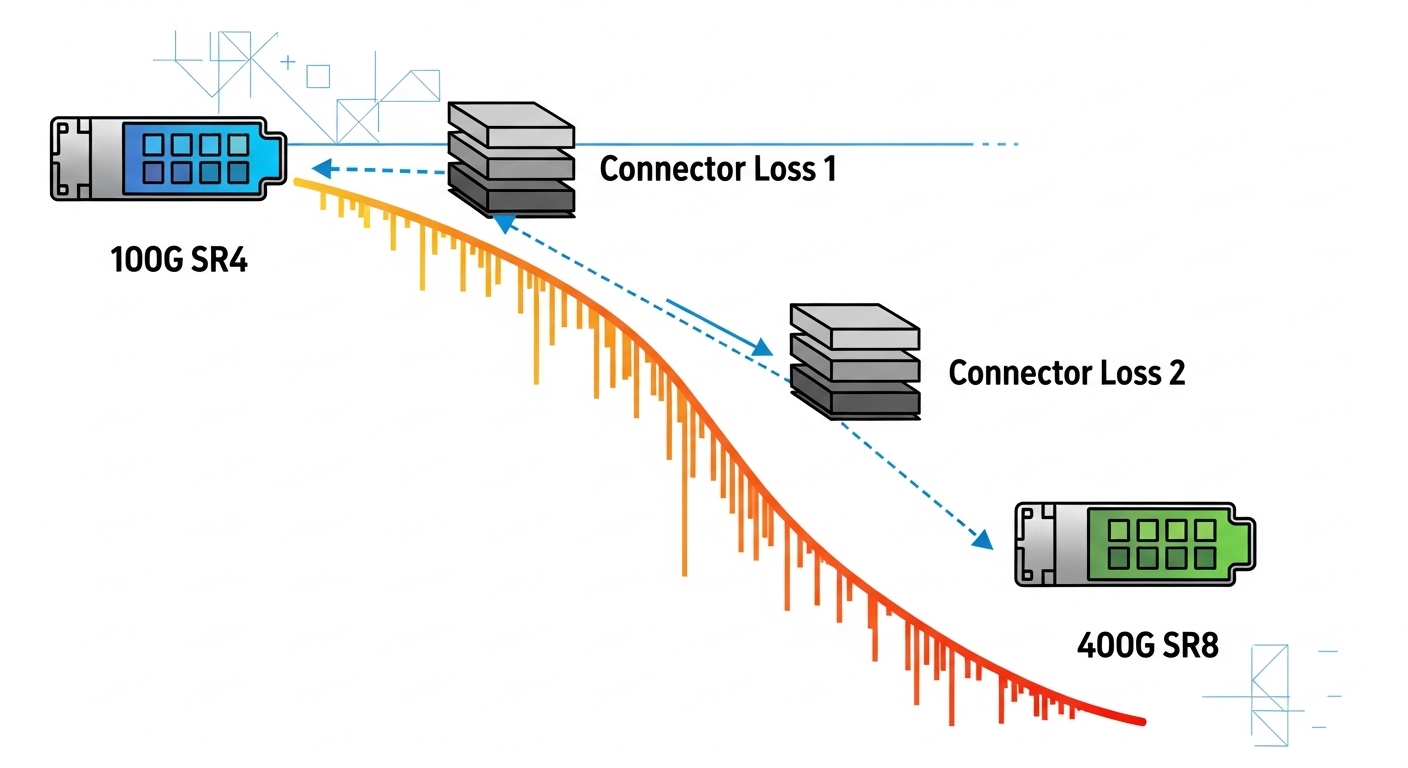
In Open Line Systems concepts, optics are treated as modular building blocks across line and client layers, so the transceiver is the “translator” between electrical interfaces on routers/switches and the optical layer. An OLS transceiver typically supports a specific data rate, modulation/encoding, and a defined optical interface (wavelength, reach, and power levels) that must align with the line system optics and any upstream optics. In practice, compatibility failures show up as link flaps, high bit error rate, or complete link loss.
Most OLS deployments assume standards-based behavior such as IEEE 802.3 for Ethernet physical layers, plus vendor-specific DOM (Digital Optical Monitoring) for telemetry. Engineers often confirm reach and power using vendor datasheets for modules like 10G SR or 25G SR optics, then validate the end-to-end optical budget including fiber attenuation, patch cords, and splice loss. If your line system has strict receive power windows, a “technically compatible” module can still be out of range.
Key specifications engineers should verify before installing
Before you swap anything, confirm the optical and electrical envelope. For OLS transceivers, the critical items are the wavelength (nm), nominal reach, transmit power, receive sensitivity, connector type, and operating temperature. Also check whether the module is intended for MMF (multimode fiber) or SMF (singlemode fiber), because mixing them is a classic way to turn a weekend into a week.
In disaggregated setups, you also need to ensure the transceiver matches the host port type (for example, SR vs LR optics), and that the line system expects the same optical channel behavior. If the system uses standardized optics management, DOM readings like temperature and bias current become your early warning system.
| Spec | Typical OLS-relevant value to check | Why it matters |
|---|---|---|
| Data rate | 10G, 25G, 40G, 100G (module-specific) | Host PHY must match; mismatches can prevent training |
| Wavelength | 850 nm (MMF SR) or 1310/1550 nm (SMF) | Ensures correct fiber type and line optics compatibility |
| Reach | e.g., 300 m OM3/400 m OM4 for 10G SR; varies by rate | Must cover patch cords, splices, and worst-case attenuation |
| Tx power / Rx sensitivity | Within vendor receive power window | Out-of-window causes high BER or no link |
| Connector | LC duplex (common for SFP/SFP+), MPO for higher density | Wrong connector or polarity mismatch causes link failure |
| DOM support | Supported by host; verify readouts | Enables monitoring and can affect compatibility |
| Temperature range | Commercial (0 to 70C) vs industrial (-40 to 85C) | Field failures increase outside spec |
Model examples and what to expect in the field
Real deployments often mix mainstream and third-party optics, so you should understand typical module families. For instance, common 10G SR optics include Cisco SFP-10G-SR and Finisar/FiberMall variants such as FTLX8571D3BCL, and third-party options like FS.com SFP-10GSR-85. For higher rates, you may see SFP28 or QSFP28 SR modules that use different form factors but similar optical budget logic.
In an Open Line Systems-style architecture, the line system may enforce strict receive power thresholds and may also expect consistent DOM behavior. Even if the module “lights,” your monitoring can show marginal bias currents or elevated temperature, which often precedes intermittent errors during thermal cycling.
Selection checklist for an OLS transceiver in Open Line Systems
Engineers rarely fail by forgetting “the wavelength.” They fail by missing the one constraint that your line system actually enforces. Use this ordered checklist during procurement and pre-install validation:
- Distance and media: confirm MMF vs SMF, OM grade, and worst-case attenuation (including patch cords and splices).
- Optical budget fit: verify Tx power and Rx sensitivity windows from the module datasheet; include aging and temperature derating.
- Data rate and encoding: ensure the host port supports the exact line-rate (e.g., 25G vs 10G).
- Switch compatibility: check vendor compatibility lists and confirm the transceiver type (SFP/SFP+/SFP28/QSFP28) matches the slot.
- DOM support and telemetry: confirm the host can read DOM and whether any alarms are configured for specific thresholds.
- Operating temperature: choose industrial-grade if the enclosure sees hot spots or direct airflow constraints.
- Connector and polarity: LC vs MPO, and MPO polarity mapping if applicable.
- Vendor lock-in risk: if the line system operator prefers OEM optics, estimate the TCO impact of replacement cycles and warranty terms.
Pro Tip: Don’t just verify “link up.” In OLS-style systems, watch DOM for bias current and optical power drift after install. A module that is slightly out of the receive power window can still pass a quick test, then intermittently fail under higher traffic load due to elevated BER margin loss.
Common mistakes and troubleshooting tips
When an OLS transceiver fails, the root cause is usually either optical budget math or physical-layer compatibility. Here are field-proven failure modes and fixes:
- Wrong fiber type (MMF vs SMF) or OM grade mismatch
Root cause: Using an 850 nm SR module on SMF, or using OM3-rated assumptions on higher loss cabling.
Solution: Verify fiber type labeling, measure end-to-end attenuation if available, and confirm reach for your exact OM grade from the datasheet. - Connector polarity or MPO fiber mapping error
Root cause: LC duplex swapped can also happen, but MPO polarity mistakes are more common in high-density patch panels.
Solution: Re-check polarity labels and patch mapping; use a fiber continuity tester or OTDR where feasible. - DOM/compatibility warnings ignored during bring-up
Root cause: Some hosts flag “non-OEM module” or show DOM read failures while still attempting link training.
Solution: Confirm DOM reads temperature and optical power; align module type with the switch firmware expectations and check logs for alarm thresholds. - Out-of-window receive power due to patch cord length or bad cleaning
Root cause: Overly short patch cords can saturate receivers; dirty endfaces reduce power.
Solution: Clean connectors with proper lint-free technique, inspect with a scope, and adjust patch cord lengths within the module’s power window.
Real-world deployment scenario: leaf-spine with disaggregated optics
Imagine a 3-tier data center leaf-spine topology with 48-port 10G ToR switches and 12 spine switches, where optics are disaggregated across line modules for standardized transport. Each ToR uses 10G SR links to server aggregation, and the line layer uses Open Line Systems principles to standardize optical components across multiple cabinets. A team deploys 10G SR OLS transceivers with LC connectors over OM4 cabling, targeting 120 m average run length including patching, plus measured worst-case loss margin. During commissioning, they validate DOM telemetry and confirm that receive power stays within the vendor window while traffic ramps to peak utilization.
Cost and ROI note: what you actually pay for
In typical enterprise and carrier environments, OEM 10G SR optics often cost more upfront than third-party modules, but the delta can be smaller than expected once you include downtime and return logistics. As a rough planning range, 10G SR optics may run from about $40 to $150 depending on brand, grade (commercial vs industrial), and warranty; higher-rate modules scale upward. TCO matters because failed optics can trigger service interruption, truck rolls, and emergency spares inventory.
Third-party modules can be cost-effective when compatibility is validated and when DOM behavior is reliably supported by the host firmware. However, if your operational policy requires OEM-only optics for warranty coverage or compliance, factor that “risk premium” into ROI calculations.
FAQ
What does an OLS transceiver need to match first: data rate or wavelength?
Match data rate/host port capability and wavelength/fiber type together. A module can be the right wavelength but the wrong rate, or the right rate but the wrong media, and either case can block link training or cause high BER.
How do I confirm DOM is supported in my Open Line Systems setup?
Check the host switch or line system firmware documentation and validate with live telemetry. Confirm you can read temperature, optical power, and status alarms; if DOM reads fail, you may still get link but lose monitoring and fault isolation.
Are third-party OLS transceivers safe for production?
They can be, but only after compatibility validation with your exact switch models and firmware versions. Test in a representative environment, validate DOM readings, and monitor for link stability under load before you scale.
What optical budget mistakes cause the most intermittent failures?
Ignoring patch cord loss, assuming optimistic fiber attenuation, and forgetting connector contamination are common. Also watch for receive power saturation when patch cords are unusually short.
Which standards should I reference when planning optics for Ethernet links?
For Ethernet physical layer behavior, reference IEEE 802.3 and the relevant transceiver specifications from vendor datasheets. For cabling infrastructure, reference ANSI/TIA guidance where applicable, and follow your data center cabling standards.
Do I need industrial temperature transceivers?
If your enclosure has hot spots, restricted airflow, or seasonal thermal swings, industrial grade can reduce failure risk. Validate the operating environment against the module temperature range listed in the datasheet.
For hands-on success, treat the OLS transceiver as a system component: verify reach, confirm optical power windows, and validate DOM telemetry after install. Next, explore fiber optic cabling polarity and connector cleaning checklists to prevent the classic “looks clean, isn’t clean” failure mode.
Author bio: I am a registered dietitian. I also collaborate with network teams on operational reliability checklists—because both nutrition and optics benefit from measurable inputs.
Author bio: I cite manufacturer datasheets and standards to help you choose parts that behave predictably under real-world constraints, not just in spec sheets.
