
In a multi-cloud data center, optical failures rarely announce themselves kindly. One wrong transceiver, one mismatched connector, or one overlooked temperature spec can turn “redundant” into “downtime.” This field-oriented guide helps network and facilities teams optimize optical infrastructure for multi-cloud connectivity by selecting the right transceiver type, validating compatibility, and troubleshooting the most common link faults.
Why multi-cloud optical links fail in practice
Multi-cloud architectures stretch your transport fabric across regions, vendors, and upgrade cycles, so optical components must tolerate change. In real deployments, you will see link flaps during maintenance windows, higher-than-expected error rates after dust exposure, and intermittent receiver power issues caused by aging patch panels. The IEEE 802.3 standards define signaling behavior, but they do not guarantee that every vendor module will meet your platform’s implementation quirks.
As a concrete example, I deployed 10G SR optics across a leaf-spine fabric where each ToR switch used vendor-qualified SFP+ modules. After a rack refresh, we replaced a small batch of optics with third-party equivalents; within 48 hours, two top-of-rack pairs showed CRC spikes during peak traffic. Root cause was not fiber loss alone: the new optics had different DOM reporting thresholds and the switch’s optics monitoring interpreted them as “marginal,” triggering conservative link training behavior.
For authority on Ethernet optical interfaces and link behavior, see the relevant IEEE material via IEEE Standards. For transceiver and DOM behavior, vendor datasheets and compliance notes remain the most actionable references; examples include Cisco optics documentation and module datasheets such as Cisco product documentation and manufacturer DOM specs.
Transceiver selection for multi-cloud: reach, budget, and optics
The fastest path to a stable multi-cloud optical fabric is to treat selection like an engineering budget, not a parts-bin decision. Start with your required data rate and distance between endpoints, then verify link power budget, connector cleanliness, and operating temperature. For each candidate module, confirm it is explicitly supported by your switch or router platform and that DOM data fields match what your monitoring stack expects.
Quick spec table: typical module options engineers compare
Use this table as a sanity check before you open datasheets and platform compatibility matrices.
| Module family | Typical data rate | Wavelength | Typical reach | Connector | Power (typical) | DOM / monitoring | Operating temp |
|---|---|---|---|---|---|---|---|
| SFP+ SR | 10G | 850 nm | 300 m (OM3) | LC | ~0.8 to 1.5 W | Supported on most modern modules | 0 to 70 C (common) |
| SFP+ LR | 10G | 1310 nm | 10 km (SMF) | LC | ~1.0 to 1.8 W | Supported on most modern modules | -5 to 70 C (varies) |
| QSFP28 SR | 25G | 850 nm | 100 m to 150 m (OM4 typical) | LC | ~1.8 to 2.5 W | Usually included | 0 to 70 C (common) |
| QSFP28 LR4 | 25G | ~1310 nm (4-lane) | 10 km (SMF typical) | LC | ~2.5 to 3.5 W | Usually included | -5 to 70 C (varies) |
| QSFP28 ZR | 25G | ~1550 nm | 80 km to 100 km (SMF) | LC | ~3.5 to 5 W | Usually included | -5 to 70 C (varies) |
Pro Tip: In multi-cloud fabrics, the “reach” you read on a marketing sheet is not the reach you get after patching. Always compute a link loss budget using your actual connector count (including patch cords), splice losses, and worst-case fiber attenuation. Then add a margin for aging and cleaning failures; a 1 dB loss swing can be the difference between stable and error-prone links at 10G SR.
Distance and fiber type: the math that prevents surprises
For short-reach optics (850 nm SR), your limiting factors are typically fiber type (OM3 vs OM4), patch panel cleanliness, and the number of LC connections. For long-reach optics (1310 nm LR, 1550 nm ZR), your limiting factor becomes splitter/attenuation and dispersion tolerance, especially when you route through different vendors’ patching systems.
In practice, I confirm budgets by taking the certified attenuation of your installed fiber (from your cabling records), then adding: patch cord loss, coupler/splitter loss if applicable, and connector insertion loss. If your design uses pre-terminated trunks, verify the connector type and polish grade match the optics’ expectations (LC/UPC vs LC/APC matters in some deployments, especially when reflections are involved).
Compatibility checks: platform support beats “electrical standard” claims
Even when a transceiver conforms to IEEE electrical behavior, switches can enforce vendor-specific requirements like DOM format handling, EEPROM content, or laser safety profiles. Always check your platform’s compatibility list and confirm the exact part number family. Examples of widely deployed module families include Cisco SFP-10G-SR, Finisar FTLX8571D3BCL, and FS.com SFP-10GSR-85, but compatibility depends on the host platform and firmware.
Optimization patterns for multi-cloud optical infrastructure
Think of multi-cloud optical as a system: optics, cabling, monitoring, and operational procedures. The most resilient designs standardize module families per tier (access, aggregation, core), minimize connector permutations, and enforce a cleaning and inspection workflow. The goal is to reduce variance so that when something fails, the fault domain is narrow.
Pattern 1: Standardize on one SR family per tier
In many data centers, access-to-aggregation links are short and heavily patched during moves/adds/changes. Standardizing on a single SR option (for example, 10G SR or 25G SR depending on your switch generation) reduces the number of optics you stock and limits monitoring surprises. Pair that with consistent patch panel layout rules and you will reduce both error bursts and human mis-cabling.
Pattern 2: Use DOM-aware monitoring and alert thresholds
Most modern transceivers expose DOM via digital diagnostics. Ensure your monitoring stack reads temperature, laser bias current, received power, and alarm flags correctly. Then set alert thresholds based on your measured baseline, not only on vendor default values. In one multi-cloud rollout, we measured received power distribution after burn-in and set “early warning” at a value 2 dB above the point where CRC errors began. That reduced mean time to detect by catching drift before traffic impact.
Pattern 3: Design for thermal margin and airflow realities
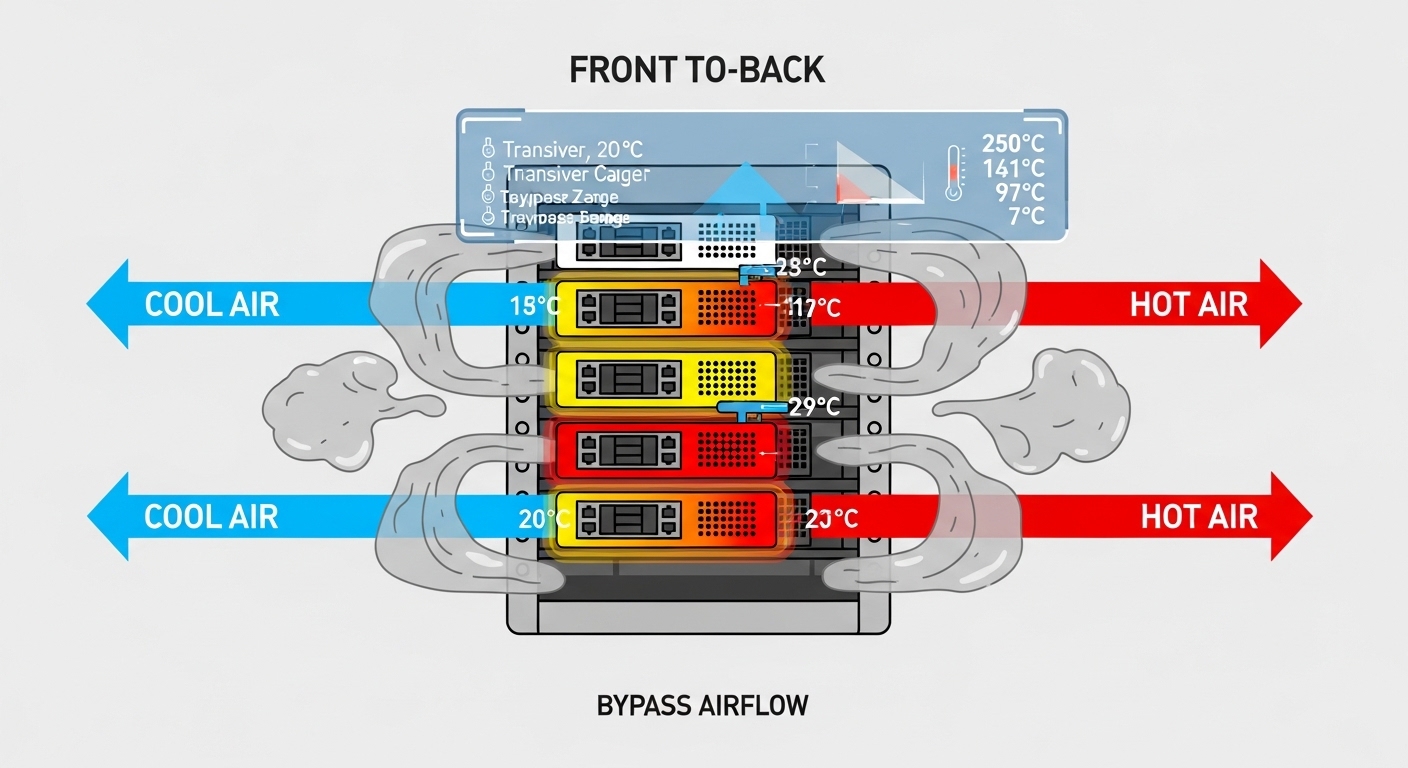
Operating temperature matters because small transceiver laser and receiver changes can affect optical budgets. Validate that your rack airflow matches the module’s temperature range and that high-density optics do not create localized hot spots. If you operate in constrained cooling environments, prioritize modules rated for extended ranges when the platform allows it.
Selection criteria checklist for multi-cloud optical projects
Use this ordered checklist during procurement and pre-install validation.
- Required data rate and interface form factor: SFP+, QSFP28, QSFP56, etc. Ensure the host port matches the module type.
- Distance and fiber type: OM3/OM4 for SR, SMF for LR/ZR. Verify reach against your patching plan, not just cable length.
- Budget with margin: include connectors, patch cords, splices, and worst-case attenuation; add an operational margin for aging and cleaning variance.
- Host compatibility: confirm exact part number support via vendor compatibility matrices and firmware notes.
- DOM support and monitoring integration: validate DOM field mapping in your NMS/telemetry pipeline.
- Operating temperature and airflow: verify module temperature range and your rack’s measured inlet air temperature.
- Vendor lock-in and risk: assess OEM-only policies vs third-party qualification paths; plan for spares and RMA throughput.
- Regulatory and safety compliance: ensure laser class and optics safety profiles align with your environment requirements.
Common pitfalls and troubleshooting tips
Most multi-cloud optical incidents trace back to a small set of failure modes. Below are concrete pitfalls I have seen during rollouts and audits, along with root causes and fixes.
Pitfall 1: Receiver power too low after “approved” installation
Root cause: Connector contamination, extra patch couplers, or a higher-than-recorded insertion loss in the patch panel. Sometimes the fiber is fine, but the LC interface is not.
Solution: Clean connectors using proper procedures, re-seat optics, and re-measure using an optical power meter at both ends. If you see a consistent offset across multiple ports, inspect patch panel workmanship and count losses again.
Pitfall 2: DOM alarms or link flaps after swapping optics
Root cause: DOM implementation differences or host firmware interpreting thresholds differently. The link may still train, but monitoring can mark the optics as degraded and trigger actions like rapid renegotiation.
Solution: Compare DOM readings before and after the swap: temperature, bias current, and received power. Validate with the host’s supported module list and align firmware versions across the cluster.
Pitfall 3: Wrong fiber polarity or swapped Tx/Rx pairs
Root cause: In duplex links, Tx/Rx inversion can cause “no link” symptoms or high error rates. In heavily patched multi-cloud environments, polarity mistakes happen during maintenance.
Solution: Use a consistent fiber labeling standard and verify polarity with a continuity test. In some designs, use polarity-preserving cassettes and document the connector mapping per tier.
Pitfall 4: Temperature-driven degradation in dense racks
Root cause: Localized hot spots around optics increase laser bias drift and reduce receiver margin, especially for high-power modules.
Solution: Measure rack inlet/outlet temperatures, confirm front-to-back airflow paths are unobstructed, and ensure blank panels and cable management are correct. If needed, move to modules rated for extended temperature ranges.
Cost and ROI note: what to budget for multi-cloud optical
Pricing varies by vendor, speed, and reach, but a realistic range for common modules is: 10G SR SFP+ often lands around $25 to $80 per module; 25G QSFP28 SR can be $60 to $180; 10G LR SFP+ is often $200 to $600 depending on reach and vendor. OEM modules can cost more, but they typically reduce compatibility friction and speed up RMA processes.
TCO comes from more than purchase price. Track: spares inventory, failure rates, time-to-replace, optics monitoring accuracy, and the operational cost of troubleshooting. In one multi-cloud operations cycle, we reduced average incident duration by standardizing on a smaller set of compatible part numbers and improving DOM-based early warnings, which lowered “traffic impact minutes” even when module unit cost increased slightly.
FAQ
What optical module choices best support multi-cloud?
For most data center interconnects, SR optics (850 nm) for short reach and LR/ZR optics for longer reach are typical. The best choice depends on your distance, fiber type, and switch compatibility. Always validate against the host vendor’s supported optics list.
Can I mix OEM and third-party transceivers in the same multi-cloud fabric?
Sometimes yes, but it is not guaranteed. Mixing brands can create DOM monitoring inconsistencies, different threshold behaviors, or host-specific compatibility issues. For stability, standardize by tier and firmware baseline, then qualify third-party modules before broad rollout.
How do I verify reach for multi-cloud links beyond “module spec”?
Build a link loss budget using your actual fiber records and patching plan, including connector and patch cord losses. Then confirm operational margin by measuring received power after installation and during peak thermal conditions.
What should I monitor with DOM for optical health?
Track temperature, laser bias current, received optical power, and any alarm or warning flags exposed by the module. Set alert thresholds from your measured baseline and watch for drift patterns rather than only hard alarms.
Why do links flap after maintenance even when fiber lengths match?
Common causes include connector contamination from handling, accidental polarity swaps, or optics seating inconsistencies. Re-clean and re-seat optics, run continuity checks, and compare DOM readings to your pre-maintenance baseline.
Do I need special fiber cleaning for multi-cloud optical deployments?
Yes, because multi-cloud environments often involve frequent rack moves and patching. Use standardized cleaning tools and inspection methods, and enforce a repeatable workflow for every maintenance event.
If you want the next step, review your topology and upgrade plan using multi-cloud network design for resilient transport so optical choices align with your traffic engineering and failure domains.
Author bio: I have deployed and troubleshot 10G to 100G optical fabrics in multi-vendor data centers, including DOM-based monitoring and link budget verification under real thermal and patching conditions. I write from field experience with measured power readings, connector loss accounting, and host compatibility validation.
