
Industrial environments rarely forgive guessing. When an industrial IP switch fiber link goes dark, the root cause is often not the switch port, but the SFP optics: wavelength mismatch, wrong fiber type, DOM incompatibility, or a module that cannot tolerate cabinet temperatures. This article helps field engineers, integrators, and plant network owners choose the right SFP for HARTING ha-VIS and similar industrial IP switch deployments, with practical checks you can perform before you pull a module.
What “industrial IP switch fiber” means at the port level
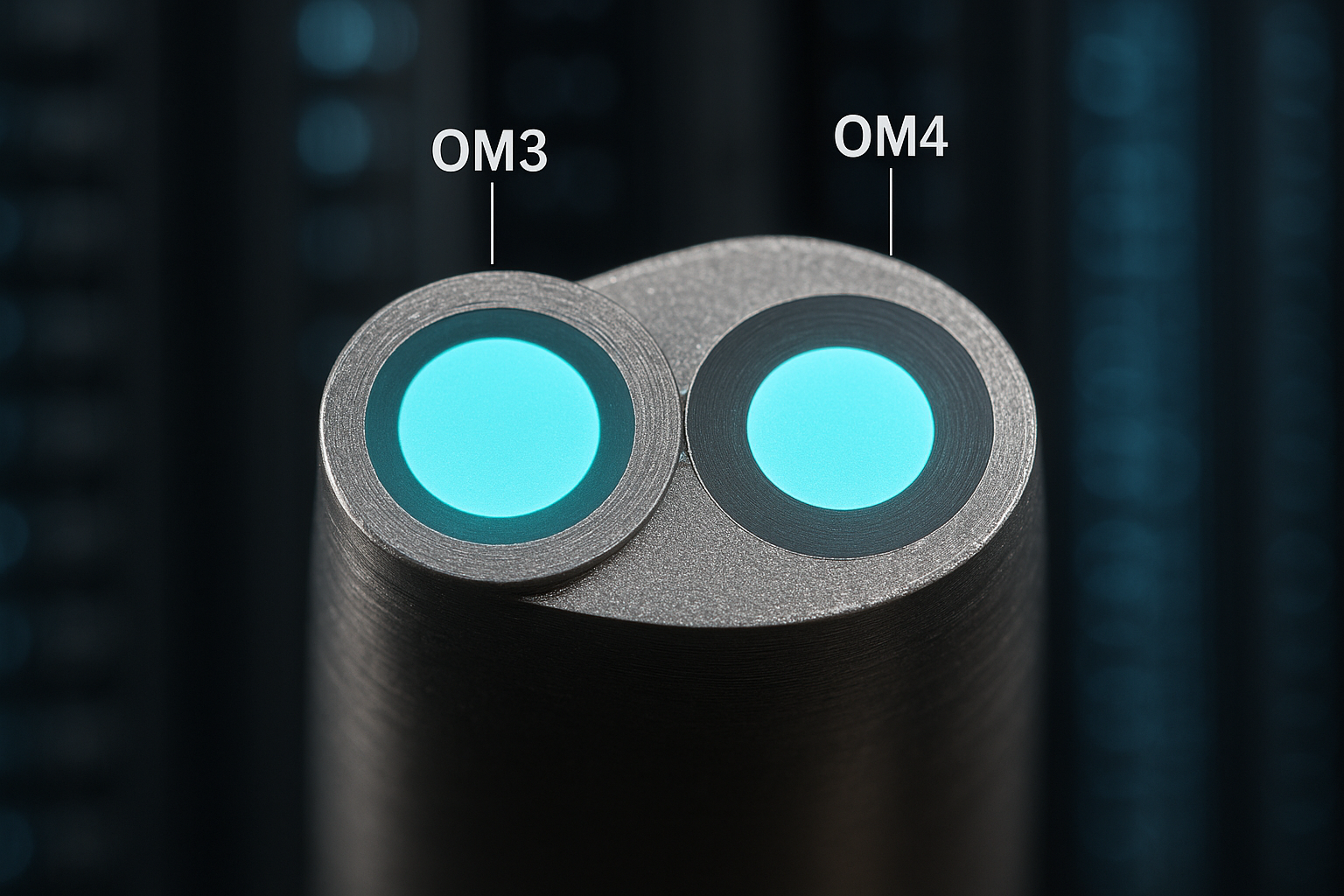
In an industrial IP switch, “fiber” usually refers to an SFP transceiver connected to a managed or industrial-hardened Ethernet port. The switch side expects a specific optical standard (for example, 10GBASE-SR), a specific connector type (LC is common), and a specific optical budget that matches the installed fiber. For ha-VIS systems, integrators typically deploy either multimode (MMF) for shorter runs or single-mode (SMF) for longer spans, with link partners using compatible wavelengths and reach classes. Your selection should start with the exact Ethernet speed and the switch vendor’s supported transceiver list, not with “it fits physically.”
SFP fiber options for ha-VIS: wavelengths, reach, and DOM behavior
Most industrial IP switches accept SFP modules that comply with IEEE transceiver specifications for the relevant Ethernet speed. In practice, you will see modules marketed as SR (multimode), LR (single-mode long), and sometimes ER (extended reach) depending on the line card. DOM (Digital Optical Monitoring) matters because many industrial switches read vendor-specific diagnostics; a module with incomplete DOM support can still link up, but alarms and thresholds may be wrong. Before procurement, verify whether the switch requires DDM/DOM support and whether it enforces transceiver vendor or part number restrictions via firmware.
Below is a compact comparison of common SFP classes engineers encounter when wiring industrial IP switch fiber links. Treat this as a selection aid; always confirm the ha-VIS port’s supported optics in the switch documentation and the transceiver compatibility notes.
| Optical profile | Typical wavelength | Fiber type | Connector | Data rate class | Typical reach | DOM | Temperature range (common) |
|---|---|---|---|---|---|---|---|
| 10GBASE-SR | 850 nm | OM3/OM4 multimode | LC | 10 GbE | ~300 m (OM3) / up to ~400 m (OM4) | Often supported | -10 to +70 C (varies by vendor) |
| 10GBASE-LR | 1310 nm | Single-mode (OS2) | LC | 10 GbE | ~10 km | Often supported | -5 to +70 C (varies by vendor) |
| 1GBASE-SX | 850 nm | MMF (OM2/OM3/OM4) | LC | 1 GbE | ~550 m (OM2) / ~300 m (OM3) | Varies | -10 to +70 C (varies by vendor) |
For ha-VIS deployments, you will often care about how the module reports diagnostics during link changes. Use IEEE guidance for optical interfaces and rely on vendor datasheets for DOM register behavior. Reference points include IEEE 802.3 (transceiver and Ethernet physical layers) and vendor documentation for SFP mechanical and optical compliance. [Source: IEEE 802.3 Ethernet specifications] [Source: HARTING ha-VIS product documentation and switch port specifications]
DOM checks you can perform before energizing
If your switch supports it, read DOM values after inserting the SFP and establishing link: transmit power (dBm), receive power, and temperature. Compare the values to the module datasheet “typical” ranges; a module that reports unusually low transmit power may be degraded or mis-seated. Also confirm the switch does not log “unsupported transceiver” events; in some firmware revisions, this can trigger conservative alarm thresholds that cause nuisance maintenance tickets.
Pro Tip: In industrial cabinets, “it links but it flakes” is often a receive power margin issue, not a cable fault. Measure receive optical power at the switch after link-up and again after thermal stabilization; if temperature rise pushes the laser bias, marginal links can fail intermittently even when initial BER looks fine.
Real-world ha-VIS scenario: selecting optics for a plant ring
Consider a 3-tier industrial plant network where each process cell uses a pair of ha-VIS industrial IP switches in a ring topology. Each cell connects to a local controller via a 10G uplink and has two 10G uplinks to the core for redundancy, totaling 4 uplink SFP ports per cell. The cabling run is 180 m from a switch in a control cabinet to a nearby aggregation rack, with existing OM4 multimode cabling and LC patch panels. In this case, selecting 10GBASE-SR 850 nm SFP modules is usually the most cost-effective fit: it avoids the higher cost of long-reach optics while staying within typical OM4 reach budgets.
Now change only one variable: a remote machine bay is 6.5 km away over OS2 single-mode fiber. The same 10G uplink would require 10GBASE-LR 1310 nm optics to meet reach and optical budget. If you mistakenly install SR modules on the long run, the link will never come up, or it will come up unreliably with high error rates. This is why the “industrial IP switch fiber” decision is inseparable from the installed fiber plant and the exact Ethernet physical layer.
Decision checklist: how engineers choose the right industrial IP switch fiber SFP
When you are selecting SFPs for industrial IP switch fiber links, use a repeatable checklist so procurement and field teams stop relying on memory. Order matters because early errors are expensive to unwind.
- Confirm port speed and PHY profile: e.g., 1G, 10G; identify whether the ha-VIS port expects SR, LR, or another standard.
- Match wavelength and fiber type: 850 nm for multimode SR/SX; 1310 nm for single-mode LR; verify OM3/OM4 versus OS2.
- Check connector and polarity: LC duplex is common; confirm patch panel labeling and Tx/Rx orientation.
- Verify DOM/DDM support: ensure the switch can read alarms and that the module reports expected thresholds.
- Validate operating temperature: cabinet airflow can be limited; pick a module with a temperature range aligned to your measured worst-case.
- Review compatibility and lock-in risk: some industrial switch firmware may whitelist part numbers; factor supplier lead times.
- Plan for optical budget: estimate loss (splice, patch panels, connectors) and ensure margin for aging.
For concrete part examples, you may see common third-party or OEM modules such as Cisco SFP-10G-SR, Finisar FTLX8571D3BCL (10G SR class), or FS.com SFP-10GSR-85 (10GBASE-SR family). Treat these as reference models to compare datasheet parameters, not as guaranteed compatibility with every ha-VIS firmware revision. [Source: Cisco SFP datasheets] [Source: Finisar/II-VI datasheets] [Source: FS.com transceiver product pages]
Common mistakes and troubleshooting in industrial IP switch fiber links
Even experienced teams hit predictable failure modes. The goal is to isolate the fault quickly and avoid replacing hardware blindly.
-
Mistake: Wrong fiber type (MMF vs SMF)
Root cause: Installing 850 nm SR optics on OS2 single-mode (or 1310 nm LR optics on OM cabling).
Solution: Verify fiber type at the patch panel and match the SFP profile to the installed fiber; confirm wavelength in the transceiver label and datasheet. -
Mistake: Tx/Rx polarity flipped
Root cause: Duplex LC polarity reversal at one end causes receive power to be near zero.
Solution: Use a continuity test and, if needed, swap the LC pairs or re-terminate using the site polarity standard; confirm receive power rises to a normal range after correction. -
Mistake: DOM alarms despite link-up
Root cause: A module with partial DOM support or non-matching thresholds triggers “optical power out of range” events.
Solution: Compare DOM registers to the module datasheet typical values; if the switch enforces thresholds by module identity, switch to a vendor-validated part number. -
Mistake: Thermal stress in cabinets
Root cause: A module rated for consumer-grade temperature range fails early in hot enclosures, leading to intermittent link drops.
Solution: Measure cabinet temperature (not just ambient), select an SFP with an appropriate extended temperature rating, and improve airflow or airflow baffling.
Cost and ROI note: OEM vs third-party SFPs for industrial IP switch fiber
Typical SFP pricing depends on speed, reach, and temperature grade. In many markets, 1G SX modules often cost less, while 10G SR and 10G LR modules cost more, and extended-temperature variants cost more again. OEM-branded optics may carry a premium but can reduce compatibility friction and reduce time-to-repair when DOM thresholds and firmware expectations are strict. From a TCO perspective, the ROI comes from lowering downtime: if a third-party module saves $20 per unit but increases failure rate or troubleshooting time, the savings can disappear quickly across dozens of ports.
For industrial deployments, also budget spares strategy: keep a small, tested inventory of the exact optic types used in each cabinet so you can restore service within the maintenance window. If you rely on a single supplier, consider lead time risk and stocking alignment with planned expansion phases.
FAQ
What SFP types are most common for industrial IP switch fiber?
For short to medium runs, engineers commonly use 850 nm multimode SFPs such as 1GBASE-SX or 10GBASE-SR. For longer spans over single-mode fiber, 1310 nm modules such as 10GBASE-LR are typical. The exact choice depends on the ha-VIS port’s speed and supported PHY profiles.
Do industrial IP switches require DOM support from the SFP?
Many industrial switch platforms can read DOM/DDM values and use them for alarms and maintenance workflows. If DOM is unsupported or partially supported, you may still get link, but monitoring can be unreliable.
