
Industrial ethernet fiber links fail in predictable ways: wrong reach class, incompatible DOM or vendor settings, and temperature drift that only shows up after months. This article helps integrators and field engineers choose an EtherNet/IP fiber SFP that works reliably with Allen-Bradley and Rockwell switching and controllers. You will get selection criteria, a spec comparison table, deployment guidance, and pragmatic troubleshooting steps tied to real operations.
EtherNet/IP over fiber: what the SFP must deliver
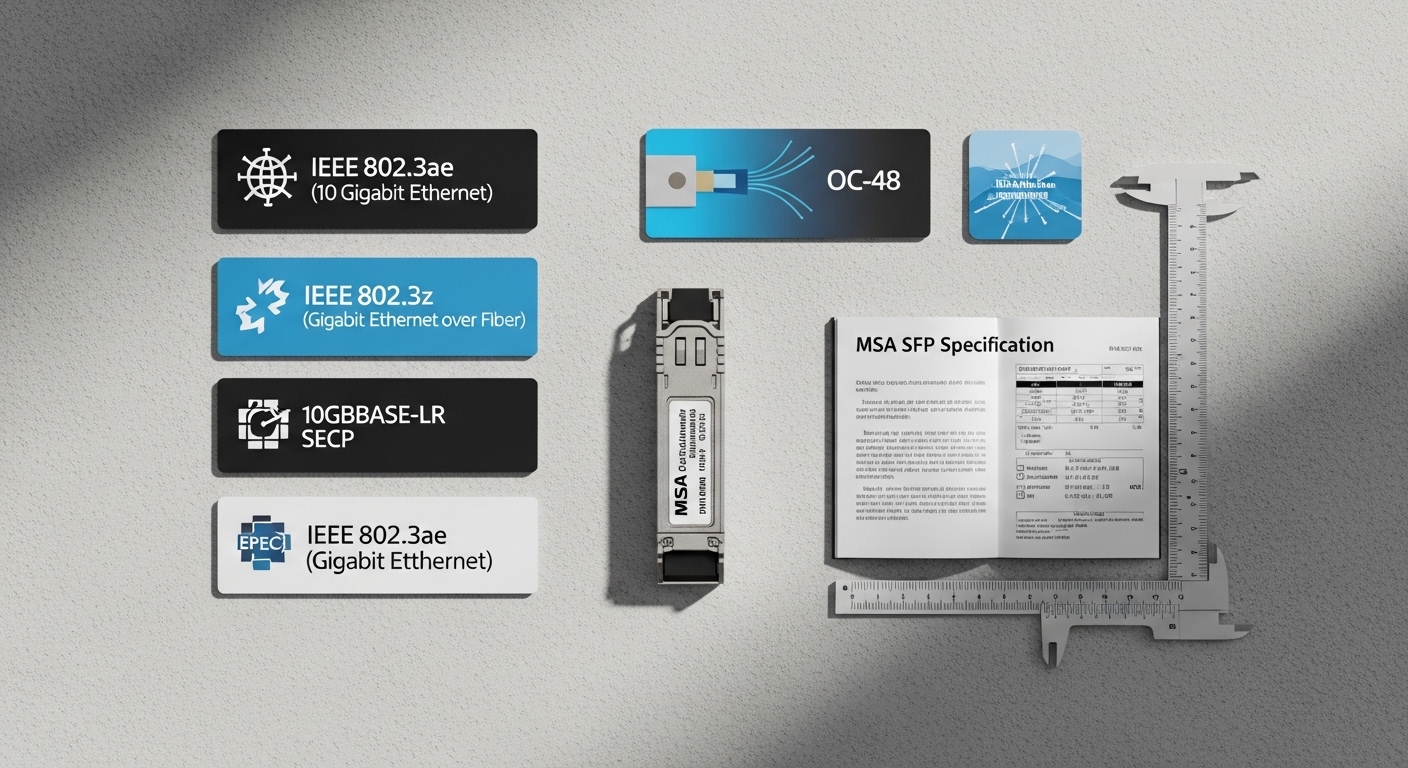
For EtherNet/IP, the physical layer still matters more than the application layer. An SFP must match the switch or adapter port’s expected optics class (for example, 10GBASE-SR style links), support the required fiber type, and stay within its specified operating temperature and link budget. In practice, engineers validate the transceiver against the IEEE Ethernet physical requirements and the vendor’s SFP electrical interface behavior. [Source: IEEE 802.3].
Key technical requirements engineers verify
- Data rate and encoding: ensure the SFP matches the port speed (10G, 1G, 2.5G, etc.) and the supported modulation/optical standard.
- Wavelength and fiber type: SR modules typically use 850 nm multimode; LR and ER use longer wavelengths on single-mode.
- Reach class and link budget: multimode reach depends on fiber grade (OM3/OM4), patch cord loss, and connector contamination.
- DOM behavior: many managed switches expect DOM to report laser bias and temperature correctly; mismatches can trigger port errors.
- Power and thermal limits: the SFP must operate within the enclosure’s ambient conditions and airflow constraints.
Pro Tip: If your Rockwell port intermittently flaps under vibration or during seasonal temperature swings, log DOM values (laser bias current and module temperature) during the failure window. A “works on the bench” SFP can still fail in the field when the enclosure raises ambient by 10 to 15 C and the module’s thermal margin shrinks.
Spec comparison: common industrial ethernet fiber SFP options
Most EtherNet/IP fiber deployments use either 1GBASE-SX/SR on multimode for shorter spans or 10GBASE-SR for higher throughput in industrial plants. The “right” choice is driven by cable plant length, fiber grade, and how strict the host switch is about DOM and vendor calibration. Below is a practical comparison of typical module families engineers encounter when building Rockwell-compatible fiber links.
| Parameter | 1GBASE-SX (850 nm MMF) | 10GBASE-SR (850 nm MMF) | 10GBASE-LR (1310 nm SMF) |
|---|---|---|---|
| Nominal wavelength | 850 nm | 850 nm | 1310 nm |
| Typical reach (spec) | Up to 550 m on OM2/OM3 (varies by grade) | Up to 300 m (OM3) / 400 m (OM4) | Up to 10 km |
| Fiber type | Multimode (MMF) | Multimode (MMF) | Single-mode (SMF) |
| Connector style | LC duplex (common) | LC duplex (common) | LC duplex (common) |
| Data rate | 1.25 Gbps | 10.3125 Gbps | 10.3125 Gbps |
| Operating temperature | Often 0 to 70 C (commercial) or -40 to 85 C (extended, model dependent) | Often -10 to 70 C or -40 to 85 C (vendor dependent) | Often -10 to 70 C or -40 to 85 C (vendor dependent) |
| Example module families | Cisco SFP-GLC-SX-MMD, Finisar FTLF8519P2BTL | Finisar FTLX8571D3BCL, FS.com SFP-10GSR-85 | Finisar FTLX1471D3BCL, FS.com SFP-10GLR-10 |
When selecting for industrial ethernet fiber in an Allen-Bradley or Rockwell environment, the most important point is not just reach; it is matching the port’s expected optic type. Many plants standardize on multimode 850 nm optics for intra-building runs and single-mode 1310 nm optics for long cable trays or separate buildings.
Selection checklist for Allen-Bradley and Rockwell compatibility
Engineers typically evaluate transceivers in the order below because early checks prevent costly truck rolls and production downtime. Use this checklist to reduce compatibility risk while keeping lifecycle cost under control.
- Distance and fiber grade: measure end-to-end length and confirm OM3/OM4 vs OM2 (for 850 nm). For single-mode, confirm SMF type and patch cord loss budget.
- Host port speed and optic standard: match the switch or network adapter port to the correct Ethernet PHY mode (SX/SR/LR). Do not rely on “it fits physically.”
- Switch compatibility and DOM support: verify the host’s transceiver validation behavior. Some managed switches may log errors if DOM thresholds differ.
- Operating temperature and enclosure airflow: confirm the module’s rated range for the cabinet’s maximum ambient. In sealed enclosures, add a derating margin for heat soak.
- Vendor lock-in risk: OEM optics can be stricter; third-party optics may work but can differ in DOM reporting granularity. Plan spares with the same source for fleet consistency.
- Connector and cleaning plan: LC ends must be clean. If you cannot enforce cleaning, optical performance will degrade faster than any transceiver upgrade.
Real-world deployment scenario
In a 3-tier data center leaf-spine topology inside a manufacturing plant, a systems team connected 48-port 10G ToR switches to a Rockwell-based control network using fiber uplinks. They used 10GBASE-SR optics for 220 m runs on OM4 multimode with LC duplex patch cords, then used 10GBASE-LR for a 3.5 km cross-building link over single-mode. Field acceptance included cycling 20 modules through a cabinet at 55 C ambient and verifying stable link state over 72 hours, with DOM logs showing laser temperature within vendor thresholds.
Cost and ROI: OEM vs third-party industrial ethernet fiber SFPs
Budget pressure is real, but optics TCO is mostly about downtime risk and spares consistency. OEM SFPs often cost more upfront, while third-party modules can be materially cheaper; however, you may pay indirectly via increased validation time, additional spares, and troubleshooting when DOM or power class behavior differs. In typical industrial projects, a 10G SR module might retail in a wide range depending on vendor and temperature rating; plan for lifecycle spend by including labor for testing and the cost of a failed link during commissioning.
ROI improves when you standardize on a single module family across spares and line cards. If you deploy mixed suppliers, you may face inconsistent DOM readings that complicate maintenance and can delay root-cause analysis. Vendor datasheets and host switch documentation should be treated as the compatibility contract. [Source: vendor SFP datasheets; Source: ANSI/TIA-568 and TIA fiber cabling guidance as applicable].
Common mistakes and troubleshooting for fiber SFP links
Most failures are preventable. Below are concrete pitfalls seen during industrial ethernet fiber rollouts, with root cause and corrective action.
- Mistake: Wrong fiber type for the optic. Root cause is installing an 850 nm multimode SFP into a link that uses single-mode cabling (or vice versa). Solution: verify fiber type on drawings and confirm with OTDR/fiber tester; then replace either the optic or the patch cords.
- Mistake: Unclean LC connectors. Root cause is micro-contamination at the ferrule end-face, which can pass light on the bench but fail after handling or vibration. Solution: inspect with a fiber scope, clean with approved procedures, and re-terminate or replace patch cords if scratches are visible.
- Mistake: DOM mismatch causing port errors. Root cause is a host switch expecting specific DOM reporting behavior or threshold ranges. Solution: try an optics model explicitly validated by the host vendor, or test in a staging rack before scaling deployment.
- Mistake: Thermal derating overlooked. Root cause is cabinet heat soak pushing the module beyond its rated operating temperature, leading to intermittent link drops. Solution: measure cabinet ambient with a calibrated probe, improve airflow, and select extended-temperature optics where needed.
FAQ
Which industrial ethernet fiber SFP type works best for EtherNet/IP in plants?
Most teams choose 10GBASE-SR for short intra-building runs on OM3/OM4 multimode and 10GBASE-LR for longer distances or cross-building links on single-mode. The “best” option depends on distance, fiber grade, and the Rockwell host port’s
