
Industrial automation: cost-benefit of rugged SFP modules
In industrial automation, the network link is mission-critical: one failed fiber transceiver can halt a line. This article compares industrial SFP options head-to-head, focusing on cost-benefit tradeoffs for engineers managing uptime, power, and operating temperature. It helps plant IT and OT teams decide when rugged SFP modules are worth the premium versus standard telecom parts. Updated May 3, 2026.
Rugged industrial SFP vs standard telecom: performance and risk
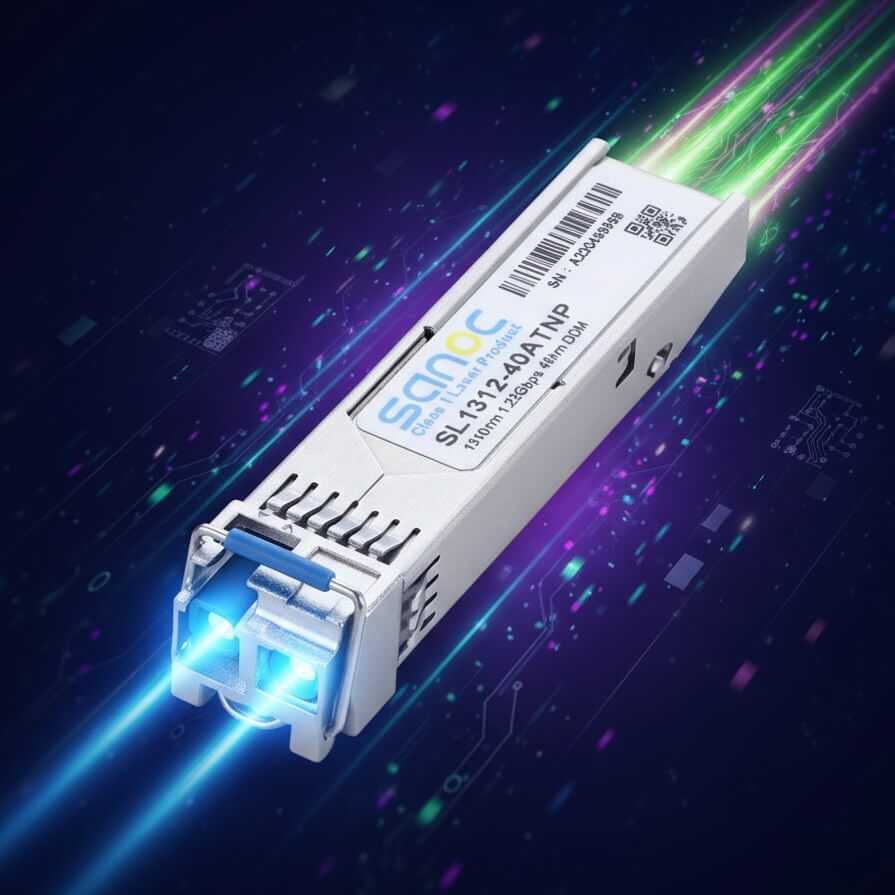
Both industrial and standard SFP modules can carry Ethernet over fiber, but industrial variants are typically qualified for wider temperature ranges, harsher vibration, and more stringent optical/electrical tolerances. In practice, that matters when transceivers sit near motors, VFDs, or steam lines where ambient temperature swings can exceed normal office conditions. For automation, you are not only buying reach; you are buying stability under thermal stress and predictable link behavior. IEEE 802.3 Ethernet PHY requirements still apply, but the module’s ability to maintain optical budgets across the spec window is the real differentiator. IEEE 802.3 overview
Key technical specs that drive automation uptime
When automation teams compare modules, they usually anchor on wavelength, reach, connector type, optical power, and operating temperature. For example, a common choice is 10G over multimode fiber using 850 nm (SFP+ SR class), while longer runs may use 1310 nm (SFP+ LR class). Industrial modules may also include Digital Optical Monitoring (DOM) for alarms like Tx bias current and received power, enabling proactive maintenance rather than reactive troubleshooting.
| Spec | Industrial SFP+ SR (850 nm) | Standard SFP+ SR (850 nm) | Industrial SFP+ LR (1310 nm) |
|---|---|---|---|
| Typical data rate | 10G (Ethernet) | 10G (Ethernet) | 10G (Ethernet) |
| Wavelength | 850 nm | 850 nm | 1310 nm |
| Reach (typical) | ~300 m over OM3, up to ~400 m OM4 | Similar nominal reach, varies by vendor | ~10 km over single-mode |
| Connector | LC duplex | LC duplex | LC duplex |
| Operating temperature | -40°C to +85°C (common industrial class) | Often 0°C to +70°C | -40°C to +85°C (common industrial class) |
| DOM | Often supported (threshold alarms) | May vary | Often supported |
| Power (typical) | ~1–2.5 W per module | Similar nominal range | ~1–2.5 W per module |
Real-world examples include widely used industrial-grade part numbers such as Cisco-compatible optics and third-party equivalents like Finisar/FiberMall families. Always verify the exact temperature class and DOM support against the vendor datasheet before purchase. For reference, check vendor pages such as Cisco SFP/SFP+ transceiver datasheets and third-party datasheets for DOM and temperature ratings.
Cost-benefit analysis: where the premium pays off
Industrial SFP modules cost more upfront, but the decision hinges on failure impact and downtime economics. If a standard module operates near its temperature limit, you may see intermittent link drops, higher bit error rates, or DOM warnings that appear only after weeks of thermal cycling. In automation, even short outages can trigger safety interlocks, batch aborts, or conveyor stops, which often dwarf the optics cost.
How to quantify TCO for automation maintenance
Start with a simple model: total cost of ownership equals module purchase price plus labor for swaps plus downtime cost probability. For example, if a standard SFP costs $40 while an industrial-grade module costs $80, the $40 delta is small compared with a single maintenance window. If your team expects a replacement event within a 12–24 month period due to thermal stress, you also need to include technician time, spare management, and the risk of extended outages if the underlying fiber plant has marginal loss.
In field deployments, teams often see operational benefits from DOM: you can poll received optical power and transmit bias to detect degradation before complete failure. That shifts maintenance from “replace on outage” to “replace on trend,” reducing unplanned downtime. The limitation is that your switch or media converter must support the same DOM interface behavior; otherwise, you may only get basic link status. Confirm compatibility in the switch vendor compatibility list.
Pro Tip: In industrial plants, the fastest way to validate an “industrial” claim is not the temperature rating alone; it is to confirm DOM alarm thresholds and switch behavior under thermal ramp. During commissioning, run a controlled warm-up test while monitoring link error counters and DOM readings to catch marginal optical budgets early.
Scenario comparison: leaf-spine plant network with mixed fiber types
Consider a 3-tier data center-like OT network inside a manufacturing facility: 48-port 10G top-of-rack switches at the edge, aggregation switches in electrical rooms, and a core with 100G uplinks. A commissioning team uses 850 nm SFP+ SR for 120–250 m runs to machine cells over OM4, and 1310 nm SFP+ LR for a 6–8 km path between buildings. They deploy 24 industrial SFP+ SR modules near VFD cabinets where ambient can reach 60°C, and standard modules elsewhere at 35°C.
During summer, the standard modules near the VFD cabinets show increased DOM warnings and occasional link flaps, while the industrial modules remain stable. The team avoids a costly mid-shift intervention by scheduling replacements during a planned maintenance window. This is the core automation cost-benefit story: rugged optics reduce the probability of outage and cut the labor cost of emergency swaps.
Compatibility and automation readiness: switch support, DOM, and optics budgets
Even if an SFP module meets optical specs on paper, compatibility can fail due to vendor-specific implementation details. Engineers should verify that the switch supports the module’s DOM format, that it passes vendor optical compliance checks, and that it is supported by the switch’s optics compatibility table. Also confirm that the module’s form factor and electrical interface match the target port type (SFP vs SFP+ vs 1G vs 10G), because mis-matched optics can lead to no-link or unstable negotiation.
Decision checklist engineers actually use
- Distance and fiber type: confirm OM4/OM3 grade or single-mode loss; validate end-to-end optical budget with margin.
- Data rate and wavelength class: match 850 nm SR vs 1310 nm LR needs to your topology.
- Switch compatibility: use the switch vendor optics list and test in staging before bulk deployment.
- DOM support: ensure your management stack can read thresholds for proactive automation maintenance.
- Operating temperature and enclosure airflow: measure ambient near the transceiver, not just cabinet room temperature.
- Vendor lock-in risk: compare third-party availability and lead times; keep spares from at least one alternate supplier.
Common pitfalls and troubleshooting tips
Industrial automation teams repeatedly hit the same failure modes. The goal is to reduce time-to-recover and prevent repeat incidents.
- Pitfall 1: Temperature margin miscalculation. Root cause: ambient near the module exceeds the assumed rating due to restricted airflow. Solution: measure with a data logger at the transceiver location; prioritize industrial-temperature optics for high-heat zones.
- Pitfall 2: DOM mismatch or ignored alarms. Root cause: switch reads DOM but thresholds are not configured, or the monitoring system discards vendor-specific fields. Solution: during commissioning, verify DOM visibility and set alert thresholds aligned to your vendor’s DOM interpretation.
- Pitfall 3: Optical budget shortfall from patch panel loss. Root cause: connectors, dirty ferrules, and extra patch cords reduce received power below spec under worst-case conditions. Solution: clean with approved fiber cleaning tools, inspect with an optical microscope, and re-measure with an optical power meter.
- Pitfall 4: Wrong fiber mode for SR optics. Root cause: OM3/OM4 mismatch or accidental single-mode cable used with 850 nm optics. Solution: label fiber runs, verify with a light source and receiver test, and correct patching before swapping modules.
Cost and ROI: budgeting for optics, spares, and downtime
Typical pricing varies by supplier and volume, but a realistic range for 10G SFP+ SR is often $35–$90 per module, while industrial-grade variants can be closer to $70–$140. LR modules generally cost more, often $120–$250 depending on temperature class and DOM features. ROI improves when you factor downtime: if a plant outage costs even $2,000 per hour and you avoid one emergency incident per year, the premium can pay back quickly.
Also consider spare strategy. Stocking only low-cost standard modules can increase replacement churn and lead to higher labor and higher disruption risk. A balanced approach is to deploy industrial modules in high-stress zones and standard modules in stable, conditioned areas, while keeping a verified spare pool for rapid failover.
Decision matrix: automation teams choosing the right module
| Requirement | Industrial SFP+ | Standard SFP+ | Best fit |
|---|---|---|---|
| Wide temperature, harsh OT cabinets | High confidence (often -40°C to +85°C) | May be near limit (0°C to +70°C) | Industrial automation |
| DOM-based predictive maintenance | More consistent support | Varies by vendor | Teams with monitoring |
| Short, stable distances in conditioned rooms | Over-specifies cost | Cost-effective | Budget-focused installs |
| Switch compatibility testing overhead | Still required | Still required | Plan staging tests either way |
| Downtime cost sensitivity | ROI-friendly | ROI depends on environment | High uptime operations |
Which option should you choose?
If you operate in automation environments with heat, vibration, or limited airflow, choose industrial-grade SFP modules for links near machine cells, VFD cabinets, and electrical rooms where ambient can approach 60°C or higher. If your fiber runs are in controlled data-room conditions with stable temperatures and you have strong monitoring and cleaning discipline, standard SFP modules can be a reasonable cost saver.
For a practical next step, run a pilot: select one high-stress location and one stable location, deploy industrial vs standard optics, and track DOM readings plus link error counters over a full seasonal temperature cycle. Then scale based on measured link stability and maintenance outcomes using automation fiber monitoring for monitoring best practices.
FAQ
Q: Are industrial SFP modules worth it for 850 nm SR links over OM4?
A: Often yes when transceivers sit near heat sources or in enclosures with restricted airflow. If your measured ambient stays comfortably below the standard module’s limits and you have proactive cleaning and monitoring, standard optics may be sufficient.
Q: What should I verify for DOM support in an automation network?
A: Confirm that
