
If you are building or upgrading a plant network, the optical link is often the difference between clean uptime and weekend downtime. This article helps engineers and integrators choose the right optical modules for industrial applications by mapping distance, fiber type, temperature, and switch compatibility to real transceiver options. You will get practical selection criteria, a specs comparison table, and field troubleshooting tips you can apply on the spot.
Why industrial applications stress optical modules differently
In industrial settings, your optical link has to survive vibration, temperature swings, dust, and unpredictable power quality. Many failures are not “optical” in the romantic sense; they are thermal drift, connector contamination, or link budget problems that show up only under load. IEEE 802.3 Ethernet physical layer behavior still applies, but deployment realities mean you must treat the optics as a system component, not a commodity. For standards context, start with IEEE 802.3 for 10G/25G/40G/100G Ethernet PHY requirements and vendor datasheets for electrical and optical limits. anchor-text
Thermal and power realities you can measure
Most “works on the bench” optics fail later because the module temperature rises inside closed cabinets. In a typical cabinet, airflow can be minimal and the optics may sit near other hot components. As a rule of thumb from field installs, plan for module case temperatures that can run 15–25 C above ambient during sustained traffic. That is why you should prioritize modules with defined operating temperature ranges (for example, industrial grades often extend below 0 C and above 70 C depending on vendor).
Link budget: distance is only half the story
Reach ratings assume a controlled fiber and connector cleanliness level. In real plants, you also have patch cords, mechanical splice loss, aging connectors, and sometimes long tails of fiber in cable trays. Your link budget must include attenuation plus margin, and you should account for transceiver receiver sensitivity at the target wavelength. Vendor datasheets usually list typical and worst-case receiver power, transmitter launch power, and extinction ratio for specific models.
Core transceiver types for industrial applications (and when to use each)
Industrial deployments typically choose between SFP/SFP+/SFP28, QSFP+/QSFP28, and QSFP28 or higher density optics depending on port speed. The “best fit” is usually determined by distance, fiber type availability, and how your switch vendor expects the optics to behave. Many enterprises keep a stable switching platform for years, so your optics must match DOM support and vendor compatibility quirks.
Wavelength and fiber: SR, LR, ER, and beyond
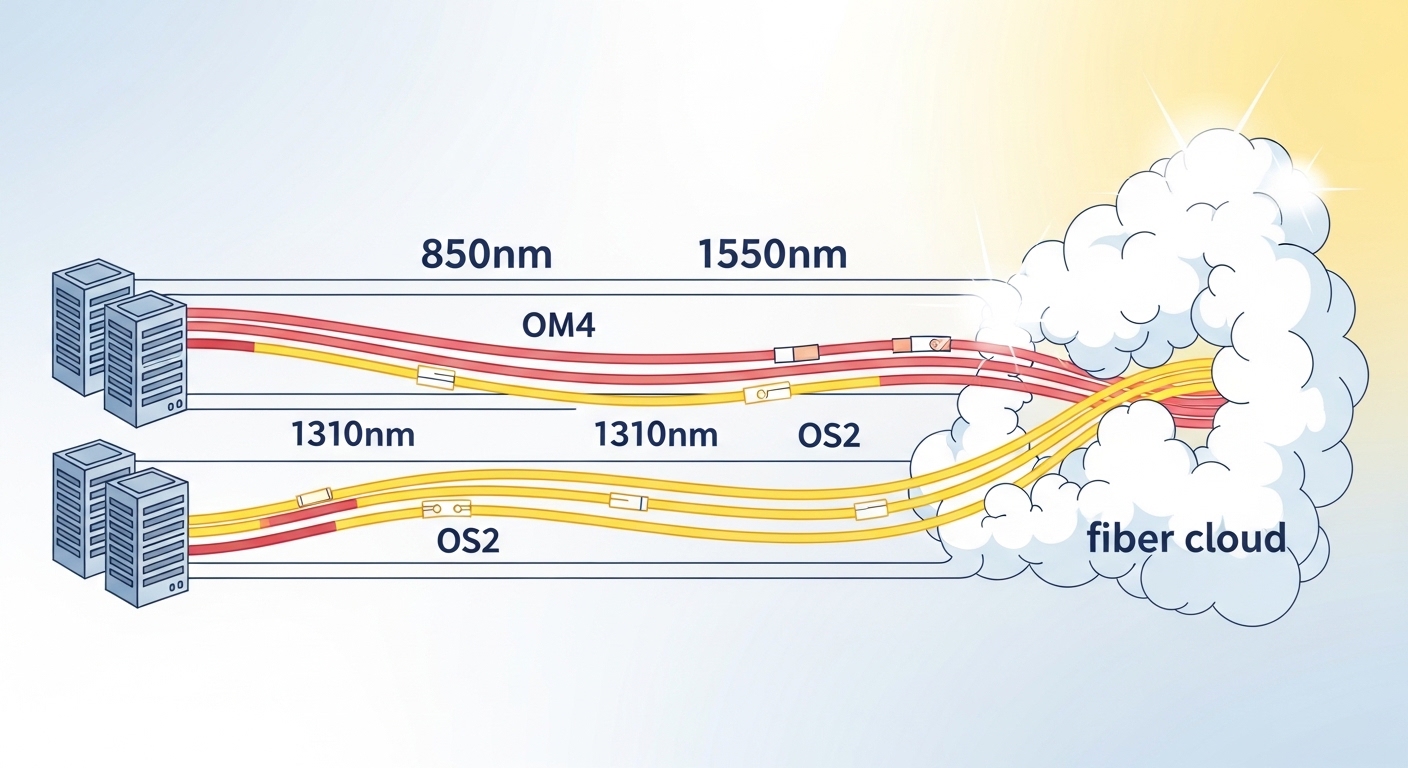
For multimode fiber (MMF), SR optics are common when you need shorter reach inside buildings or campus rings. For single-mode fiber (SMF), LR/ER styles cover longer spans and allow you to use fewer intermediate electronics. Always verify the exact wavelength (for example, 850 nm for common SR multimode, 1310 nm for LR, 1550 nm for ER) and the supported fiber standards (OM3/OM4/OS2) in the vendor datasheet.
DOM and diagnostics you actually rely on
Digital Optical Monitoring (DOM) helps you detect aging optics, abnormal temperature, and optical power drift before links drop. In industrial operations, you want telemetry integrated with your monitoring system so the maintenance team can schedule a swap during planned downtime. Many switches read DOM over the standard management interface; however, compatibility is not universal across all vendor optics. Check whether your switch model and firmware support third-party DOM behavior.
Specs comparison: pick by reach, connector, power, and temperature
Below is a practical comparison of commonly used optics families. Use this as a starting point, then confirm the exact parameters (receiver sensitivity, launch power, and DOM behavior) in the specific datasheet for the model you plan to buy.
| Module family | Data rate | Typical wavelength | Fiber type | Target reach (typ.) | Connector | Operating temperature (common) | DOM |
|---|---|---|---|---|---|---|---|
| SFP-10G SR | 10G | 850 nm | MMF OM3/OM4 | ~300 m (OM3) to ~400 m (OM4) | LC | 0 to 70 C (extended varies) | Often supported |
| SFP+ 10G LR | 10G | 1310 nm | SMF OS2 | ~10 km | LC | -5 to 70 C (varies) | Often supported |
| SFP28 25G SR | 25G | 850 nm | MMF OM3/OM4 | ~100 m (OM3) to ~150 m (OM4) | LC | -5 to 70 C (varies) | Often supported |
| QSFP28 100G SR4 | 100G | 850 nm | MMF OM4 (common) | ~100 m | LC | -5 to 70 C (varies) | Often supported |
| QSFP28 100G LR4 | 100G | 1310 nm | SMF OS2 | ~10 km | LC | -5 to 70 C (varies) | Often supported |
Concrete examples you will see in the field include Cisco-style 10G SR optics such as Cisco SFP-10G-SR, and common third-party equivalents like Finisar FTLX8571D3BCL (10G SR) or FS.com SFP-10GSR-85. Always validate the exact reach on your fiber type and connector loss budget. [Source: vendor datasheets and product compatibility notes]
Pro Tip: In industrial installs, the single most common “mystery outage” after a module swap is not the optics at all. It is a slightly mis-seated LC connector or a connector with residual dust that only fails under high-temperature cycling. Make connector cleaning and inspection part of the SOP, and log link error counters right after warm-up, not only at commissioning time.
Selection criteria checklist for industrial applications
When you are choosing optics for industrial applications, treat it like an engineering decision with procurement consequences. Use this ordered checklist to avoid rework and minimize downtime.
- Distance and fiber type: confirm MMF vs SMF, and whether you have OM3, OM4, or OS2. Don’t rely on “rated reach” alone; compute link budget with patch cords and splices.
- Data rate and port type: match SFP vs SFP+ vs SFP28 vs QSFP28 to your switch. Port speed mismatches can cause training failures.
- Wavelength plan: SR at 850 nm is great for short runs; LR/ER at 1310/1550 nm is for long spans. Pick to match existing fiber plant.
- Switch compatibility and DOM behavior: verify your switch model reads DOM thresholds and alarms correctly with the module you plan to deploy.
- Operating temperature range: prioritize modules rated for the cabinet environment, not just the lab. If you expect wide ambient swings, buy industrial-grade temperature specifications.
- Connector and optics type: LC is common, but confirm physical fit, latch style, and whether you need specific patch cord geometries.
- Vendor lock-in risk: OEM optics sometimes track best with OEM switches, but third-party options can work well if DOM and firmware compatibility are proven.
- Spare strategy: stock spares for critical paths and keep a small set of known-good optics with matching part numbers for rapid replacement.
Common mistakes and troubleshooting tips (field-tested)
Even strong designs can fail in industrial environments. Here are common pitfalls with root causes and practical fixes.
“It worked yesterday” link flaps after temperature changes
Root cause: transceiver thermal drift plus marginal connector conditions or slightly elevated insertion loss. In cabinets with poor airflow, the module temperature can rise enough to push the receiver into a less comfortable margin.
Solution: clean and re-seat LC connectors, inspect end faces under magnification, and check switch optical diagnostics (DOM RX power and temperature if available). Then validate link error counters (CRC, FCS, and interface drops) during warm-up and after peak ambient periods.
Wrong fiber type assumption leads to silent underperformance
Root cause: mixing OM3 and OM4 links or using patch cords with different core sizes, which can reduce effective bandwidth and increase BER. Symptoms look like intermittent packet loss rather than a clean “link down.”
Solution: verify fiber markings and measure attenuation with an OTDR or at least a certified power meter. Standardize patch cord types and document which links use which fiber grade.
DOM alarms are ignored because monitoring thresholds don’t match
Root cause: DOM thresholds vary by vendor, and your monitoring system may alert on the wrong ranges or not parse third-party DOM fields correctly.
Solution: confirm DOM field mapping using the exact optics and switch firmware you will deploy. Test alarm thresholds in a controlled environment and update your monitoring rules accordingly.
Port speed mismatch during upgrade
Root cause: installing optics that are electrically compatible but not aligned to the port’s configured speed or auto-negotiation behavior. Some optics support only specific modes or require explicit configuration.
Solution: check switch release notes for supported transceiver lists and confirm the port is set to the intended speed (for example, 25G vs 10G). Use the switch’s transceiver diagnostic page to verify it is running at the expected mode.
Cost and ROI note for industrial applications
Pricing varies by brand, speed, and temperature grade, but a realistic engineering view helps. OEM optics can cost roughly 1.5x to 3x more than third-party equivalents for the same nominal reach, and the main ROI lever is reduced trial-and-error plus better compatibility with specific switch platforms. Third-party optics can be cost-effective, but plan for validation time: you may need to test DOM monitoring, error behavior under load, and thermal stability in your cabinet conditions.
For TCO, include downtime risk. A single critical link failure can cost more than the optics premium if it interrupts production. If you run a spare strategy and maintain a tested inventory, you can reduce failure impact even when using lower-cost optics. [Source: vendor warranty terms and common integrator field practices]
FAQ
Which optics are most common for industrial applications inside plants?
Most teams start with SR optics for short horizontal runs because 850 nm SR on MMF is inexpensive and easy to deploy. If you have longer backbone segments between buildings or elevated cable tray distances, LR on SMF is often the safer choice. Confirm the exact OM grade and compute link budget with connector and splice loss.
Should I require DOM support in industrial environments?
Yes, especially for critical links. DOM lets you track RX power, temperature, and sometimes supply voltage so you can schedule maintenance before a hard failure. The catch is compatibility: validate that your switch firmware correctly reads and reports DOM from the exact module vendor you plan to buy.
Are third-party optical modules safe for industrial applications?
Often yes, but only after compatibility testing. Some switch vendors enforce strict transceiver qualification, and not all third-party modules behave identically with DOM thresholds and alarm reporting. Buy from suppliers that provide clear datasheets and proven switch compatibility guidance.
What temperature rating matters most: the module or the cabinet?
The cabinet environment drives the module case temperature. If your cabinet can exceed typical office conditions, prioritize optics with an extended operating temperature spec and consider airflow management. During commissioning, monitor module diagnostics and confirm stability through warm-up.
How do I troubleshoot packet loss when the link stays up?
Check DOM RX power and temperature, then inspect interface error counters like CRC/FCS drops. Also verify connector cleanliness and fiber attenuation; underpowered links can stay “up” but still produce elevated bit errors. Finally, confirm you are on the expected speed and mode after upgrades.
Do I need to worry about electrical standards or only optics?
Both matter. Optical performance depends on the transceiver, but link stability also depends on the switch port configuration and supported PHY modes per IEEE 802.3. If you see training issues, validate speed settings, optics type, and any vendor-specific compatibility notes.
If you want a reliable deployment, match optics to your fiber plant, temperature environment, and switch compatibility, then validate with diagnostics and link error counters. Next step: review fiber-cleaning-and-connector-best-practices to reduce the most common real-world outage causes.
Author bio: I design and operate high-availability industrial networks and have implemented transceiver validation workflows in cabinet-constrained environments. I focus on measurable link budgets, monitoring-driven maintenance, and failure-mode reduction across mixed-vendor optics.
