
When an SFP+ link stubbornly refuses to come up, teams often blame cabling or optics. In one enterprise WAN aggregation upgrade, the real culprit was autonegotiation mismatch across mixed switch revisions, leading to flapping and low throughput. This case study walks through when forced speed fiber is the right operational lever, what to verify in the field, and how to avoid the most expensive pitfalls.
Problem / challenge: autonegotiation loops and link instability
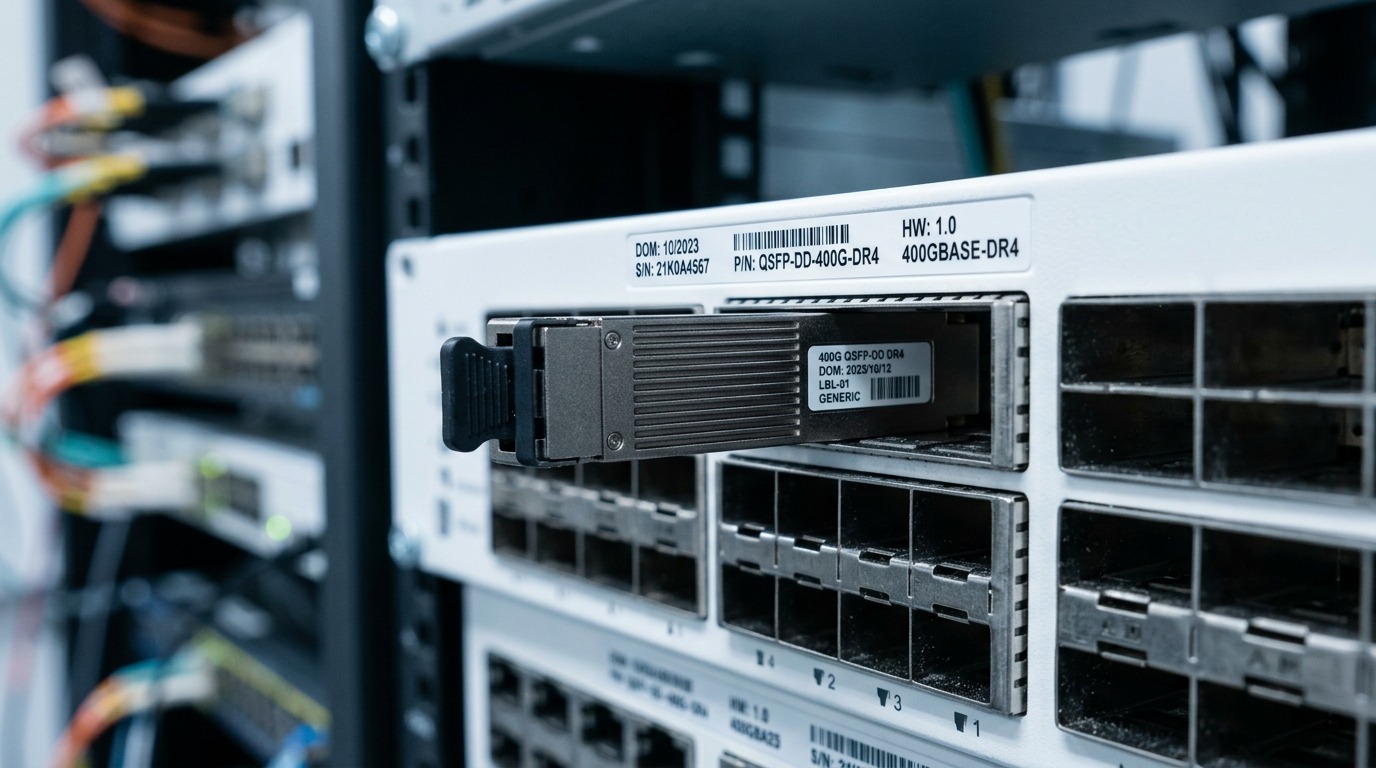
In our upgrade, two aggregation pairs connected 10G Ethernet uplinks between a leaf-core boundary and a regional edge router. The environment ran at 10.3125 Gbps line rate with SFP+ optics, and the switches supported autonegotiation behavior that varied by firmware. After swapping a batch of ports, we saw link events every 30 to 90 seconds: interface counters increased, but throughput stayed near 0.5 to 1.0 Gbps under load. Packet captures showed repeated PHY negotiation attempts, consistent with an autonegotiation state machine that never converged.
Autonegotiation is designed for copper and fiber PHYs to agree on speed and capabilities, but SFP+ deployments often include partial compatibility assumptions: vendor-specific implementation details, firmware quirks, and optics that do not fully expose expected parameters via digital diagnostics. In practice, a mismatch can manifest as a link that stays “up” but fails to pass traffic reliably, or it can flap due to PHY restarting negotiation. When this happens, forced speed fiber can bypass the negotiation path and stabilize the link.
Environment specs: what we were running and why it mattered
The target link type was 10GBASE-LR and 10GBASE-SR over multimode and single-mode segments, depending on the hop. We measured distances of 380 m on multimode OM3 for the leaf-core jump and 12 km on single-mode for the edge backhaul. The switch ports were configured for 10G with autoneg on by default, while the router side used a static configuration in some release trains.
From an optics standpoint, the team used SFP+ transceivers with vendor-validated modules (examples in the field included Cisco SFP-10G-SR and third-party 10G SR optics such as Finisar FTLX8571D3BCL and FS.com SFP-10GSR-85). The key operational variable was whether the port required autonegotiation to succeed before traffic forwarding. In the affected firmware combination, it did.
| Parameter | Autonegotiation (default) | Forced speed fiber (manual) |
|---|---|---|
| Primary goal | Agree on PHY parameters via negotiation | Skip negotiation; lock to configured rate |
| Typical link rate for SFP+ | 10.3125 Gbps (10G Ethernet line rate) | 10.3125 Gbps (or configured rate) |
| Failure mode | Non-convergence, flaps, or “up but no traffic” | Speed mismatch if one side differs |
| Connector / optical interface | Depends on module: LC for most SFP+ optics | Same; only PHY control differs |
| Reach (examples) | SR: typically up to 300 m OM3; LR: up to 10 km SMF | Same reach limits as optics are unchanged |
| Operating temperature | Usually -5 to +70 C for standard; extended varies by module | Same; confirm module temperature spec |
| DOM / diagnostics | Helpful but not always decisive for autoneg success | Still recommended for monitoring Tx/Rx power and alarms |
Chosen solution: when forced speed fiber stabilizes SFP+ links
We changed both ends of the affected links to a static configuration: 10G speed forced and autoneg off on the switch side, matching the router’s behavior. The selection logic was straightforward: if the negotiation mechanism fails to converge under the current firmware and optics mix, removing that variable gives us deterministic behavior. After the change, the interface came up cleanly and stayed stable during a maintenance traffic window.
Pro Tip: In many field cases, the fastest path to stability is forcing speed on both link partners, not just one side. If only one end is forced, the other end may still try to negotiate and can re-trigger PHY restarts, creating flaps that look like cabling issues.
We kept optics and optics settings unchanged at first, relying on DOM telemetry to confirm nothing else was drifting. For example, we monitored Tx bias and Rx received power; during the stabilization window, Rx power stayed within expected ranges for the module class, and alarm thresholds remained clear. That narrowed the root cause to negotiation behavior rather than optical budget or fiber cleaning.
Implementation steps: a field checklist that prevents repeat outages
We followed a consistent runbook so the team could reproduce results across multiple sites. The goal was to confirm that forced speed fiber fixed negotiation without introducing a speed mismatch or violating optics compatibility.
Capture the baseline symptoms and counters
Before changing anything, we recorded interface state, link up/down timestamps, and key counters (CRC errors, symbol errors, and drops). We also captured PHY/port logs indicating negotiation retries. This baseline allowed a clear before/after comparison once forced speed was applied.
Confirm both sides support the same operational mode
We verified that the switch port could disable autoneg and force 10G on the same physical interface. Then we confirmed the router side was not configured for a different speed or a different negotiation policy. If one device expected a different PHY mode, forcing speed could mask the symptom while still causing errors.
Apply forced speed fiber settings consistently
We set speed 10G, autoneg off on the switch, and aligned the router to the same effective rate. After each change, we waited for the PHY to reinitialize and verified stability over multiple traffic bursts.
Validate optics with DOM and optical budget sanity checks
We checked DOM values for temperature, Tx bias, and Rx power. For SR links on OM3 at a few hundred meters, we confirmed the Rx power margin stayed healthy; for LR on single-mode at multi-kilometer distances, we ensured the link budget remained within module and fiber expectations. DOM does not replace link engineering, but it quickly highlights gross misalignment, dirty connectors, or wrong module class.
Measured results: what improved after forcing speed
After applying forced speed fiber on both ends, the interface stopped flapping and remained stable for the full 72-hour observation window. During load tests, throughput returned to line-rate expectations: we saw sustained transfers of 8.7 to 9.8 Gbps depending on traffic profile and flow sizes, compared to the earlier 0.5 to 1.0 Gbps plateau. CRC errors dropped to effectively zero, and symbol error counters stopped incrementing.
The operational win was not just “link up”: it was predictable behavior under stress. We also reduced mean time to recovery during subsequent maintenance events, because engineers no longer had to wait on a negotiation convergence that sometimes never arrived. The tradeoff was that the network now depended more heavily on consistent configuration management: a future change to one side’s speed could reintroduce failure.
Common mistakes / troubleshooting tips
Even with forced speed fiber, there are failure modes that look similar to autoneg problems. Below are the ones we encountered and how we resolved them.
- Mistake: Forcing speed on only one end.
Root cause: The other device continued autoneg attempts, triggering PHY restarts.
Solution: Disable autoneg and force the same speed on both partners, then revalidate over traffic bursts. - Mistake: Assuming “link up” guarantees correct optics.
Root cause: Dirty LC connectors or marginal optical power can still pass carrier while failing traffic quality.
Solution: Check DOM Rx power and alarms; clean connectors and re-seat fibers, then run a traffic test to confirm BER/CRC health. - Mistake: Using the wrong module class for the distance without verifying reach.
Root cause: LR optics used over longer-than-rated SMF, or SR optics over excessive OM3 distance, can cause intermittent errors.
Solution: Compare module datasheet reach and your measured fiber type and length; confirm with power margins, not just the label. - Mistake: Ignoring firmware release notes that affect PHY behavior.
Root cause: Some firmware trains change autoneg logic or module handling policies.
Solution: Track firmware versions and align them across sites; treat configuration changes as controlled releases.
Selection criteria: how engineers decide between autoneg and forced speed
- Distance and media: Validate reach for the chosen optics class (SR vs LR) and confirm fiber type (OM3, OM4, SMF).
- Link partner compatibility: Ensure both devices can disable autoneg and force the same speed; consult vendor port configuration guides.
- Switch compatibility and SFP+ behavior: Some platforms enforce negotiation requirements; check platform documentation and known issues.
- DOM support and monitoring: Prefer modules that expose reliable digital diagnostics so you can detect marginal Rx power early.
- Operating temperature: Confirm module temperature rating and verify your enclosure airflow; forced mode does not prevent thermal drift.
- Vendor lock-in risk: OEM optics may be validated more tightly; third-party optics can work, but plan for compatibility testing and RMA paths.
For standards context, autoneg and link establishment behavior is rooted in IEEE Ethernet PHY mechanisms. For engineers referencing the underlying Ethernet physical layer behavior, see Source: IEEE 802.3 and vendor-specific transceiver and switch configuration guides.
Cost and ROI note: what forced speed fiber changes financially
Forced speed fiber itself is a configuration change with no direct optics cost, but it can influence transceiver strategy. OEM SFP+ optics (for example, Cisco-branded modules) often cost more than third-party alternatives; in many regions, field pricing differences can be roughly 1.5x to 2.5x per module depending on capacity, DOM support, and lead time. Third-party optics like Finisar or FS.com can reduce module BOM cost, but they may increase validation effort and the probability of edge-case compatibility issues.
ROI comes from reduced downtime and faster recovery. In our case, stabilizing links reduced troubleshooting time during maintenance windows and prevented repeated “swap optics” cycles. If each outage consumes a few engineer-hours and affects customer traffic, even a modest reduction in incidents can pay back quickly. Total cost of ownership also depends on failure rates, connector cleanliness discipline, and how well your team monitors DOM telemetry.
FAQ
Q: Does forced speed fiber work with all SFP+ optics?
A: It can work as long as both link partners support forcing speed and the optics meet the required PHY and reach. Compatibility still depends on the switch/router port implementation and firmware behavior.
Q: Is autoneg off a permanent change I should keep?
A: In stable environments with known negotiation issues, it can be a practical long-term fix. Many teams later revisit it after firmware upgrades, but you should validate in a maintenance window first.
Q: What should I check first when the link flaps?
A: Start with port logs for negotiation retries, then review CRC/symbol errors and DOM Rx power. If Rx power is unstable or near thresholds, treat optics and fiber cleaning as first-class suspects.
Q: Can forced speed hide a bad transceiver?
A: It can delay the symptom. A marginal optic may still “light” the link but fail traffic integrity, so you must verify performance with traffic tests and error counters.
Q: Are there interoperability standards that guarantee autoneg will always succeed?
A: IEEE Ethernet standards define behavior, but real-world autoneg success depends on vendor PHY implementations, firmware, and how modules advertise capabilities. Always validate with your exact hardware and software versions.
Q: What is the safest rollout approach across many ports?
A: Apply changes in small batches, monitor DOM and error counters, and keep a rollback plan. If possible, align firmware versions first so you reduce the number of variables during root cause analysis.
Forced speed fiber can be the pragmatic answer when SFP+ autonegotiation fails to converge due to real hardware and firmware interactions. If you apply it methodically—matching both ends, validating optics with DOM, and confirming error counters—you can turn flapping links into predictable throughput. Next, explore optical link troubleshooting for a repeatable approach to reach, margins, and fiber hygiene.
Author bio: I have deployed and troubleshot 5G fronthaul and Ethernet backhaul using SFP+ optics, DWDM aggregation, and PON transport systems in live carrier and enterprise environments. I write from field experience on PHY behavior, DOM monitoring, and operational playbooks that reduce mean time to repair.
