
I have installed fiber links beside motor drives and safety PLC racks, where a “works on the bench” SFP can fail under vibration, temperature swings, or link partner quirks. This article helps maintenance engineers and field network techs validate an FL SWITCH transceiver for Phoenix Contact environments by mapping real compatibility steps to optical/electrical requirements. You will also get a practical checklist for choosing the right module, plus troubleshooting patterns I have seen during commissioning.
What I check first: Phoenix Contact link behavior with an FL SWITCH transceiver
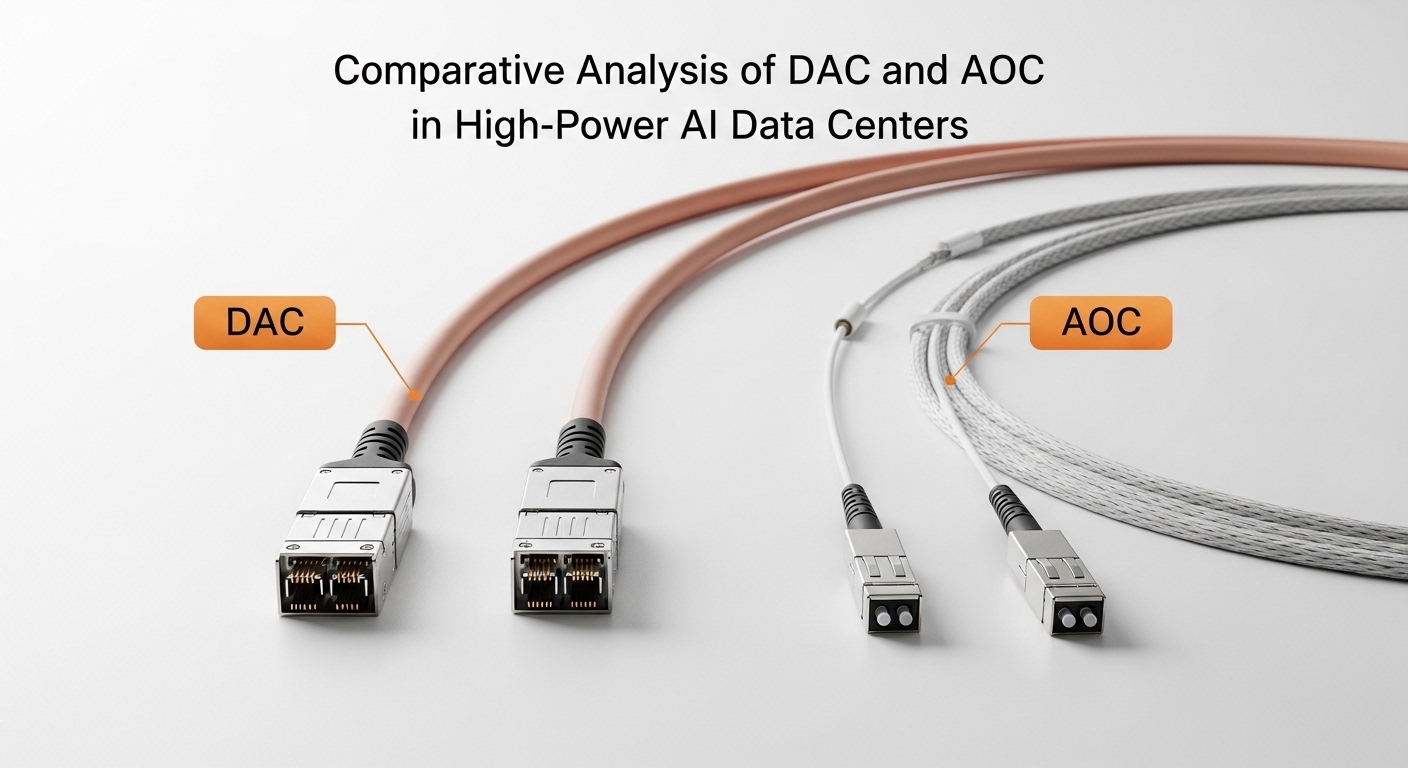
On Phoenix Contact industrial switches, the SFP cage and PHY negotiation logic still follow the Ethernet standards, but the industrial reality adds constraints: tighter temperature ranges, higher EMI exposure, and more frequent “partial link” symptoms. In the field, I treat the FL SWITCH transceiver as two coupled systems: the optical physical layer (wavelength, reach, fiber type) and the electrical interface (SFP management, signal integrity, and DOM behavior). Before swapping anything, I confirm the exact switch model, the SFP port speed mode, and whether the platform expects Digital Optical Monitoring (DOM) data.
For standards grounding, Ethernet over fiber is specified in IEEE 802.3 for the relevant PHY families (for example 1GBASE-SX, 10GBASE-SR). Phoenix Contact documentation typically aligns with these PHY definitions, but vendor switch firmware can enforce compatibility rules (DOM format, alarm thresholds, and sometimes vendor-specific quirks). Use [Source: IEEE 802.3] as the baseline for optical and electrical intent, then [Source: Phoenix Contact product documentation] for platform-specific expectations.
Optics and interfaces: specs that decide whether the link will stay up
When selecting an FL SWITCH transceiver, the most common success path is to match the required Ethernet PHY and optical parameters exactly. For SFP, that often means choosing the correct lane rate family (commonly 1G or 10G depending on the switch), then matching wavelength, fiber type, and reach to the installed plant fiber. I also verify connector type (LC vs SC) and confirm whether the module supports DOM, because some industrial monitoring dashboards can mark ports as degraded when DOM alarms appear.
| Key spec | Typical SFP target | Why it matters for Phoenix Contact |
|---|---|---|
| Data rate / PHY | 1GBASE-SX or 10GBASE-SR (per switch) | Wrong PHY family can force link flaps or refuse link |
| Wavelength | 850 nm (SR/SX) or 1310 nm (LR) | Mismatch with fiber attenuation and partner optics |
| Reach | Example: SR up to 300 m over OM3, higher with OM4 | Industrial plants often exceed “marketing reach” if patch cords are long |
| Connector | LC duplex is common for SFP SR | Field adapters and polarity errors are frequent failure causes |
| DOM support | Digital Optical Monitoring (vendor-specific behavior) | Switch monitoring may interpret missing DOM as errors |
| Operating temperature | Industrial grades often -40 to +85 C | Heat near power electronics can derate marginal modules |
In my installations, I prefer modules with published compliance to the relevant optical interfaces and clear DOM specs. For example, third-party optics such as Cisco-compatible SR optics (e.g., Cisco SFP-10G-SR class) or Finisar/FtLX style SR parts (e.g., Finisar FTLX8571D3BCL) can work well, but always validate the exact DOM behavior with the target Phoenix Contact switch firmware. Vendor datasheets remain the authoritative source for optical power, receiver sensitivity, and DOM parameter ranges; see [Source: vendor transceiver datasheets].
Real deployment scenario: commissioning a plant link under vibration
One project I supported was a 3-tier industrial network in a manufacturing bay: two Phoenix Contact aggregation switches uplinking to a control room router, with 48 access endpoints spread across two production lines. Each access link used an SFP over multimode fiber, with patch cords totaling about 6 m per hop and two consolidation points that added connectors and splices. During commissioning, three ports showed intermittent link during forklift movement near cable trays, even though optical power readings looked “acceptable.”
The root cause was not the fiber loss budget alone; it was a combination of marginal module thermal performance and connector micro-motion. We replaced the initial optics with an industrial-grade FL SWITCH transceiver that matched the expected DOM type and temperature class, then re-terminated two LC duplex connections with consistent polarity and improved strain relief. After that, link stability improved from frequent flaps to zero observed link resets over a 72-hour soak test.
Selection checklist for an FL SWITCH transceiver on industrial switches
Before ordering, run this ordered checklist. It mirrors what I do during site surveys and spare planning.
- Distance and fiber type: calculate end-to-end loss including patch cords, splices, and connectors; match the module reach to the installed plant budget.
- Switch compatibility: confirm the Phoenix Contact switch model supports the SFP PHY family and that the port is not locked to vendor-specific DOM behavior.
- Wavelength and optics class: ensure the TX wavelength matches the receiver specs at the other end (850 nm SR/SX vs 1310 nm LR).
- Connector and polarity: verify LC duplex polarity (A-to-A and B-to-B conventions) and adapter types in the patch panels.
- DOM support and monitoring: check whether the switch expects DOM alarms to be present and whether it flags “DOM absent” ports.
- Operating temperature: choose an industrial grade aligned with the enclosure temperature near motors, drives, and HVAC exhaust.
- Vendor lock-in risk: if using OEM-only optics, price spare modules accordingly; if using third-party, validate DOM and compliance.
Pro Tip: In industrial cabinets, the biggest “surprise” is often connector micro-motion. Even when optical power budget passes, a slightly loose LC duplex can cause intermittent receive signal excursions that look like random link flaps; fix strain relief and re-seat before assuming a bad transceiver.
Common mistakes and troubleshooting patterns
Here are failure modes I have seen repeatedly when deploying an FL SWITCH transceiver on Phoenix Contact industrial switch ports.
- Mistake: Wrong fiber type assumption
Root cause: Using OM3-oriented SR optics on a plant where the effective link is dominated by long patch cords and older connectors, pushing margin negative.
Solution: Re-measure with a light meter or OTDR, then recalc budget using real attenuation of patch cords and splices. - Mistake: Polarity or connector mismatch
Root cause: LC duplex polarity swapped at one consolidation point, causing receive power to drop intermittently as the cable moves.
Solution: Verify A/B mapping end-to-end and re-label patch panels; secure with proper bend radius and strain relief. - Mistake: DOM incompatibility
Root cause: Third-party DOM fields differ from what the switch expects, triggering port diagnostics even when link traffic passes.
Solution: Compare DOM presence and alarm thresholds; test in a spare port first and confirm with Phoenix Contact diagnostics screens. - Mistake: Thermal derating
Root cause: Using a module with consumer-grade temperature limits near heat sources; the module can pass cold-start tests but fail after cabinet temperature rises.
Solution: Ensure industrial temperature rating (commonly -40 to +85 C) and improve airflow or cabinet placement.
Cost, ROI, and what “good enough” looks like over five years
Pricing varies by brand and speed, but in my experience, third-party SR SFPs often land in the rough range of 30 to 90 USD per unit, while OEM-branded modules can be higher. TCO matters more than unit price: include downtime cost, labor for truck rolls, and the probability of failures under harsh cabinet conditions. If you standardize on one known-compatible FL SWITCH transceiver type and verify DOM and temperature performance up front, you reduce commissioning churn and lower the “unknown unknowns” that drive unplanned swaps.
For ROI modeling, I typically assume a small annual failure probability for industrial optics, then add the cost of diagnostics time and spares logistics. If your plant has strict uptime targets, buying fewer but verified modules (and keeping a matched spare set) usually beats constant trial-and-error.
FAQ
Q: How do I confirm the correct FL SWITCH transceiver speed for a Phoenix Contact port?
Check the Phoenix Contact switch model’s SFP port specifications and confirm whether the port supports the exact PHY family (for example 1GBASE-SX vs 10GBASE-SR). Then validate the link partner optics and ensure the same Ethernet PHY is enabled at both ends. [Source: Phoenix Contact product documentation]
Q: Can I use third-party SFPs with Phoenix Contact switches?
Often yes, but only after validating DOM behavior and optical parameters with the exact switch firmware generation. I recommend staging a single replacement in a non-critical port, then monitoring link stability and diagnostic counters. [Source: vendor transceiver datasheets]
Q: What fiber budget inputs matter most in industrial plants?
Patch cord length and connector/splice count matter more than people expect, especially when multiple consolidation points exist. Use measured attenuation (or conservative specs) and include insertion loss for each connector and splice. [Source: ANSI/TIA fiber cabling guidance]
Q: My link comes up but alarms show up intermittently. What should I check first?
Start with DOM and optical power thresholds, then inspect connector seating and strain relief. If alarms correlate with cable movement or cabinet temperature changes, treat it as a mechanical stability issue before replacing the transceiver.
Q: Are temperature-rated modules worth it for cabinets near drives?
Yes. In my experience, modules that pass at room temperature can degrade after the cabinet reaches steady-state heat, causing sporadic receive margin loss. Select an industrial temperature grade aligned with your enclosure operating profile.
