
I have used optical solutions to turn up metro and access links under tight timelines, where a wrong transceiver choice can mean hours of downtime. This guide helps telecom engineers, data-center network teams, and field technicians choose the right optics by matching IEEE 802.3 requirements, fiber type, reach, and switch compatibility. You will follow a step-by-step implementation checklist with real-world parameters and troubleshooting outcomes.
Prerequisites: what you must measure before choosing optical solutions
Before ordering any SFP, QSFP, or coherent pluggables, gather the physical and electrical constraints that determine which optics will actually work. In telecom deployments, the “spec sheet match” is necessary but not sufficient; you also need a link budget and an operational temperature plan for the shelf or hut.
Inventory ports, speeds, and optics form factors
Confirm the exact interface type on the transport or access equipment: 10GBASE-SR, 25GBASE-SR, 40GBASE-LR4, 100GBASE-SR4, or coherent pluggables. Then verify the module cage and transceiver type supported by the host (SFP, SFP+, QSFP+, QSFP28, CFP2, etc.). If you skip this, you can end up with mechanically compatible optics that are electrically rejected by the host’s digital diagnostics.
Expected outcome: A port-by-port table showing data rate, lane count, expected standard (e.g., IEEE 802.3 clause), and required form factor.
Determine fiber plant type and measured attenuation
Identify whether you have OM3, OM4, OM5 (multimode) or OS2 (single-mode). Then measure attenuation with a proper optical power meter and a stabilized light source or OTDR; do not rely on as-built estimates. For multimode, modal bandwidth and patch-cord quality can dominate performance even when the average attenuation looks fine.
Expected outcome: Measured fiber attenuation and patch-cord loss, plus connector type at each end.
Collect host-side compatibility constraints
Check the vendor compatibility matrix or transceiver validation list for the specific switch or line card model. Pay attention to whether the host requires Digital Optical Monitoring (DOM) and whether it supports specific vendors’ EEPROM IDs and optical power ranges. In practice, I have seen line cards that accept third-party modules but only when DOM thresholds are within expected ranges.
Expected outcome: A compatibility decision: OEM optics only, or third-party allowed with DOM and power-range constraints.
How telecom engineers map standards to real transceivers
Telecom “optical solutions” selection is easiest when you map the required Ethernet/transport behavior to the corresponding optical standard and then filter by reach and fiber type. Start with IEEE 802.3 definitions and then validate against vendor datasheets for wavelength, transmitter type, and receiver sensitivity. When you do this systematically, you reduce the chance of a link that comes up marginally today but fails under seasonal temperature swings.
Match the Ethernet/transport standard and wavelength
For short reach, most access and aggregation designs use multimode optics at 850 nm (e.g., SR). For longer metro links, you’ll typically see single-mode optics at 1310 nm (LR) or 1550 nm (ER, ZR variants), or coherent solutions depending on distance and dispersion budget.
Expected outcome: A shortlist of transceiver families that match the standard clause and wavelength requirement.
Use a link budget and margin plan
Compute a practical link budget using measured fiber attenuation, splice loss, connector loss, and safety margin. A common field baseline is to keep at least 3 dB of additional margin for aging, remating connectors, and patch-cord variability, even if the datasheet “typical” reach seems generous. Then check the transceiver’s specified receiver sensitivity and launched power range.
Expected outcome: A pass/fail for each candidate optical solution based on measured loss and margin.
Key optics comparison for common telecom scenarios
Below is a practical comparison of widely used pluggables engineers encounter when selecting optical solutions for telecom. Values vary by vendor revision, so treat them as starting points and confirm the exact part number datasheet.
| Optical solution (example part) | Data rate | Wavelength | Fiber type | Typical reach class | Connector | DOM | Operating temp |
|---|---|---|---|---|---|---|---|
| Cisco SFP-10G-SR | 10G | 850 nm | MMF OM3/OM4 | ~300 m (OM3), ~400 m (OM4) | LC | Yes | Commercial/extended per datasheet |
| Finisar FTLX8571D3BCL | 10G | 850 nm | MMF OM3/OM4 | ~300 m class | LC | Yes | Commercial per datasheet |
| FS.com SFP-10GSR-85 | 10G | 850 nm | MMF OM3/OM4 | ~300 m class | LC | Yes | Commercial/extended per listing |
| Example 100G SR4 (vendor family) | 100G | 850 nm | MMF OM4/OM5 | ~100 m class typical | LC (4-lane) | Yes | Varies by grade |
For reference, IEEE 802.3 defines the Ethernet PHY behavior and optical specifications that these transceivers are designed to meet. Consult the relevant clause for each speed and media type in the IEEE document to avoid guessing based on marketing reach claims. IEEE Standards [Source: IEEE 802.3]
Pro Tip: In multimode deployments, I have seen “it meets the reach on paper” links fail after a field team swaps patch cords. The root cause is often connector cleanliness and patch cord insertion loss, not the transceiver itself. Always include a measured end-to-end loss step and clean connectors before concluding an optical solution is incompatible.
Real deployment scenario: metro access with mixed fiber types
In a 3-tier telecom design, we connected 48-port 10G ToR switches at customer aggregation cabinets to a metro aggregation router using a mix of OM3 multimode for short patch runs and OS2 single-mode for longer spans. Each cabinet had four uplinks, each uplink carrying 10GBASE-SR over LC connectors for the first 120 m of OM3, then a single-mode handoff to a transport shelf via 1310 nm optics for the remaining 6 km. We measured patch-cord insertion loss and kept a 3 dB margin for each link, because dust on LC ferrules was a recurring operational issue during maintenance windows.
Expected outcome: All links trained at line rate with stable receive power readings and no intermittent flaps during temperature swings.
Selection criteria checklist engineers actually use
When choosing optical solutions, engineers typically run a deterministic checklist rather than trusting a single “reach” figure. Use the ordered guide below to reduce rework and maximize installation success.
- Distance and link budget: Use measured attenuation plus splice and connector loss; include safety margin.
- Fiber type and bandwidth: Confirm OM3/OM4/OM5 vs OS2; verify patch-cord specs and connector types.
- Host compatibility: Check the switch or line card transceiver validation list; confirm DOM requirements.
- Data rate and lane mapping: Ensure the module supports the exact interface mode (e.g., SR vs SR4 vs LR4).
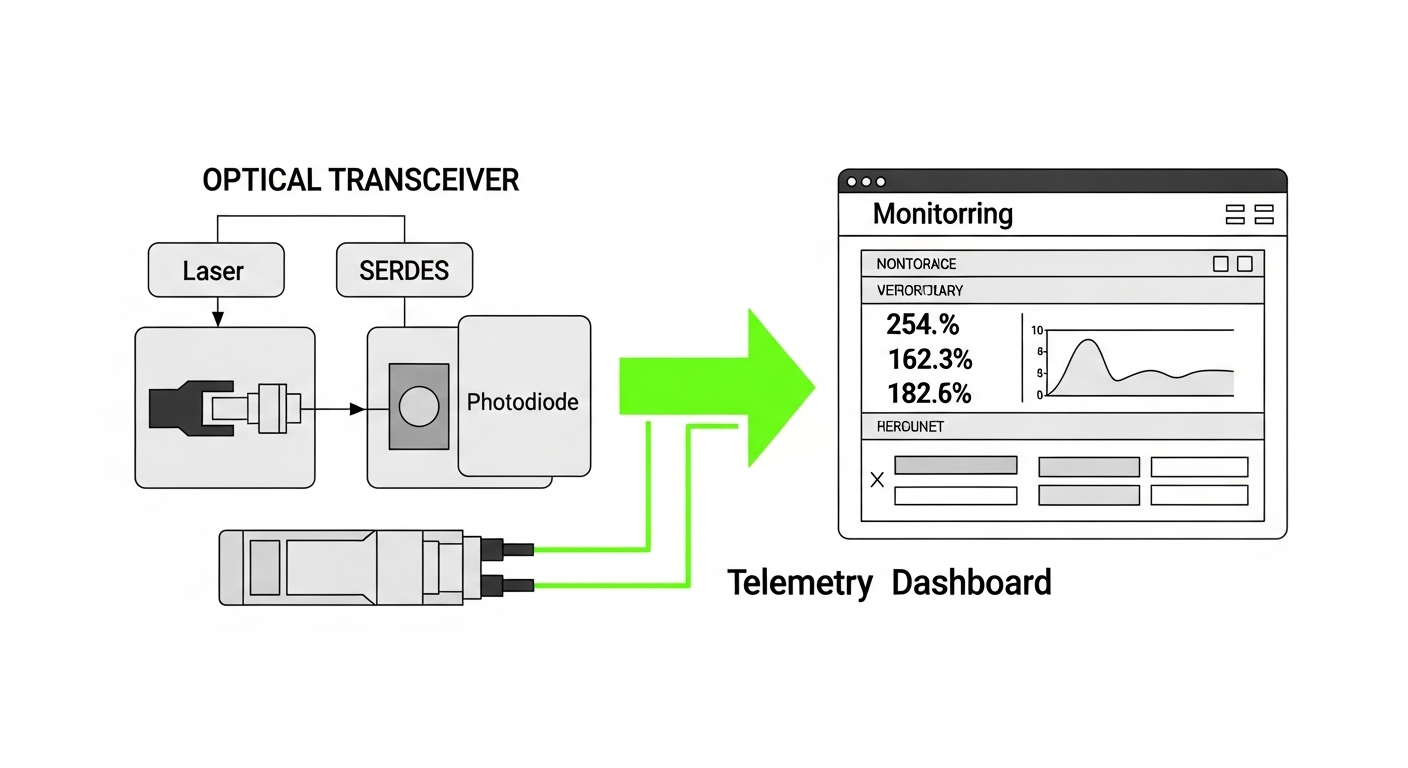
- DOM and thresholds: Validate expected RX power ranges and alarm behavior to match your monitoring system.
- Operating temperature and power: Confirm the module grade fits the enclosure and airflow path.
- Vendor lock-in risk: Decide whether OEM-only is required for SLA, or third-party with documented compatibility is acceptable.
- Migration path: If you may upgrade speeds, choose a platform that supports the next optics generation.
Common pitfalls and troubleshooting tips
Even with correct selection, field issues happen. Here are the top failure modes I have seen, including root causes and what to do next.
Link never comes up after insertion
Root cause: Module not supported by the host’s transceiver whitelist, or DOM/EEPROM parameters out of range for the line card firmware. Some hosts reject third-party optics even when they physically fit.
Solution: Confirm the exact host model and firmware version, then check the compatibility matrix. If third-party modules are allowed, use a vendor that explicitly lists that host and provides DOM behavior documentation.
Link flaps intermittently under load or temperature
Root cause: Marginal link budget, dirty connectors, or patch cords with higher-than-rated insertion loss. In multimode, modal noise and connector cleanliness can trigger intermittent receiver loss.
Solution: Clean and re-terminate LC connectors, then re-measure RX power and link error counters. If you are within a few dB of the datasheet limit, replace patch cords or re-balance the link budget.
Errors increase after maintenance or remating
Root cause: Fiber endface contamination or damaged ferrules, often caused by frequent disconnect cycles without proper cleaning protocol. Another less obvious cause is swapped fibers (Tx/Rx polarity reversed) during remating.
Solution: Verify polarity using a known-good continuity test and correct polarity method (straight-through vs crossover as required). Implement a cleaning checklist and use microscope inspection when available.
Cost and ROI note for telecom optical solutions
Pricing varies by speed, reach, and whether you buy OEM or third-party. As a practical range, common 10G SR SFP+ modules often fall around USD 50 to 150 for third-party and USD 100 to 250 for OEM, depending on temperature grade and vendor. Over a 3 to 5 year horizon, the ROI comes less from unit price and more from reduced truck rolls: a slightly higher module cost can be cheaper than repeated troubleshooting and SLA penalties.
TCO considerations: include failure rate history, warranty terms, inventory obsolescence, and power draw differences in the host environment. Also factor that some OEM optics include tighter monitoring integration, which can reduce mean time to repair.
FAQ
Which optical solutions are best for telecom metro distances?
For short to mid metro distances, engineers often start with single-mode OS2 optics at 1310 nm (LR class) or 1550 nm (ER/ZR class), depending on reach and dispersion. For longer runs or higher bandwidth, coherent optics may be the practical choice.
Can I use third-party SFP or QSFP optics in telecom networks?
Yes in many cases, but compatibility depends on the host platform, firmware, and DOM behavior. Always verify the vendor compatibility list and confirm that RX power and alarm thresholds match your monitoring expectations.
How do I verify optical reach without relying on marketing numbers?
Use measured attenuation from OTDR or power meter tests, then compute a link budget that includes connector and splice loss plus a margin. Compare that budget to the transceiver datasheet receiver sensitivity and minimum/maximum launched power.
What is DOM, and why does it matter for optical solutions?
DOM provides digital monitoring of optical power, temperature, and sometimes bias currents via the module’s management interface. For telecom operations, DOM helps you detect aging, drift, and marginal links before they become outages.
What is the most common reason multimode links fail early?
Connector cleanliness and patch cord loss are frequent culprits, especially after maintenance. Even when the fiber type is correct, insertion loss and endface contamination can erase the margin you assumed during planning.
Next step
If you are building a repeatable procurement and turn-up workflow, pair this selection guide with a standardized acceptance test plan for transceivers and fiber links. Use optical link testing workflow to define measurements, thresholds, and documentation you can hand to both field techs and NOC teams.
Author bio: I am a field-focused telecom and data-center network writer who has supported optical turn-ups, migrations, and troubleshooting across metro and access environments. My work emphasizes measured results, compatibility realities, and operational documentation for teams that run networks 24/7.
