
In real networks, the moment you swap an SFP+ module or change switch settings, fiber speed negotiation can decide whether a link comes up cleanly or flaps for hours. This guide helps network engineers and field technicians compare autonegotiation behavior versus forced speed on SFP+ optics, and then gives a practical checklist to prevent mismatches. You will also get troubleshooting patterns you can apply at the rack in minutes.
Why SFP+ speed negotiation can fail even when optics are “compatible”
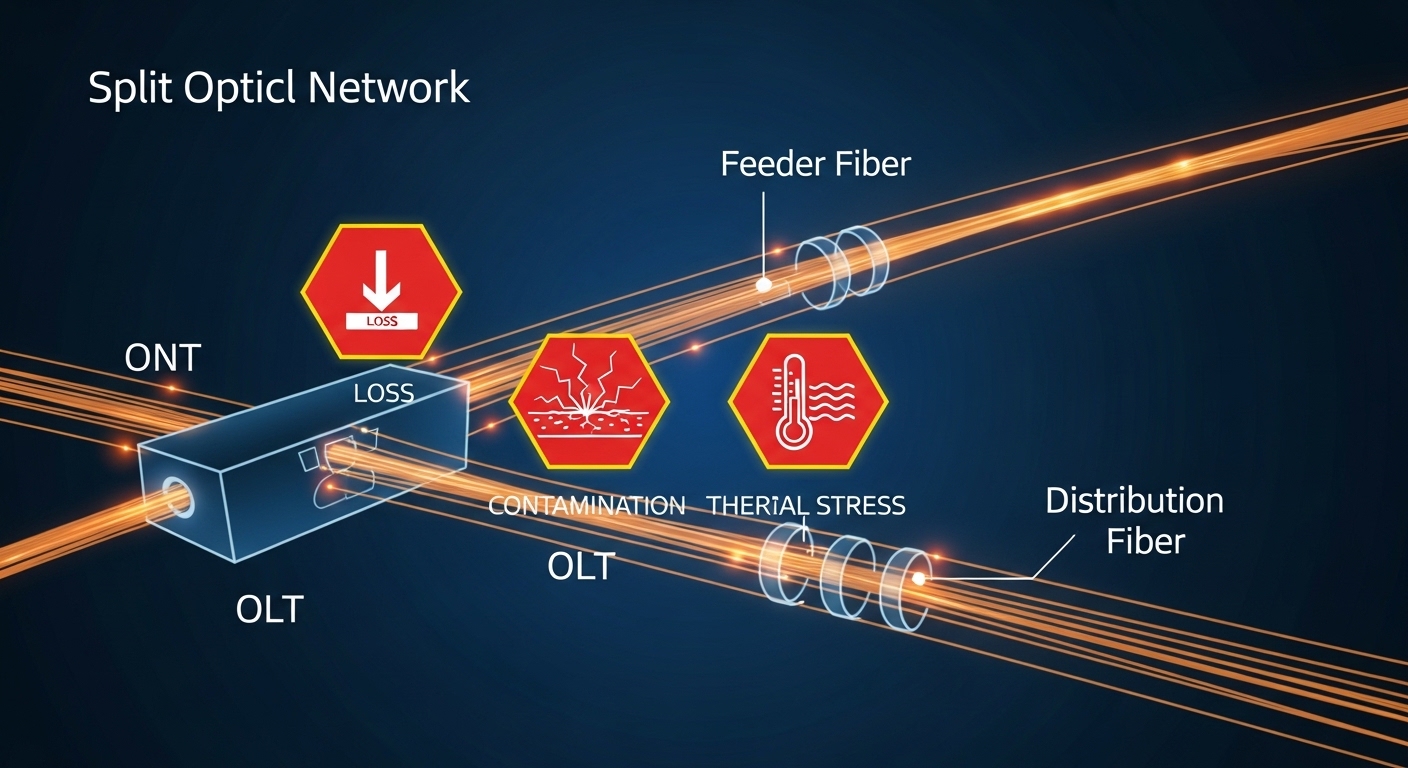
On paper, SFP+ is “10G,” but in practice the link is a layered handshake: optics electrical signaling, PCS/PMA training, and then MAC-level link parameters. Many SFP+ implementations rely on autonegotiation (IEEE-defined for Ethernet physical layers) to converge to a common operating mode. When you disable autoneg or force speed, the transceiver and the switch may still try to train lanes, but they can end up in incompatible states.
At the physical layer, IEEE Ethernet autonegotiation defines how devices exchange capabilities and settle on a common speed/duplex. For 10GBASE-R style links, the standard behaviors are encapsulated in the transceiver and PHY logic rather than “just Ethernet copper-style autoneg.” Vendors still expose settings that effectively change whether the PHY tries to negotiate or assumes a fixed mode.
Reference points you should keep in mind: Ethernet autonegotiation concepts are grounded in IEEE 802.3, while optical reach and link budget depend on the specific optical interface (for example, 10GBASE-SR over MMF). For SFP+ optics, consult both the switch transceiver compatibility list and the optic datasheet for compliance and supported modes. [Source: IEEE 802.3, Clause on autonegotiation and 10GBASE-R behavior; Source: Cisco/Arista/Junos transceiver compatibility and vendor SFP+ datasheets]
Autonegotiation on fiber: what actually converges and when it helps
With autonegotiation enabled, the switch and the optical PHY attempt to exchange link capabilities and converge. In the field, this typically improves first-link-up success after optics swaps, especially when the far-end device may be using older firmware or slightly different PHY behavior. It also reduces the risk of “silent mismatch,” where both sides think they are operating but traffic blackholes due to incompatible training.
Typical autoneg convergence pattern you can observe
- Link comes up within seconds after insertion, often with stable “10G” state counters.
- Interface counters show low initial errors (CRC/FCS may spike briefly, then settle).
- When you check the transceiver, DOM values (laser bias current, received power, temperature) fall in vendor-defined ranges.
Where autoneg still does not save you
- If you use the wrong fiber type or exceed reach, the receiver may not meet sensitivity; autoneg cannot overcome insufficient optical power.
- If the switch forces a mode on one side and the transceiver expects negotiation, convergence may never complete.
- Some SFP+ modules support only a subset of advertised capabilities; the switch may still settle incorrectly if its configuration is inconsistent.
Pro Tip: In many production switches, “autoneg enabled” for the port does not guarantee that the SFP+ PHY will behave like a copper autoneg link. Always verify the negotiated physical state using vendor CLI (for example, “link training complete” or “10GBASE-R mode”) rather than assuming the setting alone guarantees convergence.
Forced speed on SFP+: when it works, when it breaks hard
“Forced speed” means you configure the port to a fixed operating mode and often disable autoneg. On SFP+ Ethernet, this can be useful in controlled environments where both ends are known and stable, such as lab testbeds or tightly managed data center pairs. However, it increases operational risk when optics, firmware, or transceiver models differ.
If one side is forced and the other is autoneg-enabled, the link may still come up, but you can see intermittent flaps after link resets, especially during power cycling or when the module warms up. The root cause is usually a mismatch in PHY training expectations, not just speed. In worst cases, the link state may remain “up/up” while traffic fails due to incompatible link layer assumptions.
Autoneg vs forced: practical comparison
| Factor | Autonegotiation (recommended default) | Forced speed (higher risk) |
|---|---|---|
| First link-up after optic swap | Higher success rate across mixed firmware | May fail if PHY expects negotiation |
| Handling mismatched transceiver models | Often converges using common capabilities | Can lock into incompatible training |
| Operational stability during warm-up | Generally steadier | More susceptible to flaps if thresholds differ |
| Troubleshooting speed | Clear “negotiated mode” evidence in show commands | Requires deeper PHY and optics inspection |
| Best use case | Production data centers with mixed optics | Lab or tightly standardized pairs |
For reference, IEEE 802.3 defines autonegotiation mechanisms, while transceiver modules implement their own lane training and optical receiver behavior. Forced-speed settings can bypass the capability exchange that would otherwise prevent a mismatch. [Source: IEEE 802.3; Source: vendor SFP+ transceiver datasheets and switch configuration guides]
Specs and reach: ensure the link budget supports the negotiated mode
Even with perfect fiber speed negotiation behavior, a link can fail if the optical budget is wrong. Before changing autoneg settings, validate that the transceiver type matches the fiber plant and the expected reach. For example, 10GBASE-SR typically uses multimode fiber (MMF) at around 850 nm, while 10GBASE-LR uses single-mode fiber (SMF) at 1310 nm.
Quick comparison of common SFP+ optics
| Optic example | Typical wavelength | Target reach | Connector | Data rate | Operating temp | Notes relevant to negotiation |
|---|---|---|---|---|---|---|
| Cisco SFP-10G-SR | 850 nm | ~300 m on OM3 (varies by plant) | LC | 10.3125 Gbps (10G) | Commercial/extended per datasheet | DOM and PHY training can succeed only if receive power meets spec |
| Finisar FTLX8571D3BCL | 850 nm | ~300 m (MMF) | LC | 10G | Vendor-defined | Verify compatibility list; some platforms expect specific vendor DOM behavior |
| FS.com SFP-10GSR-85 | 850 nm | ~300 m (MMF) | LC | 10G | Vendor-defined | Third-party modules may require explicit DOM support for full visibility |
| Cisco SFP-10G-LR | 1310 nm | ~10 km on SMF (varies) | LC | 10G | Vendor-defined | SMF plant mismatch often causes negotiation to fail due to low received power |
Reach values vary by fiber grade (OM3 vs OM4), patch panel loss, and connector cleanliness. Use vendor link budget guidance and measure received power when possible. [Source: vendor SFP+ datasheets; Source: ANSI/TIA-568 optical cabling performance concepts]
Decision checklist: choose autoneg or forced speed with confidence
When you must decide between autonegotiation and forced speed, use this ordered checklist. It is designed for fast, safe decisions during deployments and troubleshooting.
- Distance and reach: confirm the fiber type (MMF vs SMF), grade (OM3/OM4), and expected attenuation. If you are near the edge, prefer autoneg and validate optics.
- Budget for optics failure: if you cannot afford frequent truck rolls, avoid forced speed with mixed transceiver vendors.
- Switch compatibility: check the switch vendor compatibility list for the exact SFP+ model, not just “10G SR.”
- DOM support: ensure the platform accepts DOM data and does not disable the port due to unsupported diagnostics.
- Operating temperature and airflow: confirm transceiver temperature stays within datasheet limits; forced configurations can expose margin loss during warm-up.
- Vendor lock-in risk: third-party optics can be fine, but validate DOM and firmware interplay before scaling. Plan a rollback path.
- Far-end behavior: if the remote device is unknown or managed by another team, default to autoneg for safer convergence.
Common mistakes and troubleshooting tips for fiber speed negotiation
Below are failure modes you will actually see during rollouts. Each includes a root cause and a fix that does not require guessing.
Link flaps after forcing speed
Root cause: one side is forced while the other expects autoneg, causing repeated training resets as PHY state machines diverge. Solution: set both ends to autoneg (or both forced) consistently, then reload optics and confirm negotiated physical mode in CLI.
Port shows “up” but no traffic passes
Root cause: partial convergence where link is trained, but optics are out of receive-power spec; CRC errors rise and upper-layer traffic fails. Solution: check interface error counters and transceiver DOM received power; clean connectors and re-seat LC ends; verify fiber type and patch loss.
Works on one switch, fails on another with same optic
Root cause: transceiver compatibility quirks: DOM format expectations, vendor-specific thresholds, or PHY behavior differences. Solution: verify the exact transceiver part number in the switch interoperability list; if needed, standardize module vendor or request a firmware update that improves SFP+ compatibility.
“Negotiation disabled” confusion during audits
Root cause: administrators assume a global setting applies to all PHY modes, but platform commands may differ by interface type. Solution: audit the running config per port and confirm the negotiated state using “show interface” and transceiver diagnostics, not only config snippets.
Cost and ROI: what autoneg vs forced speed changes in total cost
In many environments, the direct cost difference between autoneg and forced speed is zero; the real cost is operational risk. Third-party optics often cost less than OEM modules, but they can increase time-to-recovery if DOM behavior is not fully supported. As a rough field reality: OEM 10G SR SFP+ modules are commonly priced higher than third-party equivalents, while third-party units can reduce BOM cost but may increase swap frequency if your plant is marginal.
ROI comes from reducing downtime and minimizing rework. If your network has frequent optics swaps, mixed vendor hardware, or teams that do not coordinate configuration changes, autonegotiation typically lowers TCO because it improves convergence success and reduces flapping. If you run a standardized pair with locked firmware and validated optics, forced-speed can be acceptable, but you should still monitor errors and received power after maintenance windows.
FAQ
What does fiber speed negotiation mean for SFP+?
It refers to the process where the switch and transceiver PHY converge on a compatible operating mode. With autoneg enabled, capability exchange and PHY training happen more reliably across mixed conditions. With forced speed, the devices skip or constrain negotiation, increasing mismatch risk.
Should I always enable autonegotiation on 10G SFP+?
For most production networks, yes: it improves first-link success after optics changes and reduces configuration mismatch issues across teams. If you have a fully controlled environment with identical hardware and verified optics, forced speed can work, but it needs careful symmetry on both ends.
Why does forced speed sometimes cause link flaps?
PHY state machines can repeatedly retrain when one side expects autoneg or a different training sequence. Small optical margin changes during warm-up can amplify the issue, especially if received power is near sensitivity.
How do I confirm the negotiated mode is correct?
Use vendor CLI to confirm both the interface physical state and the transceiver diagnostics. Look for stable “10G” operation, low error counters, and received power/temperature within the module datasheet range.
Are third-party SFP+ modules safe for negotiation?
They can be safe, but compatibility varies by switch model and firmware. Validate the exact part number on the switch interoperability list and test in a representative environment before broad deployment.
What is the fastest troubleshooting sequence when negotiation fails?
First, verify both ends match autoneg vs forced settings. Next, confirm fiber type and check optical power via DOM or a handheld meter. Then inspect connector cleanliness and patch loss, and finally compare transceiver part numbers against the compatibility list.
Choosing the right approach to fiber speed negotiation is less about “10G vs 10G” and more about predictable convergence, optical margin, and consistent configuration across both ends. Start with autoneg as your safe default, validate optics with DOM and link budget checks, and only use forced speed when you can guarantee symmetry and compatibility.
For related guidance on module selection and plant readiness, see fiber transceiver reach and link budget planning.
Author bio: I have deployed and troubleshot SFP+ and QSFP optical links in production data centers, focusing on PHY training behavior, DOM diagnostics, and fast rollback strategies during migrations. I partner with field teams to reduce outages by turning transceiver and negotiation details into measurable operational runbooks.
