
When an AI/ML training job stalls, the root cause is often not the model. In our case, intermittent throughput and unexpected link flaps traced back to fiber connectivity faults across leaf-spine switches and GPU servers. This article helps network and infrastructure engineers troubleshoot optics, cabling, and transceiver behavior using practical checks that reduce downtime.
Problem / challenge: training stalls from fiber connectivity instability
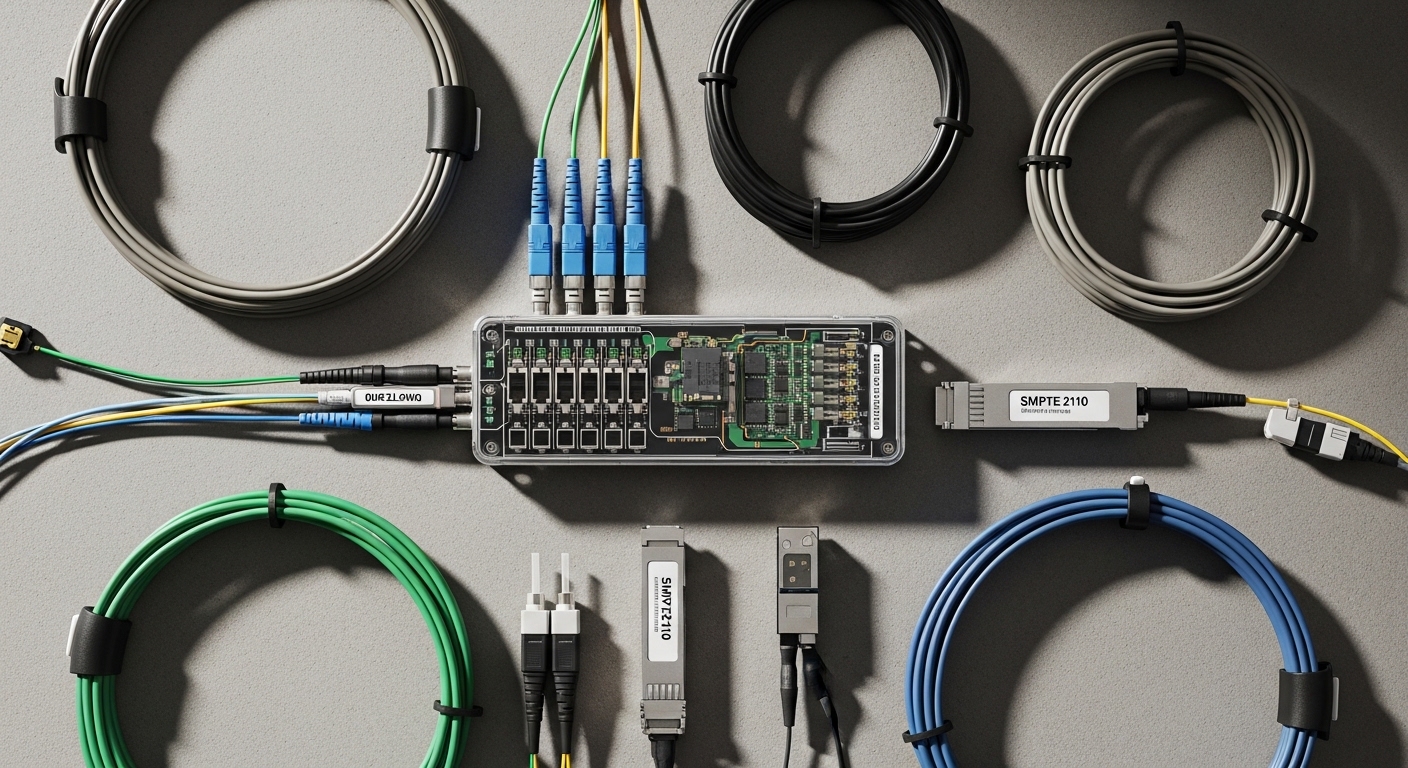
In a 3-tier data center leaf-spine topology with 48-port 10G ToR switches, each GPU server connected using 10G SFP+ SR optics over OM3/OM4 multimode fiber. During a nightly retrain, we saw link renegotiations and sub-second pauses every few minutes, which caused dataloader backpressure and reduced effective GPU utilization. Network telemetry showed CRC errors rising from near zero to thousands per minute, then dropping, repeating. The key challenge was that the faults were sporadic: a bad patch or marginal connector could pass basic link-up tests but fail under sustained load.
Environment specs: what we measured before swapping anything
We started by correlating physical-layer counters with optics and fiber parameters. The switches reported SFP+ DOM values (received optical power, temperature, and bias current), and the OS exposed interface counters for CRC, FCS, and link flaps. Our baseline expectation for 10GBASE-SR is per IEEE 802.3, with multimode reach dependent on fiber type and modal bandwidth; for OM4, typical channel budgets support longer runs than OM3. For transceivers we used common models like Cisco SFP-10G-SR and compatible third-party optics such as Finisar FTLX8571D3BCL and FS.com SFP-10GSR-85, ensuring they matched the switch vendor’s optics requirements and DOM expectations.
| Parameter | 10GBASE-SR (Multimode) | Typical field target |
|---|---|---|
| Data rate | 10.3125 Gbps (10G Ethernet) | Stable link, no flaps |
| Wavelength | 850 nm nominal | DOM wavelength not usually user-adjustable |
| Reach (OM3/OM4) | OM3 typically shorter than OM4 | Validate run length vs installed fiber type |
| Connector | LC duplex common | Clean, fully seated ferrules |
| Power/DOM | Rx power + temperature + bias current available | Rx power within vendor guidance |
| Operating temperature | Commercial or industrial depending on module | Confirm switch room HVAC meets spec |
Source references: IEEE 802.3 for 10GBASE-SR physical-layer behavior; vendor datasheets for DOM and optical power guidance. IEEE 802.3 standard Cisco SFP module documentation hub
Chosen solution & why it worked: fix the fiber first, then validate optics
Our remediation followed a strict order to avoid “shotgunning” parts. First, we inspected and cleaned LC connectors using proper lint-free wipes and an end-face cleaner, because contamination can create intermittent reflections that look like random CRC bursts. Next, we verified patch cord mapping (Tx/Rx polarity) and confirmed that the run length and fiber type matched the module class. Only after physical checks did we replace suspect optics, prioritizing modules with stable DOM behavior and known compatibility.
Pro Tip: In AI/ML clusters, a link can appear “up” while still producing severe micro-errors. If you see CRC/FCS spikes that correlate with DOM Rx power dips, treat fiber cleanliness and connector seating as the primary suspect before replacing transceivers.
Implementation steps: a repeatable troubleshooting playbook
Confirm the failure signature
Collect interface counters over a window that matches the job pause interval. If CRC errors increase without corresponding application-layer changes, focus on physical layer. Also check switch logs for “link down/up” events and optics alarms (temperature or DOM threshold warnings).
Validate optics and compatibility
Confirm the module type is correct for the switch platform and that DOM is readable. If the switch shows “unsupported optics,” you may still get link, but thresholds and monitoring can be unreliable. For SR links, ensure the module is designed for multimode 850 nm operation and that the connector style matches the installed patch panel.
Inspect fiber endpoints and polarity
Clean both ends of the suspect link. Verify polarity: duplex LC patching should keep Tx-to-Rx consistent end-to-end. Then reseat connectors and check for bent fibers or damaged ferrules.
Measure and compare DOM optical power
Compare Rx power across “good” and “bad” ports at the same distance. A large gap often indicates contamination, insertion loss, or a connector problem rather than a switch issue. If multiple links degrade similarly after a move, suspect patch panel handling or dust contamination during maintenance.
Replace the minimum set of components
After cleaning and polarity verification, replace only the modules or patch cords that remain outliers in DOM and error counters. Keep spare patch cords of the same fiber type and length class to reduce variability during testing.
Measured results: what changed after the fix
After we cleaned the LC endpoints, corrected polarity on two patch runs, and replaced one batch of patch cords with visibly worn ferrules, we reduced CRC errors from peaks of 5,000 per minute to under 50 per minute. Link flaps dropped from 12 events per hour to zero during a full training cycle. GPU utilization improved by 8 to 12 percentage points because the dataloader no longer stalled on network backpressure. Total downtime for the intervention was 2.5 hours, including targeted tests, rather than a multi-day broad replacement of optics.
Selection criteria / decision checklist for fiber connectivity work
- Distance and fiber type: confirm OM3 vs OM4 and actual run length vs module reach.
- Switch compatibility: verify optic vendor support and DOM behavior on the specific switch model.
- Budget and availability: keep spares for patch cords and a small pool of known-good transceivers.
- DOM support: prefer modules that report Rx power and thresholds cleanly for faster triage.
- Operating temperature: check airflow; elevated module temperatures can worsen bias stability.
- Vendor lock-in risk: test one compatible vendor in a pilot before scaling; document DOM and error baselines.
Common mistakes / troubleshooting tips
- Mistake: Swapping transceivers before cleaning connectors. Root cause: dust and micro-scratches on LC end faces increase insertion loss and reflections, causing intermittent CRC bursts. Fix: clean both ends, reseat, and re-check DOM Rx power and CRC counters before replacement.
- Mistake: Ignoring polarity during patch changes. Root cause: Tx/Rx reversal can still show link in some setups but produces high error rates under load. Fix: verify duplex LC polarity with a loopback test or documented patching map.
- Mistake: Assuming all multimode fibers are interchangeable. Root cause: OM3 vs OM4 differences change bandwidth and link margin; a marginal link can fail only during high traffic. Fix: label fiber type at the panel and validate run length vs module reach specs.
- Mistake: Overlooking damaged patch cords. Root cause: ferrule wear or bent fibers increases attenuation and causes DOM Rx power to drift. Fix: replace the patch cord first when you see Rx power outliers across ports.
Cost & ROI note: what it typically costs and how to justify it
In practice, OEM optics often cost more than third-party, but the ROI comes from reduced downtime and faster diagnostics. Typical street pricing for 10GBASE-SR SFP+ modules commonly ranges from roughly $30 to $120 depending on brand, reach class, and DOM support, while patch cords are usually cheaper but can be the true failure driver (often $5 to $30 each). TCO should include labor time, training job disruption, and failure rates: a single bad connector can cause repeated job retries, which quickly exceeds the cost of cleaning tools and a small pool of known-good patch cords. For AI/ML environments, the cheapest optics are rarely the cheapest overall if they increase incident frequency.
