
If your data center or campus network depends on fiber transceivers, shortages can turn a routine upgrade into an outage risk. This article helps network engineers and field teams in enterprise IT plan optical network resilience using realistic reach, power, and compatibility checks before procurement. You will get an implementation workflow, a specs comparison table, and troubleshooting steps tuned to common SFP and QSFP failures.
Prerequisites to protect enterprise IT during optical shortages
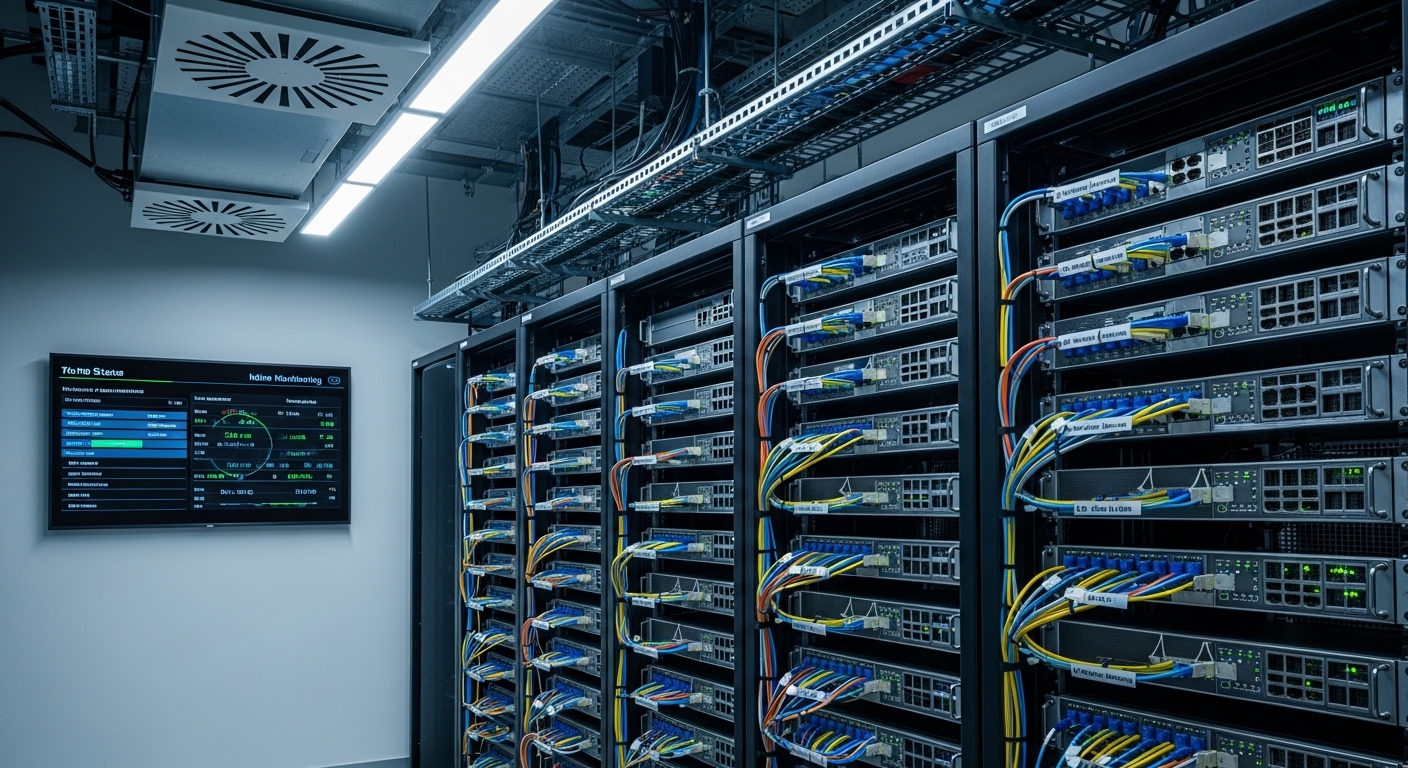
Before you touch hardware, align optical design targets with the IEEE standards your switches support and the operational constraints you can verify on site. I typically start by pulling the exact transceiver part numbers and DOM requirements from vendor documentation, then I validate fiber plant characteristics (loss, cleanliness, connector type). Finally, I confirm that your planned optics will meet link budget and temperature limits across the rooms you operate.
Operational prerequisites
- Switch compatibility list for optics (vendor SFP/QSFP “supported optics” matrix) and DOM interpretation method (I2C/MDIO mapping as implemented by the switch).
- Fiber plant data: measured end-to-end loss in dB, patch panel losses, and connector type (UPC/APC) plus fiber type (OM3/OM4/OS2).
- Environmental data: rack inlet temperatures and expected ambient range for the IDF/MDF.
- Spare policy: minimum on-hand optics by site and link criticality class.
Image placement
Step-by-step implementation: build optical resilience with shortage-aware design
This workflow is how I operationalize resilience when inventory is unpredictable, while keeping link performance consistent. It assumes you must support both new installs and risky swaps under time pressure.
Classify links by criticality and required reach
Start with a link inventory spreadsheet: device pair, port speed, media type, and measured distance. Mark each link as critical, important, or non-critical. For each critical link, record the required optics class (SR for multimode, LR/ER for single-mode) and the actual fiber type at that run. Outcome: a prioritized list that determines how much you can compromise on cost versus redundancy.
Lock to standards and verify electrical/optical compatibility
For 10G/25G Ethernet, confirm the transceiver form factor and lane mapping match the switch port type. For example, 10G SFP+ uses electrical interfaces aligned with IEEE 802.3ae; 25G SFP28 aligns with IEEE 802.3by. Then verify the switch can read DOM and that you will not violate vendor-specific thresholds for TX bias and RX power alarms. Outcome: fewer “it fits physically but won’t link” incidents.
Model the link budget using measured loss, not vendor marketing
Use your measured fiber loss plus worst-case connector and splice losses to compute a conservative link margin. Include an allowance for aging and cleaning variability. For multimode SR, remember that modal bandwidth and patch cord quality can dominate performance. For OS2, verify end-to-end attenuation and inspect for bending radius violations. Outcome: a go/no-go margin decision before buying anything.
Choose optics with acceptable power, wavelength, and temperature range
During shortages, you may be tempted to mix vendors. You can do that safely if you keep wavelength, reach class, and connector type consistent, and you validate DOM compatibility. I typically prefer reputable OEM or tested third-party optics with published datasheets and clear operating temperature ranges. Outcome: a transceiver selection that maintains optical margin and operational stability.
Stage spares and plan “hot swap” procedures
For critical links, keep at least one spare transceiver per media type per site, stored with dust caps and documented serial/DOM thresholds. In your runbook, define the swap order: identify the failing link by error counters, verify fiber cleanliness, then replace optics, then confirm link state and interface counters. Outcome: faster MTTR with fewer secondary failures.
Validate after installation with counters and optical readings
After each optics change, confirm link up, then check interface counters (CRC, FCS errors, symbol errors) and transceiver DOM values if supported. If DOM shows TX power or RX power outside expected ranges, stop and re-clean connectors before blaming the optic. Outcome: you catch bad fibers and contamination early.
Key optical specs to compare for enterprise IT resilience
When shortages hit, engineers often compare reach labels only. In practice, you should compare wavelength, connector, power budgets, and temperature range to reduce field returns. Below is a practical comparison across common enterprise IT transceivers.
| Module example | Data rate / standard | Wavelength | Target reach | Connector | Typical DOM | Operating temp |
|---|---|---|---|---|---|---|
| Cisco SFP-10G-SR (10GBASE-SR) | 10G SFP+ | 850 nm | Up to 300 m (OM3) / 400 m (OM4) | LC | Yes (vendor-specific alarms) | 0 to 70 C (check exact datasheet) |
| Finisar FTLX8571D3BCL (10GBASE-SR) | 10G SFP+ | 850 nm | ~300 m OM3 / ~400 m OM4 class | LC | Yes | 0 to 70 C typical |
| FS.com SFP-10GSR-85 (10GBASE-SR) | 10G SFP+ | 850 nm | 300 m OM3 / 400 m OM4 class | LC | Yes (compatibility varies) | 0 to 70 C typical |
| Generic 100G QSFP28 SR4 | 100G QSFP28 | 850 nm | Typically 70 m (OM3) / 100 m (OM4) class | LC (12-fiber MPO often) | Yes | 0 to 70 C typical |
| Generic 25G SFP28 LR | 25G SFP28 | 1310 nm | Typically 10 km class | LC | Yes | -5 to 70 C or 0 to 70 C typical |
Reality check: published “reach” assumes clean connectors and a defined link budget. Always cross-check with your switch vendor’s optics matrix and your measured loss. [Source: IEEE 802.3ae, IEEE 802.3by]
Pro Tip: In shortages, the fastest way to avoid repeat failures is to standardize one optics family per media type per site, then stock spares that are DOM-compatible with your switch model. Many “works in the lab” optics fail because DOM thresholds or alarm behavior differ from what the platform expects, not because the laser is incompatible.
Selection criteria checklist for shortage-aware enterprise IT procurement
Use this ordered checklist when you must substitute optics quickly without breaking operational targets.
- Distance and fiber type: confirm OM3 vs OM4 vs OS2, and use measured dB loss.
- Data rate and form factor: SFP vs SFP+ vs SFP28 vs QSFP28; ensure lane mapping matches the port.
- Wavelength and connector: 850 nm vs 1310/1550 nm and LC vs MPO, plus APC vs UPC where relevant.
- Switch compatibility: consult the vendor optics list; verify DOM support and alarm behavior.
- DOM support and thresholds: confirm the platform reads temperature, TX power, and RX power without disabling the port.
- Operating temperature: validate against rack inlet and airflow patterns; do not assume all optics share the same range.
- Vendor lock-in risk: weigh OEM availability versus tested third-party options with datasheets and documented compatibility.
Common mistakes and troubleshooting tips in the field
Below are the failure modes I see most often when enterprise IT teams substitute optics under shortage pressure.
Failure mode 1: Link does not come up after swapping optics
Root cause: switch rejects unsupported optics or DOM interpretation triggers port disable. Some platforms enforce strict compatibility lists.
Solution: confirm the exact module is listed for your switch model; verify DOM alarms are not exceeding the platform’s thresholds; if available, use the same OEM family for the first validation.
Failure mode 2: Intermittent CRC/FCS errors after “successful” link
Root cause: fiber contamination or marginal link budget; multimode patch cords with poor polish or dust can cause burst errors.
Solution: clean with proper lint-free methods and inspect with a fiber microscope; re-terminate if needed; re-check optical power readings and compare to expected ranges.
Failure mode 3: Works in one room, fails in another
Root cause: temperature or airflow differences exceed module limits, especially in high-density racks with constrained cooling.
Solution: measure rack inlet temperature; verify the optic’s operating range from the datasheet; improve airflow or relocate to a cooler zone.
Cost and ROI note for enterprise IT optics during shortages
In the real world, OEM optics often cost more but reduce compatibility risk. Typical 10G SR SFP+ modules may range from roughly $50 to $150 depending on vendor and temperature grade; third-party options can be lower, but returns rise when compatibility testing is skipped. From an ROI perspective, the main cost driver is not the module price but downtime and labor: a 2-hour outage window for a critical ToR link can outweigh weeks of savings. Plan TCO around spare inventory, failure rates, and the cost of failed swaps under time pressure.
FAQ
What does optical network resilience mean for enterprise IT?
It means your ability to maintain link availability and performance when components fail or procurement is constrained. Practically, it includes correct optics selection, spares staging, and validated link budgets using measured fiber loss. [Source: ANSI/TIA-568]
Can I mix OEM and third-party optics in enterprise IT networks?
Often yes, but only if your switch supports them and DOM behavior is compatible. Use your vendor optics matrix and validate DOM readings after installation. If you skip compatibility checks, you risk port disable or intermittent errors.
How do I confirm reach when I cannot trust vendor “distance” claims?
Measure or obtain measured attenuation for each fiber run, then add connector and splice losses. Apply a conservative margin for aging and cleaning variability. If you cannot measure, treat the link as higher risk and consider deploying shorter “known-good” patch paths.
What should I check in DOM to troubleshoot enterprise IT optics?
Focus on TX power, RX power, and temperature, plus any vendor-specific alarm flags. If DOM indicates out-of-range RX power, clean and re-check the fiber before replacing the optic. Persisting errors after cleaning usually point to a budget mismatch.
