
Edge computing sites fail for predictable reasons: mismatched optics, link budget surprises, and vendor DOM quirks that break automation. This article helps network and field engineers design reliable fiber connectivity for edge deployments using SFP, SFP+, QSFP, and compatible optical modules. You will get an implementation-style workflow, a practical use-case example with numbers, and troubleshooting steps tied to real failure modes.
Prerequisites before you touch optics at an edge site
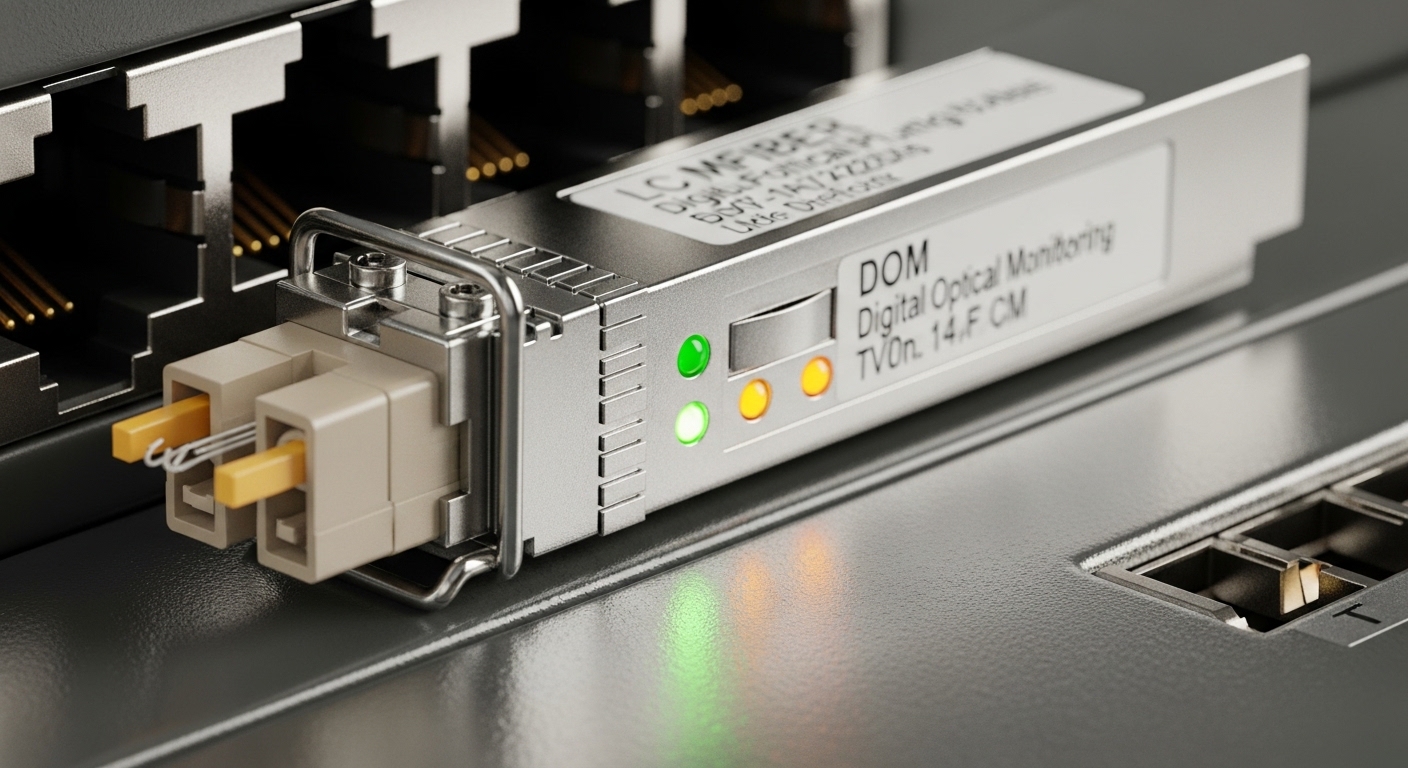
Before ordering modules, confirm the physical layer requirements and operational constraints. Edge environments often combine long runs, harsh temperature swings, and limited maintenance windows, so you need measurable acceptance criteria.
- Confirm link standard and speed: IEEE 802.3 variants (for example, 10GBASE-SR for SFP+ and 100GBASE-SR4 for QSFP28).
- Measure fiber type and run length: OM3 or OM4 multimode, or OS2 single-mode, plus connector loss assumptions.
- Check switch compatibility: vendor optics matrix, transceiver type (SFP/SFP+/QSFP/QSFP28), and whether the platform enforces vendor-specific EEPROM behavior.
- Decide on DOM requirements: digital optical monitoring support for RX power alarms and inventory automation.
Operational target examples that field teams use: keep margin for worst-case RX power by at least 3 dB, and verify temperature operating range covers your enclosure minimum and maximum.
Step-by-step: implement optical module use cases for edge computing
Follow this workflow to translate requirements into a stable optical design that survives day-2 operations at edge locations.
Map each edge workload to a link profile
Classify traffic and timing needs, then map to a transceiver family. For example, video analytics at a factory edge often needs 10G or 25G uplinks to aggregation, while a remote site with modest telemetry may use 1G or 10G depending on backhaul.
Use-case patterns:
- Industrial edge gateway: 10GBASE-SR from ToR switches to server NICs over OM4, short reach with predictable attenuation.
- Transport to regional aggregation: 100GBASE-LR4 or SR4 depending on fiber type and distance.
- Storage or edge AI cluster: higher density QSFP28 with careful thermal management in constrained enclosures.
Select optics by wavelength, reach, and connector class
Choose a module that matches the fiber and distance, then verify connector loss and polarity. Multimode SR optics typically assume 850 nm operation and short-reach budgets; LR4 and ER4 assume longer single-mode operation at 1310 nm or 1550 nm bands.
Validate link budget with real measured margins
Use vendor datasheets plus your measured fiber attenuation and connector/splice losses. A practical method: measure end-to-end insertion loss with an OTDR or test set, then confirm the module RX power range and receiver sensitivity meet your margin.
Confirm switch behavior with DOM and optics enforcement
Many enterprise switches accept third-party optics only if they comply with the platform’s EEPROM and DOM expectations. Confirm whether the switch blocks non-vendor modules or merely warns, and ensure your monitoring system reads DOM fields correctly.
Deploy, monitor, and document acceptance criteria
Record the installed part numbers, serial numbers, and DOM readings at commissioning. Set alerts for RX power drift and link flaps; in edge sites, a single failing patch or a connector that loosens under vibration can otherwise look like “intermittent application” issues.
Optical module specs you must compare for edge computing links
Engineers often compare only reach, but edge deployments require matching connector type, data rate, and operating temperature. Below is a practical comparison for common module categories.
| Module type | Typical data rate | Wavelength | Reach (typical) | Connector | DOM | Operating temp |
|---|---|---|---|---|---|---|
| Cisco SFP-10G-SR | 10GBASE-SR | 850 nm | Up to 300 m on OM3 / 400 m on OM4 | LC | Supported | Commercial to industrial variants (check exact SKU) |
| Finisar FTLX8571D3BCL | 10GBASE-SR | 850 nm | Up to 300 m on OM3 / 400 m on OM4 (per datasheet) | LC | Supported | Commercial or extended, depends on ordering |
| FS.com SFP-10GSR-85 | 10GBASE-SR | 850 nm | Up to 300 m on OM3 / 400 m on OM4 (per datasheet) | LC | Often supported (varies) | Check exact temperature grade |
| QSFP28 SR4 (example class) | 100GBASE-SR4 | 850 nm | Up to 100 m on OM4 (typical) | MPO/MTP | Supported | Check grade |
For standards context, align your selection to the relevant IEEE Ethernet physical layer specifications and vendor module datasheets. [Source: IEEE 802.3] and [Source: vendor transceiver datasheets].
Pro Tip: In edge computing deployments, RX power drift is more common than outright module failure. Set alerts based on DOM RX power thresholds (not just link up/down), and re-check LC/MPO cleanliness during the first month after installation, when connectors settle and micro-dust exposure is highest.
Selection checklist for edge computing optics (ordered by impact)
- Distance and fiber type: OM3/OM4 for SR at 850 nm, OS2 for LR/ER.
- Switch compatibility: confirm the exact transceiver form factor and vendor acceptance behavior.
- Data rate and lane mapping: SR4 uses multiple lanes via MPO/MTP; confirm polarity and MPO keying.
- DOM support and monitoring workflow: ensure your NMS can ingest DOM fields and your switch exposes them reliably.
- Operating temperature grade: edge enclosures can exceed 70 C; choose extended or industrial-rated optics.
- Vendor lock-in risk: if third-party optics are blocked, budget for OEM replacements; if allowed, validate with your switch model before scaling.
Common mistakes and troubleshooting tips in the field
Below are the top failure patterns that show up in edge computing rollouts, along with root causes and fixes.
- Mistake: Installing an SR module on the wrong fiber type or assuming OM4 reach on OM3.
Root cause: Incorrect fiber plant inventory or stale labeling.
Solution: verify OM3 vs OM4 with test results, then re-run link budget and confirm RX power margin. - Mistake: MPO polarity or keying mismatch on QSFP28 SR4.
Root cause: Lane reversal causes high BER and link flaps.
Solution: re-terminate or use polarity adapters; confirm with a continuity test and clean the MPO endfaces. - Mistake: DOM mismatch leading to “unsupported optics” alarms or monitoring gaps.
Root cause: EEPROM/DOM behavior differences in third-party modules.
Solution: validate with the specific switch firmware; if enforced, switch to an approved part number list or enable allowed optics mode if supported. - Mistake: Ignoring temperature derating.
Root cause: Receiver sensitivity can degrade in high enclosure heat.
Solution: choose an industrial temperature grade module and improve airflow; log module temperature if your platform exposes it.
Cost and ROI note for edge computing optics
OEM optics typically cost more, but they reduce operational friction when platforms enforce optics rules. As a rough planning range, third-party 10G SR SFP+ modules often cost less per unit than OEM, while QSFP28 100G optics can be significantly higher, and MPO cleaning/patching accessories add hidden TCO. ROI comes from fewer truck rolls and
