
Edge computing deployments live and die by link reliability: a single optics mismatch can halt telemetry, OT/IT gateways, or store-and-forward video. This article helps engineers and architects choose the correct fiber transceiver for edge computing sites by comparing SFP/SFP+/SFP28 versus QSFP/QSFP28/QSFP-DD options, then mapping those choices to real distance, power, and switch compatibility constraints. You will also get a practical troubleshooting checklist based on field failure patterns, including DOM and laser safety gotchas.
SFP/SFP+/SFP28 vs QSFP/QSFP28/QSFP-DD: performance and reach tradeoffs
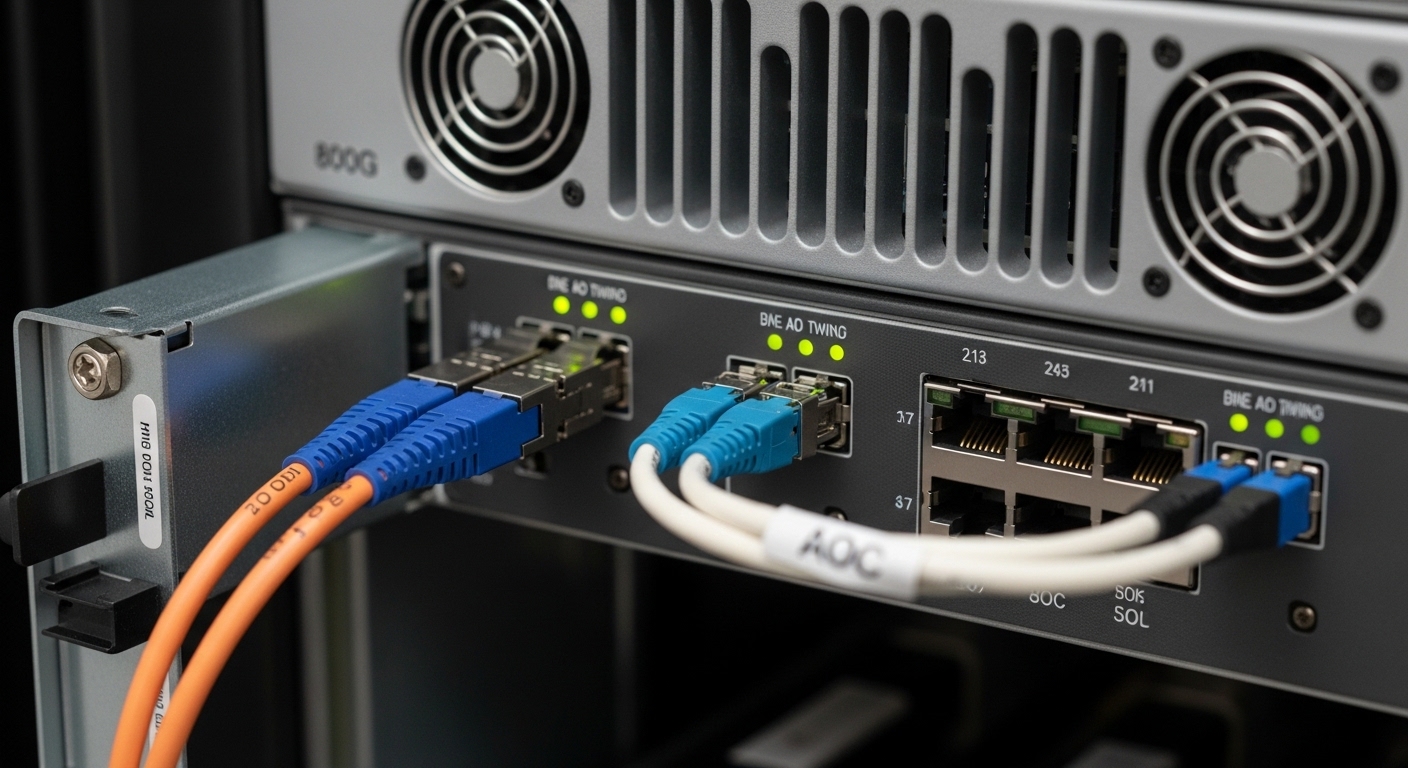
At the edge, the “right” transceiver is rarely the fastest one on the shelf; it is the one that matches your switch ASIC lane mapping, target fiber plant, and latency budget while staying within thermal limits. SFP and SFP+ typically target 1G/10G class links, while SFP28 targets 25G. QSFP and QSFP28 scale to 40G and 100G, and QSFP-DD is commonly used for 100G and beyond with higher lane counts and tighter power/thermal behavior.
From an optics physics standpoint, reach is dominated by wavelength band, transmitter power, receiver sensitivity, and link penalties from connectors and patch cords. For example, 10G SR optics are usually specified around 850 nm over MMF (multimode fiber), while 10G LR uses 1310 nm over SMF (single-mode fiber). In edge sites, MMF is often shorter and cheaper to install inside enclosures, while SMF is more common for longer runs from a remote cabinet to the nearest aggregation switch.
Quick spec comparison (what actually changes)
| Form factor | Common data rates | Typical wavelength | Fiber type | Typical reach class | Connector | Operating temp (typical) | Power class (typical) |
|---|---|---|---|---|---|---|---|
| SFP | 1G | 850/1310/1550 nm | MMF or SMF | Up to ~80 km (SMF variants) | LC | -5 to +70 C (varies) | ~0.5 to 2.5 W |
| SFP+ | 10G | 850/1310 nm | MMF or SMF | SR: ~300 m (OM3) to ~400 m (OM4); LR: ~10 km | LC | -5 to +70 C or -40 to +85 C | ~1.5 to 3.5 W |
| SFP28 | 25G | 1310/850 nm | SMF or MMF | SR: ~70 m (OM3) to ~100 m (OM4); LR: ~10 km | LC | -5 to +70 C or -40 to +85 C | ~2.5 to 4.5 W |
| QSFP28 | 40G / 100G (via 4x lanes) | 850/1310 nm | MMF or SMF | SR4/FR4 variants; ranges depend on OM and reach class | LC (often MPO in higher density) | -5 to +70 C or -40 to +85 C | ~3 to 7 W |
| QSFP-DD | 100G+ (higher lane counts) | 850/1310/1550 nm | MMF or SMF | Commonly 100G over SMF; MMF variants exist | LC or MPO (model dependent) | -5 to +70 C or -40 to +85 C | ~5 to 10 W |
Note: exact reach and power vary by vendor and part number. Always confirm with the switch vendor’s optics matrix and the transceiver datasheet. For standards context, link behavior and management are aligned with IEEE 802.3 and the SFF Multi-Source Agreement ecosystem; practical compatibility still depends on the switch’s EEPROM parsing and lane configuration logic. [Source: IEEE 802.3 (Ethernet physical layer specifications)] IEEE 802.3
Compatibility first: DOM, EEPROM, lane mapping, and switch optics matrices
Edge computing sites frequently use industrial switches with constrained maintenance windows, so optics compatibility must be treated like a software dependency. Most modern switches read the transceiver EEPROM (often including vendor ID, part number, wavelength, and Digital Optical Monitoring thresholds). If your transceiver’s DOM data does not match what the switch expects, the port may come up in a degraded mode, or it may refuse link entirely.
Real-world compatibility hinges on three areas: form factor (SFP vs QSFP), speed and lane mapping (10G vs 25G vs 40G/100G), and DOM and vendor ID handling. For example, a 100G QSFP28 module may be rejected by a switch if the port expects a QSFP28-to-4x25G breakout profile that your configuration does not enable. Conversely, a third-party optics module might work electrically but fail the vendor’s strict validation policy.
DOM and threshold realism
In the field, DOM is not just “monitoring”; it is an operational alarm system. Many deployments set alert thresholds on received power (Rx power), bias current, and laser temperature. If you run at the edge of the optical budget, the DOM values can show gradual drift long before users notice packet loss.
When selecting optics for edge computing, prioritize transceivers that provide calibrated DOM values and expose the expected fields for your management plane. If your switch uses vendor-specific thresholds, you may need to align the module type to the vendor’s optics list to avoid false alarms.
Pro Tip: In edge cabinets with frequent thermal cycling, the most “mysterious” optics failures are often DOM threshold mismatches plus marginal optical budget. If the port flaps only when the enclosure warms up, check Tx bias current and Rx power trends in DOM before swapping hardware.
Cost and ROI: how to choose by TCO, not just per-module price
Engineers often compare transceivers only on unit cost, but edge computing ROI is dominated by downtime cost, spares strategy, and labor for replacement. Third-party optics can cut acquisition cost, yet increased failure rates or stricter switch compatibility filters can erase savings. At a remote site, an “affordable” module that does not pass diagnostics can become more expensive than an OEM part once you account for truck rolls and extended outage time.
In typical enterprise edge networks, OEM-compatible 10G SR optics often land in a mid-single-digit to low-double-digit USD range per module depending on vendor and temperature grade, while higher-speed QSFP28 and QSFP-DD modules can cost significantly more. For realistic planning, budget for spares: at least one spare per transceiver type per site, plus a small pool at the regional depot to reduce MTTR.
Deployment economics that matter
- Thermal grade: industrial (-40 to +85 C) optics may cost more but prevent failures in rooftop cabinets and unconditioned enclosures.
- Fewer lanes, fewer surprises: sometimes 40G/100G optics reduce switch port consumption and simplify patching, improving operational efficiency.
- Power and airflow: higher-power optics can increase enclosure temperatures; verify airflow plans and power budgets.
- Spare stocking: mismatched optics types create inventory sprawl and longer recovery times.
For sourcing, compare OEM modules like Cisco SFP-10G-SR and QSFP28 equivalents against third-party options such as Finisar/II-VI branded optics (for example, FTLX8571D3BCL class parts) or reputable distributors. Always validate with the switch optics matrix because compatibility is the real cost driver. [Source: vendor datasheets and switch optics compatibility guides]
Selection criteria checklist for edge computing optics
Use this ordered checklist when choosing transceivers for edge computing. It is designed to prevent the common “it linked on the bench but fails in the field” outcome.
- Distance and fiber type: confirm MMF vs SMF, and measure end-to-end loss including patch cords and connectors.
- Reach class vs optical budget: do not rely on nominal reach; include margin for aging and dirty connectors.
- Switch compatibility: consult the specific switch model’s optics matrix; verify supported form factor and speed.
- DOM support and alerting: ensure the module’s DOM fields are readable and thresholds behave as expected.
- Operating temperature: select industrial grade if the cabinet experiences wide swings or direct sun exposure.
- Connector and patching plan: verify LC vs MPO, polarity, and whether your patch panel uses correct polarity conventions.
- Vendor lock-in risk: evaluate whether third-party modules are accepted by your switch and whether firmware updates might tighten validation.
- Maintenance model: decide whether you will carry spares on-site or rely on regional swaps; this affects how many transceiver SKUs you should standardize.
Common pitfalls and troubleshooting for edge computing transceivers
Below are concrete failure modes seen in edge deployments, along with root cause and fixes. Treat these as a field runbook, not a guess-and-replace workflow.
Pitfall 1: Link comes up on the bench, then fails after installation
Root cause: connector contamination or damaged fiber ends introduced during re-termination; optical budget was barely met. Edge installations also see more vibration and micro-movement in patch panels.
Solution: clean connectors with lint-free wipes and optical-grade cleaning tools, re-check polarity, and inspect with a fiber microscope when possible. Confirm Rx power margin in DOM after the system reaches stable temperature.
Pitfall 2: Port stays down or flaps only on specific transceiver brands
Root cause: EEPROM/DOM validation differences or strict vendor compatibility checks. Some switches require specific vendor IDs or supported part number patterns.
Solution: verify the module against the switch’s optics compatibility list; update switch firmware only if validated by the vendor. If you must use third-party optics, test with the exact switch model and firmware revision at the bench.
Pitfall 3: “Working” link but high errors and intermittent packet loss
Root cause: marginal optical power, excessive insertion loss from long patch cords, or wrong fiber type (for example, using MMF SR optics on a plant with higher-than-expected loss).
Solution: measure link attenuation with a light source and power meter or OTDR, then compare to the module’s optical budget. Reduce patch cord length, improve cleaning, and replace suspect patch cords.
Pitfall 4: Thermal shutdown or DOM alarms during hot afternoons
Root cause: module temperature exceeds spec, or enclosure airflow is insufficient for the optics power dissipation.
Solution: confirm the transceiver temperature rating (industrial vs commercial grade), improve airflow, and check whether adjacent ports or optics are being over-driven. Monitor DOM for laser temperature and bias current trends.
Head-to-head decision matrix: which transceiver style fits your edge constraints?
Use this matrix to quickly align transceiver choice with the most common edge computing realities: short reach inside cabinets, longer runs to aggregation switches, and strict compatibility requirements.
| Your edge constraint | Best starting choice | Why it fits | Watch-outs |
|---|---|---|---|
| Short indoor runs within a rack or small cabinet | SFP+ SR (10G) or SFP28 SR (25G) | 850 nm MMF is cost-effective and widely supported | Validate OM3 vs OM4 and keep connector losses low |
| Moderate distance to a nearby aggregation switch | SFP+ LR or SFP28 LR over SMF | 1310 nm SMF tolerates longer spans | Confirm SMF plant and budget margin; LC cleaning is critical |
| High bandwidth with limited switch ports | QSFP28 (40G/100G class) or QSFP-DD (100G+) | Higher throughput per port reduces cabling complexity | More sensitive to lane mapping and module compatibility |
| Harsh environment with wide temperature swings | Industrial grade optics (temperature-rated) | Improves reliability under thermal cycling | Higher cost; verify switch supports that module class |
| Strict change control and predictable maintenance | OEM optics or validated third-party SKUs | Lower risk of DOM/EEPROM validation issues | Standardize SKUs to avoid inventory sprawl |
Edge computing deployment example: choosing optics for a leaf-spine edge site
In a 3-tier data center leaf-spine topology extended to an edge facility, a common pattern is 48-port 10G ToR switches in the edge zone uplinking to an aggregation pair. Imagine a site with 12 edge nodes each feeding 10G telemetry plus 5G uplink bursts for analytics. The fiber plant uses OM4 MMF for in-building runs of 120 to 220 m to patch panels inside a secured corridor, while the uplink to the nearest aggregation switch uses SMF at 2 to 5 km.
In this scenario, engineers often choose 10G SR optics for the edge nodes to ToR links on OM4, and 10G LR optics (1310 nm) for SMF uplinks. If the team later upgrades to 25G for northbound compute, they can standardize on SFP28 for the ToR downlinks and leave LR optics in place where the SMF budget supports it. The key is that the optics selection is driven by measured distance and patching, not by a “one optics fits all” mindset that causes avoidable downtime.
Which Option Should You Choose?
If you are building edge computing links where distances are short and you want predictable cost, start with SFP+ SR or SFP28 SR over OM4/OM3 as long as your measured loss fits the optical budget. If your edge site has longer spans or you need resilience across more patch points, choose SMF-based LR optics to reduce sensitivity to multimode plant variability. For high-density edge aggregation where port count is the bottleneck, move to QSFP28 or QSFP-DD, but only after validating lane mapping and DOM behavior against your exact switch model.
For teams with strict reliability requirements and limited on-site support, the safest ROI path is validated OEM optics or a tightly controlled set of third-party SKUs that your switch firmware accepts. Next, use the internal link fiber-plant-budget-and-connector-cleaning|fiber plant budget and connector cleaning to ensure your optical budget and physical layer hygiene are aligned before you commit to a transceiver SKU.
FAQ
What transceiver type is most common for edge computing access links?
For many edge computing deployments, SFP+ SR (10G over 850 nm MMF) is common for short in-building runs, especially when OM3/OM4 fiber is available. If you are moving to 25G, SFP28 SR over OM4 is a frequent upgrade path. The final choice depends on measured distance and optical budget margin.
How do I confirm compatibility with my edge switch?
Start with your switch model’s optics compatibility matrix and verify the exact speed and lane profile. Then validate DOM readability and port behavior in a bench test with the exact firmware revision you will run. Avoid assuming that “same form factor” implies identical EEPROM validation.
Is DOM required for edge monitoring?
DOM is strongly recommended for edge computing because it provides early warning signals like Rx power drift and laser temperature trends. Even if the link works without DOM, operational teams benefit from alarms that predict failures before they cause packet loss. Ensure your switch can read the module’s DOM fields and that thresholds are not overly aggressive.
Can I mix transceiver vendors in the same edge site?
You can, but only within a controlled compatibility set. Mixing vendors increases the risk of different DOM threshold behavior, different optical power levels, and firmware validation differences. If you do mix, standardize on the same wavelength band, reach class, and connector type, then monitor DOM after installation.
What is the biggest cause of intermittent link errors at the edge?
The most frequent root causes are connector contamination, polarity/patching mistakes, and marginal optical budget due to long or lossy patch cords. Thermal cycling can also amplify weak links, triggering laser bias and threshold drift. Always verify physical layer hygiene and measure optical loss rather than swapping modules blindly.
Do I need industrial-grade optics for outdoor edge cabinets?
If the cabinet experiences wide temperature swings, industrial-grade optics are usually worth the cost for edge computing reliability. Use the transceiver’s specified operating temperature range and ensure enclosure airflow matches the optics power dissipation. Commercial-grade modules can work initially but often fail during long-term thermal cycling.
Author bio: I am a field-focused electronics and fiber specialist who has deployed and diagnosed optics in edge cabinets, industrial switches, and data center edge extensions. I write from hands-on measurements and switch compatibility experience to help teams avoid costly downtime.
