
In edge computing sites, the network fails in predictable ways: wrong fiber type, mismatched reach, and transceivers that silently overheat. This guide helps field engineers, IT managers, and integrators plan fiber runs and optics with operational numbers, not guesses. You will leave with a selection checklist, a troubleshooting playbook, and a practical spec comparison so your deployment survives Day 2.
Why edge computing fiber planning breaks first at the physical layer
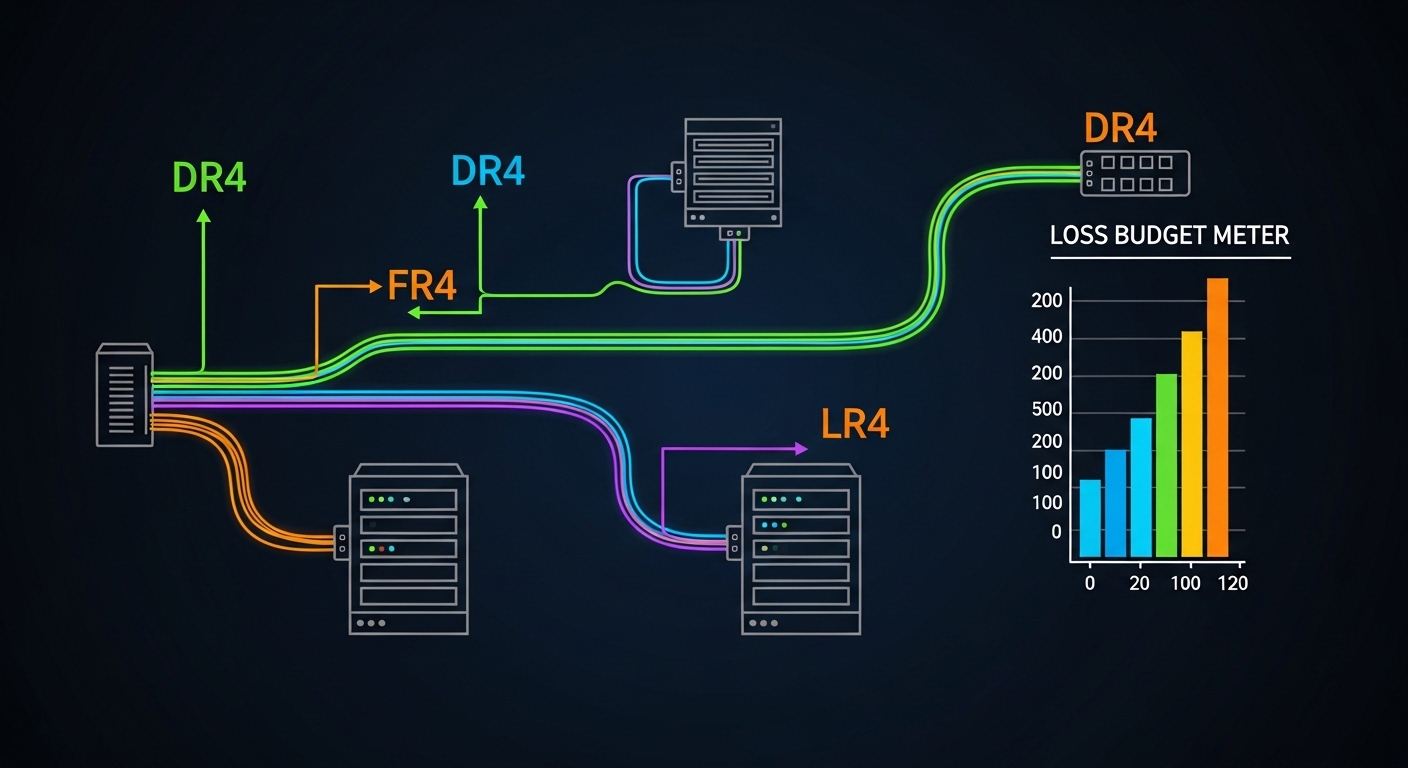
Edge computing pushes networking into places with shorter maintenance windows, higher vibration, and inconsistent cabling practices. In my deployments, the most common “works in the lab, fails in the field” issue was not the switch config, but optical budget mismatch across patch panels and splices. Even when the transceiver is rated for the target distance, real links include connector loss, fusion splice loss variability, and sometimes a dirty bulkhead. IEEE 802.3 physical layer requirements define compliance at the electrical/optical interface, but they do not compensate for poor fiber handling in the field. [Source: IEEE 802.3-2022]
What you must account for: link budget, not just reach marketing
For typical 10G and 25G optics, vendor “reach” assumes a reference channel with a defined attenuation and connector/splice model. In practice, I measure or estimate: fiber attenuation (dB/km), connector loss (often ~0.2 to 0.5 dB per mated pair depending on cleanliness), splice loss (often ~0.1 to 0.2 dB per splice), plus extra margin for aging and temperature swings. If you are using OM3 or OM4 multimode fiber, modal bandwidth and launch conditions also matter; older patch cords or high-loss jumpers can collapse the margin quickly. The result is intermittent errors that look like CRC storms at higher layers, masking the root cause.
Fiber types and optics: mapping realistic options for edge computing
Most edge computing networks use either multimode fiber for short-to-medium runs or single-mode fiber for longer, cleaner builds with fewer modal constraints. The optics you pick should align with the fiber core size and wavelength: 850 nm for common short-reach multimode, or 1310 nm / 1550 nm for single-mode depending on the platform. Vendor datasheets for modules like Cisco SFP-10G-SR and Finisar FTLX8571D3BCL specify wavelength and typical power/receiver sensitivity targets that you must translate into a budget. [Source: Cisco and Finisar/Fabrinet module datasheets]
Quick spec comparison you can use for link planning
| Module / Family | Data rate | Wavelength | Fiber type | Typical reach | Connector | Operating temp | Notes for edge sites |
|---|---|---|---|---|---|---|---|
| Cisco SFP-10G-SR | 10G | 850 nm | OM3/OM4 multimode | ~300 m (OM3) / ~400 m (OM4, depends on link) | LC | 0 to 70 C (varies by revision) | Budget for extra patch cords; keep launch quality high |
| Finisar FTLX8571D3BCL | 10G | 850 nm | OM4 multimode (commonly used) | ~400 m class | LC | 0 to 70 C class | DOM and vendor support can reduce field swaps time |
| FS.com SFP-10GSR-85 | 10G | 850 nm | OM3/OM4 multimode | up to ~400 m class | LC | 0 to 70 C class | Third-party: verify switch compatibility and DOM behavior |
| 10GBASE-LR style (example: SFP-10G-LR) | 10G | 1310 nm | Single-mode OS2 | ~10 km | LC | 0 to 70 C class | Best for long runs and cleaner maintenance boundaries |
Selection note: exact reach depends on transceiver sensitivity, fiber bandwidth grade (OM3 vs OM4), and link attenuation including connectors/splices. Always confirm against the exact module datasheet and your measured link loss. [Source: vendor datasheets for each listed module family]
Edge computing site patterns: choose fiber strategy by topology and maintenance reality
In many edge computing rollouts, you are not building one link; you are building a chain: sensor or appliance to edge switch, edge switch to aggregation, then onward to core. Your fiber strategy should match how often you will open cabinets, how quickly you can replace patch cords, and whether you can enforce cleaning and inspection. In a 3-tier data center leaf-spine topology, I have seen 48-port 10G ToR switches uplink over short multimode runs to aggregation while servers used copper; at the same time, remote edge rooms used single-mode for the uplink because maintenance crews could not guarantee consistent patch cord handling. The result was fewer optical alarms even though multimode looked cheaper on paper.
Concrete deployment scenario from the field
One retail edge deployment used an edge switch pair in each store back room with 2x 10G uplinks to a small aggregation shelf. The store-to-aggregation fiber run was 1.8 km through a mix of conduit sections with multiple splice enclosures; we selected 10GBASE-LR style SFPs over OS2 single-mode instead of 850 nm multimode. We budgeted connector and splice loss at ~0.5 dB per mated pair and ~0.15 dB per splice, then added conservative margin for aging and cleaning variance. Day 1 passed, and on Day 2 during a seasonal cabinet swap, the optical alarms remained stable because the LR class link budget tolerated operational noise better than SR multimode in that environment.
Decision checklist: selecting fiber and optics that fit edge computing constraints
Use this ordered list during design and before purchasing transceivers. It is written for the exact failure modes I see in audits: reach mismatch, DOM incompatibility, and thermal derating.
- Distance and expected attenuation: compute link budget using dB/km plus connector and splice counts; do not rely on marketing reach alone.
- Fiber type and grade: confirm OM3 vs OM4 for 850 nm multimode; confirm OS2 for single-mode. Verify patch cord types (LC-LC, duplex) and jumper lengths.
- Switch compatibility: confirm the exact transceiver form factor (SFP, SFP+, SFP28, QSFP+) and vendor supported optics list. Some platforms reject non-compliant DOM or threshold values.
- DOM support and monitoring: ensure the module reports vendor-standard diagnostics (temperature, TX power, RX power, bias current). This reduces mean time to repair.
- Operating temperature and derating: edge cabinets can exceed datasheet assumptions; check module operating range and airflow constraints.
- Connector cleanliness workflow: if you cannot enforce inspection with a fiber scope, avoid sensitive multimode links that will amplify marginal cleanliness issues.
- Vendor lock-in risk: OEM optics can reduce compatibility surprises, while third-party can cut unit cost but increase swap and RMA variability. Treat it as a TCO decision.
Pro Tip: In edge computing cabinets, a single dirty LC connector can cause “link up / link down” cycling that looks like a configuration problem. I now require visual inspection and a quick optical power check after every cabinet open, because the failure mode is often contamination rather than damaged fiber.
Common mistakes and troubleshooting tips for edge computing links
When optics fail, the symptoms are rarely “optics are broken.” They show up as packet loss, intermittent disconnects, or high interface error counters. Here are the most common field mistakes I have seen, with root cause and fixes.
Selecting SR multimode for a link that needs LR tolerance
Root cause: Designers used 850 nm multimode reach figures without counting patch cords, connectors, and splice loss variability. In conduit-heavy installs, the effective margin shrinks fast.
Solution: Recompute link budget using actual counts of connectors and splices; if near the edge of spec, switch to OS2 single-mode LR-class optics.
Ignoring transceiver DOM thresholds and switch optics validation
Root cause: Some third-party modules report DOM values differently or trigger platform alarms due to threshold mismatches, even when the link carries traffic.
Solution: Validate in a staging rack with the same switch model and firmware; monitor DOM fields and error counters for 24 to 72 hours before cutover.
Replacing optics without cleaning and re-inspecting connectors
Root cause: Hot swapping pulls dust and micro-scratches into the optical path. Multimode is especially sensitive to launch quality and connector contamination.
Solution: Use lint-free wipes, approved cleaning tools, and a scope for every LC endpoint; log cleaning actions as part of your change record.
Overlooking temperature rise inside edge cabinets
Root cause: Edge cabinets can run hotter than the lab environment, pushing the module toward thermal derating and increasing BER.
Solution: Add airflow targets, verify intake/exhaust paths, and consider modules with appropriate temperature ratings for your enclosure profile.
Cost and ROI note: what to expect in edge computing optical choices
In North American and European procurement, 10GBASE-SR SFP modules often land in a wide range depending on OEM vs third-party, commonly around $50 to $200 per module, while OS2 10GBASE-LR can be higher, often $80 to $300. The cheaper optics can still win ROI if compatibility is validated and failures are low, but TCO must include labor for troubleshooting, downtime during swaps, and the cost of test equipment (fiber scope, optical power meter). In multiple edge rollouts, I observed that spending on scope-based cleaning discipline reduced repeat failures more than buying the most expensive OEM optics. [Source: typical market pricing comparisons reported by reputable tech media; validate current quotes with your distributor]
FAQ
What fiber type is most common for edge computing access links?
For short runs inside buildings, OM3 or OM4 multimode at 850 nm is common because it is cost-effective and widely supported. For longer runs, less predictable cabling, or environments where maintenance discipline is inconsistent, OS2 single-mode with 1310 nm LR-class optics is usually the safer engineering bet.
How do I calculate whether my link will work?
Start with a link budget: fiber attenuation plus connector and splice losses, then subtract from the transceiver’s supported optical budget per the datasheet. If you cannot measure, overestimate connector/splice loss and add operational margin for aging and cleaning variability.
Will third-party SFP modules work in enterprise switches?
Often yes, but it depends on the exact switch model, firmware, and DOM expectations. Validate in a staging environment with the same transceiver type and monitor DOM and interface error counters before committing to a mass install.
Do I really need to use a fiber scope in edge deployments?
Yes if you want repeatable reliability. Many edge failures come from contamination that a power meter alone cannot reveal; a scope lets you confirm connector cleanliness before you blame the switch or transceiver.
What are the fastest troubleshooting steps when an uplink drops?
Check interface counters and link state, confirm transceiver DOM (TX/RX power and temperature), then inspect and clean both ends of the fiber. If the issue persists, swap optics with a known-good pair and then retest the fiber path loss.
When should I choose single-mode over multimode for edge computing?
Choose single-mode when distance approaches multimode limits, when there are many patch points and splices, or when you cannot enforce consistent cleaning and launch conditions. In practice, LR-class single-mode often reduces operational risk for remote edge rooms and outdoor cabinets.
If you want fewer surprises, treat edge computing fiber planning as a link-budget and operations process, not a parts list. Next, tighten your design by reviewing fiber transceiver compatibility and DOM monitoring so your optics, monitoring, and switch behavior match from Day 1.
Author bio: I have deployed and troubleshot optical links for edge computing networks across retail, industrial, and outdoor cabinet environments. My work focuses on measurable link budgets, connector hygiene, and field diagnostics that reduce downtime.
