
Edge computing deployments live or die by latency, reliability, and power efficiency. This article helps network, field, and infrastructure teams choose optical modules that match their fiber plant and switch optics, especially in leaf-spoke edge topologies. You will get practical selection criteria, a head-to-head comparison of common module types, and troubleshooting steps for the issues that actually show up after installation.
Optical modules for edge: what changes vs core data centers?
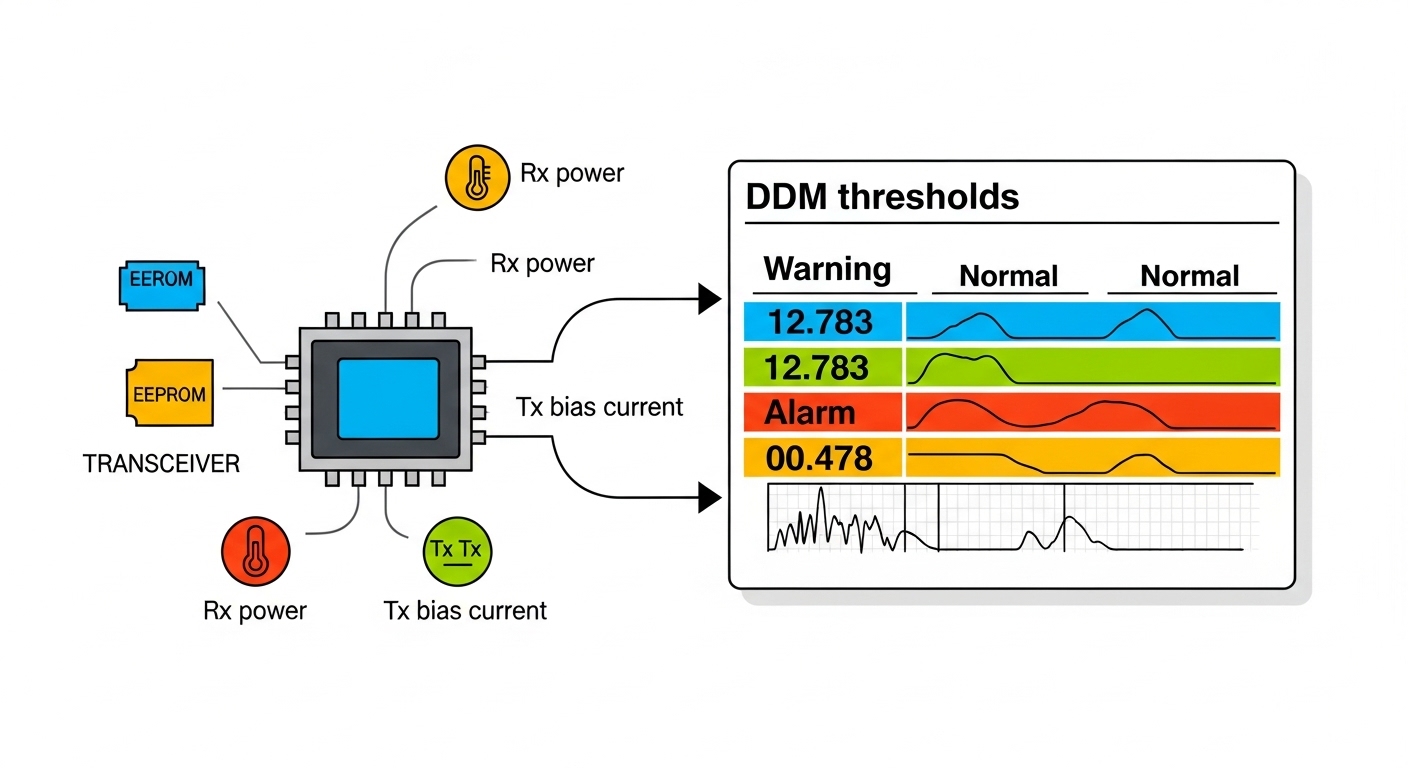
In edge sites, you often have tighter power budgets, fewer cooling resources, and higher exposure to temperature swings and dust. That changes the “tolerable” module behavior: optical budget margins shrink, and link stability becomes sensitive to connector cleanliness and transceiver temperature. Many teams also mix vendors across refresh cycles, so compatibility and diagnostics support (Digital Optical Monitoring, or DOM) matter more than in a controlled core. As a baseline, align your choices with IEEE 802.3 optical Ethernet specifications and the platform vendor’s transceiver compatibility guidance.
For example, an edge aggregation switch in a warehouse might run 10G links to access switches and 25G uplinks to a nearby micro data center. The field reality is that you may discover patch panel damage, slightly mismatched fiber types (OM3 vs OM4), or a “works on the bench” module that fails under sustained thermal load. Choosing the right wavelength, reach class, and operating temperature range helps prevent these late surprises.
Key technical constraints to plan for
- Optical reach class: short-reach multimode vs long-reach single-mode determines whether you can reuse existing fiber.
- Link power and thermal limits: modules have specified operating temperature ranges; edge sites often run warmer than offices.
- Connector and fiber type: LC duplex is common for SFP and QSFP optics; mismatched connectors cause immediate link failures.
- DOM and telemetry: field teams need real-time TX power, RX power, and temperature for root-cause analysis.
Pro Tip: In edge rollouts, many “mystery link flaps” are connector cleanliness issues, not optics. A quick inspection and cleaning cycle (using lint-free wipes and the correct fiber cleaning method) often restores stability more reliably than swapping modules back and forth.
Head-to-head: multimode vs single-mode optical modules in edge links
The biggest practical decision is whether your link should use multimode (MMF) or single-mode (SMF) fiber. Multimode optics (commonly 850 nm for short reach) are typically lower cost and easier for very short runs inside buildings. Single-mode optics (commonly 1310 nm or 1550 nm) allow longer reaches and better performance over distance, but they require single-mode fiber and careful budgeting of dispersion and optical loss.
Below is a comparison using representative, widely deployed optical module families and wavelengths. Always confirm exact parameters in the vendor datasheet and your switch’s supported optics list.
| Module type | Typical wavelength | Reach class | Connector | DOM support | Typical use in edge | Operating temperature (typ.) |
|---|---|---|---|---|---|---|
| SFP+ 10G SR | 850 nm | Up to 300 m (OM3) / 400 m (OM4) | LC duplex | Commonly available | In-building access and short aggregation | -5°C to 70°C (varies by grade) |
| SFP28 25G SR | 850 nm | Up to 100 m (OM3) / 150 m (OM4) | LC duplex | Commonly available | Higher-density edge uplinks inside a site | -5°C to 70°C (varies by grade) |
| SFP+ 10G LR | 1310 nm | Up to 10 km (SMF) | LC duplex | Commonly available | Edge to micro data center across metro fiber | -5°C to 70°C (varies by grade) |
| SFP28 25G LR / ER | 1310 nm / 1550 nm | Multiple kilometer classes (SMF) | LC duplex | Commonly available | Longer metro and regional edge backhaul | -5°C to 70°C (varies by grade) |
Real-world edge selection logic
- If your patch runs are within a building and you can verify OM4, start with 850 nm SR optics for cost control.
- If you are traversing longer distances, dark fiber, or uncertain attenuation, prefer 1310 nm SMF optics and validate the link budget.
- For 25G uplinks, ensure the switch supports the exact speed and optics profile (for example, SFP28 vs SFP+).
Compatibility and diagnostics: avoiding “it seats but it won’t link” failures
Edge rollouts often suffer from a compatibility gap: the optics physically fit, but the switch refuses to bring the port up or limits the negotiated speed. This can happen when a module is not on the vendor’s tested list, when DOM values are out of expected ranges, or when the firmware expects a specific transceiver type. Vendor datasheets and switch compatibility matrices are the authoritative sources for what your platform will accept.
In practice, engineers validate three things before deploying optical modules to a live edge rack. First, confirm the exact form factor and electrical interface: SFP+ is not the same as SFP28 even though both are pluggable. Second, confirm that the optics meet the relevant Ethernet standard behavior (for example, IEEE 802.3 variants for optical Ethernet). Third, confirm DOM telemetry is enabled and readable so you can monitor TX/RX power after installation.
Concrete examples engineers recognize
- 10G SR optics for short multimode runs: models like Cisco SFP-10G-SR or common compatible equivalents (exact part numbers vary by platform).
- 25G SR optics: many deployments use SFP28 SR modules such as Finisar FTLX8571D3BCL (example family) or third-party equivalents with matching wavelength and reach.
- Long-reach backhaul: 10G LR or 25G LR/ER modules with LC connectors and verified single-mode reach classes.
Always cross-check the module vendor datasheet with your switch vendor’s supported optics list to reduce incompatibility risk.
Cost and ROI: what edge teams should budget for
Optical modules are a small line item compared with switches and fiber infrastructure, but they are a big driver of downtime risk and maintenance workload. OEM modules may cost more, yet they often reduce the odds of time-consuming port bring-up issues and offer consistent DOM calibration behavior. Third-party modules can be cost-effective, but you must factor testing time, warranty terms, and the probability of “works in one switch, fails in another” behavior.
Typical price ranges vary by speed and reach class. As a practical budgeting guideline, short-reach 10G SR optics are often cheaper than long-reach single-mode optics, and 25G optics generally cost more than 10G for the same fiber type. For total cost of ownership, include labor hours for staged rollouts, cleaning supplies, spares inventory, and the cost of truck rolls if a module fails early.
ROI checklist for edge maintenance
- Spare strategy: keep at least 1 to 2 spares per module type per site group, based on failure history and MTBF claims.
- Power and cooling: verify module power draw in the datasheet; lower power can matter where cooling is constrained.
- Warranty and RMA time: a cheaper module can be more expensive if replacements take weeks.
Pro Tip: Budget for fiber cleaning and patch panel rework as part of optical module ROI. In edge sites, connector contamination can dominate link errors, and the “cost” shows up as truck rolls and extended outage windows.
Decision checklist: choosing the right optical modules for each edge link
Use this ordered checklist during planning and staging. It is designed to match the way field teams actually reduce risk during deployment.
- Distance and fiber type verification: confirm OM3 vs OM4 for multimode, or confirm SMF for single-mode. Use measured attenuation if available.
- Speed and interface match: ensure the switch port supports the exact speed (10G vs 25G) and that the module form factor matches (SFP+ vs SFP28).
- Wavelength and reach class: select the correct wavelength (850 nm for SR MMF; 1310 nm or 1550 nm for SMF) and ensure reach exceeds your link budget.
- Connector and patching plan: verify LC duplex polarity and connector cleanliness. Plan for patch cord lengths and loss.
- DOM and monitoring requirements: confirm DOM is supported and that your NMS can read TX power, RX power, and temperature.
- Operating temperature grade: choose extended temperature modules if edge enclosures run hot or cold; verify the datasheet range.
- Vendor lock-in risk: weigh OEM vs third-party availability, firmware compatibility, and RMA speed.
Decision matrix (engineer-facing)
| Your edge requirement | Best starting choice | Why it fits | Main limitation to watch |
|---|---|---|---|
| Short in-building runs, cost-sensitive | 850 nm SR multimode (SFP+/SFP28) | Lower cost and common deployment footprint | Reach depends strongly on OM3 vs OM4 and patch loss |
| Metro backhaul across kilometers | 1310 nm SMF LR (or 1550 nm SMF ER where needed) | Designed for longer distance stability | Requires single-mode fiber and correct link budget |
| High observability and fast troubleshooting | DOM-capable modules verified for your switch | TX/RX telemetry speeds root-cause analysis | Some third-party modules may report differently |
| Harsh environments | Extended temperature grade optics | Fewer thermal-related faults | Higher cost; confirm exact grade in datasheet |
Common mistakes and troubleshooting tips for optical modules
Even with correct specs, edge deployments encounter predictable failure modes. Below are concrete issues, their likely root causes, and practical fixes that field teams use.
Port stays down or link never trains
Root cause: wrong speed/form factor (SFP+ vs SFP28), unsupported optics profile, or mismatch between module wavelength and fiber type. Sometimes the module seats fully but negotiation fails due to platform restrictions.
Solution: confirm switch port type and supported optics list; try a known-good OEM module in the same port; verify wavelength (850 nm vs 1310/1550 nm) and fiber type (MMF vs SMF).
Link comes up then flaps under load
Root cause: connector contamination, high insertion loss in patch cords, or marginal optical budget caused by aging fiber or damaged patch panels. Thermal changes can worsen a marginal link.
Solution: clean connectors, replace suspect patch cords, and re-measure RX power. Use DOM telemetry to confirm whether RX power is drifting toward the receiver threshold.
Works at room temperature but fails in the field enclosure
Root cause: module operating temperature grade is insufficient for the edge enclosure environment, or there is inadequate airflow around the transceiver.
Solution: check enclosure temperature logs; switch to an extended temperature module grade; improve airflow or add targeted cooling to keep the transceiver within the datasheet operating range.
Excess errors even though the link is “up”
Root cause: polarity issues, incorrect fiber mapping, or excessive dispersion/attenuation from wrong fiber type (for example, using multimode optics on single-mode fiber or vice versa). Also possible is an incompatible patch panel wiring scheme.
Solution: verify transmit/receive mapping end-to-end, confirm fiber type, and validate the link budget against manufacturer receiver sensitivity and your measured losses.
Which option should you choose?
If you manage edge sites with short in-building runs, choose 850 nm SR multimode optical modules that match your switch speed and DOM requirements, and verify reach against OM3 vs OM4. If you are connecting edge locations over kilometers or uncertain metro fiber, choose 1310 nm SMF LR (or appropriate SMF long-reach class) and validate the link budget with measured attenuation. For teams prioritizing fast troubleshooting, prioritize DOM-capable optics that are explicitly supported by your switch vendor to reduce bring-up and monitoring surprises.
Next step: map your site fiber plant and port speeds, then shortlist optics using the optical link budget planning workflow to confirm reach and margin before ordering spares.
FAQ
What are optical modules used for in edge computing?
Optical modules are the pluggable transceivers that convert electrical Ethernet signals into optical signals over fiber. In edge deployments, they connect access switches to aggregation, provide uplinks to micro data centers, and support longer backhaul where copper is impractical. Choosing the right wavelength, reach class, and form factor directly impacts latency, uptime, and maintenance effort.
Can I mix third-party optical modules with OEM switches?
Often you can, but compatibility depends on the switch platform’s supported optics list and how the firmware interprets DOM data. Some modules may seat and appear present but fail link training or report unexpected telemetry. Always validate in a staging rack and confirm DOM behavior with your network management system.
How do I know whether to use multimode or single-mode?
Use multimode when your runs are short and you have confirmed OM3 or OM4 fiber with sufficient link budget for the reach class. Use single-mode when distance grows, when you have metro or longer backhaul, or when you must rely on fiber with higher attenuation uncertainty. If you are unsure about the fiber type, test and label it before ordering optical modules.
What should I check in the datasheet before buying optical modules?
Check wavelength, reach class, connector type (commonly LC duplex), DOM support, receiver sensitivity, transmitter power, and the operating temperature range. For edge sites, the temperature grade is especially important because thermal stress can cause intermittent faults. Also verify the module is designed for the exact Ethernet speed your switch port provides.
Why do optical links flap after installation?
The most common causes are connector contamination, excessive patch loss, and marginal optical budgets that only break under temperature or load. Use DOM telemetry to see whether RX power is nearing threshold, then clean and replace patch cords to restore signal margin. If flapping persists, validate fiber mapping and polarity end-to-end.
Are DOM-capable optical modules worth it?
Yes for edge environments where troubleshooting time matters. DOM telemetry can show gradual degradation (TX power changes, temperature drift, RX power trends) before a full outage occurs. This improves mean time to repair by pointing directly to optical power or thermal issues rather than guessing.
Author bio: I am a registered dietitian and field-focused writer who translates technical constraints into practical, operational decision frameworks. I help teams reduce downtime and risk by aligning monitoring, compatibility, and maintenance realities with measurable performance targets.
