
In leaf-spine data centers, the transceiver decision is rarely about raw throughput alone. It is about port density, optical power budget, switch ASIC lane mapping, and the operational cost of optics failures. This article helps network engineers and data center architects run a practical comparison between SFP and QSFP optics to improve efficiency without causing lane-speed or compatibility surprises.
How SFP and QSFP change data center efficiency
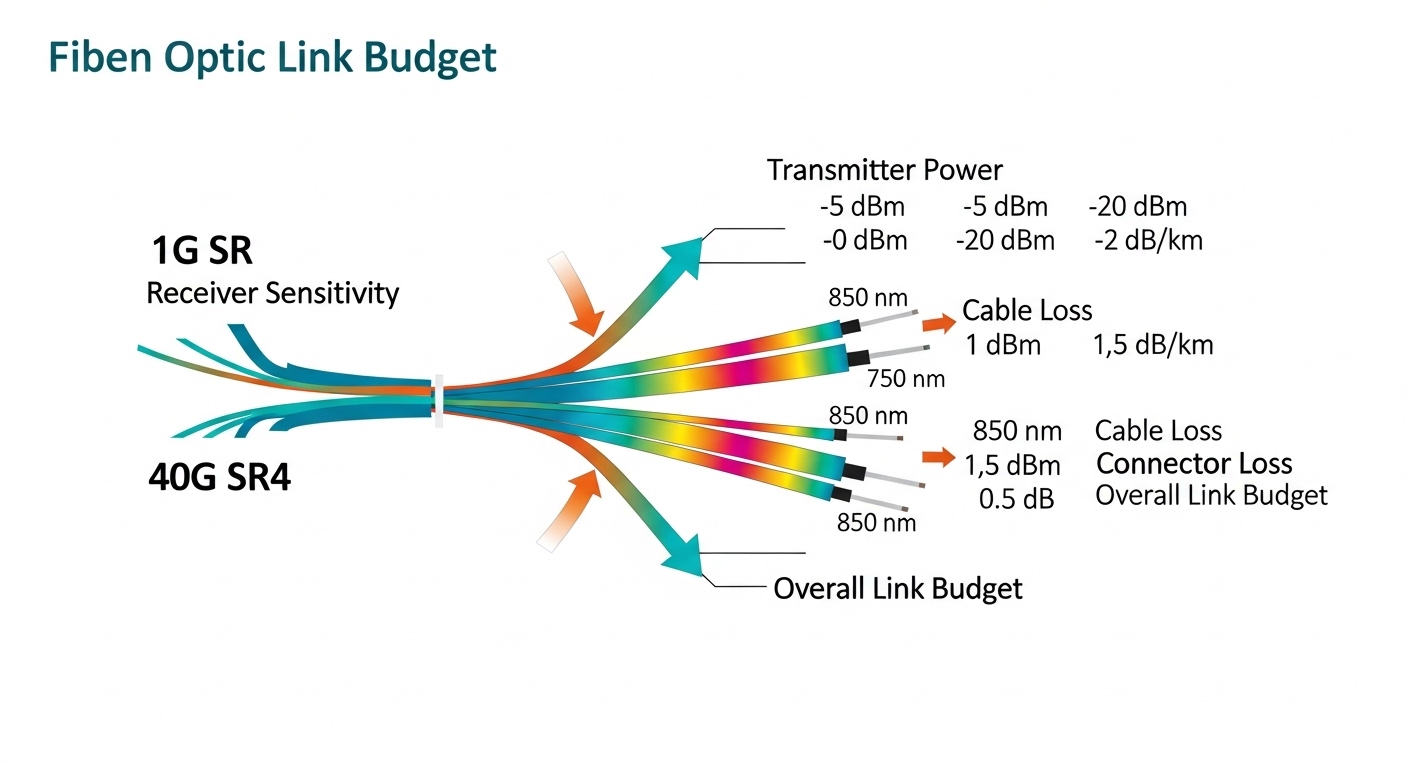
SFP modules typically use a smaller form factor with fewer electrical lanes per module, which can lower raw port density on a fixed switch front panel. QSFP modules pack more lanes into a single cage, which often increases usable bandwidth per rack unit and reduces the number of transceiver slots required for a given uplink aggregate. In practice, the efficiency gain comes from three places: fewer cages/optics for the same traffic, better mapping to switch line cards, and reduced power per delivered bit when your traffic pattern matches the module’s lane structure.
However, the efficiency story is not one-dimensional. QSFP optics can have higher per-module power draw, and some platforms only support QSFP at specific speeds or with specific optics revisions. If your switch supports only 25G/50G lane configurations for QSFP, forcing a QSFP design where SFP would have worked can increase cost and complicate cabling.
Real-world constraints engineers actually hit
On many modern leaf-spine builds, top-of-rack switches terminate hundreds of server downlinks and dozens of spine uplinks. If you deploy 10G or 25G downlinks, SFP+ or SFP28 may dominate. For 40G or 100G uplinks, QSFP+ or QSFP28 becomes more common. The operational reality is that optics and cabling choices interact with VLAN scale, L3 ECMP hashing, and failure domain sizing—an optics mismatch can look like a routing issue until you verify link training and DOM telemetry.
In a 3-tier data center with 48x 25G downlinks per ToR and 8x 100G uplinks, a QSFP28-based spine can reduce the number of uplink transceiver cages by using 4-lane 25G aggregation inside each QSFP28 module. That reduction shortens maintenance paths and lowers the number of field-replaceable parts you track in spares inventory.
Key specs comparison: reach, wavelength, power, and form factor
This comparison focuses on the engineering variables that affect power budget, compatibility, and thermal behavior. While exact values vary by vendor and speed grade, the ranges below reflect common deployments aligned with IEEE Ethernet optical module categories and typical vendor datasheets. Always validate against your switch transceiver matrix and the module’s DOM support.
| Parameter | SFP (common variants) | QSFP / QSFP+ / QSFP28 (common variants) |
|---|---|---|
| Typical data rate | 1G to 25G (SFP/SFP28) | 40G, 100G (QSFP+ / QSFP28) |
| Electrical lanes per module | 1 or 2 lanes depending on generation | 4 lanes typical for 40G/100G |
| Typical fiber reach (OM3/OM4) | Often 300 m to 400 m for 10G/25G-class optics | Often 100 m to 150 m for higher-speed short-reach variants |
| Wavelengths | Common: 850 nm (SR), sometimes 1310 nm (LR/ER) | Common: 850 nm (SR), sometimes 1310 nm for LR-class |
| Connector types | LC duplex typically for SR | LC duplex or MPO/MTP depending on speed class |
| DOM / telemetry | Common: Digital Optical Monitoring supported | Common: DOM supported; verify DDM/threshold behavior |
| Operating temperature | Usually 0 to 70 C or extended industrial options | Usually 0 to 70 C or extended industrial options |
| Power and thermal density | Lower per module; spread across more cages | Higher per module; fewer cages for same aggregate bandwidth |
For standards context, module behavior and optical characteristics are governed by IEEE Ethernet optical interconnect requirements and vendor implementation. For optical interfaces and Ethernet PHY behavior, consult IEEE 802.3 and module guidance from reputable vendors. [[EXT:https://standards.ieee.org/standard/802_3 IEEE 802.3]] [Source: IEEE]. For module electrical/optical characteristics and DOM behavior, validate against the specific vendor datasheet, because DOM register maps and threshold defaults are not uniform across all OEMs.
What matters most: lane mapping and cage utilization
In switch ASICs, QSFP modules often consume a defined set of lanes and can bifurcate into lower-speed interfaces depending on platform support. SFP modules generally map to simpler lane patterns, but you may still hit port-group constraints (for example, enabling one port can disable another). The most efficient architecture is the one that matches how the switch line card expects lanes to be configured.
Selection criteria checklist for an SFP vs QSFP comparison
Use this ordered checklist during design review and procurement. It is optimized for real operations: minimizing rework, avoiding incompatible optics, and keeping cabling manageable.
- Distance and link budget: Measure fiber plant loss and connector quality (cleanliness, endface inspection). For SR 850 nm, verify OM3 vs OM4 and patch cord losses, not just nominal reach.
- Switch compatibility matrix: Confirm exact module part numbers (or at least OEM families) supported by the switch model and software release. Many failures are “works in lab, fails in production” due to DOM or lane config rules.
- Speed and lane configuration: Validate whether QSFP supports the target mode (for example, 100G breakout to 4x25G where applicable). Confirm which ports are mutually exclusive.
- DOM support and threshold behavior: Ensure DOM alarms are interpreted correctly by your monitoring stack. Some third-party optics report different temperature or bias scaling.
- Operating temperature and airflow: QSFP thermal density can be higher. Confirm front-to-back airflow and ensure module placement does not create hot spots near exhaust zones.
- Connector strategy: Decide between LC duplex and MPO/MTP. MPO handling is operationally different: polarity, cleaning, and ferrule inspection become mandatory.
- Vendor lock-in risk: OEM optics may be more consistent, while third-party can cut cost but increase variance. Plan for a qualification test and a documented acceptance criterion.
- Spare strategy and MTTR: QSFP spares might be fewer in count but higher in unit cost. SFP spares can be cheaper but more numerous, increasing inventory complexity.
Pro Tip: When a link comes up but later flaps under load, do not assume routing. In many deployments, it is DOM-driven laser bias drift combined with marginal fiber cleanliness. Pull and inspect the patch cords, then compare the transceiver’s optical power readings across both ends; mismatched bias drift patterns often pinpoint a dirty connector rather than a failing module.
Common pitfalls and troubleshooting tips (field failures)
Below are concrete failure modes seen in production rollouts. Each includes a root cause and the fastest corrective action.
-
Pitfall: QSFP inserted but link never comes up
Root cause: Switch line card lane mapping does not support the module speed mode, or the platform requires a specific breakout configuration.
Solution: Verify the switch’s port-group and breakout documentation for your exact model and software version, then reconfigure interfaces to match supported lane modes. Confirm DOM presence and that the module is not being rejected by compatibility checks. -
Pitfall: High CRC errors after migration
Root cause: Fiber connector contamination or polarity reversal, especially with MPO/MTP jumpers used by QSFP SR optics.
Solution: Clean endfaces with approved lint-free wipes and IPA where permitted, then use an optical inspection tool. Re-seat MPO polarity using standardized polarity adapters; test continuity and loss with a certified meter. -
Pitfall: Monitoring shows “DOM present” but alarms are inconsistent
Root cause: Threshold interpretation differences across vendors; some third-party optics map DOM fields differently or use different default alarm levels.
Solution: Normalize thresholds in your monitoring system and validate alarm behavior during a controlled optical power variation test. Use vendor datasheets and compare telemetry stability over at least 24 hours. -
Pitfall: Thermal throttling or intermittent drops during peak load
Root cause: Insufficient airflow around QSFP cages or a blocked vent path, causing elevated module temperature and marginal laser performance.
Solution: Measure module temperature via DOM, verify fan tray operation, and confirm that cable routing is not obstructing the airflow path. Rebalance optics placement if your switch has known hot zones.
Cost and ROI: when SFP beats QSFP and vice versa
In many procurement cycles, SFP optics are cheaper per module, but you may need more cages and more patch cords to reach the same aggregate bandwidth. QSFP optics can cost more per unit, yet reduce the number of transceivers and often the number of active ports consumed for uplinks. Typical market pricing varies widely by OEM, reach class, and DOM grade; as a practical budgeting approach, plan on third-party saving of roughly 10% to 40% after you complete qualification, while OEM can carry a premium for tighter compatibility guarantees.
From a TCO perspective, include spares logistics and failure impact. If your MTTR is dominated by technician time rather than module cost, QSFP designs that reduce the number of distinct optic types can be cheaper operationally even when the unit price is higher. Conversely, if your network uses many short reaches and diverse speeds, SFP’s flexibility can reduce engineering churn and spare sprawl.
For vendor part examples, check switch documentation and optics vendor datasheets. Representative module families include Cisco SFP-10G-SR and QSFP28 SR optics in the 100G class; third-party equivalents are offered by major optics suppliers such as Finisar and FS.com, but always validate with your switch matrix. [[EXT:https://www.finisar.com/ Finisar]] [Source: Finisar].
FAQ
Q: Is QSFP always more efficient than SFP?
A: Not always. QSFP usually wins on port density and aggregate bandwidth per cage, but only if your switch supports the required lane mode and your cabling plant matches the module type (often MPO/MTP). If your workload is mostly 10G or 25G at short reach, SFP can minimize cost and operational complexity.
Q: What fiber connector strategy should I standardize on?
A: Standardize based on the dominant optic family in your design. SR QSFP often pushes you toward MPO/MTP, while SFP SR commonly uses LC duplex. Whichever you choose, enforce polarity standards and make endface cleaning and inspection part of your acceptance checklist.
Q: How do DOM readings affect troubleshooting?
A: DOM is critical for distinguishing marginal optics from cabling problems. Compare optical power, temperature, and bias trends across both ends; sudden bias drift patterns frequently correlate with dirty connectors or damaged patch cords.
Q: Can I mix OEM and third-party optics?
A: You can, but you should not assume uniform compatibility. Mix only after qualification against your switch model and software version, and verify alarm thresholds and telemetry stability. Keep a documented list of approved part numbers for each switch line card.
Q: What is the best first step during a failed link?
A: Validate interface configuration and port-group constraints first, then confirm transceiver presence and DOM status. After link establishment issues, immediately inspect fiber polarity/cleanliness and measure link errors with counters to avoid misattributing symptoms to routing.
Author: I have deployed and troubleshot leaf-spine fabrics,
