
In modern data centers, bandwidth challenges show up as oversubscribed uplinks, hot ports, and slow migrations to higher-speed fabrics. This article helps network engineers and finance-minded operators compare 400G and 800G optical modules using real deployment constraints: power budgets, reach targets, optics type, and switch compatibility. You will get a practical spec comparison, a decision checklist, common failure modes, and an ROI lens for upgrade planning.
400G vs 800G: what changes when you chase bandwidth challenges
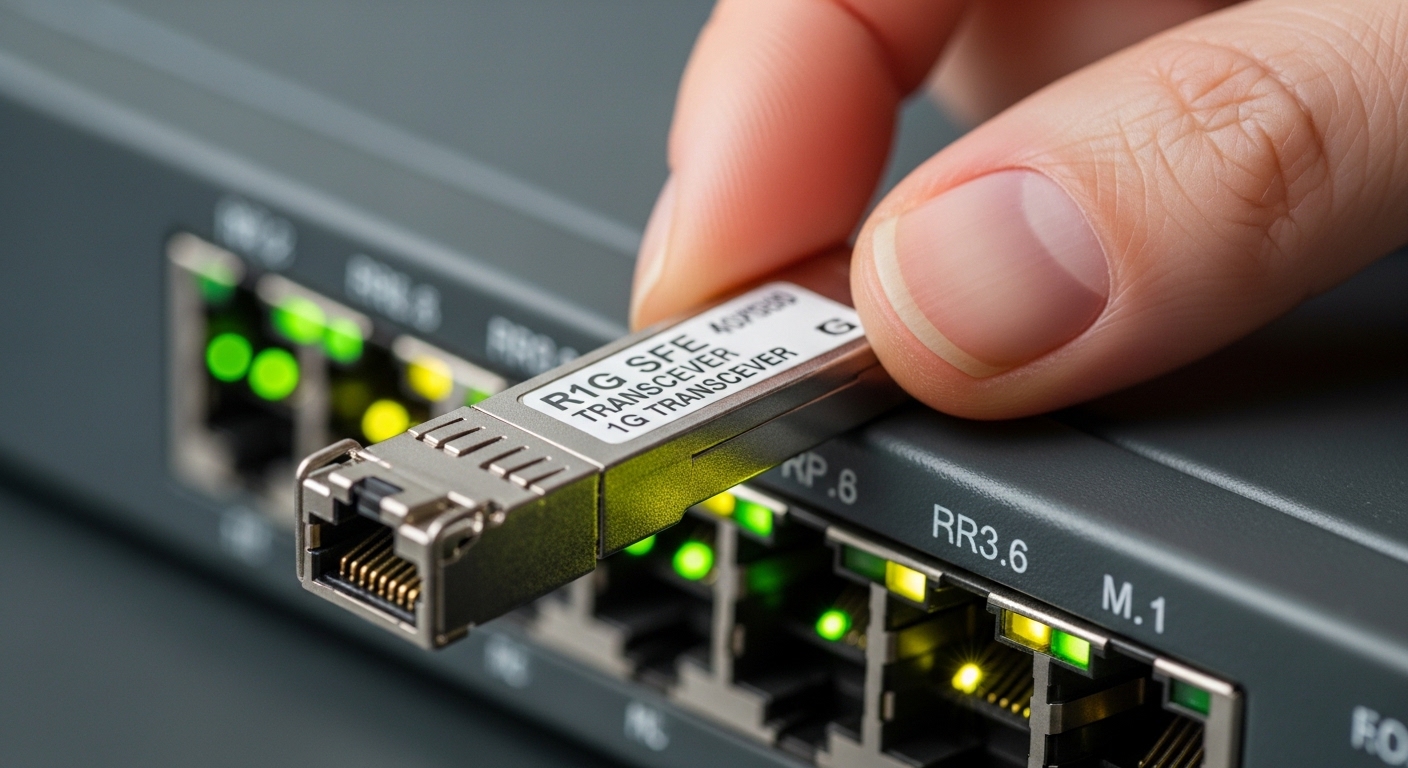
At a high level, the difference is how much payload each optical link delivers. 400G modules typically map to 8x50G lanes or 4x100G lanes depending on the implementation and vendor, while 800G modules generally use a higher lane count (often 16x50G) or a wider aggregate signaling scheme to reach 800G line rate within the same pluggable footprint class. What matters operationally is not just the raw data rate, but how that rate affects optics power draw, switch port density, and the number of fibers you must provision.
From an engineering perspective, bandwidth challenges often come from two bottlenecks: (1) fabric oversubscription where ToR-to-spine traffic bursts exceed uplink capacity, and (2) migration friction when you cannot replace the entire switching stack at once. In those cases, 400G can be a “bridge” that improves capacity without forcing the largest optics and transceiver ecosystem change. Meanwhile, 800G can reduce the number of required ports, but it raises requirements for host gearbox support, optics vendor interoperability, and thermal headroom in dense line cards.
From a finance perspective, higher-speed optics can lower the number of active ports and cross-connect resources needed per terabit of throughput. However, the TCO impact depends on the price per module, the probability of early failure, and the operational cost of optics spares, field swaps, and validation cycles. If your facility power is constrained, the incremental watts per port and the impact on cooling capacity can dominate the ROI story.
Specs that actually drive 400G vs 800G optical choices
Engineers typically start with the optics category that matches the application: short-reach for intra-rack and leaf-spine, or longer reach for aggregation and campus-style extensions. For pluggable optics in data centers, the most common comparison is around wavelength, reach, connector type, and the supported signaling standard. In practice, you must also check Digital Optical Monitoring (DOM) behavior, because it affects your telemetry pipeline and your ability to catch degradation before failures.
Below is a practical comparison using representative module families you will see in the market. Exact values vary by vendor and part number, so validate against the datasheet for your switch and optics supplier. This table is meant to highlight the typical constraints that become bandwidth challenges during scaling.
| Parameter | 400G SR4 / SR8 class | 800G SR8 / SR16 class |
|---|---|---|
| Target data rate | 400G aggregate | 800G aggregate |
| Typical lane mapping | 8x50G or 4x100G (implementation-dependent) | 16x50G (implementation-dependent) |
| Wavelength | 850 nm nominal (MMF) | 850 nm nominal (MMF) |
| Typical reach (MMF) | 70 m to 100 m (OM3/OM4 varies) | 70 m to 100 m (OM3/OM4 varies) |
| Fiber type | MMF (OM3 or OM4) | MMF (OM3 or OM4) |
| Connector style | MPO (often MPO-12 or MPO-16 depending on module) | MPO (often MPO-16 depending on module) |
| DOM / telemetry | Commonly supported (vendor-specific thresholds) | Commonly supported (higher lane telemetry volume) |
| Operating temperature | Typically 0°C to 70°C class for data center | Typically 0°C to 70°C class for data center |
| Power and thermal | Lower per module; still significant at high density | Higher per module; must confirm switch thermal design |
Standards and guidance matter here. Ethernet rates and optical PMA/PMA framing are rooted in IEEE 802.3, while optical module behavior is validated through vendor compliance testing and optics interoperability programs. For baseline protocol expectations, see [Source: IEEE 802.3]. For optics interoperability and DOM expectations, rely on vendor switch compatibility guides and module datasheets, and cross-check with [Source: Dell Technologies Networking Compatibility Matrix] or the equivalent from your switch OEM.
Deployment reality: where bandwidth challenges appear in the rack
Consider a 3-tier data center leaf-spine topology using 48-port 10G/25G ToR switches with an upgrade path to 100G/400G uplinks, and a spine layer built from high-density switches. In one real-world style deployment, a team might plan to move 24 uplinks from each leaf into a pair of spines at 400G per direction to relieve oversubscription during a virtualized storage migration. They would typically target OM4 MMF with 70 m to 100 m reach budgets, using MPO trunking to manage fiber density.
Now imagine the bandwidth challenges worsen after a storage vendor adds replication traffic and a new inference workload increases east-west traffic. If the spine line cards support 800G optics but only certain port groups, the team can consolidate traffic by replacing four 400G links with two 800G links per direction, cutting port count and reducing cross-connect complexity. The trade-off is that the 800G upgrade can require stricter adherence to switch thermal limits, careful airflow verification, and re-validation of optical power levels and lane mapping with the exact module part numbers.
From a field engineering standpoint, this changes the operational workflow. You may need to pre-stage spares of both optics variants, update your inventory and telemetry thresholds, and run a maintenance-window validation that includes link establishment tests, BER monitoring, and DOM alarm checks. If you use a network automation pipeline, ensure that your monitoring templates understand the increased telemetry granularity for 800G optics, or you risk false positives during initial deployment.
Compatibility and interoperability: the hidden cost driver
Bandwidth challenges are not only about capacity; they are also about whether the optics will actually work reliably in your switch ecosystem. 400G optics often have broader compatibility across switch generations because they align with more common lane mappings and port modules. 800G optics can be more sensitive to switch-specific host support, including whether the line card firmware supports the exact optics class, whether the port group uses the correct electrical interface, and whether the switch expects a specific DOM register set.
Selection criteria should therefore include a compatibility gate before you buy anything. In addition to the switch OEM compatibility list, verify the module’s compliance with the relevant optics specifications and check whether the module supports the DOM features your NMS requires (for example, temperature, laser bias current, received power, and threshold reporting). If you deploy automation that reads DOM over I2C or transceiver management interfaces, confirm that your tooling supports the module’s transceiver type codes.
Pro Tip: In dense 800G deployments, the biggest “surprise” is not link failures during commissioning, but incremental degradation that shows up weeks later as received power drifts due to connector micro-movement. Treat MPO cleaning and strain relief as part of the optical acceptance test, and log DOM received-power trends so you can correlate slow drift with patch panel maintenance events.
Decision checklist for bandwidth challenges: how to choose between 400G and 800G
Use the following ordered checklist to decide which optics path best fits your capacity roadmap and operational constraints.
- Distance and reach budget: Confirm MMF type (OM3 vs OM4), end-to-end loss, patch cord attenuation, and the measured link budget. Do not rely on “typical reach” alone; validate with fiber plant test results.
- Switch port compatibility: Check the exact switch model and port group support for the optics class. Verify that firmware versions match the vendor’s supported transceiver list.
- Lane mapping and signaling expectations: Ensure the module’s lane structure matches what the switch expects for the configured breakout mode (if any).
- DOM and telemetry integration: Confirm DOM support and whether your NMS can ingest thresholds and alarms without gaps. For 800G, expect higher telemetry volume.
- Operating temperature and airflow: Validate the switch’s thermal design envelope and ensure the module cage airflow is not obstructed. Measure inlet temperatures during commissioning.
- Budget and staged migration plan: If you cannot upgrade the entire fabric at once, 400G may relieve bandwidth challenges sooner with fewer ecosystem changes.
- Vendor lock-in risk: Evaluate whether third-party optics are accepted by your switch and warranty plan, and whether you can maintain spares without long lead times.
- Spare strategy and mean time to repair: Model the probability of optics failure and the operational impact of waiting for replacements.
Cost and ROI: what changes financially at 800G scale
Pricing swings by vendor, volume, and supply cycles, but you can plan with realistic ranges. In many enterprise and colocation markets, 400G short-reach optics often cost less per module than 800G optics, while 800G optics can reduce the number of ports needed per aggregate throughput. The ROI hinges on your power and cooling economics, because 800G line cards may draw more watts per port and can increase the risk of thermal throttling if airflow is marginal.
TCO should include: (1) module purchase price, (2) installation labor for swaps and patching, (3) optics spares provisioning, (4) maintenance-window opportunity cost, and (5) potential warranty and RMA handling. OEM optics can carry higher upfront costs but may reduce compatibility friction and speed up RMA pathways. Third-party optics can lower capex, yet they can introduce validation time and, in some environments, warranty coverage complexity. Build a cost model that includes expected failure rates and lead times from your procurement history, not just sticker prices.
For standards context around optical performance and Ethernet behavior, refer to [Source: IEEE 802.3] and vendor datasheets for specific power and DOM thresholds. For compatibility and warranty policy, consult your switch OEM’s transceiver guidance pages and the datasheet “operating limits” sections for each optics family.
Common mistakes and troubleshooting tips during bandwidth challenges
When teams rush to fix bandwidth challenges, they often create new problems. Here are frequent failure modes seen in the field, with root causes and practical solutions.
-
Mistake 1: Skipping MPO cleaning and inspection
Root cause: MPO endfaces pick up dust or micro-scratches during patching, causing elevated bit errors and received-power drift.
Solution: Use a fiber inspection scope, clean with an approved method, and re-test link BER and DOM received power after every remap. -
Mistake 2: Relying on “it should fit” thermal assumptions
Root cause: 800G modules can increase power density; airflow short-circuiting or blocked vents can push the module beyond safe operating temperature.
Solution: Measure inlet and exhaust temperatures, verify fan profiles, and confirm the switch thermal design supports your module density with the same airflow conditions. -
Mistake 3: Ignoring DOM threshold mismatches in monitoring
Root cause: Your NMS might flag alarms because it assumes thresholds from a different transceiver type or firmware baseline.
Solution: Align monitoring templates to the exact transceiver type code, then validate alarms during commissioning by correlating DOM values with known-good links. -
Mistake 4: Mismatched OM3/OM4 fiber plant assumptions
Root cause: Engineers plan reach based on a target module budget but the installed patch cords or trunks use a different fiber grade or have higher loss.
Solution: Use OTDR or certified loss testing results for the entire channel, including connectors and patch cords.
400G vs 800G: head-to-head comparison for bandwidth challenges
Use this matrix to decide based on the aspect that matters most in your environment. It complements the checklist by turning trade-offs into a quick view for both engineering and procurement.
| Decision aspect | 400G modules | 800G modules |
|---|---|---|
| Immediate capacity relief | Strong for staged upgrades and mixed-fabric migrations | Very strong when you can consolidate links and reduce port counts |
| Switch compatibility risk | Often lower due to broader port support across generations | Can be higher due to stricter host/port group support |
| Power and thermal headroom | Lower per module; easier to manage at moderate densities | Higher per module; requires careful airflow validation |
| Fiber provisioning complexity | Typically fewer lane fibers than 800G per consolidated link | May require denser MPO handling; plan patch panel workflows |
| Telemetry and monitoring | Lower telemetry volume; simpler threshold baselines | Higher telemetry volume; requires NMS template alignment |
| Capex per throughput unit | Often lower upfront | Can be better when port consolidation reduces other costs |
| Best-fit use case | Bridge upgrades and stable leaf-spine refresh cycles | High-growth fabrics and aggressive east-west scaling |
Which option should you choose?
If you are dealing with bandwidth challenges but cannot change the entire switching stack in one window, choose 400G to relieve congestion quickly while limiting compatibility and validation risk. If you are building or refreshing a spine layer with confirmed support for 800G optics, choose 800G to consolidate ports, reduce cross-connect complexity, and scale throughput more efficiently per rack.
Reader recommendations: Network engineers should prioritize compatibility lists, DOM telemetry readiness, and thermal verification; operations teams should ensure patch panel workflows and spare strategies are in place; finance stakeholders should model TCO using power, cooling, and port consolidation—not only module price. When in doubt, run a pilot on a non-critical link group, validate BER and DOM trends for at least a few days, and only then expand the rollout.
FAQ
Q: Will 800G optics solve bandwidth challenges immediately, or do I need switch changes?
A: 800G can solve capacity bottlenecks, but only if your switch line cards and firmware support the exact 800G optics class and port group configuration. Verify the OEM compatibility list and validate link behavior in a pilot window before scaling.
Q: Are 400G modules easier to deploy in mixed-vendor environments?
A: Often yes, because compatibility tends to be broader across switch generations. Still, you must match the transceiver type codes, DOM expectations, and warranty rules, and confirm that third-party optics are accepted by your specific switch model.
Q: What is the biggest operational risk when moving from 400G to 800G?
A: Thermal headroom and monitoring integration are common risks. 800G increases power density, and your NMS may need updated threshold logic to avoid false alarms or missed degradation signals.
Q: How should I validate that my fiber plant supports the targeted reach?
A: Use certified channel measurements that include patch cords, connectors, and trunk segments, not just lab “typical reach.” If you have mixed OM3/OM4 or older patch panels, re-test end-to-end loss and inspect MPO endfaces before commissioning.
Q: What troubleshooting steps should I take when links flap or show high errors?
A: Start with optics cleaning and inspection, then check DOM received power and temperature logs, and finally confirm switch port configuration and firmware compatibility. If errors correlate with connector movement, improve strain relief and re-seat MPO trunks.
Expert author bio
I am a field-focused financial and network analyst who works with deployment teams to quantify TCO, validate optics compatibility, and translate bandwidth challenges into measurable architecture decisions. I combine switch/optics engineering details with operational cost modeling so upgrades perform under real-world power, thermal, and maintenance constraints.
Next step: compare your upgrade plan against real operational constraints in how to plan optical spares and maintenance windows.
