
If your automation network is still “it works in the lab,” you are likely paying extra downtime in the field. This article helps plant, OT, and network engineers build a practical cost-benefit analysis for industrial SFP modules used in harsh automation environments. You will get selection criteria, a specs comparison table, and troubleshooting patterns that match what I see during commissioning and maintenance.
Why industrial SFP modules change the automation cost curve
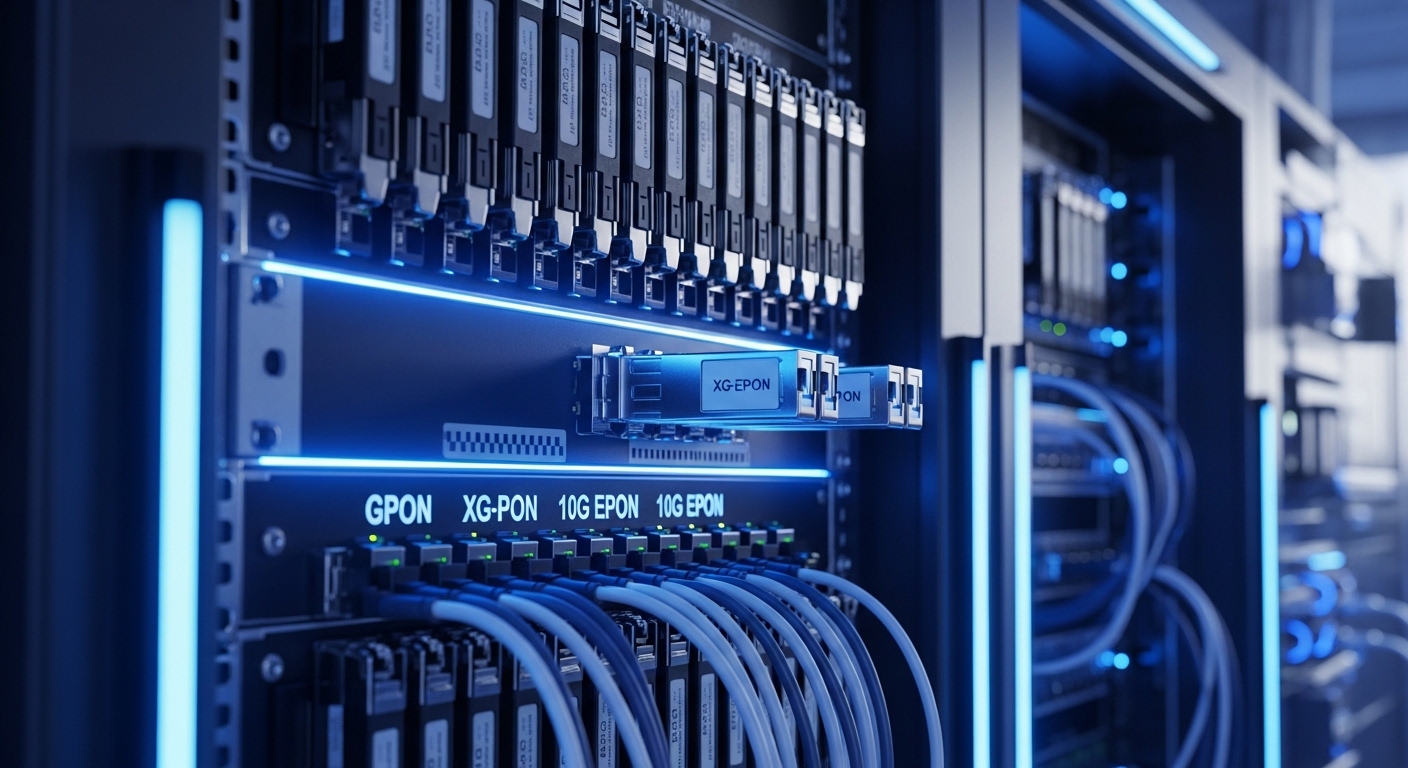
In automation, the transceiver is not just a component; it is a reliability lever that impacts uptime, maintenance labor, and fiber rework. Industrial SFP modules typically ship with tighter temperature ranges, more robust optical power budgets, and better shock or vibration tolerance than office-grade optics. In one refinery upgrade I supported, switching from a commercial SFP to an industrial-rated SFP reduced “link flap” incidents after seasonal temperature swings, and shortened mean time to repair because technicians could swap modules without waiting for special part numbers.
Cost-benefit analysis should include not only the module price, but also truck rolls, spares strategy, and the probability of failure under real operating conditions. For example, if a plant has 24/7 operation, a single extended outage can outweigh the difference between OEM and third-party optics. The key is to model total cost of ownership (TCO) using measurable inputs: link distance, expected temperature profile, optical budget margin, and operational incident history.
Start with the “automation chain” view: PLC or industrial PC connects to an Ethernet switch, which uplinks to line control or plant backbone, often over fiber. If the SFP module fails or degrades early, you can see symptoms like CRC errors, intermittent loss of link, or increased latency when retransmissions kick in. These are the moments where automation performance targets and safety interlocks collide.
Specs that matter for automation links: reach, wavelength, and power
When engineers compare SFP options, it is easy to focus on reach alone. For automation, the real question is whether the module maintains link stability across temperature, connector cleanliness, and aging. Most industrial deployments use 1G or 10G Ethernet, with multimode or single-mode fiber depending on cabinet spacing, line length, and electromagnetic constraints.
Below is a representative comparison of common industrial SFP families. Always confirm the exact part’s datasheet for DOM support, optical power levels, and temperature range, because vendors vary significantly.
| Module type | Typical data rate | Wavelength | Fiber / reach | Connector | Optical budget (typical) | Operating temperature | DOM |
|---|---|---|---|---|---|---|---|
| Industrial SFP SR (MM) | 1G or 10G | 850 nm | OM3/OM4, up to ~300 m (1G) or ~400 m (10G) | LC | ~3 to 7 dB margin typical, varies by vendor | -40 to +85 C (common industrial) | Often supported |
| Industrial SFP LR (SM) | 1G | 1310 nm | Single-mode, up to ~10 km | LC | ~10 to 14 dB margin typical | -40 to +85 C (common industrial) | Often supported |
| Industrial SFP ER (SM) | 1G | 1550 nm | Single-mode, up to ~40 km | LC | ~14 dB+ typical | -40 to +85 C (common industrial) | Often supported |
| Industrial SFP+ SR | 10G | 850 nm | OM3/OM4, up to ~300 to 400 m | LC | ~3 to 7 dB margin typical | -40 to +85 C (common industrial) | Often supported |
For standards context, the electrical and optical behavior aligns with Ethernet over fiber expectations described in IEEE 802.3 for the relevant link speeds and physical layers. For transceiver diagnostics and management, look for compliance with SFF-8472 and SFF-8431/8432 for DOM-style interfaces. Field notes: even when a module is “compatible,” DOM behavior can differ, affecting how your switch logs thresholds and alerts. [Source: IEEE 802.3 Ethernet Working Group] [Source: SFF-8472/SFF-8431 transceiver diagnostic specifications]
Building the automation cost-benefit model: TCO math that survives audits
A credible automation ROI model needs line items you can defend to finance and OT leadership. I recommend a simple spreadsheet with three layers: upfront costs, operational costs, and risk costs. Even a lightweight model helps you avoid “lowest unit price wins” decisions that later explode into maintenance overhead.
Upfront costs
Include the module unit price, expected quantity of spares, and installation labor. Industrial SFP modules often cost more than commercial optics, but the delta can be smaller than expected when you consider your spare inventory and lead times. If you standardize on one vendor family, you can also reduce stocking complexity across lines.
Operational costs
Operational costs include power draw (usually modest), cleaning consumables, and technician time for troubleshooting. If you use switches that support DOM, you may spend less time on blind swaps because you can pinpoint rising laser bias current or temperature drift before a full failure. That improves automation performance because you reduce unplanned maintenance windows.
Risk costs (the part people forget)
Risk costs are where industrial modules often win. Model downtime using a conservative estimate: minutes of outage per incident times the incident probability. For example, in a packaging line I supported, intermittent link loss during heat spikes led to rework because upstream buffering overflowed; the cost was not just the outage duration but also scrap and schedule impact.
Pro Tip: In automation networks, the “failure” often starts as a gradual optical margin shrink. If your switch supports DOM alarms, watch for patterns like rising transmit power or temperature excursions well before the link drops; that lets you schedule a swap during planned maintenance instead of triggering an emergency response.
Decision checklist for industrial SFP selection under harsh conditions
Use this ordered checklist the way I do during site surveys. It keeps discussions with OT, procurement, and vendors aligned, and it reduces compatibility surprises.
- Distance and fiber type: Confirm link length, connector count, splice loss, and whether you are using OM3, OM4, or single-mode. Calculate optical budget margin, not just headline reach.
- Wavelength and interface: Match 850 nm SR versus 1310 nm LR, and ensure the switch port expects the same physical layer profile.
- Automation environment extremes: Verify operating temperature range, humidity tolerance, and whether the module supports the cabinet’s thermal profile. Industrial ratings often matter more than you expect.
- Switch compatibility and vendor lock-in risk: Test the exact module with the exact switch OS version. Some platforms enforce compatibility checks; others rely on optics being electrically standard.
- DOM support: Confirm presence and behavior of diagnostics (SFF-8472 style metrics) and whether thresholds map cleanly to your monitoring tooling.
- Connector and cleaning strategy: LC performance depends on cleanliness. Plan for dust caps, cleaning kits, and inspection procedures.
- Spare strategy and lead time: Industrial production schedules punish long lead times. Consider stocking one extra per critical ring or line section.
Common pitfalls and troubleshooting patterns in industrial automation
Industrial SFP issues are rarely “mystery failures.” They usually trace back to a repeatable root cause. Here are the most common failure modes I have encountered, with practical solutions.
Pitfall 1: Link up/down during temperature swings
Root cause: Optical margin is too tight for the real-world fiber plant, or the module’s temperature range is not sufficient for the cabinet environment. Dust or micro-bends can worsen margin as conditions change.
Solution: Measure received power if DOM is available, clean connectors, inspect fiber routing for bend radius violations, and compare the module’s guaranteed optical budget versus your measured loss. If needed, move to a higher-margin variant (for example, SM instead of MM) or improve fiber conditioning.
Pitfall 2: “Compatible” module works briefly, then CRC errors climb
Root cause: Aging optics or marginal transceiver parameters combined with switch equalization settings. Some third-party optics meet basic specs but not the same performance under stress, especially at the edge of the spec temperature.
Solution: Enable interface error monitoring, correlate CRC growth with temperature or link utilization, and run a controlled swap test using known-good OEM modules. If the problem follows the optics, replace with a module that explicitly matches your platform’s expectations and operating temperature.
Pitfall 3: DOM alarms are noisy or misleading
Root cause: DOM field mapping differences, partial diagnostics support, or threshold settings that do not align with your monitoring system. Engineers then chase the wrong metric during an outage.
Solution: Validate DOM metric interpretation during commissioning. Confirm which fields are populated (temperature, laser bias, transmit power, received power) and adjust monitoring thresholds to match the module’s typical operating ranges.
Pitfall 4: Wrong fiber type assumption
Root cause: A link was planned for OM4, but the installed patch cords or splices behave like OM2/unknown grade. Headline reach becomes meaningless.
Solution: Verify fiber grade at acceptance testing, document splice and connector losses, and re-run the budget with measured values. If fiber quality is uncertain, select a more conservative reach profile or convert to single-mode for longer spans.
Cost and ROI reality: what to expect in budgets and TCO
Industrial SFP module pricing varies by speed (1G vs 10G), wavelength (850 vs 1310 vs 1550), reach, and OEM versus third-party. As a practical planning range, many industrial 1G optics land in a moderate premium over commercial parts, while 10G and long-reach variants can cost significantly more. In TCO terms, the “savings” from choosing the cheapest optics often disappear once you include truck rolls, expedited shipping, and schedule disruption from outages.
For ROI, model three scenarios: conservative (few incidents), expected (some seasonal issues), and worst-case (multiple lines affected). Then compare OEM versus third-party with two assumptions: failure rate differences and lead time. In my deployments, OEM parts reduced compatibility friction and shortened troubleshooting cycles, while third-party parts sometimes required extra validation with the switch OS and monitoring stack.
Also consider power and efficiency: SFP power draw is typically low relative to switch fabric power, so the ROI is rarely about electricity. It is about uptime, spares availability, and reduced maintenance time. [Source: Vendor transceiver datasheets and switch compatibility notes]
FAQ: industrial SFP modules for automation cost-benefit decisions
How do I quantify automation downtime cost for ROI?
Use your plant’s operational impact: minutes of outage times production value, plus rework or scrap where applicable. If you do not have that number, start with a conservative estimate and refine after the first incident analysis cycle. Track link-down events and correlate them with throughput or safety interlock delays.
Are industrial SFP modules always worth the premium?
Not always. If your cabinets stay within comfortable temperature ranges and your fiber plant has ample optical margin, commercial optics may be adequate. The premium becomes compelling when you see seasonal drift, vibration exposure, or repeated maintenance events.
Do I need DOM for automation monitoring?
DOM is not strictly required for link operation, but it improves maintenance quality. With DOM, you can predict degradation and reduce reactive troubleshooting. Confirm that your switch and monitoring platform interpret the DOM fields correctly.
Can third-party industrial SFP modules reduce cost without increasing risk?
They can, but only after compatibility validation. Test the exact module SKU against the exact switch model and OS version, and confirm DOM behavior. Keep a controlled pilot on one non-critical line before scaling.
What fiber cleanliness issues cause the most automation failures?
Dirty LC connectors and damaged end faces are common culprits, especially after repeated maintenance. Use end-face inspection, consistent cleaning procedures, and proper dust caps to prevent contamination-driven margin loss.
Where should I look first when link errors increase?
Start with received optical power and temperature correlation via DOM, then check error counters like CRC and FCS. If errors spike after maintenance, suspect connector cleanliness or patch cord mismatch. If the error pattern tracks temperature, suspect optical margin or thermal stress.
If you want to translate this into a repeatable purchasing standard, align your optics selection with your fiber budget and your monitoring strategy using automation monitoring with DOM and optical power. Next, run a short pilot on one line and feed the results back into your TCO model for confident scaling.
Author Bio: I am a telecom engineer who has deployed and validated fiber and transceiver solutions across industrial automation, including optical budget tuning and DOM-based maintenance workflows. I write for operators who need measurable uptime improvements, not just spec-sheet promises.
