
SMB networks are increasingly asked to absorb AI-driven traffic growth, but budgets rarely scale linearly. This article breaks down the 800G migration cost drivers you will actually see on invoices: optics choices, switch port economics, fiber path planning, and power/cooling impacts. It helps network engineers and IT managers evaluate options without overbuying, while staying aligned to IEEE 802.3 Ethernet requirements and vendor-specific DOM and optics interoperability.
800G migration cost drivers in SMB closets: where the money really goes
For most SMB sites, the cost of 800G migration is not only the transceiver line item. The biggest hidden contributors are usually (1) port density upgrades in the access/core switch, (2) fiber plant changes for reach and connectorization, and (3) power and cooling changes that trigger rack-level electrical capacity upgrades. In a typical SMB upgrade window, you also pay for spares, optics lead times, and integration labor to validate optics, link training, and error counters.
What changes at 800G versus 100G/400G
At 800G line rates, you are generally moving into multi-lane optics architectures (for example, 8x100G or similar lane grouping depending on the optics type). That drives higher sensitivity to vendor compatibility, DOM support, and transceiver qualification. Even when the switch supports 800G, the “real” cost risk is that not every third-party optic behaves identically with the specific switch OS and optics firmware.
Cost buckets you should model
- Switch port capex: additional chassis blades or replacement of a port-limited platform.
- Optics opex: purchase of transceivers for each 800G interface plus spares (often 10–20% depending on uptime requirements).
- Fiber opex: patch panel rework, MPO/MTP cleaning, possible new OM4/OS2 runs, and labeling.
- Power/cooling: incremental rack draw and HVAC duty cycle changes.
- Labor: deployment time, testing, and change management overhead.
Head-to-head: 800G optics options for cost and risk (SR, LR, ER, and reach planning)
Optics selection is the first lever for cost control because it determines both reach and the likelihood of compatibility friction. For SMB networks, the majority of deployments fall into “short reach” (data center rows, campus buildings) where OM4/OM5 multimode and short-reach 800G optics are common. If you have longer runs, single-mode options can be cheaper per usable link distance, but they may require different fiber types, splicing, and connectorization.
Side-by-side technical comparison
Use the table below as a starting point for comparing typical 800G Ethernet optics families. Exact parameters vary by vendor and specific part number, so validate against the switch vendor’s optics compatibility list and the transceiver datasheet.
| Optics family | Nominal wavelength | Typical reach target | Connector | Data rate | DOM / monitoring | Operating temp (typ.) |
|---|---|---|---|---|---|---|
| 800G SR (short reach, multimode) | ~850 nm band | Up to a few hundred meters on OM4 class fiber | MPO/MTP | 800G Ethernet | Required for diagnostics (vendor specific) | Commercial (0 to 70 C) or extended (varies) |
| 800G LR (longer reach, single-mode) | ~1310 nm band | Several kilometers class | LC | 800G Ethernet | Required for diagnostics (vendor specific) | Commercial/industrial variants vary |
| 800G ER (extended reach, single-mode) | ~1550 nm band | Longer distance class | LC | 800G Ethernet | Required for diagnostics (vendor specific) | Commercial/industrial variants vary |
Real-world deployment scenario: leaf-spine in an SMB data center
Consider a 12-rack SMB colocation space running a leaf-spine topology. The leaf switches each have 48x25G server-facing ports and 8x100G uplinks today; the network team plans to upgrade uplinks to 2x800G per leaf to support a storage and GPU cluster burst window. They have OM4 cabling within the row and between the leaf and spine, with typical patch-to-patch distances of 80–120 m. The team selects 800G SR optics for the row-based links and only uses single-mode optics for the one inter-building route at 2.5 km, minimizing fiber rework and keeping transceiver costs predictable.
Compatibility and power: the two hidden cost multipliers during 800G migration
SMB teams often estimate optics cost correctly but underestimate the operational costs of compatibility issues and power/cooling headroom. At 800G, link bring-up failures can consume a full maintenance window, and repeated optics swaps can damage time-to-service more than the optics themselves. Meanwhile, the electrical power draw of 800G switch ports and optics can increase rack-level consumption enough to trigger HVAC changes or power distribution upgrades.
Switch OS, optics qualification, and DOM behavior
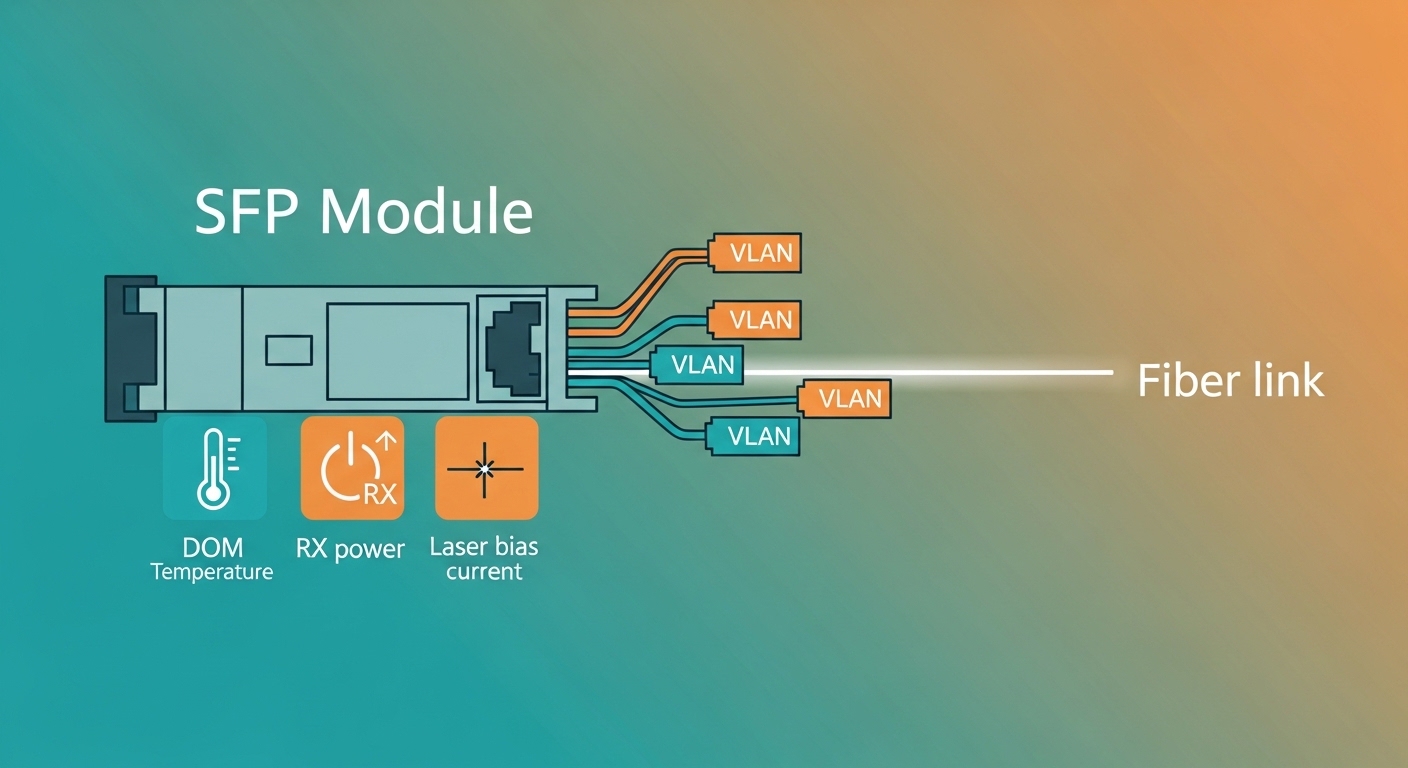
Most modern switches rely on transceiver identification and DOM telemetry from the optics (for example, vendor-specific fields for temperature, laser bias, and received power). Even when a transceiver is “standard compliant,” the switch may enforce additional qualification rules: supported vendors, specific firmware baselines, or lane map expectations. Before purchase, verify the switch vendor’s optics compatibility list and confirm the exact part number (not just the optics “type”).
Power and cooling modeling you can do in a spreadsheet
For budgeting, model incremental power at the rack level rather than just per port. Start with measured baseline rack power (from your PDU or BMS) and add the expected delta from new 800G ports and optics. Then compare against available breaker capacity and HVAC limits. In practice, teams often discover that the HVAC penalty is the real capex driver, not the transceivers.
Pro Tip: When validating 800G migration in an SMB environment, run a short soak test that watches interface counters (CRC/FCS errors, link flaps, and optical diagnostics thresholds) for at least 30–60 minutes after initial link-up. Many marginal fiber/connector cleaning issues only surface after thermal stabilization and repeated link training cycles.
Cost & ROI: how to compare OEM optics vs third-party without getting burned
OEM transceivers typically cost more per unit than third-party optics, but they often reduce integration time and compatibility risk. Third-party optics can cut line-item costs, yet the risk of non-deterministic behavior (for example, DOM field mismatches or stricter switch enforcement) can increase labor and downtime. For SMB networks, the correct ROI calculation includes not just purchase price, but also expected engineering hours, maintenance windows, and the probability of rework.
Realistic price ranges and TCO assumptions
Because market pricing changes frequently, treat ranges as planning assumptions rather than quotes. In many deployments, short-reach 800G optics are priced higher than older 100G modules, but the cost per delivered bandwidth can still be favorable when it reduces the number of uplink ports you need.
- OEM optics: often 1.2x–2.0x the street price of third-party equivalents, with lower expected integration friction.
- Third-party optics: can be 20%–50% cheaper, but require careful compatibility validation and typically benefit from purchasing from vendors with strong DOM and firmware support.
- Spare inventory: budget 10%–20% extra for critical links; the cost of downtime usually dwarfs optics savings.
For TCO, include labor: a “successful first install” might take 2–4 hours for a small number of links, while a compatibility loop can turn into a multi-day effort. Also include cleaning and fiber verification tools (MPO cleaning supplies and an inspection scope), because poor termination quality is a common root cause of intermittent 800G errors.
Selection criteria checklist for 800G migration in SMB networks
Use this ordered checklist during planning. It is designed to prevent the classic “we bought optics but the links still do not come up” scenario.
- Distance and reach: measure patch-to-patch distances and connector losses; choose SR vs LR/ER based on fiber type (OM4/OM5 vs OS2) and budget.
- Switch compatibility: confirm the exact transceiver part numbers supported by your switch model and OS version; do not rely on generic “800G SR” labels.
- DOM and telemetry: ensure the optics provides the DOM fields your switch expects for alarms and thresholds.
- Operating temperature: match commercial vs industrial optics grades to your rack airflow and ambient conditions.
- Connectorization and cleaning plan: MPO/MTP cleaning SOP, inspection tooling, and spare pigtails/patch cords.
- Vendor lock-in risk: if you plan multi-vendor optics, test one third-party option end-to-end before scaling.
- Lead times and spares: buy spares early if your vendor has long lead times; validate that spares match the same revision.
Common mistakes and troubleshooting during 800G migration
Below are failure modes that field teams repeatedly encounter. Each includes a root cause and a practical mitigation.
Link flaps due to dirty MPO/MTP endfaces
Symptom: interface repeatedly enters link-down/up, or shows high CRC/FCS errors under load. Root cause: contamination on MPO/MTP endfaces or poor cleaning technique between swaps. Solution: inspect with a fiber microscope, clean with correct polarity handling, and replace suspect patch cords. Re-verify after thermal stabilization per the soak-test pro tip.
“Compatible” optics still rejected by switch due to OS qualification
Symptom: optics detected but port stays administratively down or reports “unsupported transceiver.” Root cause: switch enforces a compatibility list or revision-specific DOM behavior. Solution: upgrade switch OS if the vendor supports it, then confirm the exact transceiver part number from the compatibility list for that OS release.
Budgeted reach fails in real cabling due to underestimated loss
Symptom: link up at low traffic but errors increase during sustained throughput. Root cause: underestimated connector loss, patch panel aging, or fiber grade mismatch (OM3 vs OM4 vs OM5 assumptions). Solution: run an optical budget verification using measured attenuation and connector counts; consider swapping to a higher-reach optics family or re-cabling critical segments.
Insufficient rack power or HVAC triggers performance degradation
Symptom: thermal alarms, optics temperature warnings, or unexpected throttling. root cause: insufficient airflow or breaker headroom after the upgrade. Solution: measure inlet/outlet temperatures and rack draw; adjust fan modules and air baffles, and if needed coordinate an electrical capacity expansion.
Decision matrix: which option fits your 800G migration constraints
Use this matrix to compare trade-offs for optics and implementation approach. It is not a substitute for vendor documentation, but it helps you avoid misaligned expectations.
| Priority | Best-fit approach | What you gain | Main risk to manage |
|---|---|---|---|
| Lowest upfront optics cost | Third-party optics tested on your exact switch OS | Lower per-link purchase price | Compatibility or DOM field mismatches |
| Fastest deployment window | OEM optics from the switch compatibility list | Higher probability of first-pass link-up | Higher unit cost, possible lead-time constraints |
| Max reliability for critical uplinks | OEM optics plus validated fiber cleaning SOP | Lower integration risk and better support path | Higher TCO if you overbuy capacity |
| Distance beyond SR | Single-mode LR/ER optics with measured optical budget | Reach coverage without guessing | Fiber plant rework and connector polish quality |
Which option should you choose? (clear recommendations by reader type)
If you are an SMB with a tight maintenance window and limited internal optical expertise, choose OEM optics sourced from the switch compatibility list and spend time on fiber inspection. If you are cost-constrained and have a proven change process, you can consider third-party optics, but only after a controlled pilot on representative links and OS versions. If your environment has mixed distances or older cabling, prioritize reach-appropriate optics and validate the optical budget before buying large quantities.
FAQ
How do I estimate the total cost of 800G migration for an SMB core?
Start with the number of 800G ports you need, then add optics for each link plus spares (often 10%–20%). Next, estimate fiber rework and labor hours for testing and change management, then model rack power and HVAC impacts using your current PDU readings.
Are third-party 800G optics safe for production?
They can be, but only if you validate against your exact switch model and OS release using the vendor’s compatibility expectations. Run a pilot with interface error monitoring and DOM alarms, and confirm that both link-up behavior and telemetry thresholds match your operational requirements.
What fiber type is usually required for 800G SR in SMB data centers?
Most short-reach designs target multimode fiber such as OM4 or OM5, using MPO/MTP connectors. However, actual reach depends on measured loss, connector count, patch panel quality, and cleaning discipline.
What is the most common cause of 800G link instability?
Dirty or damaged MPO/MTP endfaces are a frequent root cause, especially after repeated module swaps. The second most common cause is compatibility enforcement by switch OS, where optics are detected but not fully accepted for stable operation.
Should I plan for switch replacement or can I add ports?
It depends on your platform architecture. Many SMB environments require chassis upgrades or new line cards when port density is the limiting factor, while others can add modules if the hardware supports 800G line rates and the OS licensing is in place.
How long should I validate after completing 800G migration?
At minimum, perform a soak test of 30–60 minutes with continuous traffic and optical telemetry checks. For critical uplinks, extend validation to cover at least one full maintenance cycle and monitor for any thermal-related warnings.
Field-tested cost planning beats guesswork: model power, fiber realities, and compatibility constraints before ordering optics at scale. If you want the next step, review how to plan fiber cleaning and testing for high-speed optics to reduce avoidable bring-up failures.
Author bio: I have deployed and troubleshot multi-lane Ethernet optics in production data centers, focusing on DOM telemetry, optical budgeting, and connector inspection workflows. My reporting is grounded in vendor datasheets, IEEE Ethernet behavior, and operational measurements from live upgrade windows.
