
Use Cases for Optical Modules in Edge Computing Deployments
Edge sites fail in predictable ways: fiber distance surprises, thermal limits, and mismatched transceiver expectations between switches and optics. This article helps network engineers and field installers choose optical modules for edge computing use cases where uptime, power, and compatibility matter. You will get concrete deployment scenarios, a spec comparison table, and troubleshooting steps that reflect what we see during live cutovers. Updated on 2026-05-02.
Why optical modules are mission-critical at the edge
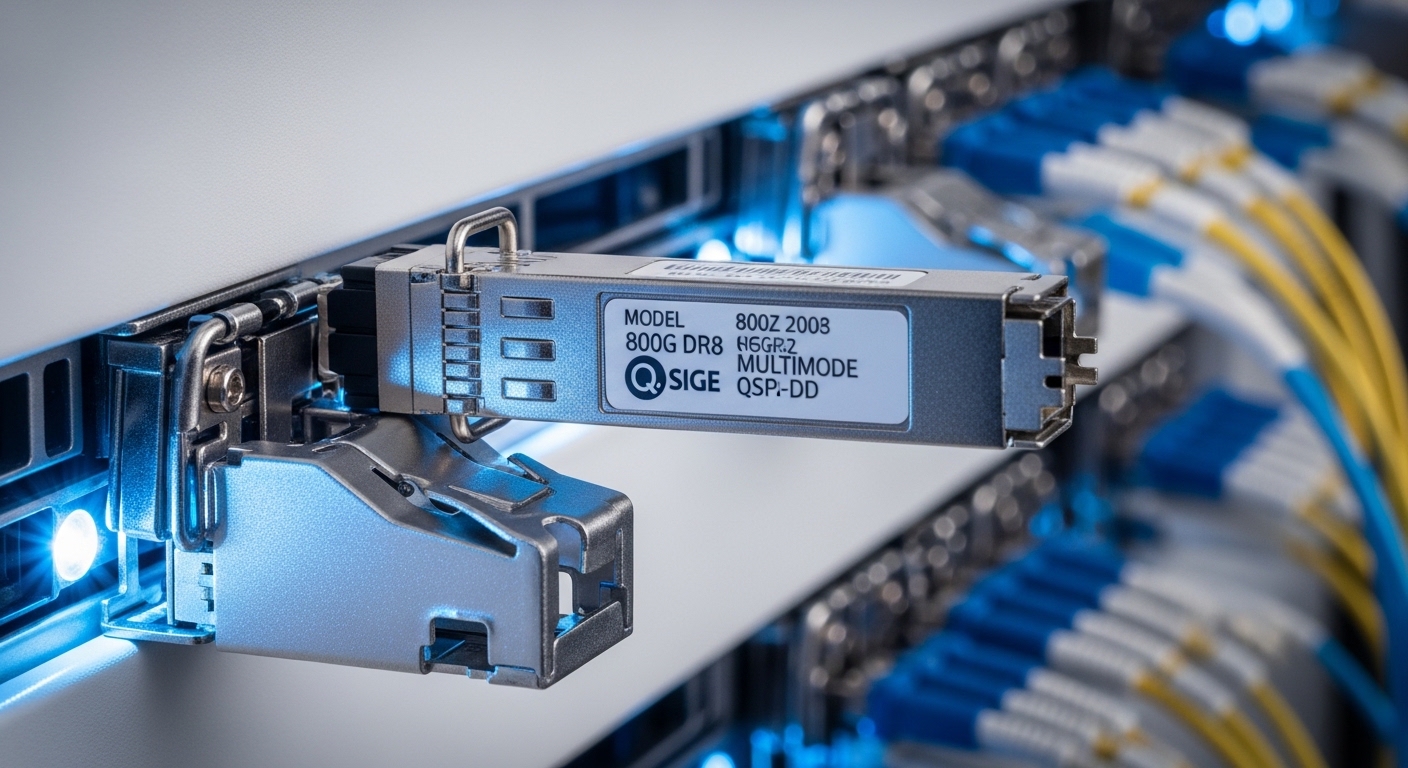
Edge computing deployments often compress networking into smaller cabinets, sometimes with constrained cooling and strict power budgets. Optical transceivers carry the traffic between edge routers, aggregation switches, and metro backhaul, typically using 10G, 25G, or 100G Ethernet optics over single-mode fiber (SMF) or, in short runs, multimode fiber (MMF). In practice, the “optics problem” is usually not the laser itself; it is link stability caused by optics compatibility, DOM handling, or insufficient link margin. Vendors document these behaviors in datasheets, and the underlying electrical/optical specs align with IEEE Ethernet standards such as IEEE 802.3 for Ethernet PHY operation. Source: IEEE 802.3
Edge constraints that change the selection logic
At the edge, the same module model may behave differently because enclosure temperature swings and patch panel cleanliness vary. Most SFP/SFP+ and SFP28/25G optics specify an operating temperature range; common ranges are 0 to 70 C for “commercial” and -40 to 85 C for “industrial” versions. DOM support (Digital Optical Monitoring) also affects observability: you may need alarms for TX bias current, received power, and module temperature. If your switch expects a particular DOM interface behavior, the “wrong but compatible” optics can still cause intermittent link drops. Field engineers often confirm these issues by checking switch logs and correlating link flaps with module temperature and Rx power readings.
Pro Tip: In edge cabinets, the most common “mystery link flaps” are not bad fibers; they are marginal received power caused by connector contamination plus cold-start thermal behavior. Before swapping optics, clean both ends with a fiber inspection scope and re-check Rx power thresholds reported by DOM.
Core use cases: where optics pay off in edge networks
Below are practical edge computing use cases that map to specific optical module types and link budgets. The goal is not to list every transceiver SKU, but to show the engineering decisions that drive which optics you should deploy. For each scenario, we focus on data rate, fiber type, reach, connector style, and operational limits.
Use case 1: ToR to aggregation in a small edge data hall
Consider a small edge site with a 48-port 10G ToR switch feeding an aggregation switch, with 12 active 10G uplinks over existing MMF runs of about 300 to 400 m. In this case, 10G SR optics using 850 nm over OM3 or OM4 MMF are often the most cost-effective. If the edge hall has dust-prone environments, choose optics with robust diagnostics and ensure the patch panel is cleaned and labeled. During cutover, engineers typically validate link negotiation and confirm that the switch transceiver profile is accepted without warnings.
Use case 2: Edge router to metro transport with long SMF spans
An edge router may need a 25G or 100G uplink to a metro aggregation point across 10 to 40 km of SMF. This is where 25G LR (1310 nm) and 100G LR4 (typically 1310 nm with four lanes) become common. Real-world constraints include budget for optical power and the risk of exceeding link margin after planned future splits. You should treat DOM-reported Rx power as a control signal for preventive maintenance, not just troubleshooting.
Use case 3: Video analytics and OT backhaul with deterministic latency
Industrial edge deployments for video analytics often use 25G or 10G links to connect GPU servers, inference appliances, and storage. While latency is influenced by switching and buffering, optics help by reducing retransmissions caused by marginal physical-layer performance. In a typical environment, engineers prioritize consistent link stability over maximum theoretical reach. That means selecting modules and fibers with sufficient margin and keeping connector hygiene strict.
Use case 4: Remote cell sites and temporary deployments
When edge gear is installed in remote locations or deployed temporarily after natural events, spare parts and rapid replacement matter. This is a “practical use case” for interoperable optics—modules that meet IEEE PHY and vendor switch compatibility expectations, while providing DOM alarms for faster triage. However, you still need a compatibility matrix for your switch model and optics vendor. A field team might carry two spare module types: one for short reach (SR) and one for long reach (LR) to cover the most common fibers encountered.
Optical module spec comparison for edge-ready choices
Engineers usually start by choosing the right Ethernet speed and fiber type, then verify reach and temperature. The table below compares representative modules used in edge computing use cases. Always confirm exact compliance with your switch platform and the vendor datasheet, because “same label” modules can differ in diagnostics behavior and power class.
| Module type (examples) | Wavelength | Typical reach | Data rate | Connector / fiber | Power / diagnostics | Operating temperature |
|---|---|---|---|---|---|---|
| SFP-10G-SR (Cisco SFP-10G-SR) or FS.com SFP-10GSR-85 | 850 nm | Up to 300 m on OM3 / 400 m on OM4 | 10G Ethernet | LC, MMF (OM3/OM4) | DOM supported (varies by vendor) | 0 to 70 C (common), some industrial options -40 to 85 C |
| SFP28-25G-LR (25G LR) | 1310 nm | Up to ~10 km (typical LR) | 25G Ethernet | LC, SMF | DOM with Rx power, Tx bias, temp | -40 to 85 C available in industrial SKUs |
| QSFP28-100G-LR4 (100G LR4) | 1310 nm (4 wavelengths) | Up to ~10 km (typical LR4) | 100G Ethernet | LC, SMF | DOM, lane diagnostics | -40 to 85 C often available |
For long-haul edge backhaul, 100G coherent optics may appear, but many edge deployments start with direct-detect optics due to cost and operational simplicity. For example, Finisar-class optics like FTLX8571D3BCL style 10G SMF modules exist for specific distances and temperature grades. Always use the exact part number from your vendor catalog and compare against your switch’s transceiver support list. Source: IEEE 802.3 working group
Selection criteria checklist for real edge optics use cases
To avoid costly rework, engineers follow a consistent decision workflow. The list below is ordered the way field teams actually make tradeoffs during procurement and installation planning. If you are building a repeatable standard for multiple edge sites, treat this as your internal checklist.
- Distance and fiber type: Measure the actual run length including patch cords and slack loops; confirm MMF vs SMF and core type (OM3/OM4).
- Target data rate and interface: Match the switch port type (SFP, SFP+, SFP28, QSFP28) and Ethernet speed (10G, 25G, 100G).
- Link budget and margin: Use vendor link budget guidance and account for connectors, splices, and patch panel losses; do not assume “rated reach” equals “safe margin.”
- Switch compatibility: Validate the module against the switch vendor’s supported optics list for that exact model and firmware version.
- DOM support and alerting: Ensure DOM fields are exposed in your monitoring stack; confirm thresholds for Rx power and temperature alarms.
- Operating temperature and thermal design: Prefer industrial-grade optics for cabinets that exceed 70 C or experience cold-start condensation cycles.
- Vendor lock-in risk: OEM optics can reduce compatibility risk but raise TCO; third-party optics can work well if they are validated and within spec.
- Spare strategy: Plan at least a minimal spares kit for the most common reach types used at the site (for example, SR for MMF and LR for SMF).
In many edge rollouts, procurement chooses modules first and then tries to “fit” fiber later. That approach tends to fail because fiber plants are rarely uniform across sites. Instead, measure fiber characteristics early and standardize on a small set of module types that cover your majority of distances.
Common pitfalls and troubleshooting for edge optics
Optical modules are generally mature, but edge deployments create real failure conditions. The items below are common mistakes with root causes and practical solutions.
Link comes up briefly, then flaps during temperature changes
Root cause: The module is operating near its temperature or power limits, or the cabinet cooling is uneven, causing laser bias instability. Contamination can worsen the issue by increasing required Rx power.
Solution: Check DOM temperature, Tx bias current, and Rx power during the flap window. Improve airflow, verify airflow paths in the rack, and replace with an industrial-grade optic rated for -40 to 85 C where appropriate.
“Compatible” optics still fail on a specific switch model
Root cause: Transceiver programming differences, DOM behavior variations, or firmware-specific expectations cause the switch to reject the module or degrade link quality. This is common with third-party optics not validated for that platform.
Solution: Confirm compatibility using the switch vendor’s transceiver support list and your current firmware. In a controlled test, swap only one variable at a time: module type, then firmware, then cable plant.
Persistent low received power after installation
Root cause: Dirty connectors, scratched ferrules, or incorrect fiber polarity/cleanliness at LC interfaces. Even a small amount of contamination can collapse link margin, especially on longer reach optics.
Solution: Inspect with a fiber microscope, clean with appropriate lint-free wipes and cleaning tools, then re-check Rx power readings. If needed, replace patch cords with verified, factory-terminated cables.
Overestimating reach and ignoring patch panel loss
Root cause: Engineers use “max reach” from marketing specs without including connector attenuation and splice loss. Edge sites often have more patch points than the original design assumed.
Solution: Calculate a realistic link budget: fiber attenuation plus patch cords plus connectors plus splice count. Target a safety margin so the link remains stable after aging and minor maintenance changes.
Cost and ROI notes for edge optics use cases
Cost is rarely just purchase price; it is also downtime, spares logistics, and failure rates. OEM optics typically cost more but reduce the probability of switch compatibility issues and support faster RMA paths. Third-party optics can significantly lower unit cost, but you must budget time for validation testing and maintain a compatibility record per switch model and firmware.
In real deployments, a 10G SR module might fall in a mid-range price bracket depending on brand and temperature grade, while 25G and 100G modules are materially higher. The ROI comes from fewer truck rolls and faster restoration: if your edge site has critical uptime targets, a short replacement time can outweigh a higher unit cost. Also consider power and thermal effects: optics that run cooler can reduce cabinet cooling load, which matters when edge enclosures already operate near the thermal limit.
If you are standardizing across dozens of edge sites, build a TCO model with assumptions for failure rate, average repair time, and spares holding cost. Vendor datasheets and field history from your own incident logs are usually more predictive than generic “lifetime” claims.
FAQ: optical modules in edge computing use cases
What are the most common use cases for optical modules at the edge?
The most common use cases are ToR-to-aggregation uplinks inside small edge data halls and long SMF backhaul from edge routers to metro transport. Many sites start with 10G SR for MMF short runs and 25G LR or 100G LR4 for SMF uplinks.
Can I use third-party optics in edge deployments?
Often yes, but you must validate compatibility with your switch model and firmware. Third-party optics should match required electrical and optical parameters and should provide DOM behavior your monitoring system can interpret.
How do I choose between SR and LR for edge links?
Choose SR when you have MMF and the run length fits within OM3/OM4 reach with margin. Choose LR when you have SMF or when you need longer distances; then confirm link budget including patch panels and splices.
Why does Rx power matter even if the link stays up?
Rx power is an early warning metric: it shows whether you are consuming optical budget that could disappear after a connector ages or a patch cord is replaced. Monitoring Rx power via DOM helps you prevent future outages instead of reacting to them.
What is the quickest troubleshooting path for intermittent link drops?
Start with DOM alarms and check whether temperature or Rx power correlates with flaps. Then inspect and clean connectors, verify polarity and fiber type, and finally test a known-good optic if the cable plant checks out.
Should I standardize on industrial temperature optics at the edge?
If edge cabinets can exceed 70 C, experience cold-start cycles, or lack consistent cooling, industrial-grade optics are usually safer. Otherwise, commercial-grade optics can work, but you should validate environmental conditions during initial commissioning.
If you want to expand your edge standards beyond optics, review fiber cabling best practices for edge sites to tighten connector hygiene and link margin from day one. Next, build a small validation lab using your exact switch models, then lock the optics list per port type and firmware.
Author bio: I have deployed and troubleshot SFP/SFP28/QSFP optics in real edge cabinets, coordinating cutovers with switch firmware, DOM monitoring, and fiber-cleaning procedures. My work focuses on measurable link budgets, compatibility validation, and operational playbooks that reduce downtime.
