
If your 800G links look fine on paper but still show CRC spikes, link flaps, or rising BER, optical interference is often the culprit. This article helps network and field engineers troubleshoot interference in real 800G deployments, from connector and transceiver checks to optical power and DSP margin verification. You will get a practical decision checklist, common failure modes, and a short FAQ you can use during incident response.
Why 800G optical interference shows up as “random” errors
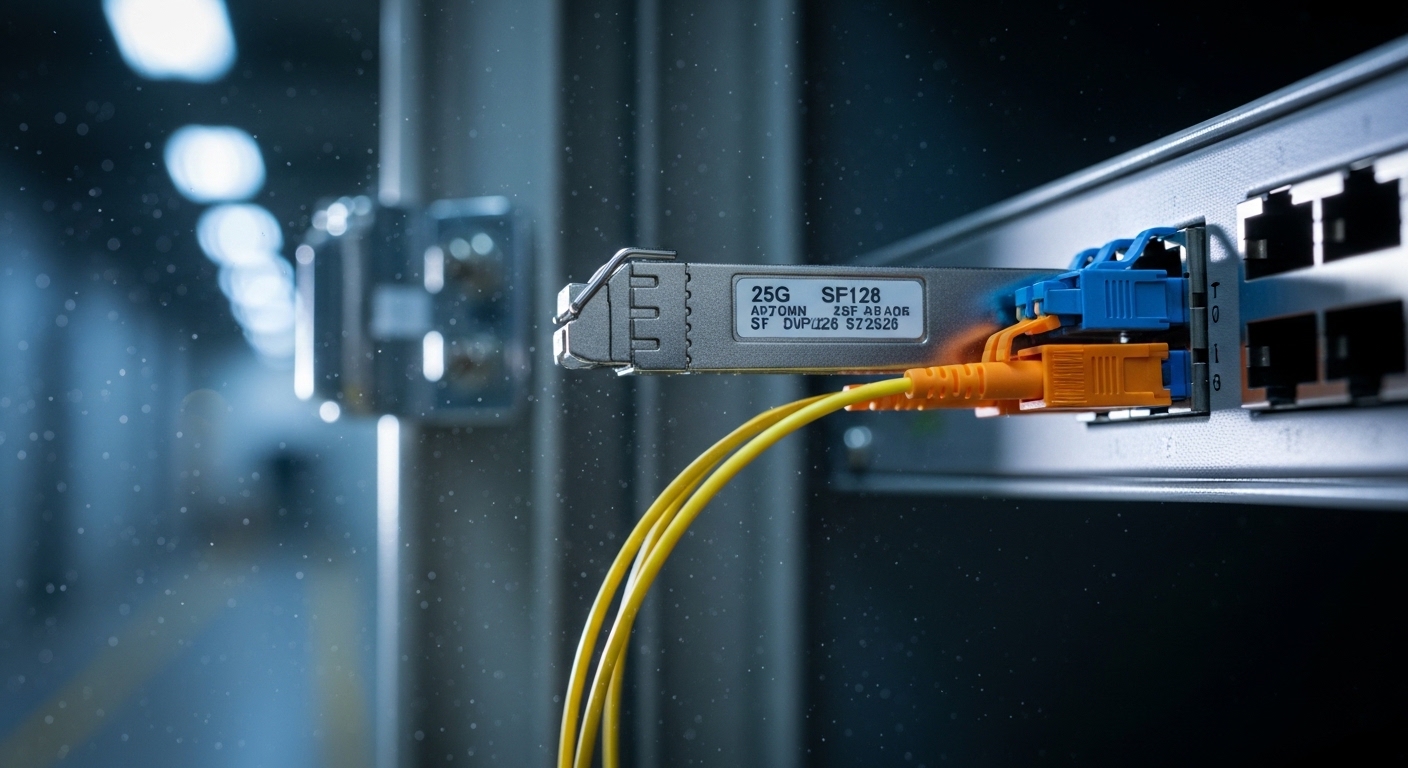
In 800G transports, you are typically dealing with coherent or high-speed PAM4/NRZ signaling depending on the optics and platform, and you are also pushing more aggregate bandwidth through the same physical plant. Interference can originate from reflections (return loss issues), modal effects (in multimode), polarization effects, dirty connectors, microbends, or even adjacent-channel coupling in dense racks. The tricky part is that symptoms often surface as BER/CRC errors at seemingly stable times, then worsen after maintenance, patch-panel changes, or thermal cycling.
From an engineering standpoint, you are trying to separate two big categories: optical signal integrity problems and link budget margin problems. Interference tends to create patterns like power-dependent error bursts, sensitivity to connector reseating, or degradation that correlates with vibration and airflow. Link budget issues tend to correlate with distance, fiber attenuation, and aging—though the two can overlap when reflections increase effective loss.
For standards context, Ethernet PHY behavior is specified in IEEE 802.3 for the relevant 800G/400G eras, while transceiver optical performance is defined in vendor datasheets and the Digital Diagnostics Monitoring (DDM/DOM) conventions. If you want a baseline on how optical parameters map to link health, start with the IEEE 802.3 electrical/optical objectives and then verify your module’s supported DOM fields in the datasheet. Source: IEEE 802.3 overview
What to measure first: interference triage workflow for 800G
When troubleshooting, your goal is to quickly confirm whether you have (1) insufficient optical power, (2) excessive reflections and return loss, or (3) fiber/connector contamination or physical stress. A fast triage workflow saves hours because you avoid swapping optics blindly and burning spares.
Capture the incident signature
Before touching anything, record the exact symptoms and timing. Pull interface counters for the affected 800G port and note whether errors spike with specific workloads or after a known change. If your switch supports it, collect PHY-level diagnostics such as FEC stats, receiver power, and any warning thresholds that indicate margin erosion.
Check DOM/telemetry against datasheet limits
Use the module DOM values to validate that the link is within expected operating ranges. Look at RX optical power (dBm), TX output power, and temperature. If your platform has vendor-specific fields, confirm they match the module’s DOM implementation. Compare to the transceiver spec sheet for the exact model you installed.
Inspect and clean at the optical interface, then re-seat once
Most “mystery interference” incidents trace back to contamination or an imperfect mating surface. Inspect both ends of the link with a microscope-style inspection tool. Clean the connectors using approved methods (dry cleaning for certain ferrule types, or wet cleaning with lint-free wipes and isopropyl where permitted by the vendor). Then re-seat once—multiple repeated insertions can worsen polish damage.
Validate fiber plant and patching geometry
Check patch cord lengths, routing, and whether any patch panels were reworked. Microbends from tight cable management, especially near rack corners, can increase loss and also modulate coupling. In dense 800G deployments, adjacent high-power optical channels can increase coupling risk if cabling is loosely routed or if patch cords are bundled too tightly without proper separation.
Use an OTDR or equivalent where available
If your environment supports it, run an OTDR (or bidirectional testing) to locate high-loss events and reflection hotspots. OTDR interpretation at very short spans can be nuanced, but it still helps you validate whether a particular connector pair is introducing abnormal reflection or attenuation. When you find a suspect event, correlate it with the physical connector inspection results.
800G optics and interference: key specs that affect troubleshooting
Interference troubleshooting gets easier when you know what your optics are supposed to do. Wavelength, reach, connector type, and optical power class all influence how sensitive the receiver is to reflections and contamination. Below is a practical comparison table for common 800G optical module families used in data centers. Always confirm the exact model number because vendors sometimes revise optical budgets and DOM thresholds.
| Module / Typical Use | Wavelength | Reach (typical) | Connector | DOM/Telemetry | Operating Temp | Interference sensitivity notes |
|---|---|---|---|---|---|---|
| QSFP-DD 800G SR8 (MMF) | 850 nm class (multi-lane) | ~70 m typical OM4 / OM5 class links | LC | Yes (vendor DDM) | ~0 to 70 C typical | Modal effects and connector cleanliness strongly impact RX margin |
| QSFP-DD 800G FR8 (SMF) | ~1310 nm class | ~2 km typical | LC | Yes (vendor DDM) | ~0 to 70 C typical | Reflections and end-face contamination can cause receiver instability |
| OSFP 800G ER8 / LR8 (SMF, where used) | ~1550 nm class | ~10 km / 20 km classes | LC or MTP variants depending on design | Yes (vendor DDM) | ~0 to 70 C typical | Link budget tightness means small interference can push BER up |
In practice, the fastest way to narrow root cause is to match your symptoms to the likely sensitivity. For example, if errors happen right after a patch cord swap and improve after a connector cleaning, interference from contamination or return loss is likely. If errors slowly worsen over weeks with stable cleaning results, you should suspect fiber aging, macro/microbending, or a marginal link budget due to higher-than-expected attenuation.
For module-specific optical parameters, rely on the exact datasheet for your transceiver model, such as Cisco SFP- or QSFP-style optics equivalents, or third-party modules like Finisar/NeoPhotonics variants (where applicable) and FS.com part numbers. A good starting list is the module vendor datasheet plus any platform compatibility notes published by the switch vendor. Source: Cisco support and compatibility guidance
Pro Tip: When troubleshooting optical interference, treat DOM RX power like a “margin thermometer,” not a pass/fail meter. A link can still be within nominal RX power while suffering from elevated reflections or end-face contamination that increases effective noise, so pair DOM checks with connector inspection and at least one OTDR/return-loss style measurement when possible.
Interference root causes in 800G racks and how to fix them
Interference is rarely one single issue in the real world. In 800G deployments, it is common to see a combo of tight cable routing, high port density, and patch-panel rework during moves/adds/changes. Below are the most frequent interference root causes and what you should do first.
Connector contamination and return-loss problems
Dirty end faces, connector polish damage, and dust in the ferrule can create back-reflections that disturb the receiver’s DSP equalization. The fix is straightforward but must be disciplined: inspect both ends, clean using the correct method for your connector type, and replace any connector that shows persistent scratches or chips. If you have APC connectors (less common in typical Ethernet optics), ensure you did not mix connector types incorrectly.
Microbends and tight bend radius violations
Fiber that is routed too tightly can cause stress-induced loss and unstable coupling, especially in patch cords. In many data centers, it is easy to exceed recommended bend radius during cable management near rack doors, cable trays, or Velcro tie-down points. Fix by re-routing with proper slack and using bend-radius-friendly routing kits.
Patch cord mismatch and uneven lane behavior
Some 800G optics use multiple lanes (for example, SR8 or FR8 style lane groupings). If patch cords are mismatched in length or quality, lane-to-lane performance can diverge, creating error patterns that look “intermittent.” Ensure you are using the correct MPO/MTP or LC polarity and that all patch cords meet the required OM/SM grade and attenuation specs.
Dense cabling coupling and physical separation
In high-density cages, loosely bundled patch cords can increase coupling and crosstalk, particularly if fibers are not separated according to best practices. While modern optics include DSP and equalization, they still have finite tolerance. Re-route to improve separation and avoid bundling patch cords into tight bundles unless the vendor explicitly supports it.
Common mistakes and troubleshooting tips that save hours
Here are real failure modes I’ve seen during 800G bring-ups and incident response. Each one includes a root cause and a practical fix so you can move from “guessing” to a repeatable troubleshooting plan.
Swapping optics without verifying connector cleanliness
Root cause: The optics are blamed because errors move to a “different” port after a swap, but the contamination stays on the fiber end face. Solution: Inspect and clean the connector pair first. Only after cleaning should you reseat optics once and re-test counters.
Trusting RX power alone while ignoring reflections
Root cause: DOM RX power can look acceptable even when return loss is poor, because contamination and reflections increase effective noise and degrade signal quality. Solution: Pair DOM checks with connector inspection and, if available, an OTDR/reflectometry test to identify reflection hotspots.
Leaving patch cords under tension or at extreme bend angles
Root cause: Tight cable management can induce microbends that cause bursty BER and occasional link resets. Solution: Re-route with proper slack, avoid cable ties near the connector, and maintain recommended bend radius through the full patch path.
Mixing connector polarity or lane mapping assumptions
Root cause: For multi-fiber assemblies, incorrect polarity or lane mapping can cause some lanes to underperform, creating asymmetric errors. Solution: Verify polarity rules for your exact MPO/MTP or LC mapping, then standardize patching labels for both ends.
Using unsupported third-party optics without DOM compatibility validation
Root cause: Some platforms enforce compatibility checks or have partial DOM interpretation, which can hide useful diagnostics. Solution: Verify vendor compatibility lists and confirm the DOM fields your switch expects are present and readable. Source: Vendor documentation portals (general guidance)
Selection criteria: how to choose optics and fix interference before it happens
After you recover from the incident, you want to prevent the next one. Use this ordered checklist during procurement and link design. It is also useful during troubleshooting because it tells you which variables are most likely to break your margin.
- Distance vs reach class: Confirm the actual installed fiber length, patch cord length, and any splices. Compare to the module’s supported reach and your link budget including connector and splice loss.
- Budget for worst-case attenuation: Add conservative margins for aging and cleaning rework. If your RX margin is already near threshold, interference effects will push you over the edge.
- Switch and optics compatibility: Validate that the transceiver is supported by your exact switch model and firmware level. Check vendor compatibility notes and DOM support.
- DOM support and threshold behavior: Ensure your platform can read the key telemetry fields (RX power, TX power, temperature, bias) and that thresholds are documented.
- Operating temperature and airflow: Verify transceiver temperature stays within spec across the rack’s thermal profile. Hot spots can change optical output stability.
- Vendor lock-in risk and spares strategy: OEM optics can be expensive but reduce compatibility uncertainty. Third-party can cut cost, but only if you validate behavior in your environment.
For real 800G plans, I recommend you validate at least one “golden link” in each fiber type (MMF OM4/OM5 or SMF variants) and connector type. Then you can compare DOM telemetry and error behavior when you roll out additional ports.
Cost and ROI note for 800G optics and troubleshooting time
Pricing varies heavily by vendor, reach class, and whether you buy OEM or third-party. As a realistic range, many 800G optics in enterprise and data center procurement land roughly from $800 to $3,000 per module, with OEM often at the upper end and third-party potentially lower. The bigger hidden cost is downtime and labor: each troubleshooting cycle can consume 4 to 16 engineer-hours if you need inspections, re-cleaning, patch rework, and retesting across multiple lanes.
From a TCO perspective, third-party optics can be fine when compatibility is proven and your team has disciplined cleaning and inspection processes. However, if you frequently hit interference incidents, the ROI shifts: investing in better inspection microscopes, standardized cleaning kits, and proper patch cord management often beats repeatedly swapping optics. Also consider failure rates: optics that run close to thermal limits or tight link budgets tend to fail sooner, which increases replacement and operational churn.
FAQ
What does optical interference look like in 800G counters?
You often see a mix of CRC/FCS errors, FEC margin changes, or link flaps that correlate with physical activity like patching. It may also show bursty errors rather than continuous degradation. If DOM RX power is stable but errors rise, interference from reflections or contamination is a prime suspect.
Should I clean connectors before swapping 800G optics?
Yes. In most incident tickets, cleaning and re-inspection resolves issues faster than swapping optics, because contamination is frequently the root cause. Swap only after you have validated connector condition and confirmed you are reading the correct DOM fields.
How can OTDR help if the link is short?
For short links, OTDR resolution can limit pinpoint accuracy, but you can still detect abnormal events like bad connectors or splices with excessive loss. If you do not have OTDR, a certified loss test with appropriate adapters can still validate your baseline attenuation and reflection behavior indirectly.
Are third-party 800G optics more likely to cause interference problems?
Not inherently, but compatibility and DOM interpretation can differ by platform. If your switch expects specific DOM behavior or has strict optical compliance checks, marginal optics can behave unpredictably. The safe approach is to validate in your environment with the same fiber plant and connector types.
What is the most common physical cause of interference in dense racks?
Tight bend radius and connector contamination are usually top contenders. Dense cabling increases the chance that someone tugs a patch cord, creating microbends or disturbing a connector that was not fully seated.
How do I prevent repeat incidents after successful troubleshooting?
Standardize a workflow: inspection microscope for every change, one-time cleaning, controlled re-seating, and consistent patch cord labeling. Then capture “before and after” DOM telemetry and error counters so you can detect early margin erosion during future moves.
If you follow the triage workflow—DOM validation, inspection and cleaning, then physical and plant checks—you can usually isolate interference causes in hours instead of days. Next step: review fiber connector cleaning best practices and align your team on a repeatable inspection and maintenance routine.
Author bio: I’m an operations-minded engineer who’s supported high-density Ethernet rollouts and handled optical incident response in real datacenter change windows. I focus on measurable link margin, disciplined fiber handling, and practical troubleshooting that reduces repeat failures.
