
If an 800G link won’t come up, you do not need more “try it again” luck. This practitioner-focused playbook helps operations and field engineers isolate faults across the optics, fiber plant, and transceiver configuration. You will learn exactly what to measure, what to verify in the switch and optics, and how to avoid repeat outages while troubleshooting fiber in modern 800G deployments.
800G optical link basics that matter while troubleshooting fiber
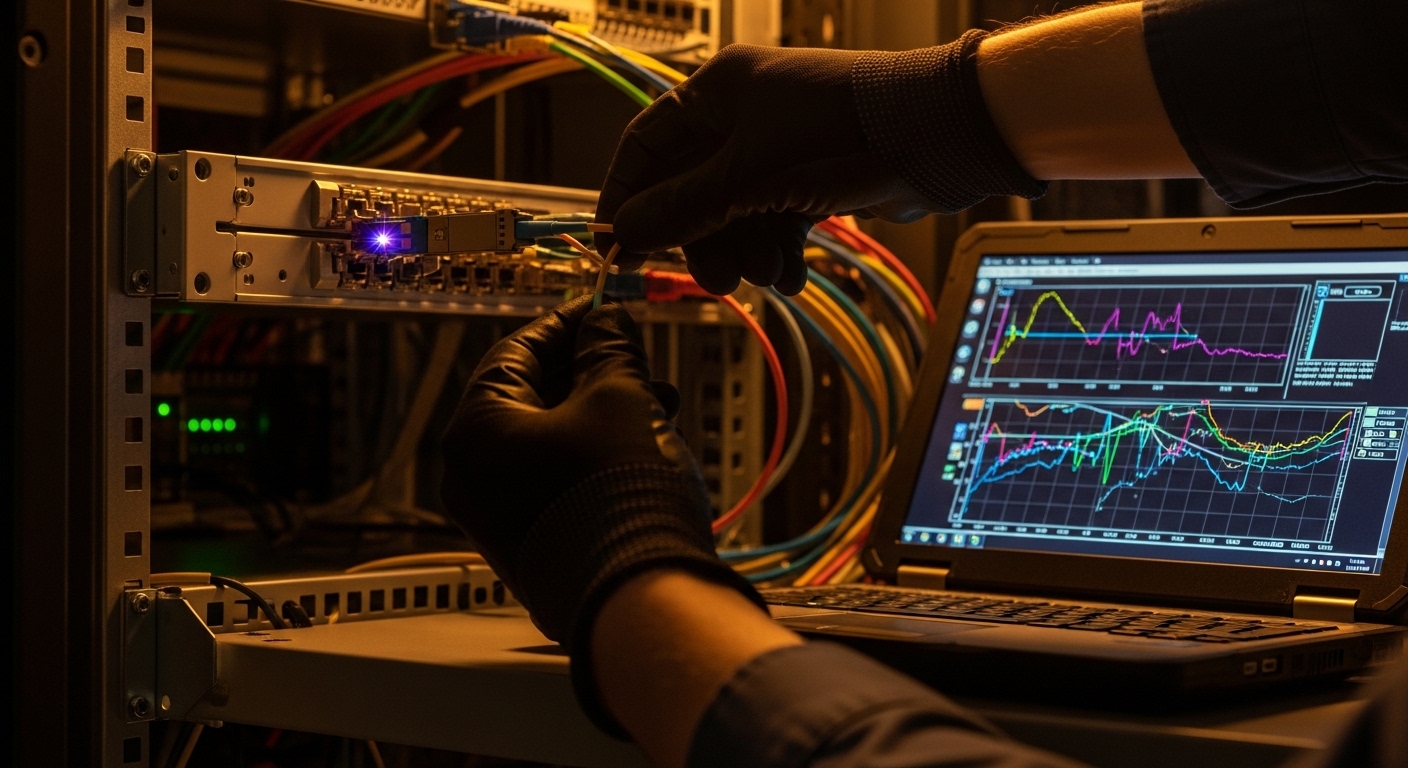
For 800G, you are typically dealing with QSFP-DD or OSFP style high-density optics and coherent or PAM4-based electrical/optical interfaces depending on vendor and distance. The key during troubleshooting fiber is to treat the link as a chain: optics DOM readings and lane health, fiber polarity and MPO/LC mapping, cleanliness, and power/receive thresholds. The fastest path to resolution is to confirm that the transceiver is operating within spec and that the fiber plant matches the expected lane mapping and connector geometry.
What to confirm first on the switch
Start with the switch or router diagnostics because they tell you whether the failure is usually “optics-level” or “fiber-plant-level.” Check interface state, optical errors, and any vendor-specific alarms. In many environments, you will see counters like FEC/RS errors, LOS/LOF, and per-lane degradation. If the interface never transitions to “up,” focus on physical layer presence: DOM power, laser bias, and receive signal detection.
Reference specs you should keep on hand
800G optics vary by reach and connector type, so you must verify the exact part number and wavelength plan. Below is a practical comparison for common 800G short-reach and extended short-reach optics used in data centers.
| Transceiver (example part) | Typical data rate | Wavelength | Reach | Connector | Operating temp | Notes for troubleshooting fiber |
|---|---|---|---|---|---|---|
| Cisco QSFP-DD 800G SR8 (example) | 800G | 850 nm (nominal) | ~70-100 m class | MPO-12/24 (implementation-specific) | 0 to 70 C typical | Most failures are polarity, cleaning, or fiber attenuation mismatch. |
| FS.com SFP/QSFP-DD 800G SR8 (example class) | 800G | 850 nm (nominal) | ~70-100 m class | MPO | 0 to 70 C typical | DOM support varies; verify compatibility with switch firmware. |
| Finisar/II-VI coherent 800G (example class) | 800G | 1310/1550/dual-band (varies) | km class (varies) | LC or coherent interface | 0 to 70 C typical | Most failures show as impairment/FEC/OSNR issues rather than simple LOS. |
When you troubleshoot fiber, treat “reach” as a system budget including patch cords, splices, and aging. Vendor datasheets and your cabling standard define link loss and insertion loss limits. For Ethernet physical layer behavior, consult IEEE 802.3 and vendor transceiver guides. Source: IEEE 802.3 Overview
Step-by-step troubleshooting fiber workflow for 800G links
Use an ordered workflow so you do not waste time swapping optics blindly. The goal is to quickly classify the fault: no optical power, optical power present but receive fails, or link trains but has high error rates. Each classification has a different fastest fix.
Verify interface and optical health state
On the switch, check whether the port shows LOS/LOF, whether it reports “digital optical monitoring not present,” and whether FEC is enabled. If the port stays down with “no signal,” verify that the transceiver is being recognized and that the laser is not disabled. Collect DOM values for at least: Tx power, Rx power, laser bias current, temperature, and any vendor-specific “lane” metrics.
Inspect and clean connectors before measuring loss
For 800G, you are often using dense MPO fanouts. Even a minor contamination can cause large penalty across multiple lanes. Use an inspection scope to confirm scratches, dust, and polish quality. Clean using manufacturer-approved methods and re-inspect. If you skip this step, you can chase “attenuation problems” that are actually dirt-induced.
Confirm polarity, mapping, and lane alignment
Polarity mistakes are a top cause of link failures in MPO-based systems. Validate the patching scheme: whether you need MPO key alignment changes or a specific polarity cassette type. For 800G SR8-style optics, lane mapping can be strict; a “works sometimes” behavior often indicates partial lane reception or swapped sub-assemblies. Ensure both ends use the correct MPO breakouts and that the direction of each fiber run matches the transceiver expectation.
Measure link power and compare to thresholds
When DOM indicates Tx power is within range but Rx power is low or absent, the fault is usually in the fiber plant or fiber type mismatch. Compare Rx power against the vendor’s recommended minimum. In practice, you want your Rx signal to be comfortably above the sensitivity threshold with margin for splices and patch cords. If you have a test plan, measure end-to-end optical loss with an OTDR/OLTS approach aligned to your connector type and wavelength.
Pro Tip: In many 800G SR deployments, “link down” frequently comes from lane mapping rather than overall attenuation. If Tx power looks normal in DOM but Rx is near zero across multiple lanes, re-check MPO keying, cassette polarity, and breakout orientation before you condemn the transceiver.
Common 800G failure patterns and what they usually mean
Troubleshooting fiber becomes faster when you recognize patterns in symptoms. Below are typical failure modes you will see in the field and the likely root causes.
Pattern A: Port never comes up; DOM shows Tx but Rx is zero
- Likely cause: polarity reversal, swapped MPO ends, wrong cassette type, or one side patched to the wrong trunk.
- First fix: inspect and re-patch with correct MPO key alignment and verify cassette polarity.
- Confirm: DOM per-lane Rx power distribution; if all lanes are affected similarly, suspect mapping or a dead fiber group.
Pattern B: Port comes up briefly then flaps; error counters spike
- Likely cause: intermittent connector contamination, poor seating, damaged ferrules, or high return loss from mismatched connectors.
- First fix: re-clean and re-seat both ends; inspect ferrules for chips or scratches.
- Confirm: correlate flaps with maintenance windows or patch changes; check temperature and transceiver alarms.
Pattern C: Link comes up but performance is poor; FEC/RS errors climb
- Likely cause: excessive link loss, excessive splice/patch cord attenuation, or fiber type mismatch (OM4 vs OM3, or wrong polarity cassette).
- First fix: verify fiber grade, patch cord length, and total insertion loss budget; test with OLTS.
- Confirm: compare measured loss to the transceiver reach class and vendor system recommendations.
Selection criteria checklist to prevent repeat trouble
Not every failure is “your cabling.” Many are compatibility and configuration issues that show up as persistent instability. Use this ordered checklist before and during troubleshooting fiber so you stop rework.
- Distance and link budget: sum patch cords, trunks, and splices; ensure margin beyond vendor minimums.
- Switch compatibility: confirm the transceiver is supported for your exact switch model and firmware; check for known interoperability quirks.
- Connector and polarity type: verify MPO keying, cassette polarity method, and breakout mapping at both ends.
- DOM support and diagnostics: ensure the optics provide the DOM fields your platform expects; missing DOM can cause disabled lasers or reduced functionality.
- Operating temperature and airflow: measure transceiver temperature under load; high temps can degrade margin and raise error rates.
- Vendor lock-in risk: weigh OEM vs third-party optics; test one spare in advance to validate behavior and alarm thresholds.
For standards context, Ethernet PHY behavior and auto-negotiation mechanics depend on the specific IEEE 802.3 clause and vendor implementation. Always follow the transceiver vendor’s installation guide and the switch’s optics compatibility matrix. Source: Vendor switch optics guidance
Common pitfalls and troubleshooting fiber fixes (field-proven)
Below are mistakes that waste hours. Each includes a root cause and a direct solution you can apply immediately.
-
Pitfall 1: Swapping optics before validating fiber cleanliness
Root cause: dust or micro-scratches increase attenuation and can mimic a “bad module.”
Solution: inspect with a scope, clean with correct tools, then re-check DOM Rx power distribution before replacing hardware. -
Pitfall 2: Ignoring MPO polarity cassette type
Root cause: polarity cassettes differ (and some are not interchangeable). A wrong cassette can route lanes incorrectly.
Solution: verify cassette documentation on both ends; re-patch using the documented polarity method and confirm MPO key alignment. -
Pitfall 3: Assuming “OM4 is OM4” across vendors
Root cause: fiber can meet nominal grade but differ in attenuation, bend tolerance, and connectorization quality.
Solution: measure end-to-end loss with OLTS; check patch cord lengths and splice counts against the system budget. -
Pitfall 4: Not checking per-lane DOM readings
Root cause: aggregated metrics can hide that only certain lane groups are failing due to partial damage or one broken fiber group.
Solution: record per-lane Rx power (or vendor lane diagnostics) and correlate lane group to a specific trunk/breakout segment.
Cost and ROI note for 800G optics during troubleshooting fiber
In 800G environments, the biggest cost is downtime and repeated truck rolls, not the optics themselves. OEM QSFP-DD modules from major vendors are often priced higher (commonly several hundred to over a thousand USD per module depending on reach and brand), while third-party modules can be meaningfully cheaper but may carry higher compatibility risk. TCO should include: spare inventory strategy, failure rate under your temperature and airflow conditions, and the time to validate compatibility after firmware upgrades. A practical ROI approach is to keep at least one “known-good” spare optics pair tested in your exact rack and firmware version so troubleshooting fiber becomes a measured substitution, not a guess.
FAQ: troubleshooting fiber for 800G optical links
Why does an 800G link stay down even though Tx power looks normal?
If Tx is present but Rx is near zero, the most common causes are polarity mapping errors, swapped MPO ends, or a connector cleanliness issue that blocks multiple lanes. Check per-lane Rx power; if all lanes fail similarly, suspect mapping or a dead fiber group rather than a single damaged lane. Re-inspect and re-patch before replacing optics.
How can I tell if the issue is excessive loss versus a bad transceiver?
Compare DOM Rx power to the transceiver vendor’s recommended minimum and check whether the link trains with errors that correlate to length or patch cord changes. If Rx is consistently low but not zero, loss is likely. If Rx is zero or DOM alarms show laser bias issues, the transceiver or its seating/connector interface is more likely.
What connector inspection steps should I standardize for 800G?
Use a fiber inspection scope to check ferrules and MPO endfaces for dust, scratches, and polish defects. Clean with manufacturer-approved methods and re-inspect after cleaning. Standardizing this reduces repeat failures dramatically because contamination effects scale with lane count.
Are third-party 800G optics safe to deploy?
They can be safe, but you must validate compatibility with your exact switch model and firmware because diagnostic fields and alarm thresholds can differ. Create a small pilot with measured DOM behavior and link stability over at least a full maintenance cycle. Keep an OEM spare for emergency swaps if your uptime policy is strict.
What should I check in the switch logs during troubleshooting fiber?
Look for optical alarm states (LOS/LOF), FEC or RS error counters, lane failure indicators, and “transceiver not supported” messages. Correlate timestamps with connector cleaning or patch changes. If errors spike after environmental changes, verify airflow and module temperature.
How do I avoid downtime during a live incident?
Use a structured substitution plan: first verify cleanliness and polarity, then test with a known-good spare optics pair in the same port and rack. Capture DOM snapshots before and after each change so you can quantify improvement. If the system supports it, compare per-lane Rx patterns to isolate the fault to a trunk or breakout segment.
Use this workflow to turn troubleshooting fiber from a time sink into a repeatable engineering process: clean, verify mapping, measure power, then decide whether optics or cabling is at fault. Next, review troubleshooting fiber hygiene for connector inspection and cleaning standards that prevent the most common 800G outages.
Author bio: I lead network optics programs and have deployed 400G to 800G links across leaf-spine data centers, including staged rollouts with measured DOM telemetry and OLTS validation. I focus on security, operational resilience, and reducing tech debt through compatibility testing and disciplined incident playbooks.
