
In AI infrastructure, one flaky optical link can stall distributed training and trigger cascading retransmits. This article helps data center engineers and on-call operators perform transceiver troubleshooting to isolate failures quickly, protect optics from misuse, and recover service with minimal downtime. You will get a step-by-step recovery workflow, real-world checks for SFP/SFP+/QSFP modules, and practical failure-mode fixes based on vendor datasheets and the IEEE Ethernet optical interfaces. transceiver inventory workflow
Prerequisites and safety checks before you touch optics
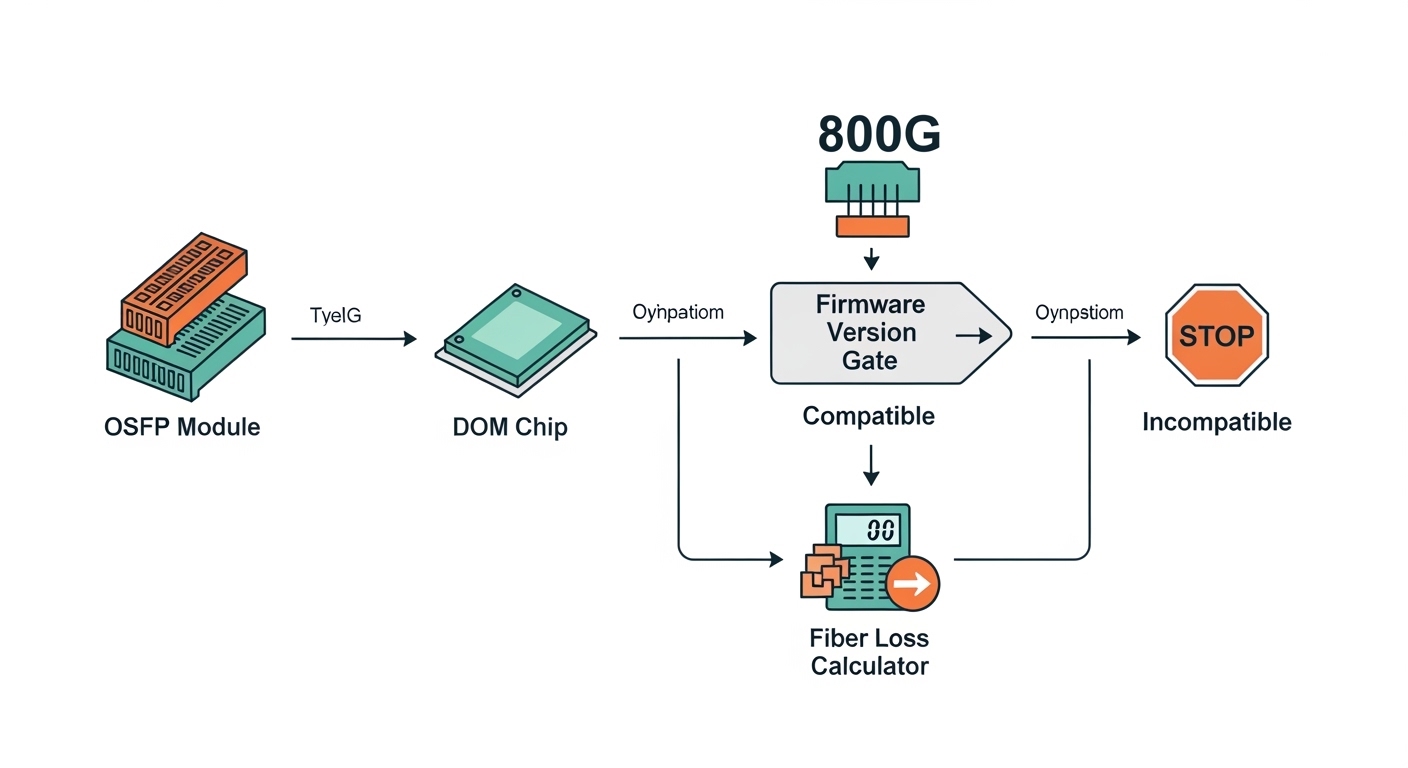
Before swapping anything, confirm you are working within safe power and handling limits. Most optical failures are preventable if you control ESD, check dust, and verify the exact module type supported by the switch. Also, ensure your link partner is compatible at the correct lane rate and optics standard (for example, 10GBASE-SR vs 10GBASE-LR). IEEE 802.3
What you need at the rack
- Correct transceiver type: e.g., Cisco SFP-10G-SR or Finisar FTLX8571D3BCL class optics for 10G short reach, or QSFP28 equivalents for 25G/100G.
- Known-good fiber patch cords (at least one per link type) and a spare set of jumpers.
- Approved cleaning tools: fiber cleaning wipes and an inspection scope; avoid “compressed air only” habits.
- Switch access to read DOM and interface diagnostics.
- ESD protection and clean handling; hold modules by the body, not the optical face.
Expected outcome: You can validate compatibility and gather evidence (DOM, link state, errors) before any swap decision.
Step-by-step transceiver troubleshooting for fast link recovery
Use a structured workflow: confirm symptoms, read transceiver telemetry, test fiber path, then isolate by swapping the smallest component first. This prevents “random swaps” that damage optics or waste time. The goal is to determine whether the failure is inside the module, the fiber path, or the switch port. [Source: vendor switch CLI and module datasheets]
Capture the failure signature
From the switch, record interface state and error counters. On Cisco IOS-XR or NX-OS style CLIs, check physical state and optical/DOM alarms. On many platforms you can also view per-lane receive power and link training status.
- Confirm interface is down, up/down, or flapping.
- Record CRC/FCS errors, symbol errors, and RX/TX LOS indicators.
- Note timestamps to correlate with maintenance windows or re-cabling.
Expected outcome: You establish whether this is a total link failure (LOS/failed training) or a degradation event (increased errors).
Read DOM telemetry and alarms
DOM (Digital Optical Monitoring) is your first evidence source. Look for temperature out-of-range, laser bias current anomalies, and receive power levels that sit below the platform thresholds. Exact thresholds vary by vendor and optics family, but the pattern is consistent: a dying module often shows unstable bias current or drifting RX power. [Source: IEEE 802.3 and vendor DOM documentation]
- Verify DOM present and module type matches the expected standard.
- Check RX power relative to typical operating ranges for the standard (for example, SR optics have defined safe ranges in datasheets).
- Confirm alarms: LOS, TX fault, or temperature warnings.
Expected outcome: You classify the issue as likely module-side, fiber-side, or port-side before swapping.
Validate switch-port compatibility and lane rate
AI clusters often mix switch generations and optics profiles. If the port expects a specific coding/line rate, the transceiver may insert but fail training. Confirm the port is configured for the intended speed (for example, 10G, 25G, 40G, 100G) and that the module standard matches. IEEE Ethernet optics standards define the behavior, but vendor ports enforce compatibility. [Source: IEEE 802.3]
- Verify the interface speed setting (and that it is not forced to a mismatched mode).
- Confirm the module family is supported by the switch vendor’s compatibility list.
- If using third-party optics, ensure the switch supports the transceiver’s DOM profile.
Expected outcome: You avoid a common “works on one switch, fails on another” training mismatch.
Isolate the fiber path with a controlled swap
When DOM looks “normal” but the link is down or flapping, assume fiber issues first: dust, connector damage, wrong polarity, or a bad patch cord. Swap patch cords between the failing link and a known-good link on the same switch pair. If the problem follows the fiber, you have an end-to-end path issue.
- Clean both ends of the connector before any re-test.
- Confirm polarity and MPO/MTP orientation for multi-fiber links.
- Inspect with a fiber scope under bright illumination.
Expected outcome: You determine whether the root cause is fiber contamination or a module failure.
Swap transceivers using the smallest blast radius
Swap only one element at a time. Start with a known-good transceiver of the same part number family and same reach class. If the failure changes ports and follows the module, the optics are the culprit.
- Use the same speed and optics standard (example: SR vs LR).
- For vendor-locked environments, prefer the OEM part number first.
- After insertion, wait for link training and re-check DOM and counters.
Expected outcome: You confirm module-side failure without disturbing other links.
Key transceiver specs that drive troubleshooting decisions
Different optics behave differently under stress. Reach class, wavelength, connector type, and operating temperature directly affect whether a module will pass link training and remain stable under load. In AI clusters with high port density, a small mismatch can cause repeated link renegotiation that looks like congestion. [Source: vendor datasheets and IEEE 802.3]
| Parameter | Example Module | Typical Value | Troubleshooting Impact |
|---|---|---|---|
| Data rate | Cisco SFP-10G-SR / FS.com SFP-10G-SR | 10.3125 Gb/s | Mismatched speed settings can cause training failure |
| Wavelength | SR (multimode) | 850 nm | Wrong fiber type or wrong optics standard yields LOS or errors |
| Reach | 10G SR | Up to 300 m on OM3/OM4 (varies by link) | Over-length links show rising errors and link flaps |
| Connector | SFP/SFP+ SR | LC | LC end-face contamination is a frequent root cause |
| Power class | Typical SFP/SFP+ | ~0.8 to 1.5 W (varies) | Abnormal TX power/bias can indicate impending module failure |
| Operating temp | Commercial/industrial optics | 0 to 70 C or wider (varies) | Thermal stress causes drifting DOM and early degradation |
Expected outcome: You can map observed symptoms (LOS, training failure, error bursts) to the physical layer characteristics that most influence them.
Pro Tip: If DOM shows stable temperature and TX bias but RX power is consistently low on only one direction, treat it as a fiber or polarity problem before replacing the transceiver. Engineers often waste time swapping modules when the real issue is a contaminated connector end-face or an MPO/MTP polarity reversal on multi-fiber links.
Selection criteria checklist for choosing the right replacement
When you replace a transceiver, you are not just buying “a compatible plug.” You are selecting a specific optical interface that must meet the switch’s expectations and your fiber plant’s constraints. Use this checklist during procurement and during on-call swaps. [Source: vendor compatibility matrices and module datasheets]
- Distance and fiber grade: confirm OM3 vs OM4 vs OS2, and measured attenuation on the installed link.
- Optics standard and wavelength: SR at 850 nm is not interchangeable with LR at 1310 nm.
- Switch compatibility: verify the switch model and port type support the module family (OEM-first in locked environments).
- DOM behavior: ensure the module exposes DOM in a format the switch can interpret without false alarms.
- Operating temperature range: AI racks often run warm; prefer industrial-grade optics if your airflow is tight.
- Vendor lock-in risk: third-party optics can work, but plan for DOM and support differences during RMA.
- Connector type and polarity: LC for SFP/SFP+; MPO/MTP orientation for QSFP/QSFP28.
Expected outcome: Replacement modules reduce repeat failures and cut time-to-recovery during future incidents.
Common mistakes and troubleshooting tips that save hours
Even experienced teams fall into repeat failure patterns. The fixes below target the most frequent causes of transceiver troubleshooting escalations in production AI networks.
Failure mode 1: Swapping optics without cleaning first
Root cause: Dust or micro-scratches on LC/MPO end-faces reduce coupling efficiency, causing LOS or high error rates. The replacement “fails too,” leading to unnecessary RMA.
Solution: Inspect and clean both ends with approved tools, then re-test. Use a fiber scope before inserting a new module.
Failure mode 2: Speed or lane mismatch during port configuration
Root cause: A port set to the wrong speed (or a switch profile expecting a different optics class) can prevent link training. Symptoms include persistent down state or constant flapping under load.
Solution: Confirm interface speed and breakout mode settings match the transceiver’s intended data rate. Revert to the last known-good configuration and retest.
Failure mode 3: Assuming third-party optics are identical to OEM
Root cause: DOM implementation and threshold behavior can differ, and some platforms enforce compatibility checks. You may see “present but not supported,” or a link that trains but degrades early.
Solution: Use vendor compatibility lists; validate with a short test window before deploying broadly. Track module part numbers precisely (for example, Cisco SFP-10G-SR vs a similarly labeled third-party unit).
Cost and ROI note for AI cluster optics
In practice, OEM optics can cost roughly 1.2x to 2.0x the price of third-party modules, but the total cost depends on failure rates and replacement time. For a 10G SR link, you might see street pricing ranging from about $40 to $120 per module depending on brand and temperature grade, while higher-speed QSFP28/100G optics can be several hundred dollars. The ROI comes from reducing downtime and repeat cleaning/re-cabling cycles; TCO is often dominated by labor and outage impact rather than the module price alone. [Source: common procurement ranges and vendor pricing patterns]
Expected outcome: You can justify whether to stock OEM spares, third-party spares, or both, based on operational risk and your support model.
FAQ: Transceiver troubleshooting questions engineers ask
How do I tell if the transceiver or the fiber is failing?
Check DOM first for TX/RX anomalies and alarms. Then swap patch cords (or a known-good transceiver) one element at a time; if the issue follows the module, replace it. If the issue follows the fiber path, clean and inspect connectors and verify polarity.
What DOM metrics matter most during transceiver troubleshooting?
Focus on RX power, TX bias current, and temperature alarms. Unstable or alarm-triggering values often indicate an optics-side problem, while stable telemetry with link errors often points to fiber quality or configuration mismatch.
Can I mix SR and LR optics on the same switch port?
No. SR and LR use different wavelength and reach profiles, and the switch expects a specific optical standard. Mixing them typically causes link training failure or severe error rates.
Why does a new transceiver still show LOS after replacement?
Most commonly, the fiber end-face is contaminated or damaged, or polarity is reversed for multi-fiber links. Clean and inspect both ends, confirm MPO/MTP orientation, and verify that the patch cord type matches the optics connector format.
Are third-party optics safe for production AI networks?
They can be safe if the module is compatible with your switch and passes DOM and link stability checks. However, expect more variability in DOM thresholds and RMA handling, so validate in a controlled test window before broad rollout.
What is the fastest rollback plan during training outages?
Use a “known-good spare” approach: swap only optics, then patch cords, while keeping configuration changes minimal. Record interface state and DOM before and after each swap to quickly confirm the root cause and avoid repeated disruption.
If you follow this workflow, your transceiver troubleshooting becomes evidence-driven: telemetry first, then fiber isolation, then a controlled optics swap. Next, standardize your spare inventory and labeling so future incidents are faster—use transceiver inventory workflow to set up a reliable on-call rotation.
Author bio: I have deployed and troubleshot optical Ethernet in high-density data centers, including AI leaf-spine fabrics and warm-air constrained racks. I focus on practical recovery steps using DOM telemetry, fiber inspection, and controlled swap procedures.
Author bio: I also write runbooks that align field checks with IEEE Ethernet behavior and vendor transceiver datasheets to reduce repeat failures and downtime.
