
Open RAN deployments live and die by optics reliability: one marginal link can trigger alarms, throughput drops, or costly truck rolls. This article helps field engineers and procurement teams choose telecom transceivers with confidence across fronthaul and midhaul segments. You will get practical selection criteria, a specs comparison table, and troubleshooting patterns pulled from real switch and fiber install workflows.
How Open RAN changes the optics requirements for telecom transceivers
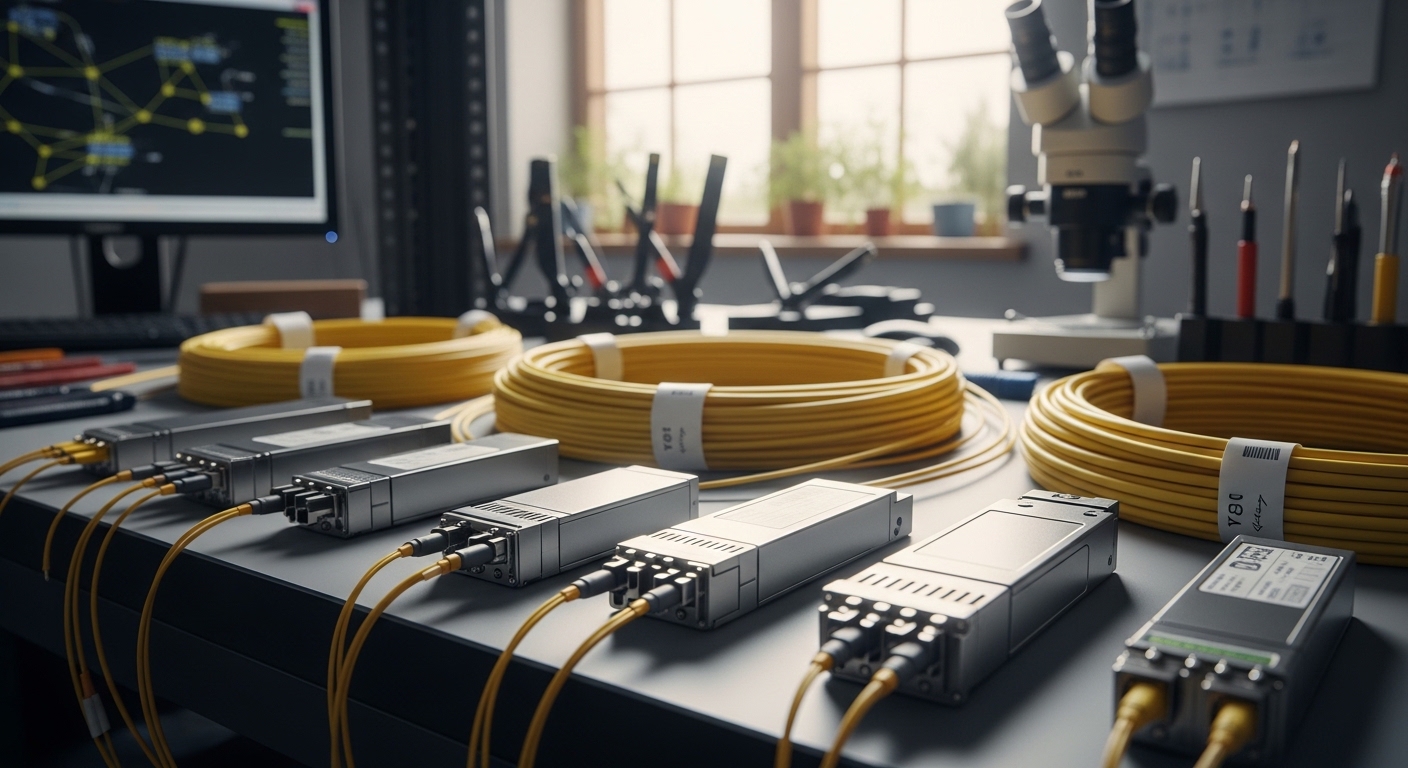
Open RAN fronthaul links often demand stable latency and consistent optical power under temperature swings, while midhaul can be more tolerant but still sensitive to jitter and link margin. In practice, you are not only matching data rate (for example 25G, 10G, or 100G), you are matching optical budget, connector cleanliness, and the switch or O-RU/O-CU vendor’s expected diagnostics behavior. Many outages attributed to “bad fiber” are actually transceiver compatibility quirks (EEPROM expectations, DOM behavior, or non-standard vendor thresholds).
Map your segment: fronthaul vs midhaul before you pick optics
Start with the transport plan: typical Open RAN architectures separate fronthaul and midhaul, and each segment may use different optical reach targets. For fronthaul, you may face tighter constraints on link margin and tighter operational temperature ranges in outdoor or cabinetized deployments. For midhaul, the dominant risk becomes sustaining reach across patch panels and maintaining predictable power levels during planned maintenance.
Pro Tip: In Open RAN, treat DOM telemetry as a “link health contract,” not a convenience feature. If your controller expects specific thresholds or alarm flags, a third-party telecom transceiver can pass link up but still fail your monitoring policies, causing automated rollback or link reset storms.
Key optical specs that matter in real deployments (not just on datasheets)
Engineers often compare wavelength and reach, then stop. For Open RAN, you also need to check transmitter output power, receiver sensitivity, fiber type (OM3/OM4 vs OS2), and transceiver power draw. Finally, confirm the physical and electrical interface: SFP/SFP28/SFP+ vs QSFP/QSFP28/QSFP56, and whether your host supports the exact speed and electrical lane mapping.
Specs checklist you should verify with the host and the fiber plant
- Wavelength: 850 nm (multimode) or 1310/1550 nm (single-mode), matched to your fiber plant design.
- Reach: measured target distance including patch cords, splices, and connector loss budget.
- Transmitter power / receiver sensitivity: ensure adequate optical margin at end of life and worst-case temperature.
- Connector: LC/UPC vs SC, and whether APC is required by your loss budget practice.
- DOM support: confirm DDM/DOM implementation and what alarms your NOC tooling reads.
- Operating temperature: especially if cabinets are in sun-exposed sites or unconditioned rooftops.
- Regulatory and compliance: IEEE 802.3 variant support for the speed class used.
Quick comparison: common transceiver options for Open RAN optics
| Transceiver type | Typical wavelength | Target reach (typical) | Fiber type | Connector | Power class (typical) | Operating temp |
|---|---|---|---|---|---|---|
| SFP+ 10G SR | 850 nm | ~300 m over OM3, ~400 m over OM4 | Multimode OM3/OM4 | LC | ~0.8 to 1.3 W | 0 to 70 C (C temp variants) |
| SFP28 25G SR | 850 nm | ~100 m over OM3, ~150 m over OM4 (varies by vendor) | Multimode OM3/OM4 | LC | ~1.0 to 2.0 W | -5 to 70 C (common) |
| SFP28 25G LR | 1310 nm | ~10 km | Single-mode OS2 | LC | ~1.5 to 2.5 W | -5 to 70 C or wider variants |
| QSFP28 100G SR4 | 850 nm | ~100 m over OM4 (varies) | Multimode OM4 | LC | ~4 W class | 0 to 70 C (often) |
Use this as a starting point, then validate the exact optical budget against your measured fiber loss. For standards context, confirm the speed and interface are aligned with the relevant IEEE 802.3 transceiver specifications and the host’s supported optics matrix. [Source: IEEE 802.3]
Selection criteria for Open RAN: a decision checklist that works in procurement
When timelines are tight, teams default to “same part number as last time.” In Open RAN, that approach can still work, but only if you ensure compatibility across firmware revisions, monitoring expectations, and environmental conditions. Use the following ordered checklist to reduce trial-and-error.
- Distance and fiber type: verify the planned reach using as-built fiber measurements, not cable labels. Include patch panels, connectors, and splices.
- Data rate and interface form factor: SFP vs SFP28 vs QSFP28 must match the host port capability and lane mapping.
- Optical budget margin: confirm transmit power and receive sensitivity at worst-case temperature and end-of-life assumptions.
- Switch and O-RU/O-CU compatibility: check the host vendor optics support list and any known issues with specific DOM behaviors.
- DOM and telemetry alignment: ensure your controller can interpret thresholds and that the transceiver exposes expected DDM/DOM fields.
- Operating temperature and mechanical fit: select extended temperature variants for outdoor cabinets; confirm airflow constraints around the module.
- Vendor lock-in risk and spares strategy: balance OEM transceivers against third-party options by validating interoperability in a pilot and defining an acceptance test.
What to check on specific vendor models
In the field, engineers often cite known good optics families that align with 10G/25G expectations. For example, common industry references include Cisco SFP-10G-SR and Finisar FTLX8571D3BCL, plus third-party equivalents like FS.com SFP-10G-SR-85 variants (exact compatibility depends on the host). Always validate with your exact Open RAN equipment and firmware level, since optics behavior can change with host-side diagnostics.
Common pitfalls and troubleshooting patterns
Open RAN optics issues are rarely “mystery failures.” They are usually traceable to a handful of recurring root causes: budget mismatch, connector contamination, or transceiver/DOM incompatibility. Here are the most common ones I have seen during deployments.
Link flaps after temperature changes
Root cause: insufficient optical margin or a transceiver operating near its sensitivity limit under cold/hot extremes. Sometimes the host’s power management or automatic equalization amplifies marginal conditions.
Solution: re-measure optical power at the far end and verify worst-case link budget. If margin is tight, select a higher-budget variant (for example SR over OM4 instead of OM3, or LR over longer SMF). Confirm the transceiver’s operating temperature range matches the installation envelope.
Link comes up but monitoring alarms trigger
Root cause: DOM/threshold mismatch. The transceiver may report different scaling, register behavior, or alarm semantics than your NOC tooling expects, leading to automated resets.
Solution: compare telemetry fields captured during a stable window against expected patterns. If needed, align transceiver vendor family or adjust monitoring thresholds to match the transceiver’s documented DOM behavior.
High error counters with clean link diagnostics
Root cause: connector contamination or micro-bending in patch cords, especially with frequent swap operations during integration. Even “new” fibers can be contaminated at the connector face.
Solution: clean connectors with validated procedures, inspect with a microscope/inspection tool, and retest with a known-good patch cord. For outdoor cabinets, check cable strain relief and bend radius at entry points.
Works in the lab, fails in the field cabinet
Root cause: airflow and thermal gradients. Some transceivers run fine in a controlled rack but exceed internal temperature thresholds in a sealed cabinet.
Solution: verify cabinet airflow, measure inlet/outlet temperatures near the ports, and use extended temperature modules where required.
Cost and ROI: how to budget telecom transceivers without surprises
Pricing varies widely by speed and reach. As a practical range, OEM optics often cost more upfront but can reduce integration time when the host has strict optics validation; third-party optics may be cheaper yet require a pilot and acceptance testing to avoid hidden costs from monitoring mismatches or higher failure rates.
For example, 10G SR modules are commonly in the lower hundreds of dollars per unit, while 25G SR/LR and 100G QSFP28 optics can move higher depending on reach and temperature grade. TCO should include spares strategy, cleaning tools and inspection time, and the operational cost of link troubleshooting. In Open RAN, avoiding a single truck roll can outweigh the price gap between OEM and third-party optics.
If you consider non-OEM transceivers, run a controlled interoperability test: stable link for several hours, validate DOM telemetry and alarm handling, and confirm performance counters under expected traffic patterns. [Source: vendor datasheets and IEEE 802.3 guidance]
FAQ
Which telecom transceivers are most common for Open RAN fronthaul?
Most deployments use SFP/SFP28-style optics for lower-rate segments and QSFP/QSFP28 for higher-density midhaul, depending on the equipment design. The “best” choice depends on whether you are using multimode (short reach, 850 nm) or single-mode (long reach, 1310 nm) fiber.
Can I mix OEM and third-party telecom transceivers in the same Open RAN rack?
You can, but you should not assume monitoring and alarm behavior will match. Run a pilot to verify DOM telemetry fields, alarm thresholds, and host compatibility at your exact firmware revision.
How do I calculate optical budget for patch panels and splices?
Use measured fiber attenuation per span plus connector and splice loss, then compare against the transceiver’s transmitter power and receiver sensitivity. Include worst-case assumptions for temperature and aging, and validate with an end-to-end test after installation.
What DOM features should I validate during acceptance testing?
Validate that the host reads DDM/DOM values correctly, that alarms trigger when expected, and that error counters remain stable during thermal cycling. Capture telemetry during a stable traffic window and compare it to your monitoring system’s expectations.
Why does a link sometimes come up but throughput remains low?
That pattern often indicates marginal optics (insufficient link margin), excessive bit errors, or intermittent connector issues. Clean and inspect connectors first, then verify optical power, temperature, and that the host negotiated the intended speed mode.
Where can I find authoritative transceiver compatibility guidance?
Check IEEE 802.3 for transceiver electrical and optical requirements and review your host vendor’s optics support matrix. Also read the specific transceiver datasheet for power, DOM behavior, and temperature grade. IEEE standards portal
Choosing telecom transceivers for Open RAN is less about “matching the port” and more about guaranteeing optical margin, telemetry alignment, and environmental fit. If you want the next step, review optical link budget best practices for fiber deployments to standardize your acceptance tests before rollout.
Author bio: I have deployed and troubleshot optical transceiver networks in carrier-like environments, including integration of DOM telemetry with NOC monitoring and acceptance testing under real thermal conditions. I write from hands-on field measurements and vendor datasheet constraints to help teams avoid downtime during expansion and upgrades.
