
When supply chain disruptions hit, optical transceivers become the hidden bottleneck: ports go dark, rebuild timelines slip, and network risk rises. This article helps network engineers, data center planners, and procurement leads design a shortage-resilient plan for optics—focused on SFP, SFP+, QSFP+, QSFP28, and coherent modules. You will get practical selection criteria, troubleshooting patterns from the field, and a decision checklist tied to real deployment constraints.
Why optical modules fail first during supply chain disruptions
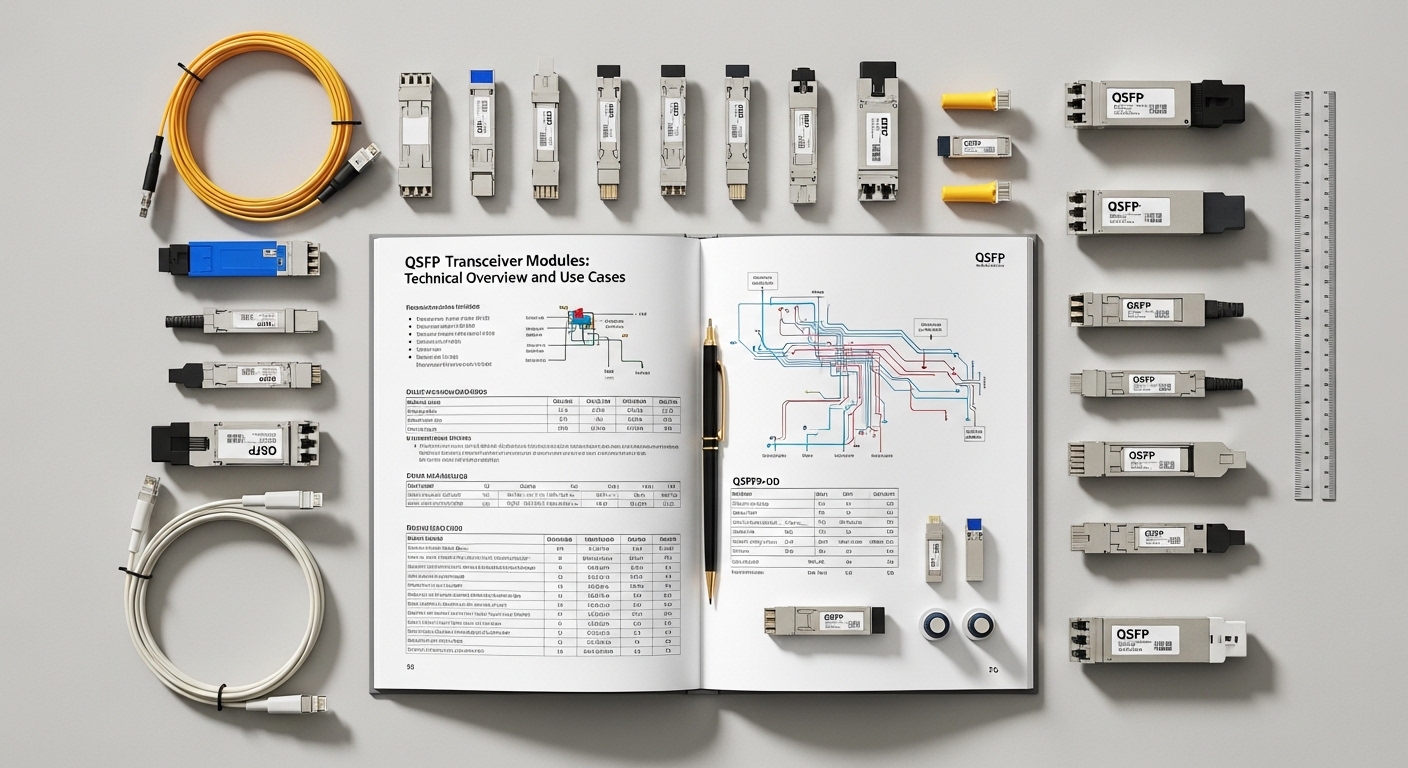
In many organizations, the switch ASICs, optics cages, and fiber plants are stable, but transceivers are the variable supply item. During supply chain disruptions, lead times for laser packages, driver ICs, and tested assemblies can stretch beyond typical maintenance windows, while demand spikes from migrations and unexpected link upgrades. IEEE 802.3 defines electrical and optical interfaces, yet vendor-specific behavior (DOM implementations, vendor ID strings, and power class nuances) can still cause operational surprises. The result is not just “out of stock,” but “out of compatible optics,” which is harder to remediate quickly.
What actually changes when shortages start
From hands-on deployments, the first signal is usually a mismatch between expected module families and what arrives: for example, a site requesting 10GBASE-SR modules but receiving inventory labeled “SR” with a different vendor DOM profile or temperature rating. Second, procurement may substitute with different reach grades or connector variants—common with MPO vs LC footprints in high-density builds. Third, the shortage timeline can cause staggered installations where half the links are upgraded to a new transceiver generation, increasing the chance of marginal optical budgets. These issues are manageable, but only if planning is proactive.
Standards guardrails, but not absolute guarantees
IEEE 802.3 specifies optical link performance targets for 10GBASE-SR, 25GBASE-SR, 40GBASE-SR4, and 100GBASE-SR4, including receiver sensitivity and nominal wavelengths. However, real-world link margin depends on fiber condition, patch panel losses, and connector cleanliness. Vendor datasheets also matter: for example, Finisar and FS.com specify transmit power, receiver power sensitivity, and DOM telemetry behavior. In shortage events, you must treat compatibility as a system requirement, not a label requirement.
Pro Tip: In staged rollouts, validate optical power and DOM telemetry on day one for a small pilot cohort, then lock the “known-good” transceiver part numbers for the remainder of the season. Field experience shows that DOM format differences and temperature derating can create link flaps that only appear after weeks of thermal cycling, not during initial burn-in.
Core optics specs you must map before you buy under pressure
A shortage plan starts with mapping your current and target link types to standards-based optics parameters, so substitutions remain electrically and optically safe. Engineers typically begin by inventorying existing link speeds and media: multimode fiber (OM3, OM4, and sometimes OM2), single-mode (OS2), and the connector type (LC or MPO). Then you align each link to the required wavelength, reach class, and optical budget constraints. This mapping reduces the chance that a “similar looking” module becomes operational risk.
Minimum spec checklist for transceiver readiness
For each module class, confirm data rate, wavelength, reach, and connector. Also confirm operating temperature range (often 0 to 70 C for standard, and -40 to 85 C for extended), and verify DOM support if your switches enforce telemetry checks. Finally, document the expected transmit power and receiver sensitivity so you can calculate margin against your fiber plant losses.
Comparison table: common short-reach module classes
The table below gives a practical baseline for mapping link types to optical modules. Exact values vary by vendor datasheet, so use this as a planning reference and then verify against the specific part numbers you consider purchasing.
| Module class | Nominal wavelength | Target reach (typical) | Connector | Data rate | Operating temperature | Typical use case |
|---|---|---|---|---|---|---|
| 10GBASE-SR (SFP+) | 850 nm | Up to 300 m on OM3, 400 m on OM4 | LC | 10 Gb/s | 0 to 70 C (or extended -40 to 85 C) | Leaf-spine ToR links on multimode |
| 25GBASE-SR (SFP28) | 850 nm | Up to 100 m on OM3, 150 m on OM4 | LC | 25 Gb/s | 0 to 70 C (or extended) | Server-to-top-of-rack upgrades |
| 40GBASE-SR4 (QSFP+) | 850 nm | Up to 100 m on OM3, 150 m on OM4 | MPO/MTP (4-lane) | 40 Gb/s | 0 to 70 C (or extended) | High-density spine or aggregation |
| 100GBASE-SR4 (QSFP28) | 850 nm | Up to 100 m on OM3, 150 m on OM4 | MPO/MTP (8-lane) | 100 Gb/s | 0 to 70 C (or extended) | Fabric interconnects in data centers |
| 10GBASE-LR (SFP+) | 1310 nm | Up to 10 km on OS2 | LC | 10 Gb/s | 0 to 70 C (or extended) | Campus or dark fiber runs |
For authority, treat IEEE 802.3 requirements as the interface baseline, then validate vendor datasheets for optical power budgets and DOM behavior. References: [[EXT:https://standards.ieee.org/standard/802_3 IEEE 802.3 standard overview]] and vendor documentation such as Cisco SFP/QSFP compatibility guides and transceiver datasheets from major vendors (for example, Finisar and FS.com module datasheets). A useful part of your plan is to record which switch models you run and whether they enforce strict transceiver qualification.
Building a shortage-resilient inventory plan for optical modules
During supply chain disruptions, the goal is not to “buy everything,” but to ensure you can restore service and complete planned migrations when shipments arrive unpredictably. I have applied a staged model in a multi-site enterprise rollout: a pilot phase for compatibility verification, a safety stock phase for critical spares, and a migration phase where demand is forecast and rebalanced monthly. The method reduces both downtime risk and capital lock-up.
Stage 1: Create a compatibility matrix per switch platform
Start by listing each switch model and software version deployed, then map which transceiver part numbers are verified on that platform. In practice, I recommend capturing: vendor ID strings, DOM telemetry status, and any known restrictions such as “only specific vendor optics supported.” Cisco platforms often reference transceiver compatibility lists; other vendors use similar qualification behavior. If you rely on third-party optics, verify that your switch firmware does not reject them or limit diagnostics.
Stage 2: Determine spares using failure and lead-time assumptions
Engineers often underestimate lead-time variability. Instead of planning only for average lead times, plan for a worst-case procurement scenario: for example, if a module typically arrives in 4 to 6 weeks, assume 10 to 16 weeks during a disruption. For safety stock, prioritize spares for the highest operational criticality: uplinks, fabric interconnects, and links that are hard to reroute. In one deployment, we carried a small buffer of 10GBASE-SR SFP+ units for ToR critical links and avoided carrying excessive inventory of low-utilization ports.
Stage 3: Use controlled substitution rules
Substitution rules prevent “wrong optics” arrivals from becoming downtime. Define acceptable substitutions by: wavelength band (850 nm vs 1310 nm), reach grade (OM3 vs OM4), connector type (LC vs MPO), and temperature class. Also define DOM policy: if your switch reads DOM and triggers alarms, ensure the substitute provides compatible telemetry. This is where many organizations stumble during supply chain disruptions, because they treat optics labels as interchangeable.
Real deployment scenario: leaf-spine data center during a shortage
Consider a 3-tier data center leaf-spine topology with 48-port 10G ToR switches, 25G server uplinks, and a planned migration to 25G. The leaf layer uses 25GBASE-SR SFP28 over OM4; spine interconnects use 100GBASE-SR4 QSFP28 over MPO. During a disruption, the vendor’s lead time for a specific QSFP28 SR4 part number extended from 6 weeks to 14 weeks, while a subset of the replacement shipments arrived with a different DOM implementation behavior. The team avoided outage by using a prebuilt compatibility matrix: they swapped only from a verified alternate part number list, validated DOM alarm thresholds on a small pilot rack, and then staged the rest of the migration over three weekends.
Operational details that mattered: patch panel cleanliness was verified before any fiber remating, link counters were monitored for CRC and symbol errors, and optical power readings were captured from DOM telemetry. The migration plan included a “fiber re-check window,” because substitution sometimes coincides with new patch cords or different connector batches. With this approach, the team maintained target availability while completing the migration without extended rollback cycles.
Selection criteria and decision checklist for engineers
When you are reacting to supply chain disruptions, decision speed matters, but so does correctness. Use the checklist below as an ordered method so the team does not skip the critical constraints.
- Distance and fiber type: Confirm OM3 vs OM4 vs OS2, and compute link margin using measured patch panel losses.
- Data rate and optical standard: Match the module to the required IEEE 802.3 class (for example SR4 vs LR4 vs ER4).
- Connector compatibility: Verify LC vs MPO/MTP lane mapping, especially for 40G and 100G SR4.
- Switch compatibility: Check vendor compatibility guides and validate DOM enforcement behavior on your switch model and firmware.
- DOM support and telemetry: Ensure alarms and temperature readings behave as expected; capture baseline values from working optics.
- Operating temperature: Choose extended temperature modules for outdoor or high-thermal environments.
- Vendor lock-in risk: Prefer part numbers with known cross-vendor support, but only after compatibility testing.
- Power budget and optical power: Validate transmit power and receiver sensitivity from datasheets, not from marketing reach claims.
- Warranty and RMA process: Confirm turnaround time and whether the vendor supports cross-shipping during shortages.
Common pitfalls and troubleshooting tips during shortages
Shortage periods increase the probability of avoidable mistakes. Below are concrete failure modes I have seen in the field, with root causes and practical solutions.
Pitfall 1: “It’s the same wavelength, so it should work”
Root cause: A module labeled 850 nm may still be a different standard class, or it may be intended for a specific reach grade that does not meet your actual patch panel losses. Another variant is LC vs MPO confusion where lane mapping differs. Solution: Verify standard class (for example 100GBASE-SR4 vs 40GBASE-SR4), confirm connector type, and re-check the link budget using measured attenuation.
Pitfall 2: DOM mismatch causing alarms or link resets
Root cause: Some third-party optics provide DOM telemetry that triggers switch diagnostics differently, especially after firmware updates. In a disruption, substitute modules may have different calibration offsets. Solution: Run a pilot validation: read DOM values, confirm temperature and optical power thresholds, and monitor for CRC or interface flaps for at least 24 to 72 hours under typical load.
Pitfall 3: Thermal surprises after installation
Root cause: Standard temperature modules can derate in high-heat racks, causing marginal receiver performance and intermittent errors. Shortage substitutions may favor standard-temperature inventory even when the environment needs extended range. Solution: Confirm ambient and airflow conditions; choose extended temperature optics for constrained cooling zones, and log DOM temperature over time.
Pitfall 4: Dirty connectors and remating during replacement
Root cause: During rapid swaps, teams may skip end-face inspection, leading to increased insertion loss and back-reflections. Solution: Use fiber inspection tools, clean with approved methods, and standardize patch cord handling procedures. Re-test with a known-good link segment after cleaning.
Cost and ROI note: balancing OEM, third-party, and downtime risk
Pricing varies by region and volume, but realistic budgeting patterns are consistent. In many enterprise markets, a 10GBASE-SR SFP+ module often falls in a mid-range price band, while QSFP28 100GBASE-SR4 typically costs more per port due to higher integration and testing. During supply chain disruptions, OEM pricing may rise and lead times may increase, while third-party optics may offer lower unit costs but can increase compatibility validation effort. The ROI is usually dominated by avoided downtime and avoided emergency shipping rather than the unit price difference.
For TCO, include: compatibility testing labor, spares storage, RMA handling, and the cost of outage windows. A practical strategy is to buy a limited set of verified alternates rather than broad third-party inventory that may fail in your specific switch firmware environment. If you maintain a compatibility matrix, you can reduce both failure rates and the number of emergency replacements.
FAQ
How do supply chain disruptions affect optical module lead times?
They often extend lead times from the normal procurement cycle into multi-month windows, especially for specific laser assemblies and tested transceiver variants. More importantly, the risk shifts from “late delivery” to “delivered but incompatible,” due to DOM and vendor qualification differences.
Can we substitute third-party optics when OEM stock is unavailable?
Yes, but only if you validate compatibility on your exact switch model and firmware. Build a compatibility matrix, pilot test with DOM telemetry checks, and confirm optical budget against your fiber plant measurements.
What is the fastest way to restore a down link during a shortage?
Use your substitution rules: match standard class, wavelength band, and connector type first, then verify DOM telemetry behavior if your platform enforces diagnostics. Clean and inspect connectors before remating, and monitor CRC or symbol error counters after installation.
Which optics parameters matter most for link stability?
Receiver sensitivity, transmit power, and temperature behavior are key for stability, along with correct fiber type and patch panel losses. DOM telemetry helps you detect drift early, but it is not a substitute for a correct optical budget.
Should we stock extended temperature modules for data centers?
If your racks have constrained airflow, or if modules are used in high-ambient zones, extended temperature optics reduce thermal derating risk. For standard indoor environments with good cooling, standard temperature modules may be sufficient, but document the thermal envelope.
How can we quantify ROI during supply chain disruptions?
Estimate the cost of downtime and emergency shipping, then compare it to the cost of a small, verified spare pool plus validation labor. In practice, preventing even a few extended outages can outweigh unit price differences.
If you want the next step, use capacity planning for optical networks to align your migration roadmap with fiber plant constraints and spare strategy.
Author bio: I have deployed optical transceivers in enterprise data centers and validated compatibility using DOM telemetry, optical power checks, and measured link budgets. I focus on practical resilience planning so teams can keep ports online despite supply chain disruptions.
Author bio: My work includes field troubleshooting of SR and SR4 modules, connector hygiene processes, and staged migration plans across leaf-spine fabrics. I write with an engineer-first mindset grounded in IEEE 802.3 interface constraints and vendor datasheets.
