
Smart city programs live and die by network uptime. When you start aggregating traffic cameras, adaptive signal controllers, and edge analytics, you quickly hit a ceiling on bandwidth and port density. This article helps network engineers and field operators plan and validate 800G transceivers for smart city deployments, with practical selection criteria, deployment math, and troubleshooting patterns seen in the field.
Top 1: Map smart city traffic to the right 800G transport lane
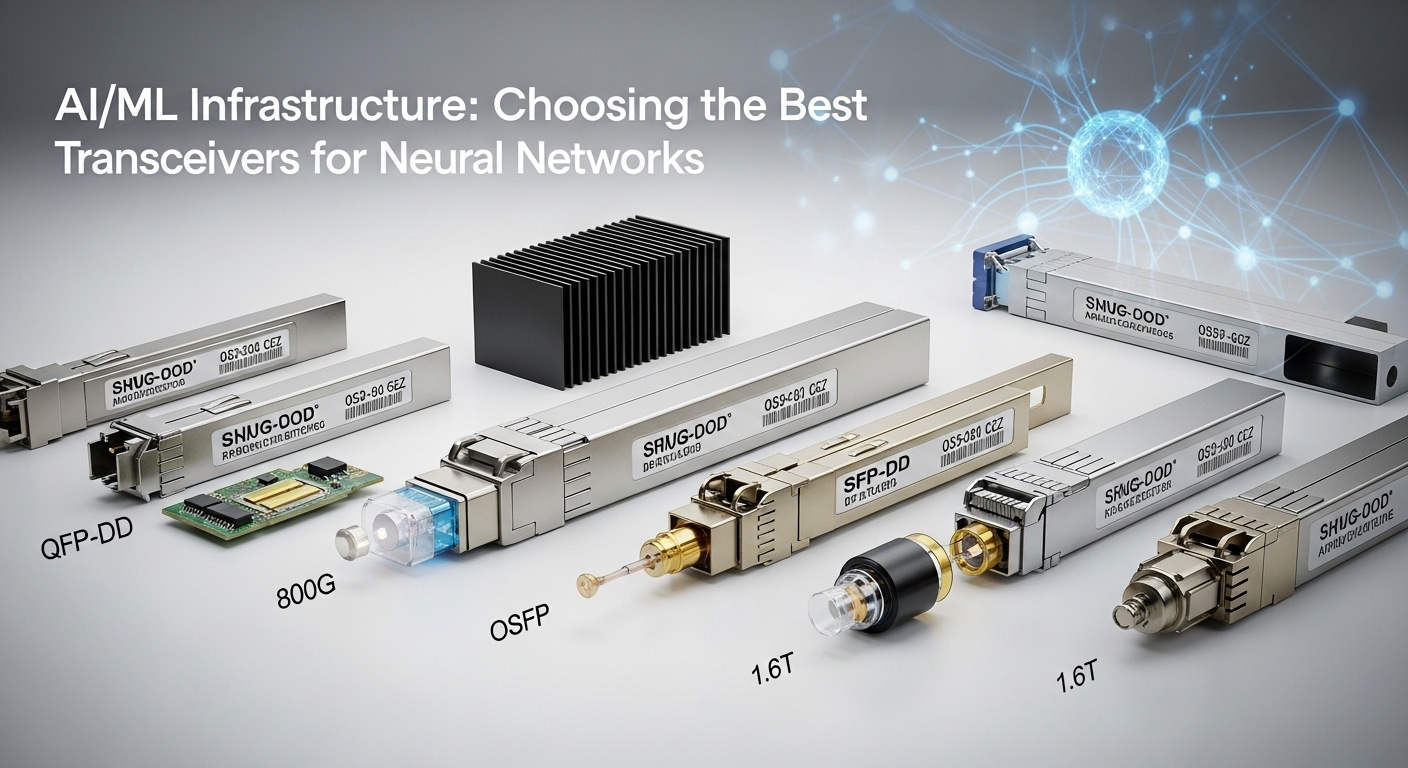
Before you touch optics part numbers, translate “smart city” into measurable flows. In practice, most deployments fall into three lanes: (1) north-south aggregation from regional edge sites, (2) east-west movement between microservices hosting analytics, and (3) south-bound fan-out to managed edge devices. Engineers typically size uplinks in 5-minute windows using NetFlow/IPFIX or telemetry from the ToR/aggregation layer, then convert peak throughput into required line rates and oversubscription limits.
For 800G, the key is how your switching fabric consumes optics bandwidth. Many platforms implement 800G as 8 lanes of 100G over parallel optics, even if the transceiver is sold as a single module. That matters for planning because failure domains and lane-level diagnostics can affect how you stage redundancy at the edge.
- Best fit: City-wide aggregation where you need fewer transceiver rows to hit the same Tbps budget.
- Pros: Higher port density; easier cabling management than many 100G uplinks.
- Cons: Requires careful compatibility checks for lane mapping and optics control.
Top 2: Pick the optics type by reach, fiber plant, and latency budget
Smart city networks are rarely “clean fiber.” You inherit mixed multimode and single-mode runs, patch-panel conversions, and sometimes long duct pulls with unknown bend history. Your optics choice should therefore be driven by installed fiber type and the maximum span you must support without violating optical link budgets.
Common 800G optics families include 800G-SR8 (multimode, short reach), 800G-LR8 (single-mode, long reach), and 800G-DR8 variants depending on vendor. When you see “8” in the naming, it usually indicates multiple optical lanes in parallel. Always validate with the vendor datasheet for minimum supported fiber parameters (core diameter, modal bandwidth for MMF) and the required connector/patch loss.
| Optics / Example Part | Typical Wavelength | Reach (typ.) | Connector | Data Rate | Operating Temp (typ.) | Where It Fits |
|---|---|---|---|---|---|---|
| 800G-SR8 (e.g., Finisar FTLX8574D3BCL) | 850 nm class | ~70 to 100 m (MMF, depends on OM4/OM5) | MPO-16 (polarity-aware) | 800G | 0 to 70 C (vendor-dependent) | Data center-like edge aggregation rooms |
| 800G-LR8 (e.g., Finisar FTLX8571D3BCL) | 1310 nm class | ~10 km (SMF) | LC or MPO (vendor-dependent) | 800G | -5 to 70 C (vendor-dependent) | Metro links between sites |
| 800G-DR8 (vendor-specific 1310 nm class) | 1310 nm class | ~500 m to 2 km (SMF, depends on optics) | LC or MPO (vendor-dependent) | 800G | -5 to 70 C (vendor-dependent) | Campus and regional hops |
In a smart city rollout, the most common “wrong pick” is assuming MMF reach will behave like a lab test. Real patch loss, aging, and connector contamination can cut your margin fast, so plan to measure end-to-end loss (OTDR or certified loss testing) before finalizing the optics SKU.
- Best fit: Choose SR8 for short indoor aggregation; choose LR8/DR8 for metro/campus spans.
- Pros: Better match to existing fiber; fewer truck rolls from failed links.
- Cons: MPO polarity and fiber certification are non-negotiable.
Top 3: Validate switch compatibility and optics control plane behavior
800G transceivers are not just “optical pipes.” They expose a control interface (commonly via a digital diagnostics bus) and must satisfy the host switch’s expectations for lane count, FEC settings, and power management. Smart city networks often use multi-vendor optics to reduce procurement risk, but you still need deterministic behavior during provisioning.
Field teams typically validate compatibility in three steps: (1) confirm the switch supports the transceiver type (SR8/LR8) and vendor, (2) verify the switch firmware supports the transceiver’s DOM schema and threshold defaults, and (3) run a link bring-up test with real traffic to confirm FEC and error counters stabilize. If you rely on vendor-locked optics, you may reduce surprises; if you use third-party modules, you must test more aggressively.
What to check during bring-up
- FEC mode expectations: ensure both sides agree on the FEC scheme supported by the transceiver and switch.
- Optics diagnostics: verify readings like laser bias current, received optical power, and temperature are populated and sane.
- Link training: confirm the interface reaches “up” without transient flaps during boot storms.
Pro Tip: In several metro rollouts, we found that “works on the bench” can still fail in the field due to DOM threshold defaults. If the switch alarms too aggressively on RX power during temperature swings, it can trigger port resets that look like random outages. Always capture baseline DOM values at commissioning, then adjust thresholds or confirm vendor-recommended settings.
- Best fit: Any multi-site program where you need consistent behavior across many cabinets and firmware baselines.
- Pros: Fewer surprise port flaps; faster incident triage.
- Cons: Requires a test matrix and change-control discipline.
Top 4: Engineer power, thermal, and reliability for outdoor-adjacent cabinets
Even when cabinets are indoors, smart city equipment often sits near heat sources or in constrained airflow zones. 800G optics can have meaningful power draw and heat output, and the host platform’s airflow design can determine whether you stay within the module’s operating temperature range.
In deployments with remote edge cabinets, we typically validate three thermal parameters: inlet temperature, airflow velocity, and the delta between inlet and module case temperature (where available). If the host supports per-port temperature reporting, log it during peak loads. Otherwise, use an IR camera spot-check after stable traffic runs.
Reliability planning should also include optics cleaning and connector handling. MPO connectors are especially sensitive to dust and polarity errors, which can cause high bit error rates even when the link “comes up.”
- Best fit: Outdoor-adjacent or poorly ventilated edge rooms where thermal headroom is limited.
- Pros: Fewer thermal derates; improved uptime.
- Cons: Extra commissioning time for measurement and documentation.
Top 5: Use a decision checklist that prevents expensive rollbacks
When you are buying optics for a smart city program, you need a repeatable selection process that field teams can execute. Below is the checklist we used to avoid rollbacks after initial installs.
- Distance and reach margin: compare required span to module reach with at least 3 dB operational headroom after measuring patch loss and connector insertion loss.
- Fiber type and plant certification: confirm MMF grade (OM4 vs OM5) or SMF specs; verify polarity and connector type (MPO-16 vs LC) match the patch panels.
- Switch compatibility: check the switch vendor optics matrix; confirm lane mapping and supported optics families for 800G.
- DOM support and thresholds: validate the switch can read DOM fields; plan alarm thresholds for RX power and temperature drift.
- Operating temperature: confirm both module and host meet the deployment environment; test at peak inlet temperature.
- Vendor lock-in risk: weigh OEM optics availability and warranty vs third-party lead times; test at least one alternate vendor before volume purchasing.
- Procurement and spares strategy: stage spares per site category (SR8 vs LR8) and standardize labeling for fast swap.
- Best fit: Multi-vendor procurement with controlled risk.
- Pros: Reduces commissioning variance; improves auditability.
- Cons: Requires up-front discipline and documentation.
Top 6: Troubleshoot fast with root-cause patterns specific to 800G
Most 800G incidents in smart city networks fall into a handful of failure modes. The trick is to narrow quickly whether the issue is optics selection, fiber cleanliness, control-plane mismatch, or physical layer behavior under load.
Common pitfall 1: Polarity or MPO keying mismatch
Root cause: MPO-16 polarity and fiber pair ordering are reversed, or the cassette keying is inconsistent with the patch panel standard. This can produce a link that flaps or stays up but with excessive errors.
Solution: Inspect connector keying, verify polarity with a polarity checker, re-terminate or re-patch using a documented MPO polarity scheme, and re-run link training and error counters.
Common pitfall 2: Link budget failure due to unmeasured patch loss
Root cause: The team assumed “short reach” but ignored patch-panel aging, dirty connectors, or additional couplers. Received optical power falls below the module’s sensitivity margin, especially when temperature changes.
Solution: Clean connectors with approved methods, then measure end-to-end optical loss (OTDR where appropriate, or certified loss testing). Compare measured RX power to the module’s recommended operating window.
Common pitfall 3: DOM threshold alarms causing port resets
Root cause: The switch interprets DOM signals differently across optics vendors or firmware versions, triggering resets when thresholds are too tight.
Solution: Collect DOM readings during stable operation, then adjust thresholds or align firmware to a validated baseline. Confirm whether alarms correlate with temperature ramps or link bursts.
Common pitfall 4: FEC/Fault counters not aligning with expected traffic profile
Root cause: Traffic patterns (microbursts, bursty video encoding) can stress error correction behavior. If FEC negotiation or settings differ, you may see elevated corrected errors that later escalate.
Solution: Verify both sides’ negotiated parameters, monitor both uncorrected and corrected error counters during controlled load tests, and confirm consistent FEC mode across the path.
- Best fit: Teams responsible for rapid MTTR across many sites.
- Pros: Faster isolation; fewer repeat visits.
- Cons: Requires telemetry access and disciplined logging.
Top 7: Cost and ROI math for 800G transceivers in smart city programs
Pricing varies by reach (SR8 vs LR8), brand, and OEM vs third-party sourcing. In practice, OEM 800G optics for data center switches often land in the mid-hundreds to low-thousands of dollars per module, while third-party or compatible options can be lower but with higher validation cost. You should model not just unit price, but total installed cost: spares, cleaning consumables, commissioning labor, and the cost of delayed milestones.
ROI is typically driven by two levers. First, port density reduces switch footprint and cabling complexity, which matters when cabinets are space-constrained. Second, power per delivered bit can improve when you replace multiple 100G uplinks with fewer 800G links, though you must confirm host platform efficiency and cooling impact.
- Best fit: Programs with multi-year roadmaps and predictable expansion.
- Pros: Lower operational complexity at scale.
- Cons: Higher initial validation effort; risk of compatibility surprises.
Top 8: Smart selection of where to place 800G in the city edge hierarchy
Not every hop needs 800G. In many smart city designs, you place 800G at aggregation points (ToR to spine equivalents inside a regional data hall) and keep lower-rate links at the periphery where device counts are high but bandwidth per device is low. This reduces optics cost while keeping the critical path scalable.
A common pattern is: 1) edge cameras and sensors uplink to regional aggregation using a mix of 10G/25G, 2) regional aggregation uplinks to metro transport using 800G on SR8 for intra-hall and LR8 for between halls, and 3) core analytics clusters receive 800G to feed GPU workloads with predictable throughput. This placement strategy improves utilization and reduces the number of expensive long-reach optics you must maintain.
- Best fit: Heterogeneous edge designs with mixed device uplinks.
- Pros: Better budget allocation; fewer long-reach transceivers.
- Cons: Requires careful capacity planning to avoid new bottlenecks.
Top 9: A practical sourcing strategy: OEM reliability vs third-party agility
Procurement choices affect delivery timelines and incident response. OEM optics often come with stronger documentation, validated compatibility, and predictable warranties. Third-party modules can reduce unit cost and improve supply flexibility, but your risk shifts to commissioning validation and spares management.
A pragmatic approach is to buy OEM for the first wave at each switch model, then qualify one alternate vendor for the same optics family after you confirm DOM behavior and link stability. For smart city programs with phased rollouts, this reduces both downtime risk early and cost later.
- Best fit: Programs that want to de-risk early while keeping procurement flexible.
- Pros: Balanced cost and reliability.
- Cons: Needs a qualification test plan and clear acceptance criteria.
Summary ranking table: which smart city 800G transceiver choice wins
| Scenario | Recommended optics family | Why it wins | Watch-outs |
|---|---|---|---|
| Indoor edge aggregation within a data hall | 800G-SR8 | Matches short reach; reduces long-reach optics cost | MPO polarity and MMF certification discipline |
| Metro hop between two city sites | 800G-LR8 | Supports long spans on SMF | Connector type and link budget measurement |
| Campus interconnect across buildings | 800G-DR8 class (SMF) | Middle reach without full long-haul cost | Validate exact reach vs installed loss |
| Multi-vendor procurement with tight schedules | Qualify one alternate vendor after wave one | Balances lead time and risk | DOM threshold alignment and firmware baselines |
FAQ
What are 800G transceivers used for in smart city networks?
They provide high-throughput uplinks and aggregation links that connect edge sites to metro transport and analytics clusters. In practice, they reduce the number of optics and cables needed to move large volumes from traffic systems, video analytics, and sensor networks.
Should I choose 800G-SR8 or 800G-LR8 for my rollout?
Choose based on measured distance and installed fiber type. SR8 is typically for short indoor links on MMF, while LR8 is for longer spans on SMF; the safest choice includes a measured link budget margin and validated switch compatibility.
How do I confirm compatibility between an 800G transceiver and a specific switch?
Use the switch vendor optics compatibility matrix, then validate with a commissioning test plan that checks DOM reads, link training stability, and error counters under representative traffic. Firmware baselines matter, so test the exact version you will run in production.
What is the most common cause of 800G link issues after installation?
MPO polarity and connector contamination are frequent root causes. Even if the link comes up, you can see elevated error rates that later cause resets or performance degradation.
Are third-party 800G transceivers reliable enough for production?
They can be, but you must qualify them with the same rigor you would apply to OEM optics: DOM threshold behavior, link stability, and environmental validation. Many teams start with OEM for the first wave, then qualify one alternate vendor after field data is collected.
Where can I learn more about the underlying Ethernet and PHY behavior?
For baseline Ethernet concepts and forward error correction context, review IEEE Ethernet standards and vendor implementation notes. Start with IEEE 802.3 and then follow the transceiver vendor datasheets for the exact supported optics and diagnostics behavior. IEEE 802.3 standard IEEE 802 overview portal
Field-tested guidance comes from hands-on commissioning, where compatibility matrices, DOM readings, and fiber loss measurements decide success. If you want the next step, read understanding DOM diagnostics and alarm thresholds for high-speed optics to build a safer acceptance test for every cabinet.
Author bio: I build and validate high-speed network links in production environments, focusing on fast PMF-style learning loops for optics and switching stacks. I write from deployment notes: measured RX power, DOM thresholds, and incident timelines, not spec-sheet assumptions.
Sources: IEEE 802.3 standard and vendor transceiver datasheets for SR8/LR8 reach, DOM fields, and operating temperature guidance; see [Source: IEEE 802.3].
