
If you are upgrading an SMB telecom rack and wondering whether to buy SFP or QSFP optics, this guide targets the real decision points engineers hit on day one: port density, reach, power, switch compatibility, and optics sourcing. It is written for network operators, field engineers, and IT managers who need dependable links across typical 1G, 10G, and emerging 25G/40G footprints. You will get a quick spec comparison, a step-by-step selection checklist, and troubleshooting patterns that prevent downtime.
What changes between SFP and QSFP in day-to-day deployments
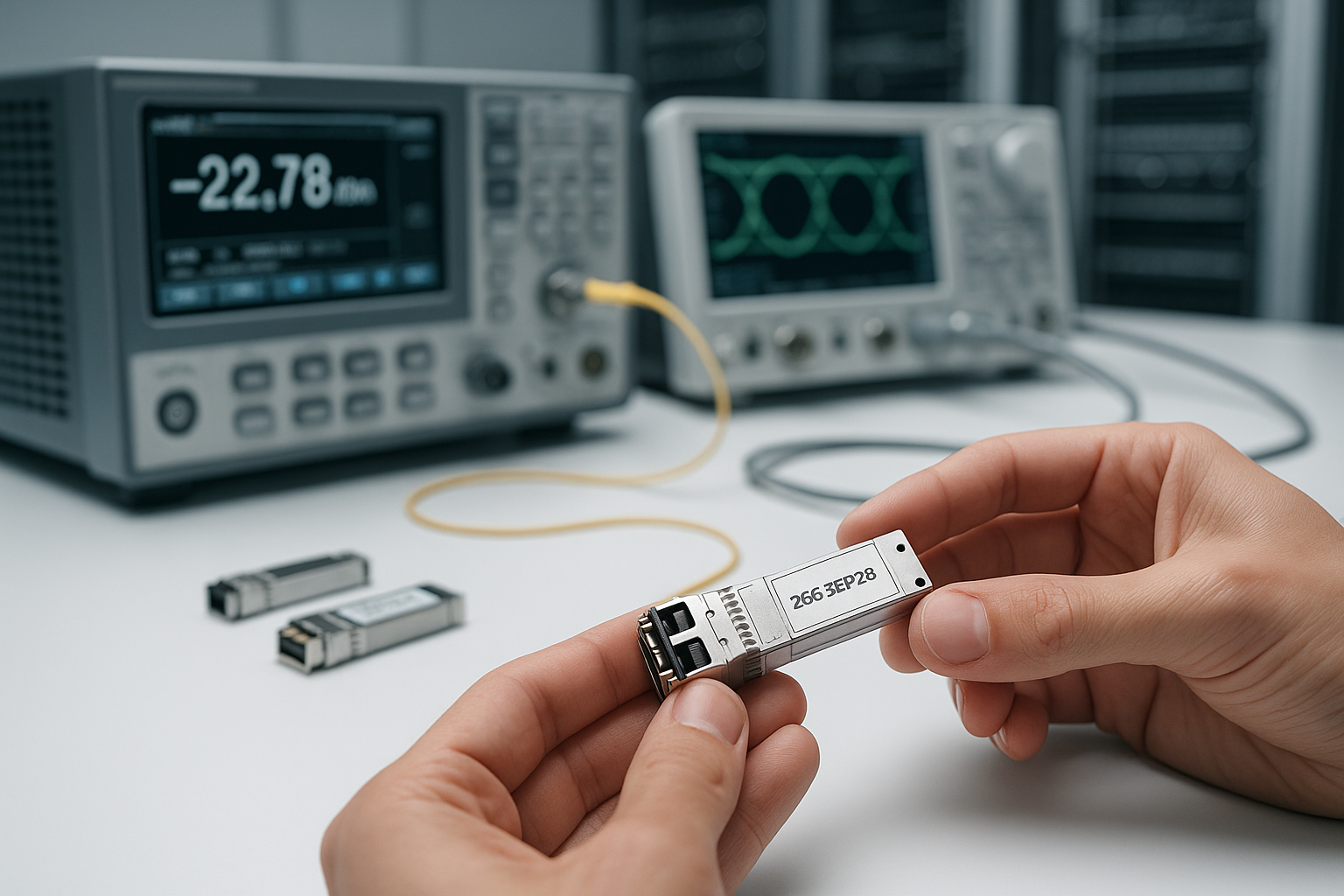
The core difference is how many lanes of data each module carries and what that means for port density and switching ASIC mapping. SFP typically supports single-lane optics (commonly 1G, 10G, and variants like SFP+ and SFP28 depending on switch support). QSFP uses a multi-lane form factor (commonly 40G, and in some cases 100G/200G families in other module types), which can reduce the number of ports you need but increases the importance of correct lane mapping and switch compatibility.
In practice, SMB networks often prefer SFP when they are mixing link speeds or extending short-to-mid reaches with predictable behavior and broad vendor support. QSFP can be compelling when you need higher aggregate throughput per slot and your switches natively support QSFP channelization without surprises. IEEE Ethernet optics behavior is standardized at the PHY level, but vendors vary in how they implement optics detection, DOM handling, and supported transceiver lists; always verify with the switch datasheet and compatibility matrix. For standards context, see IEEE 802.3.
Spec comparison: SFP vs QSFP modules that SMB teams actually buy
Below is a pragmatic comparison using common, field-tested module categories. Exact parameters depend on the specific model and vendor; always confirm the transceiver’s datasheet and the switch’s supported optics list.
| Parameter | SFP family (example: 10G SR) | QSFP family (example: 40G SR) |
|---|---|---|
| Typical data rate | 10 Gbps per port (SFP+) | 40 Gbps per port (QSFP+) |
| Typical reach (OM3/OM4, LC) | 300 m (OM3) / 400 m (OM4) class | 100 m (OM3) / 150 m (OM4) class |
| Wavelength | ~850 nm (VCSEL SR class) | ~850 nm (VCSEL SR class) |
| Connector / fiber type | LC duplex, multi-mode fiber (MMF) | LC or MPO/MTP (depends on module), MMF |
| Power class (typical) | ~1 W to 2 W class for many SR optics | ~3 W to 5 W class for many SR optics |
| DOM (digital optical monitoring) | Common; varies by vendor and switch support | Common; varies by vendor and switch support |
| Operating temperature | Commonly 0 to 70 C or wider industrial options | Commonly 0 to 70 C or wider industrial options |
| Switch compatibility risk | Generally broad support in many SMB switches | Can be stricter due to lane mapping and channelization |
Example part families you may see in SMB procurement: Finisar/FS and OEM equivalents for 10G SR SFP+ such as FTLX8571D3BCL style optics and Cisco-branded compatibility variants; and QSFP+ 40G SR optics using MPO/MTP or LC depending on the exact module. For connector and spec confirmation, prioritize the specific vendor datasheet for the exact ordering code. When validating compatibility, use the switch vendor’s optics matrix and DOM policy.
Selection checklist: SFP vs QSFP for your exact link plan
Use this ordered checklist during purchase planning and pre-install verification. It is designed to prevent the classic “it fits but it will not link” scenario.
- Distance and fiber type: Determine whether you are on OM3/OM4 MMF or single-mode (SMF). For SR optics, reach is heavily dependent on OM grade and link budget margin.
- Required throughput per cabinet: If you need 40G uplinks or aggregate bandwidth, QSFP can reduce port count. If you need flexible 1G/10G mixing, SFP is often easier to scale.
- Switch model and port mapping: Confirm whether the switch supports QSFP at the required speed and whether it uses breakout modes. Many platforms require specific transceiver types per slot.
- DOM and vendor policy: Check whether your switch requires DOM for monitoring or will reject non-DOM optics. Also verify if it supports third-party optics and whether it enforces a vendor ID whitelist.
- Operating temperature and airflow: Validate the module’s temperature range against your rack conditions. In field deployments, optics throttling or early failure can correlate with blocked airflow.
- Connector practicality: SFP SR commonly uses LC duplex; QSFP SR may use MPO/MTP or other multi-fiber interfaces. Ensure you have the correct patch panels, polarity adapters, and labeling workflow.
- Vendor lock-in risk: If you anticipate multi-site expansion, compare availability lead times and pricing for your specific module codes. Third-party optics can reduce cost, but only if your switch compatibility is confirmed.
- TCO and spares strategy: Include the cost of spares, shipping, and downtime. A slightly higher module cost can be worth it if it reduces RMA rates and field replacements.
Pro Tip: In many SMB switch environments, the fastest path to fewer outages is not “choose the cheapest optics,” but “choose the optics your switch already knows.” Validate DOM presence, vendor ID support, and lane mapping behavior during staging, because a module that powers on can still fail link due to polarity, MPO routing, or channelization mismatches.
Real-world deployment scenario: leaf-spine access upgrade in a 48-port rack
Consider a 3-tier SMB data center with two 48-port 10G ToR switches feeding a small spine pair. The fiber plant uses OM4 MMF with LC duplex patching for most horizontal runs. During an upgrade, the team adds six 40G uplinks from each ToR to the spine to consolidate bandwidth for virtualization traffic. Because the spine ports require QSFP+ 40G SR, they install QSFP+ modules on the uplink slots, while keeping SFP+ 10G SR for access ports. The rack also sits in an enclosed cable row; the engineer measured inlet air at 34 C with a target module max of 70 C, confirming cooling margin before the cutover.
Operationally, the team standardizes on DOM-capable optics so they can alert on receive power drift. During staging, they run link verification and check transceiver status counters, then document fiber polarity and patch panel mapping. This avoids a common issue where uplink QSFP MPO polarity is wrong even though the access LC links are fine.
Common pitfalls and troubleshooting patterns (root cause plus fix)
Even experienced teams hit predictable failure modes. Below are concrete patterns that show up in audits, staging labs, and production rollouts.
-
Pitfall 1: “Module is detected, but link never comes up.”
Root cause: wrong fiber polarity or incorrect MPO/MTP orientation for QSFP SR, or using the wrong patch cord type (duplex vs multi-fiber).
Solution: verify polarity and patching scheme end-to-end, re-seat fibers, and confirm you are using the exact connector type required by the module (LC duplex for many SFP SR; MPO/MTP for many QSFP SR variants). -
Pitfall 2: “Intermittent flaps under load.”
Root cause: marginal optical budget due to dirty connectors, damaged fiber, or excessive patch loss; sometimes also airflow issues that push the module toward temperature limits.
Solution: clean connectors with approved procedures, inspect with an optical microscope or certified inspection tool, and confirm rack airflow. Re-test with known-good optics to isolate whether the issue is fiber vs transceiver. -
Pitfall 3: “Switch throws unsupported transceiver warnings; DOM shows weird values.”
Root cause: DOM or vendor ID mismatch, or the switch enforces an optics compatibility list. Some third-party modules may be electrically compatible but not accepted by firmware policies.
Solution: follow the vendor compatibility matrix; select modules with matching DOM capability and known switch support. Update switch firmware only if the vendor recommends it for optics compatibility. -
Pitfall 4: “Speed mismatch after swap.”
Root cause: the switch expects a specific speed mode (for example, QSFP port configured for 40G but the module is a different profile, or an SFP port configured differently than the module capability).
Solution: confirm port configuration and module capability; validate link speed negotiation in the switch CLI/status page during staging before production rollout.
Cost and ROI: how to budget SFP vs QSFP without surprises
Typical procurement patterns: SFP modules (especially 10G SR) are often less expensive per module than QSFP 40G SR, but QSFP can deliver more aggregate bandwidth per slot. In SMB environments, total cost depends on how many ports you need, the fiber connector strategy (LC vs MPO/MTP), and the cost of spares. As a rough planning range, many 10G SR SFP+ optics commonly fall into a lower unit price bracket than 40G QSFP+ SR optics, while OEM-branded modules are usually higher than third-party equivalents; exact costs vary by region, lead time, and optical class.
For ROI, include expected failure rates and downtime costs. A slightly higher cost for a module with strong compatibility and better documentation can reduce truck rolls. Also account for power: QSFP optics often consume more power than SFP optics, so if you are scaling to many uplinks in a constrained cooling environment, your TCO can shift toward the “right-fit” option rather than the cheapest one. For standards and compliance framing, see IEEE 802.3 overview and your switch vendor’s optics documentation.
FAQ: SFP vs QSFP buying questions from SMB buyers
Q1: Can I use SFP modules in QSFP ports?
No. SFP and QSFP are different physical form factors and different lane architectures. You must use the module type that matches the switch port and the vendor-supported optics list.
Q2: Which is better for 10G links in an SMB?
For dedicated 10G ports, SFP (often SFP+) is usually the simplest choice because it matches single-lane 10G PHY expectations and typically uses LC duplex cabling. If your switch supports 10G over QSFP in a specific mode, verify breakout/channelization behavior before buying.
Q3: When should I choose QSFP over SFP?
Choose QSFP when you need higher aggregate throughput per slot, such as 40G uplinks, and your switches natively support the QSFP port profile. Also choose QSFP when you can standardize MPO/MTP patching and have a clean operational process for polarity and labeling.
Q4: Do I need DOM?
DOM is strongly recommended for troubleshooting and monitoring. Some switches can operate with non-DOM optics, but visibility into receive power and health varies; if your switch enforces compatibility, DOM-capable modules are the safer operational bet. Verify requirements in your switch documentation.
Q5: Are third-party optics safe to buy?
They can be, but only when compatibility is confirmed. Use the switch vendor’s optics matrix, confirm DOM support, and stage-test optics before mass deployment. Avoid assuming that “it works on one switch” will work on all models.
Q6: What is the fastest way to resolve a no-link issue?
Start with fiber polarity and connector type, then inspect for dirty optics and damaged fiber. After that, isolate by swapping with a known-good module and checking switch port configuration and transceiver status counters.
Choosing between SFP and QSFP is less about hype and more about matching your switch capabilities, fiber plant, and operational workflow. If you want the next step, review your switch’s supported optics matrix and plan a staging test that validates link speed, DOM telemetry, and polarity before committing inventory via transceiver compatibility checklist.
Author bio: I am a clinician-turned-network reliability practitioner who has deployed and troubleshot fiber and copper transceiver systems in real SMB racks, focusing on safe power, thermal margins, and operational monitoring. I write with a field engineer mindset, using vendor datasheets and IEEE references to reduce downtime and improve selection accuracy.
