
AI and ML training workloads punish network latency, congestion, and cabling overhead. This article helps architects and field engineers decide between QSFP+ and SFP+ when building GPU clusters, fast east-west fabrics, or high-throughput storage networks. You will get a practical comparison grounded in IEEE Ethernet PHY realities, vendor deployment constraints, and measurable operational impacts.
Why AI/ML traffic changes the SFP+ vs QSFP+ decision
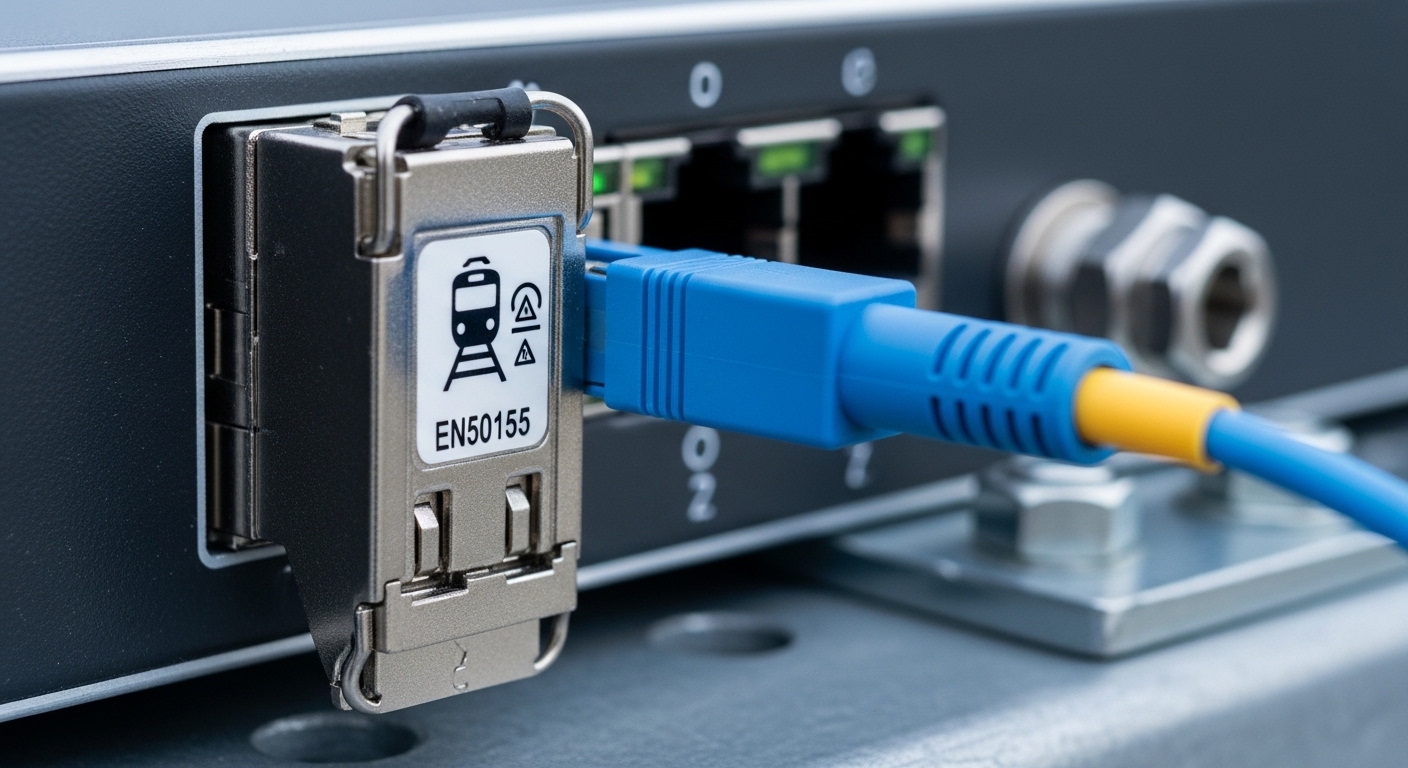
In AI/ML clusters, the network is often the dominant limiter once GPU-to-GPU communication scales beyond a few racks. Training uses collective operations (all-reduce, all-gather) that create bursty micro-flows; storage and checkpointing add sustained streams. These patterns stress switch fabric buffering, link utilization, and the transceiver power budget that determines thermal headroom.
SFP+ is typically 10G-class per cage, while QSFP+ aggregates four lanes per module (commonly 40G total). Practically, QSFP+ enables higher port density and fewer physical uplinks for the same aggregate bandwidth, which reduces patch-panel complexity and can improve mean time to repair (MTTR) during incidents.
However, QSFP+ also increases per-module thermal load and makes the system more sensitive to optics compatibility, DOM handling, and cage-to-lane mapping expectations in specific switch ASICs. The “right” choice becomes a joint optimization over bandwidth granularity, power-per-bit, reach, and operational friction.
Technical specs that matter: optics, reach, power, and temperature
Both SFP+ and QSFP+ transceivers are used for Ethernet over fiber, but their lane structure and typical speed classes differ. For AI/ML, you usually care about multi-lane optics (to reach 40G+ class links), deterministic latency behavior, and whether the platform supports vendor-agnostic optics with compliant digital diagnostics.
Below is a representative spec comparison using widely deployed 10G and 40G optics families. Exact values vary by vendor and part number, so verify against the switch vendor compatibility matrix.
| Parameter | SFP+ (10G) | QSFP+ (40G, 4x10G) |
|---|---|---|
| Typical data rate | 10.3125 Gb/s per lane (10G Ethernet) | 40.625 Gb/s total (4x10G) |
| Common fiber type | OM3/OM4 multimode, OS2 single-mode | OM3/OM4 multimode, OS2 single-mode |
| Typical wavelength | 850 nm (MM), 1310 nm (SM) | 850 nm (MM), 1310 nm (SM) |
| Typical reach (examples) | Up to 300 m (OM3), 400 m (OM4) for 850 nm | Up to 150 m (OM3), 400 m (OM4) for 850 nm depending on optics class |
| Connector | LC duplex (typical) | LC duplex (typical) |
| DOM / diagnostics | Supported via I2C/MDIO-aware implementations (vendor-specific) | Supported via digital diagnostics; must match host expectations |
| Operating temperature | Common industrial ranges include 0 to 70 C (verify) | Common ranges include 0 to 70 C or extended variants (verify) |
| Power (order-of-magnitude) | Often ~0.8 to 1.5 W for 10G MM/SM optics | Often ~3 to 4+ W for 40G QSFP+ MM/SM optics |
Example optics you may encounter in the field include Cisco SFP-10G-SR, Finisar FTLX8571D3BCL (10G SR variants), and FS.com QSFP-40G-SR4 family parts. Always validate against your exact switch model and firmware revision. For standards context, Ethernet PHY and optical interface behavior are rooted in IEEE Ethernet specifications and vendor-defined transceiver compliance. [Source: IEEE 802.3 working group materials]
Pro Tip: In AI cluster rollouts, failures often trace back to host-specific lane mapping and DOM policy rather than raw optical power. If you see intermittent link flaps only with third-party optics, check the switch’s optics compatibility list and confirm whether the platform enforces vendor ID or threshold tolerances for laser bias current and received power.
Bandwidth granularity: how QSFP+ changes congestion and oversubscription
Most AI/ML network designs attempt to reduce oversubscription from leaf to spine and keep east-west traffic within predictable buffering limits. With SFP+, you may need more physical ports to reach the same aggregate bandwidth, which can increase the number of parallel links and the size of the patching footprint. That footprint becomes an operational risk during migrations because every additional jumper increases the probability of a misroute or connector contamination.
QSFP+ effectively trades port count for per-link capacity. In practice, a 40G QSFP+ uplink can replace four 10G SFP+ uplinks in a simplified topology, but it can also increase the impact of a single transceiver failure if redundancy is not designed at the same granularity. Engineers typically mitigate this with link aggregation (LAG) designs that distribute traffic across multiple members, and by ensuring spare optics are staged per switch line card.
From a cost perspective, QSFP+ can reduce switch port usage and potentially reduce required line cards. But the optics themselves may cost more per module than SFP+ and can carry higher power draw, which matters in thermally constrained racks with dense GPU airflow.
Decision lens for typical AI fabrics
For leaf-spine fabrics with short reach (within the same building or row), 850 nm optics are common. For longer distances between pods or across row boundaries, OS2 1310 nm single-mode optics are typical, often with different module classes and reach specs. The key is to align module type with your fiber plant loss budget and to confirm your switch supports the module type at the required speed.
Operational deployment: what field engineers see during rollout
In a 3-tier data center leaf-spine topology with 48-port 10G ToR switches and 100G-class spine uplinks, a common AI cluster design is to connect each GPU server to the leaf using 10G access links and aggregate multiple servers upstream. Suppose you deploy 20 GPU nodes per leaf, each with 2x10G NICs, and you uplink each leaf with 8x40G QSFP+ to the spine. That reduces the number of uplink ports by 4x versus a hypothetical 32x10G SFP+ approach.
During commissioning, you can expect faster patch-panel labeling and fewer connector touch points. On the other hand, QSFP+ optics require careful handling of LC polarity and cleaning before insertion; contamination can manifest as elevated BER and occasional CRC errors. In one rollout, a team reduced mean time to restore by keeping pre-validated QSFP+ spares per line card and using a consistent fiber cleaning workflow with inspection under magnification.
Selection criteria checklist: choosing QSFP+ vs SFP+ for AI/ML
Use the following ordered checklist to avoid expensive rework. This is the same sequence engineers typically follow when mapping optics to switch cages, verifying reach, and ensuring operational continuity.
- Distance and link budget: verify fiber plant attenuation at the module wavelength (850 nm MM vs 1310 nm SM) and account for patch cords, splices, and connector loss.
- Switch compatibility and firmware: confirm the exact transceiver part numbers allowed for your switch model and software revision; check for QSFP+ cage-specific constraints.
- DOM support and threshold policy: ensure the host reads DOM fields correctly (laser bias, RX power, temperature) and does not enforce overly strict thresholds.
- Operating temperature and airflow: QSFP+ modules often run warmer; confirm that your rack meets the vendor’s thermal envelope under peak GPU load.
- Budget and TCO: compare module acquisition cost, expected failure rate, and stocking strategy; include power and cooling impact.
- Vendor lock-in risk: evaluate whether third-party optics are accepted and whether replacements are available during supply shocks.
- Redundancy granularity: ensure LAG hashing and failure domains match your availability targets, especially when a single QSFP+ failure removes 40G of capacity.
Common mistakes and troubleshooting tips
Even experienced teams see recurring failure modes when migrating between SFP+ and QSFP+ optics. Below are concrete pitfalls with root causes and corrective actions.
Link comes up, then flaps under load
Root cause: marginal received optical power caused by dirty connectors, degraded patch cords, or fiber plant loss exceeding module tolerance. QSFP+ can be less forgiving because four lanes are combined and any lane out of spec can degrade overall link stability.
Solution: inspect and clean LC connectors with lint-free wipes and IPA-approved processes, verify polarity, and measure with an optical power meter or an OTDR where feasible. Swap with a known-good module and known-good fiber segment to isolate whether the issue is optics or cabling.
“Module not supported” or silent threshold rejections
Root cause: switch enforcement of vendor ID, DOM format, or laser bias thresholds. Some hosts reject non-approved optics even if they are electrically compatible.
Solution: check the switch vendor optics compatibility table and firmware release notes. If you must use third-party modules, validate that DOM fields populate correctly and that the switch logs indicate a specific rejection reason.
Incorrect lane mapping assumptions during migration
Root cause: engineers assume that QSFP+ lanes map identically across platforms; some systems expect particular lane orderings or enforce polarity rules differently at the cage level.
Solution: follow the switch manual’s lane mapping and polarity guidance. Use a deterministic test: bring up a single link with a loopback or a controlled endpoint and confirm per-lane link health before scaling out.
Thermal oversubscription during peak GPU runs
Root cause: QSFP+ modules increase local heat load near the line card. If airflow is tuned for 10G SFP+ density, you can hit temperature limits that force link resets or degrade optics performance.
Solution: validate thermal design with the vendor’s recommended airflow and verify that fan curves and baffle configurations are correct. Monitor module temperature via DOM during a representative workload window.
Cost and ROI: module pricing, power draw, and lifecycle risk
In many markets, SFP+ 10G SR modules are cheaper per port than QSFP+ 40G SR modules, but QSFP+ can reduce the number of required switch ports and line card resources. Typical street pricing varies widely by vendor and certification, but a realistic planning range for budgeting is often on the order of tens of dollars for SFP+ and materially higher for QSFP+ (commonly multiples), plus additional costs for optics stocking and validation time.
TCO should include power-per-bit and cooling. If QSFP+ draws ~3 to 4+ W per module versus ~0.8 to 1.5 W for an SFP+ module, the calculation depends on how many modules you need for the same aggregate bandwidth. In oversubscribed designs, QSFP+ can reduce the number of parallel links and power overhead, but only if your traffic pattern benefits from the higher per-link capacity without increasing retransmissions.
Finally, lifecycle risk matters in AI clusters because maintenance windows are expensive. OEM optics may have higher acquisition cost but often lower operational friction due to compatibility guarantees. Third-party optics can be cost-effective if your switch firmware supports them reliably and you have a tested spares program.
FAQ
When should I prefer QSFP+ over SFP+ in an AI/ML cluster?
Prefer QSFP+ when you need higher uplink bandwidth with fewer physical ports and your switch platform supports QSFP+ optics reliably. It is most beneficial when cabling density reduction improves operational speed and when your traffic can utilize the larger per-link capacity without increasing congestion-related retransmissions.
What fiber reach limits differ most between QSFP+ and SFP+?
Both can use 850 nm multimode and 1310 nm single-mode, but the typical OM3/OM4 reach depends on the specific optic class. Always validate the exact part’s reach spec against your fiber plant loss budget, especially with patch cords and interconnects.
Will third-party QSFP+ optics work with enterprise switches?
Often yes, but not universally. Compatibility is driven by DOM behavior, vendor ID policies, and switch firmware expectations; some platforms reject optics that do not match required thresholds or diagnostic formats. Use the vendor compatibility list and test in a controlled deployment before scaling.
How do I validate optics before putting them into production?
Validate at three layers: optical cleanliness and connector integrity, link stability under load (CRC/packet drops), and DOM telemetry trends (temperature, bias current, RX power). Run a burn-in window that resembles your training traffic profile to catch thermal and marginal-optics issues.
What are the biggest causes of QSFP+ link errors?
The most common causes are dirty connectors, insufficient link budget, and host policy rejections that may present as flaps or degraded error counters. Lane mapping and polarity mistakes can also produce symptoms that look like random instability.
Does QSFP+ reduce costs overall for AI fabrics?
It can, but only when the reduction in required switch ports and cabling complexity outweigh higher optics cost and power draw. Treat it as a system-level TCO decision: include spares logistics, downtime cost, and power/cooling impact over the module lifecycle.
Choosing between SFP+ and QSFP+ for AI/ML is less about raw bandwidth and more about system-level constraints: compatibility, thermal headroom, and operational reliability under bursty collective traffic. Next, review QSFP+ optics reach and link budget to quantify reach, loss, and connector impacts for your exact fiber plant.
Author bio: I have designed and commissioned GPU cluster networking with hands-on optics validation, DOM telemetry monitoring, and fiber plant troubleshooting across leaf-spine fabrics. My work focuses on measurable latency, error-rate stability, and transceiver lifecycle TCO in production environments.
