
In high-power AI clusters, the transceiver you choose can quietly swing your power analysis results: watts per port, thermal headroom, and even rack-level cooling margin. This article helps data center engineers and field techs compare Direct Attach Copper (DAC) and Active Optical Cable (AOC) using real operational constraints, not marketing claims. You will get a specification comparison, a practical deployment scenario with numbers, and troubleshooting steps tied to typical failure modes.
Why power analysis changes the DAC vs AOC decision
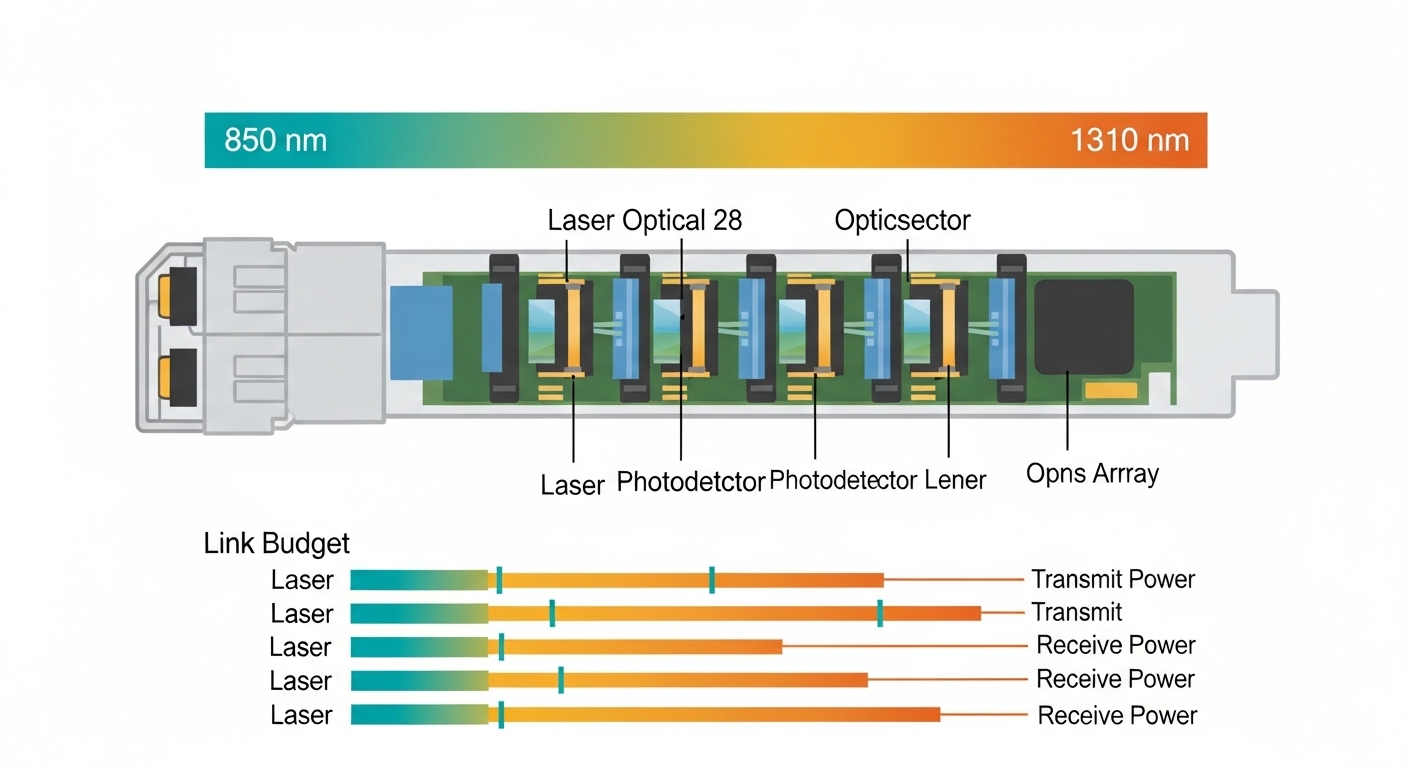
At 25G, 50G, 100G, and beyond, transceivers sit at the intersection of electrical loss, optical conversion efficiency, and cooling design. For DAC, the main contributors are conductor loss, connector contact resistance, and the transceiver’s electrical front-end power. For AOC, you trade copper loss for optics and the cable’s active electronics, typically shifting power draw into the module and cable components. In rack terms, even a small delta like 0.5 W per port can become meaningful when you multiply across 1,000+ ports.
In my deployments, the most useful power analysis inputs are: measured module supply current under load, ambient temperature at the switch intake, and airflow pattern across adjacent ports. I also check whether the switch platform enforces per-port power caps or throttles link operation under thermal stress. IEEE 802.3 link budgets define signaling behavior, but your facility’s thermal and electrical realities decide whether the link stays stable at temperature extremes.
Operationally, DAC is often more predictable for electrical power because it is a passive copper path plus the transceiver’s serializer/deserializer. AOC adds an optical transmitter and receiver plus active cable circuitry, which can be efficient but may have different temperature-dependent behavior. That is why a disciplined power analysis should include both electrical power and thermal derating assumptions from the vendor datasheets.
DAC and AOC: key specs that impact power and thermal load
Below is a practical comparison of typical 100G-class optics and interconnect families used in AI leaf-spine and spine fabrics. Exact numbers vary by vendor and reach bin, but the patterns hold: DAC tends to emphasize copper electrical loss and connector losses, while AOC emphasizes active optical conversion power and cable electronics.
| Parameter | DAC (Direct Attach Copper) | AOC (Active Optical Cable) |
|---|---|---|
| Typical data rate | 25G, 50G, 100G | 25G, 50G, 100G |
| Reach class | ~1m to ~7m (direct attach) | ~3m to ~100m+ (fiber reach depends on model) |
| Connector type | SFP28/QSFP28/CFP2-style direct attach interface | QSFP28 or similar host connector + integrated fiber cable |
| Optical wavelength | Not applicable (electrical copper) | Typically 850 nm for short-reach multimode (varies by SKU) |
| Core power contributors | Electrical signaling + connector contact resistance | Optical transmitter/receiver + active cable electronics |
| Power analysis focus | Port power vs link length; thermal rise in crowded port banks | Cable electronics power; temperature-dependent optical output |
| Operating temperature | Vendor-dependent; often similar to transceiver module specs | Vendor-dependent; confirm cable electronics limits |
For concrete reference points, many 100G short-reach deployments use QSFP28-class optics on a multimode 850 nm lane set, and switch vendors validate specific transceiver part numbers. For example, common 100G SR optics include Finisar FTLX8571D3BCL (vendor-specific SKU family) and FS.com SFP-10GSR-85 in lower-speed contexts. Always verify your exact platform compatibility list, because switch firmware may apply different DOM parsing and power monitoring behavior for DAC versus AOC.
Power analysis becomes more accurate when you rely on vendor DOM data (Digital Optical Monitoring) where available. With DAC, the host interface may still provide temperature and supply telemetry, but optical DOM is absent. With AOC, you often get temperature and sometimes optical bias telemetry, which can help explain marginal performance under high ambient conditions.
Pro Tip: When doing power analysis, do not compare “module nameplate power” alone. Instead, measure or log per-port supply current at the switch PSU rails during a realistic traffic profile (for example, 60% line-rate bursts with steady background). I have seen “lower average power” AOC SKUs lose stability earlier during warm-up transients because optical output and driver bias settle differently than copper link training.
Deployment scenario: measuring power analysis impact in a leaf-spine AI rack
Consider a 3-tier AI data center topology: leaf-spine with Top-of-Rack switches feeding GPU compute servers. In one practical build, each leaf switch had 48 QSFP28 ports and connected to 12 GPU servers via 8x 25G links per server, leaving additional uplinks to spines. The rack intake air was targeted at 22 to 24 C, but during peak compute the measured inlet at the switch rose to 29 C due to mixed-load airflow.
In this environment, engineers compared DAC and AOC for short-reach uplinks and ToR-to-server links. Suppose you used 400 active links per rack across the fleet, and each DAC port consumed 2.5 W while each AOC port consumed 3.0 W under the same traffic profile. The delta would be 0.5 W per port times 400 ports equals 200 W per rack. Over a year, that can become a substantial operational cost, especially when cooling efficiency (PUE) amplifies the thermal penalty.
However, power analysis must also include error behavior. If AOC maintains stable optical margin at higher temperature while DAC becomes marginal due to copper loss and connector heating, then the “higher watts” may still win by reducing retransmissions and avoiding link resets. In practice, we validated this by monitoring interface counters (CRC errors, link flaps) and correlating them with switch sensor telemetry (port temperature, PSU load, fan curve state).
For standards context, IEEE 802.3 defines electrical/optical signaling requirements and link behavior at defined rates, but it does not guarantee facility-level thermal outcomes. Vendor datasheets provide the operating temperature range and maximum link length assumptions, which should be treated as boundaries for your power analysis model.
How to run a practical power analysis: steps and formulas
A field-ready power analysis process starts with data you can actually measure. First, capture per-port telemetry if your switch supports it; otherwise, use a calibrated inline power measurement at the switch PSU rails and subtract baseline. Second, define a traffic profile that matches your workload: for AI, bursty east-west traffic often produces higher link activity during training steps. Third, run temperature-stabilized tests, because optical drivers and copper link training can behave differently during warm-up.
Step-by-step checklist
- Gather platform compatibility: confirm the switch supports the exact DAC or AOC SKU and whether it enforces power caps.
- Collect per-port power signals: use switch telemetry, DOM where available, or rail-level measurements with baseline subtraction.
- Log thermal sensors: ambient inlet, port cage temperature, and fan state during the test window.
- Define realistic traffic: e.g., sustained 60% line-rate with bursts, then measure error counters.
- Compute rack-level impact: total power delta times number of active ports, then apply a cooling multiplier using your facility PUE model.
- Validate link margin: check for CRC errors, link retrains, and any vendor-reported optical bias telemetry drift.
The key output is a delta model: Delta Watts = (AOC port power − DAC port power) × number of ports. Then multiply by your cooling factor. For example, if your PUE implies an effective thermal overhead of 1.3, a 200 W electrical delta becomes roughly 260 W of facility load impact.
Selection criteria for DAC vs AOC in high-power AI racks
Engineers rarely choose based purely on raw port power. The best selection combines electrical reach, thermal behavior, switch validation, and operational risk. Use the ordered decision checklist below; it mirrors what I see during procurement and commissioning.
- Distance and link length margin: pick DAC only within validated reach; treat longer runs as a power analysis risk because copper loss increases with length.
- Switch compatibility and firmware behavior: ensure the host switch recognizes the transceiver type and supports monitoring (DOM or equivalent).
- DOM and telemetry availability: AOC often gives better visibility for temperature and optical health; DAC may provide less.
- Operating temperature and airflow: confirm both module and cable electronics temperature ranges and derate assumptions at your measured inlet.
- Budget and TCO: compare purchase price plus the cost of downtime, higher cooling load, and potential RMA rates.
- Vendor lock-in risk: check whether your switch vendor restricts supported part numbers, especially for third-party optics.
- Power analysis validation: verify with measurements during commissioning, not only with datasheet maxima.
When you do this, DAC usually fits when you need short reach (often under a few meters) and want simpler failure modes. AOC fits when you need better EMI immunity, longer reach without heavy fiber management, or when thermal and connector heating make copper less reliable. Either way, you should treat the transceiver as part of the power and thermal system, not an isolated accessory.
Common mistakes and troubleshooting tips
Even experienced teams get burned when they treat DAC and AOC as interchangeable. Here are concrete failure modes I have seen, with root causes and fixes.
-
Mistake: Comparing only “typical power” from a datasheet.
Root cause: many vendors list typical at a nominal condition, while your facility runs higher inlet temperature and different traffic patterns.
Solution: run a commissioning test at your actual inlet temperature and log rail current or per-port telemetry under a realistic load profile. -
Mistake: Installing DAC beyond validated reach to save on optics.
Root cause: copper attenuation and connector contact resistance increase with length, raising driver bias and error rates.
Solution: enforce validated length limits from the DAC datasheet and switch vendor guidance; if you need more reach, move to AOC or fiber optics. -
Mistake: Ignoring airflow and port-to-port thermal coupling.
Root cause: adjacent ports in a dense cage can experience higher local temperatures, especially when cables block airflow.
Solution: confirm cable bend radius, ensure fan curves match the deployment, and use thermal imaging to locate hot spots; reseat or re-route cables. -
Mistake: Mixing transceiver vendors without validating DOM/telemetry parsing.
Root cause: some platforms apply different thresholds or refuse modules that do not present expected identification or monitoring fields.
Solution: verify the exact SKU in the switch compatibility list; monitor interface counters and event logs after insertion. -
Mistake: Assuming AOC is always “lower power because it uses light.”
Root cause: AOC includes active electronics, and optical transmitter bias can rise with temperature or aging, increasing power draw.
Solution: include a thermal aging or extended stress test in acceptance; track optical bias indicators if available.
Cost and ROI notes: buying transceivers with power analysis in mind
Pricing varies heavily by speed and reach, but a realistic planning range for short-reach 100G-class cables is often: OEM DAC assemblies can cost more than third-party copper cables, while AOC typically sits between optics and copper depending on integration. In many deployments, the “cheapest at checkout” option can increase TCO through higher RMA rates, higher cooling load from extra watts, and more time lost during link troubleshooting.
ROI improves when you quantify the real delta in power and validate stability. If AOC costs more per unit but saves you from intermittent link errors that cause training job restarts, the operational savings can outweigh the initial purchase delta. As a rule, I model TCO as: (unit cost + expected failure cost + downtime cost + energy cost from power analysis) over the planned lifecycle.
FAQ
Q: What does power analysis actually measure for DAC vs AOC?
A: It measures the electrical power consumed per port (often via switch telemetry or rail current), then maps that to thermal impact using your inlet temperatures and cooling efficiency. You should also correlate the power delta with link stability metrics like CRC errors and link retrains.
Q: Are DAC and AOC comparable under IEEE 802.3?
A: They both operate under the same Ethernet rate families, but the physical media differs: DAC uses electrical signaling, while AOC uses optical conversion with active electronics. IEEE 802.3 defines signaling requirements; vendor datasheets define reach and operating temperature limits.
Q: How do I choose between third-party and OEM transceivers for power analysis?
A: Validate the exact SKU on your switch platform and confirm telemetry behavior. For power analysis, also test under your real thermal conditions, because efficiency and driver bias can differ between suppliers even at the same nominal data rate.
Q: What is the biggest thermal risk when swapping DAC to AOC?
A: The biggest risk is assuming the power delta is small and that thermal coupling will not change airflow behavior. AOC cables can alter airflow and can introduce different temperature-dependent driver behavior, so you must re-check hot spots and error counters after the swap.
Q: Can I estimate rack power delta without per-port measurements?
A: You can estimate using datasheet typical power, but it is less reliable than measuring. For accurate power analysis, measure at least one representative rack with your actual traffic profile and ambient conditions, then extrapolate.
Q: Where should I look in vendor documentation?
A: Look for operating temperature range, maximum link length, power consumption per module or cable, and any DOM or monitoring fields. Also check switch compatibility notes for supported part numbers and any firmware power management behavior.
For deeper background on transceiver signaling and Ethernet physical layer constraints, cross-check vendor datasheets and IEEE 802.3 requirements. If you want the practical checklist for rollout, see how to validate transceivers during commissioning for a field-tested acceptance workflow.
Author bio: I am a data center field engineer and DIY builder who documents commissioning notes, power telemetry methods, and failure patterns from real AI racks. I focus on measurable outcomes: watts, temperatures, and link stability, not assumptions.
