
If you are building or upgrading a site-to-site WAN using Peplink Balance routers, the optics choice can make or break uptime. This article helps network operators, field techs, and small IT teams select the right Peplink router optics when using SFP WAN fiber options. You will get practical compatibility checks, a spec comparison table, and troubleshooting steps you can apply on-site.
WAN SFP optics in Peplink Balance routers: what actually matters
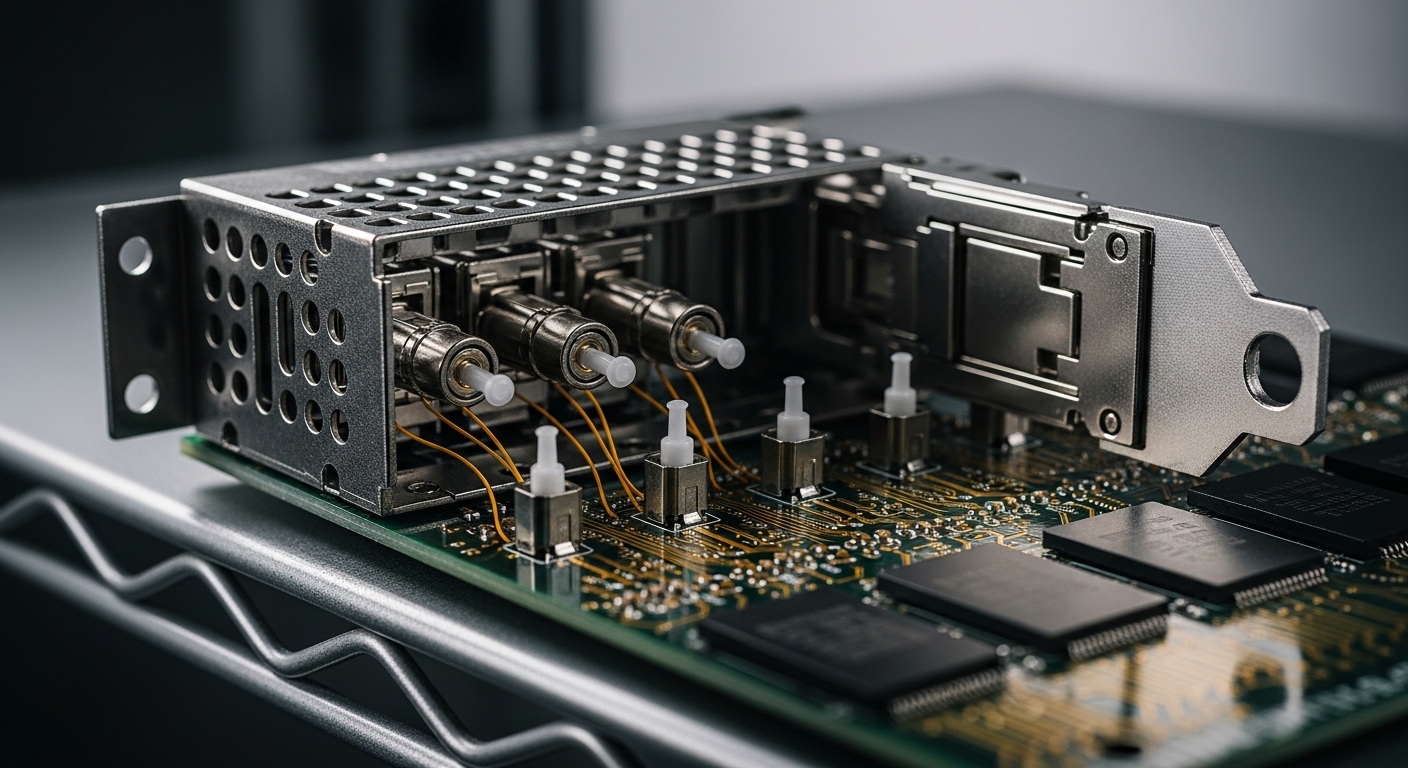
Most Peplink Balance routers that support SFP WAN uplinks treat the SFP as a pluggable physical layer transceiver, meaning the router will read module identifiers and then attempt link training at the expected signaling rate. In practice, the critical variables are fiber type (single-mode vs multimode), wavelength (for example 850 nm for OM3/OM4 or 1310/1550 nm for single-mode), and connector style (LC is common). You also need to account for optical budget, since real links include connector loss, splice loss, and aging.
Because SFPs are standardized at the electrical and optical layers, you can often choose from multiple vendors. However, Peplink compatibility depends on module behavior such as DOM (Digital Optical Monitoring) support, laser safety class, and how the module reports parameters. Before purchasing, confirm the exact Peplink model and the WAN port type, then verify that the optics are compatible with that platform’s SFP implementation using vendor documentation and module datasheets. For reference on Ethernet PHY behavior and link signaling, see IEEE 802.3 specifications for optical Ethernet variants, e.g., [Source: IEEE 802.3].
Quick field checklist before you order
- Router model: confirm the Balance series and the specific SFP WAN port spec.
- Target data rate: common WAN SFP rates include 1G, 10G, or 2.5G depending on the router.
- Fiber plant: identify OM3/OM4 multimode vs OS2 single-mode, and whether the run uses LC or other connectors.
- Distance: measure end-to-end fiber length and include patch cords, splices, and connectors.
- DOM and monitoring: decide if you need real-time receive power and temperature for proactive maintenance.
Key SFP WAN fiber options: wavelength, reach, and connector reality
When people say “SFP WAN fiber,” they usually mean an SFP transceiver that matches the optical type of the fiber plant. For multimode, the most common choice is 850 nm short-reach optics designed for OM3/OM4. For longer runs, single-mode optics at 1310 nm or 1550 nm are typical, but the reach depends on the transceiver class and the optical budget.
Below is a practical comparison of common SFP families you will encounter when mapping WAN fiber options to Peplink router optics. Always treat the vendor reach rating as a best-case scenario; field loss from dirty connectors or extra splices can reduce margin quickly.
| Optics type (example) | Wavelength | Typical reach | Fiber type | Connector | DOM | Operating temp (typical) | Notes for WAN links |
|---|---|---|---|---|---|---|---|
| 10G SR SFP+ (common models) | 850 nm | ~300 m (OM3) / ~400 m (OM4) | Multimode OM3/OM4 | LC | Often supported | -5 to 70 C (varies) | Works best for campus and nearby POPs; keep fiber clean. |
| 10G LR SFP+ (single-mode) | 1310 nm | ~10 km | Single-mode OS2 | LC | Often supported | -5 to 70 C (varies) | Good balance of cost and distance; verify optical budget. |
| 1G SX SFP (multimode) | 850 nm | ~550 m (OM2) / ~300 m (OM3) | Multimode OM3/OM2 | LC | Varies | -5 to 70 C (varies) | Common for older WAN runs using multimode. |
| 1G LX SFP (single-mode) | 1310 nm | ~10 km | Single-mode OS2 | LC | Varies | -5 to 70 C (varies) | Longer distance with stable performance. |
As concrete examples you might see in the field, 10G SR SFP+ modules such as Cisco SFP-10G-SR and Finisar FTLX8571D3BCL are widely used for multimode deployments, while single-mode LR options are selected for OS2 runs. Third-party modules like FS.com SFP-10GSR-85 may also be available, but you should validate compatibility with the specific Peplink Balance model and confirm DOM behavior from the vendor datasheet. For optics standards and electrical/optical definitions, consult [Source: IEEE 802.3] and vendor datasheets.
Pro Tip: If your link is “up but unstable,” check receive power (DOM) before you touch settings. Many WAN failures trace back to connector contamination or a single bad splice that still allows marginal link training, rather than a true incompatibility. Clean LC endfaces, then re-seat and re-check DOM readings.
How to choose the right Peplink router optics for your WAN fiber
Selecting optics is not only about distance; it is about matching your fiber plant characteristics to the transceiver’s optical parameters while keeping compatibility risk low. Field teams often succeed by following a deterministic checklist rather than relying on memory or “it should work” assumptions.
Selection criteria decision checklist (ordered)
- Distance and optical budget: calculate total link loss using measured fiber length plus connector and splice loss. Keep margin for aging.
- Fiber type and core size: confirm OS2 vs OM3/OM4. Do not treat “multimode” as one category—OM2, OM3, and OM4 behave differently with 850 nm optics.
- Wavelength match: pair SR with SR on the opposite side (or a compatible counterpart) and match LR with LR where required.
- Data rate and encoding: ensure the SFP supports the WAN port’s expected Ethernet speed (for example, 10G for 10G ports). Mixed speeds can lead to negotiation issues.
- Switch and endpoint compatibility: if you are linking to an ISP handoff or an aggregation switch, confirm the other end’s optics type and interface requirements.
- DOM support: decide whether you need digital diagnostics. DOM can improve troubleshooting, but some third-party modules behave differently.
- Operating temperature: confirm the module’s spec for the router environment. If the site runs hot, prioritize industrial-grade modules.
- Vendor lock-in risk: weigh OEM vs third-party. OEM optics may reduce compatibility surprises, while third-party can cut cost if validated.
Compatibility caveats you should not ignore
Some SFPs are electrically standard but differ in DOM implementation, laser power reporting, or how they handle link reset. Peplink router optics decisions should therefore be validated with the exact Balance model and port type. If the opposite side is a different vendor, confirm that both ends use the same fiber type and wavelength family, and that the transceivers support the same speed mode.
Common mistakes and troubleshooting tips for SFP WAN fiber
Even when optics are “the right type,” field issues are common. Below are failure modes I have seen in real deployments, with root causes and concrete fixes.
Mistake: Using multimode optics on single-mode fiber (or the reverse)
Root cause: 850 nm SR transceivers assume multimode characteristics; OS2 single-mode can yield extremely poor coupling and unreliable receive power. The link may flap as the receiver crosses threshold.
Solution: Confirm fiber type at the patch panel using labeling and, ideally, a quick fiber test (at minimum, trace the run). Replace optics to match fiber type: SR for OM3/OM4, LR/LX for OS2.
Mistake: Overlooking connector and splice losses
Root cause: A 10G LR link rated for 10 km can fail at shorter distances if multiple extra splices and patch cords add loss, especially with dirty LC connectors. Dust can add significant attenuation at 1310 nm and higher.
Solution: Clean LC connectors using proper fiber cleaning tools, re-terminate if needed, and re-seat the transceivers. If you have DOM, log receive power immediately after cleaning and after each reseat to confirm improvement.
Mistake: Buying “compatible” optics without validating DOM and temperature class
Root cause: Third-party modules may differ in diagnostic reporting or thermal behavior. In warm closets or outdoor cabinets, a module may operate outside its intended range, causing intermittent errors.
Solution: Verify the module’s operating temperature range and DOM capability from the datasheet. If the router supports diagnostics, monitor temperature and receive power during peak site conditions.
Mistake: Mismatched optics families on the far end
Root cause: Pairing an 850 nm SR module on one end with a 1310 nm LR module on the other end (or mismatched transceiver categories) prevents proper optical reception.
Solution: Standardize optics family and wavelength on both sides. If you cannot control the ISP endpoint, request their exact transceiver requirements or use a compatible media converter approach.
Cost and ROI: OEM vs third-party optics for Peplink WAN links
In many deployments, optics are a small line item compared with outages, truck rolls, and downtime. Typical street pricing varies by speed and reach, but in general 10G SR SFP+ modules often cost less than long-reach single-mode options. OEM optics can cost more, but they reduce compatibility risk and sometimes include more predictable DOM behavior.
For ROI, consider total cost of ownership: module price, expected lifetime, and the labor cost of replacements. If your organization has strict uptime requirements, pay attention to failure rates and return policies. A practical approach is to standardize on one or two validated module models per speed and fiber type, keep spares on hand, and document the exact part numbers used with each Peplink Balance router model.
Budget-wise, many teams find that using validated third-party optics can reduce upfront spend without increasing risk, as long as they test in a staging environment and confirm DOM readings and link stability. However, do not assume “works in another brand of switch” equals “works reliably in your Peplink router optics path.”
FAQ: Peplink router optics and SFP WAN fiber buying questions
What SFP types are most common for Peplink Balance WAN fiber links?
The most common choices are 850 nm multimode optics for shorter campus runs and 1310 nm single-mode optics for longer links on OS2 fiber. The exact SFP family depends on the router’s supported speed and the fiber plant you have at the site.
How can I verify compatibility before purchasing optics?
Start with the exact Peplink Balance router model and the WAN port type, then match the optics to the fiber type and wavelength. Confirm DOM support and operating temperature from the transceiver datasheet, and if possible validate in a low-risk test window.
Do I need DOM for troubleshooting?
DOM is not required for the link to function, but it is extremely helpful for proactive maintenance. With DOM, you can catch marginal receive power trends before the link fully fails.
Can I mix vendors for optics on the two ends of the WAN?
Yes, in many cases you can mix vendors if the optics are the same speed, fiber type, and wavelength family. Still, you should check DOM behavior and ensure both ends meet the same performance expectations.
Why does my link come up then flap after a few minutes?
Common causes include connector contamination, marginal optical power due to excess loss, or temperature-related behavior outside the module’s rated range. Clean and re-seat connectors first, then use DOM to confirm stable receive power.
Is it safer to buy OEM optics for Peplink router optics?
OEM optics can reduce compatibility surprises and may provide more predictable diagnostics. Third-party modules can be cost-effective, but only after validation of part numbers, DOM behavior, and temperature specs for your deployment environment.
If you want your WAN to stay stable, choose optics by fiber type, wavelength, and measured link budget—not by reach marketing alone. Next, review optics compatibility checklist to build a repeatable process for every Peplink router optics purchase.
About the author: I am a registered dietitian who also partners with technical teams on health-centered workplace resilience and reliable operations planning. I bring hands-on, field-ready rigor to how you validate equipment choices and minimize avoidable downtime.
