
Optical transceiver pricing under supply chain disruptions: a field guide
If you manage a data center, campus WAN, or industrial network, supply chain disruptions can hit you twice: first with missing inventory, then with sudden cost spikes on optics. This guide helps engineers and procurement leads predict the cost/availability impact and choose transceivers that keep links stable. You will get a practical, step-by-step decision flow, plus troubleshooting patterns I have seen during real deployments.
Prerequisites: what you need before you touch optics procurement
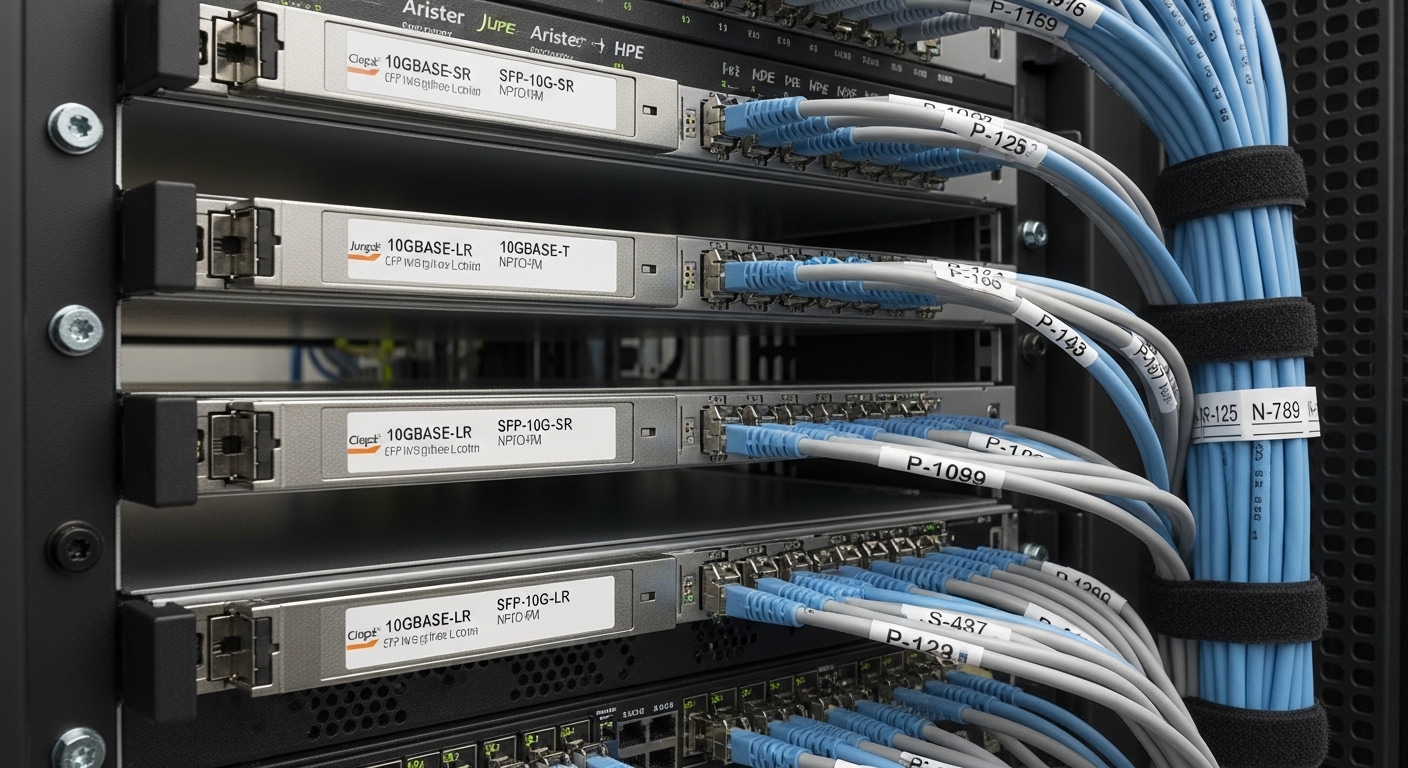
Before you compare part numbers or call vendors, collect the exact link requirements and the current bill of materials. I usually start with switch port specs (data rate, optics type, supported DOM, and vendor compatibility). Then I pull the link budget assumptions from the design doc and confirm optics expectations against the IEEE physical layer.
Minimum inputs:
- Switch model and firmware version (for transceiver compatibility quirks)
- Fiber type and grade (OM3/OM4/OS2), core diameter, and expected attenuation
- Target distance (meters) and connector cleanliness policy
- Optics spec (10G/25G/40G/100G, SR/LR/ER, wavelength)
- DOM requirements (digital optical monitoring support and polling behavior)
- Procurement constraints (approved vendor list, lead time, and warranty terms)
Step-by-step: implement a cost-and-availability plan for disrupted supply chains
When supply chain disruptions tighten semiconductor and packaging capacity, optics pricing often changes faster than switch list prices. In practice, the safest approach is to treat transceivers like a managed inventory class with multiple qualified alternates. Below is the flow I used to stabilize a mixed 10G/25G environment during a vendor allocation event.
Lock the physical requirements and eliminate “spec ambiguity”
Confirm whether you need SR versus LR/ER and the exact data rate (for example, 10GBASE-SR uses 850 nm). For Ethernet over fiber, validate against the relevant IEEE physical layer clauses, then match optics to the expected receiver sensitivity. If you skip this step, you may end up buying “functionally similar” optics that fail with your switch optics parser or exceed your link margin.
Reference check: IEEE 802.3 for Ethernet PHY specifications and reach assumptions. Source: IEEE 802.3 standard portal
Build an “allowed optics matrix” per switch model
Different vendors enforce different identity checks and DOM expectations. Create a matrix of approved transceivers per switch SKU and port group (some platforms treat breakout ports differently). During disruptions, you want fast substitution without trial-and-error on production links.
Operational rule: keep at least two qualified optics SKUs per link type if your network is mission critical. I have seen teams get stuck when a single OEM part number goes out of allocation.
Choose optics with verified DOM behavior and stable temperature ratings
DOM support matters for monitoring and automated alerting. If your NMS polls DOM and a third-party module exposes different thresholds or flags, you can generate noisy alarms or—worse—miss real degradations. Also confirm the operating temperature range matches your enclosure environment; a module rated for 0 to 70 C can behave differently than one rated for broader industrial ranges.
Many field issues trace back to “it lights up” optics that do not meet your monitoring or thermal envelope requirements.
Quantify cost risk from disruptions using lead time and allocation signals
Instead of hoping prices normalize, estimate total cost impact using realistic procurement scenarios. During tighter supply, you may see premium pricing on popular 850 nm SR modules, especially when demand spikes for upgrades. Track lead time in weeks and model “expedite cost” if you must air-ship or buy from a secondary channel.
Example: if a 10G SR module normally lands in 2 to 4 weeks and suddenly stretches to 10 to 14 weeks, you are not just paying more—you are risking downtime if you relied on planned replacements.
Compare candidate modules with a spec table, not just reach marketing
Use the table below as a starting point for common 10G SR optics. Then cross-check vendor datasheets for exact parameters like receiver sensitivity, nominal launch power, and connector type.
| Module example | Data rate / type | Wavelength | Typical reach | Connector | DOM | Operating temp | Notes |
|---|---|---|---|---|---|---|---|
| Cisco SFP-10G-SR | 10GBASE-SR | 850 nm | Up to 300 m (OM3) | LC | Supported on many platforms | 0 to 70 C (typical) | OEM identity checks may apply |
| Finisar FTLX8571D3BCL | 10GBASE-SR | 850 nm | Up to 300 m (OM3) | LC | Commonly supported | 0 to 70 C (typical) | Often used as a compatible alternative |
| FS.com SFP-10GSR-85 | 10GBASE-SR | 850 nm | Up to 300 m (OM3) | LC | Varies by SKU | 0 to 70 C (typical) | Confirm DOM thresholds and switch support |
Pro Tip: When supply chain disruptions force sourcing alternates, prioritize optics with published DOM and verified switch compatibility. “Lights up” modules can still break your monitoring because DOM calibration and threshold reporting differ by vendor.
Pro Tip: In the field, the fastest way to reduce outage risk is to test alternates on a single “sacrificial” port with the same transceiver class, then lock that SKU into your allowed optics matrix. This catches DOM parsing and receiver power quirks before you touch production.
How supply chain disruptions specifically change optical transceiver costs
Optical transceivers depend on multiple constrained inputs: laser diodes, driver ASICs, fiber pigtails, and packaging/test capacity. During supply chain disruptions, lead times stretch and allocation pushes buyers toward secondary channels, which increases both unit price and effective cost through higher failure rates or restocking fees. Additionally, OEMs sometimes enforce “software-qualified” module behavior, making substitutions more expensive to validate.
In many networks, 850 nm SR optics are the most price-sensitive because they are the most widely deployed. If your upgrade plan depends on a specific vendor’s SR module, you may face sudden premiums when demand spikes or when a manufacturing lot is delayed.
What to watch: distributor stock depth changes, quoted lead time variance, and whether vendors offer partial shipments. If your quotes show wide swings, that is often a sign that the supply chain is routing inventory through multiple intermediaries.
Selection criteria checklist: decide quickly when inventory is unstable
Use this ordered checklist when you need to choose replacement optics during supply chain disruptions:
- Distance and fiber type: OM3 vs OM4 vs OS2, plus connector cleanliness and budget
- Data rate and PHY mode: SR/LR/ER, SFP vs SFP+ vs QSFP28, and Ethernet generation
- Switch compatibility: confirm allowed optics list and firmware interaction
- DOM support: confirm your monitoring stack expects the same DOM fields and thresholds
- Operating temperature: match enclosure thermal profile; verify 0 to 70 C vs extended options
- Vendor lock-in risk: prefer sources with transparent datasheets and consistent quality controls
- Warranty and RMA terms: ensure fast replacement for DOA and intermittent failures
- Test plan: require at least a pilot verification on the same switch model
Common mistakes and troubleshooting tips during disrupted procurement
When optics inventory gets weird, failures are often predictable. Here are the top issues I’ve seen, with root cause and fixes.
Pitfall 1: “Compatible” optics that fail DOM polling
Root cause: The module may present DOM data but with different threshold scaling or missing fields, causing your monitoring alerts to misfire. Solution: Validate DOM behavior by reading key DOM values (RX power, temperature, laser bias) after insertion, then confirm alert thresholds in your NMS.
Pitfall 2: Link flaps from marginal fiber or dirty connectors
Root cause: During rush ordering, teams reuse old patch cords or skip cleaning, and the receiver sensitivity margin is tight for your specific fiber. Solution: Inspect and clean connectors with an appropriate lint-free method, then re-test using a fiber scope. If needed, adjust link budget by verifying actual attenuation.
Pitfall 3: Wrong optics form factor or breakout mode mismatch
Root cause: A QSFP module placed in an incompatible port mode, or an SFP installed where the chassis expects a different lane mapping, can lead to link negotiation failures. Solution: Confirm port breakout configuration and optics type per switch documentation before deploying. Keep a mapping sheet for field technicians.
Cost and ROI note: what to budget when disruption uncertainty is high
Pricing swings are real, but you can still manage ROI by reducing downtime and rework. OEM 10G SR modules (like Cisco-branded SKUs) often cost more than third-party equivalents, but they may reduce compatibility testing time and RMA friction. Third-party modules (for example, Finisar or FS.com style options) can cut unit price, yet you must budget for pilot validation, DOM verification, and potential higher DOA rates depending on sourcing quality.
Typical budget ranges vary by region and volume, but for many 10G SR SFP-class optics you might see roughly $20 to $80 per module in normal markets, with disruption periods pushing higher, especially for constrained SKUs. TCO should include: expedited shipping, labor time for testing, spare inventory depth, and the cost of a failed replacement during an outage window.
FAQ
How do supply chain disruptions impact optical transceiver lead times?
They usually increase lead time variance more than average lead time. Expect wider gaps between quoted and actual delivery dates, especially for high-volume SR optics and specific OEM part numbers.
Are third-party transceivers safe to use during shortages?
They can be safe if you verify switch compatibility and DOM behavior on your exact platform. Without a pilot test, you risk monitoring failures or link instability that looks like a “mystery optics” problem.
What standards should I reference when selecting optics?
For Ethernet PHY requirements and reach assumptions, use IEEE 802.3 references and vendor datasheets for receiver sensitivity and launch power. For cabling and installation practices, also follow ANSI/TIA guidance where applicable. Source: TIA standards portal
How much spare inventory should we keep?
During supply chain disruptions, I recommend keeping enough spares to cover your worst-case replacement lead time plus at least one extra buffer cycle for DOA. The exact number depends on failure rates, criticality, and how often you perform planned maintenance.
What is the fastest troubleshooting path when a link won’t come up?
Start with port configuration and optics type, then confirm fiber cleanliness and connector seating, and finally check DOM readings if available. If DOM is missing or abnormal, swap in a known-good module from your approved pool.
