
If your AI cluster stalls during training, the bottleneck is often not the GPU, but the data movement path. This article helps network and infrastructure engineers plan optical networking for machine learning workloads with concrete choices: optics, reach, power budgets, and operational checks. You will get an engineer friendly selection checklist, common failure modes, and a practical ranking table to speed decisions.
Top 1: Match transceiver type to training traffic patterns
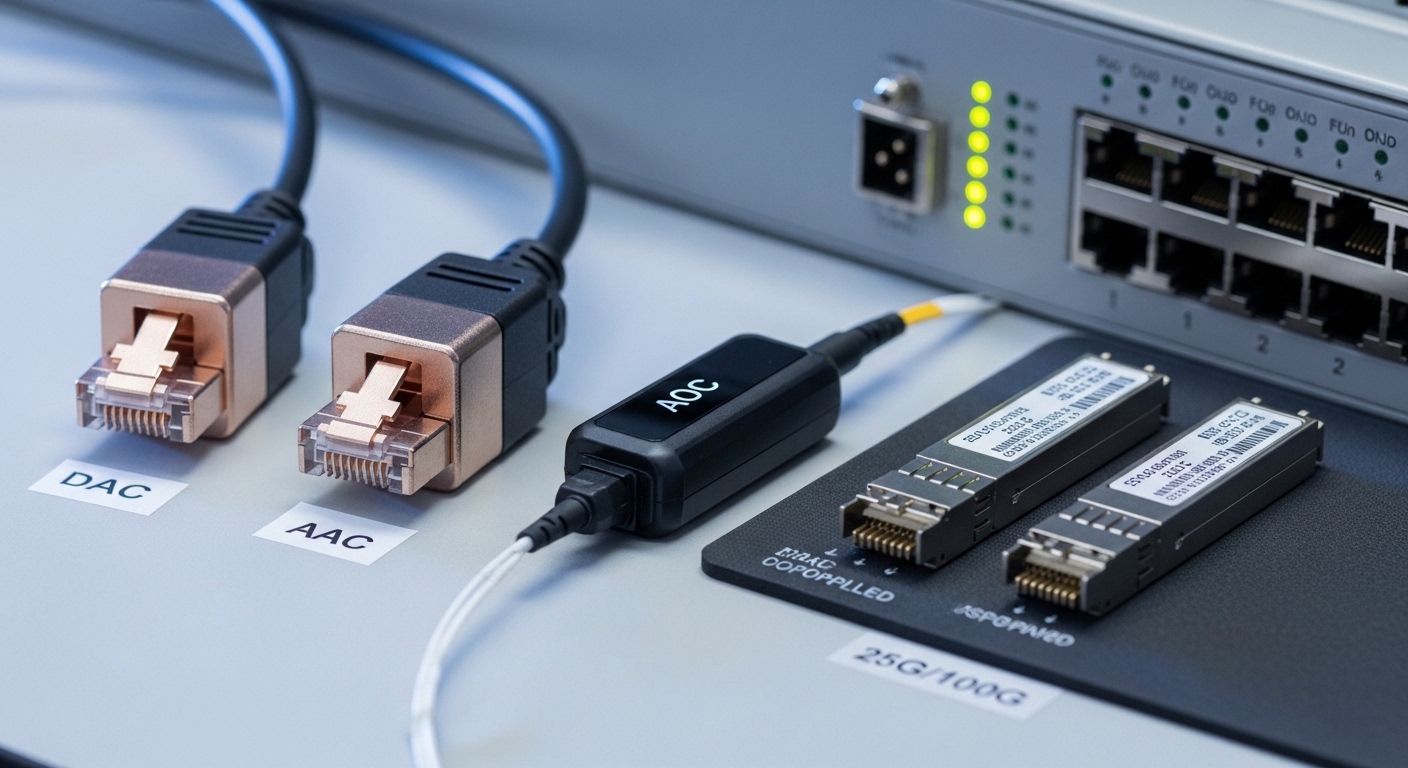
In AI and machine learning environments, traffic is bursty: gradient synchronization, checkpoint transfers, and inference bursts can swing quickly. I plan optics based on whether the dominant flows are leaf to spine, rack to rack, or accelerator to storage. For 100G and 400G Ethernet, I often start with QSFP28 or OSFP module families paired with the switch vendor’s optics compatibility list.
Key specs to watch include data rate, lane count, and supported interfaces defined by IEEE 802.3 (for example 100GBASE-SR4 and 400GBASE-SR8 variants). In practice, I validate that the switch supports the exact DOM format and that the module’s electrical interface matches the chassis.
- Best fit: Leaf to spine or within-rack traffic with predictable short reach
- Pros: Faster commissioning when optics are on the vendor list
- Cons: Compatibility caveats can force a specific vendor
Top 2: Pick wavelength and reach using power budgets, not marketing meters
Optical networking success in AI clusters depends on the optical power budget end to end, not just the advertised reach. For multimode short reach, I use typical links like 850 nm MMF (SR) and verify link budgets against connector loss, patch panel attenuation, and fiber modal effects. For longer runs or higher-speed tiers, single mode at 1310 nm or 1550 nm (LR/ER/ZR style) is often selected.
Operationally, I calculate with measured fiber attenuation and conservative margins, then confirm the transceiver’s receiver sensitivity and transmitter launch power from the vendor datasheet. Field teams also track fiber type (OM3, OM4, or OS2) and connector cleanliness because contamination can dominate your budget.
| Module / Link Type | Wavelength | Typical Reach | Connector | Data Rate | Operating Temp | Common Use in AI |
|---|---|---|---|---|---|---|
| Finisar FTLX8571D3BCL (examples) | 850 nm (MMF) | ~70 to 300 m class (OM3/OM4 dependent) | LC | 10G/25G family (varies by SKU) | -5 to 70 C typical | Within-rack and ToR uplinks |
| Cisco SFP-10G-SR (examples) | 850 nm (MMF) | ~300 m class (OM3/OM4 dependent) | LC | 10G | 0 to 70 C typical | Legacy 10G islands near GPUs |
| FS.com SFP-10GSR-85 (examples) | 850 nm (MMF) | ~300 m class (OM3/OM4 dependent) | LC | 10G | -5 to 70 C typical | Cost-optimized short reach |
Note: Always confirm exact reach and power parameters for your specific SKU and fiber plant. Vendor datasheets and compliance notes are the authoritative references.
Top 3: Engineer for optics density, airflow, and cable management
AI clusters are dense: high port counts per rack and high utilization drive thermal stress. I treat optics planning like mechanical engineering: I verify front-to-back airflow, ensure patch cords do not block vents, and keep bend radius within the module and cable spec. In the field, I aim for consistent dressing so connectors are accessible for inspection without disturbing fiber runs.
For high density 400G, optics often use parallel optics (multi-fiber arrays) which increases connector management complexity. My rule is to standardize patch panel labeling and fiber maps before the first training run, because troubleshooting later can cost days.
- Best fit: GPU racks with high port density and strict thermal constraints
- Pros: Fewer intermittent errors from connector strain or dust
- Cons: Requires disciplined cabling standards
Top 4: Validate DOM and telemetry for proactive incident response
Modern optical networking modules expose Digital Optical Monitoring (DOM): transmit power, receive power, bias current, and temperature. In AI operations, I rely on telemetry to detect drift before links fail during long training jobs. I configure thresholds in the switch or telemetry platform and correlate optical events with GPU job logs.
From a compliance standpoint, DOM behavior is module-specific; the network platform must support the module’s DOM implementation. I cross-check switch firmware release notes for known DOM quirks and I test with a small batch before scaling across the cluster.
Pro Tip: In many AI data centers, the earliest reliable predictor of a failing link is not link flaps, but a slow drift in receive power correlated with patch cord handling. Build alerting on DOM receive power slope, not just absolute thresholds, and you can schedule cleaning or replacement between training windows.
Top 5: Choose multimode vs single mode based on plant maturity
Multimode is common for short reach in modern data centers, especially when you can deploy OM4 with good installation practices. Single mode becomes attractive when the fiber plant is older, spans multiple rooms, or needs longer reach for spine tiers. The decision is often less about optics price and more about the cost to fix the fiber plant.
I typically evaluate existing attenuation, splice quality, connector cleanliness, and whether moves and adds are frequent. If the plant is well documented and measured, multimode can be cost effective; if the plant is uncertain, single mode can reduce risk.
- Best fit: New builds with OM4 vs brownfield upgrades with uncertain link losses
- Pros: Single mode can simplify reach planning across tiers
- Cons: Single mode optics and cabling can cost more
Top 6: Plan for redundancy: dual paths and spare optics at the right layer
AI training failures are expensive, so I design redundancy at the network layer and the optics layer. At the topology level, I prefer dual-homed links between leaf and spine where possible, then I budget spare transceivers for the highest risk paths. I keep spares for the exact SKU and DOM compatibility used by the switch.
In practice, I also consider whether the workload requires consistent latency. Optical redundancy helps with availability, but it does not remove congestion; I still pair it with queue tuning and ECMP validation.
- Best fit: Mission critical training clusters and enterprise AI platforms
- Pros: Faster recovery and less downtime
- Cons: Higher inventory and wiring complexity
Top 7: Use realistic cost and TCO models, including failure and labor
Optics pricing varies widely by brand, certification, and form factor. In many deployments, OEM modules cost more upfront than third-party, but the TCO can be lower if you reduce incompatibility issues, RMA cycles, and labor time. I estimate TCO using module cost, expected failure rate, and the operational cost of troubleshooting and cleaning.
Typical price ranges I see in purchasing for short reach optics vary by generation and interface, but it is common to budget a premium for OEM and a discount for reputable third-party. Power savings are usually modest compared with the overall data center draw, yet reduced link errors can prevent retransmits and help sustain throughput during training.
Actionable ROI approach: model the cost of one failed training day, then compare it to optics and spares spend for the critical path.
Top 8: Troubleshoot optical networking issues with repeatable, measurable steps
When AI jobs degrade, I run a disciplined optical workflow. First, I check interface counters for CRC errors, FEC events (where applicable), and link resets. Second, I read DOM values for transmit and receive power and temperature; third, I inspect and clean connectors using lint-free wipes and inspection scopes.
Most failures come from contamination, fiber damage, or mismatch between optics and the switch’s expected configuration. I also verify that the link is using the intended speed and that the transceiver is not operating in a degraded mode.
Common Mistakes / Troubleshooting
-
Mistake: Relying on “max reach” claims without a power budget.
Root cause: Underestimating connector loss, patch panel attenuation, and aging effects.
Solution: Use vendor receiver sensitivity and transmit power, then add measured worst-case margins; confirm fiber type (OM3 vs OM4) and clean every connector before measuring. -
Mistake: Mixing third-party optics without DOM and firmware validation.
Root cause: DOM behavior differences or switch compatibility quirks after firmware updates.
Solution: Test in a staging rack with the exact switch firmware; validate DOM telemetry and alarm thresholds before cluster-wide rollout. -
Mistake: Ignoring connector cleanliness until errors appear.
Root cause: Dust and micro-scratches causing intermittent receive power drops.
Solution: Adopt an inspection-first workflow; clean with approved methods and re-check with a scope after each repair. -
Mistake: Exceeding bend radius during cable dressing.
Root cause: Microbends increase attenuation and can trigger FEC recovery or link instability.
Solution: Keep to cable bend radius recommendations from the cable and transceiver vendors; re-route patch cords with proper strain relief.
FAQ
Q1: Which IEEE standard should I reference for optical networking links?
A: Start with relevant IEEE 802.3 Ethernet optical specifications for each rate and media type, such as 100GBASE-SR4 and other generations. Then confirm the exact transceiver type against your switch datasheet and the module vendor’s compliance statement. [Source: IEEE 802.3]
Q2: Can I use third-party optics in an AI cluster without risking stability?
A: You can, but only after validating switch compatibility, DOM telemetry behavior, and firmware interactions in a test environment. I recommend a small pilot and monitoring for link resets, DOM drift, and error counters over multiple days. [Source:
