
If your machine learning workloads stall, it is often not the GPU—it is the optical path feeding it. This article helps network and infrastructure engineers design fiber links for AI clusters, from transceiver selection to operational checks. You will get a step-by-step implementation plan, a practical spec comparison, and field troubleshooting that matches how optics actually fail in production.
Prerequisites before you touch optics
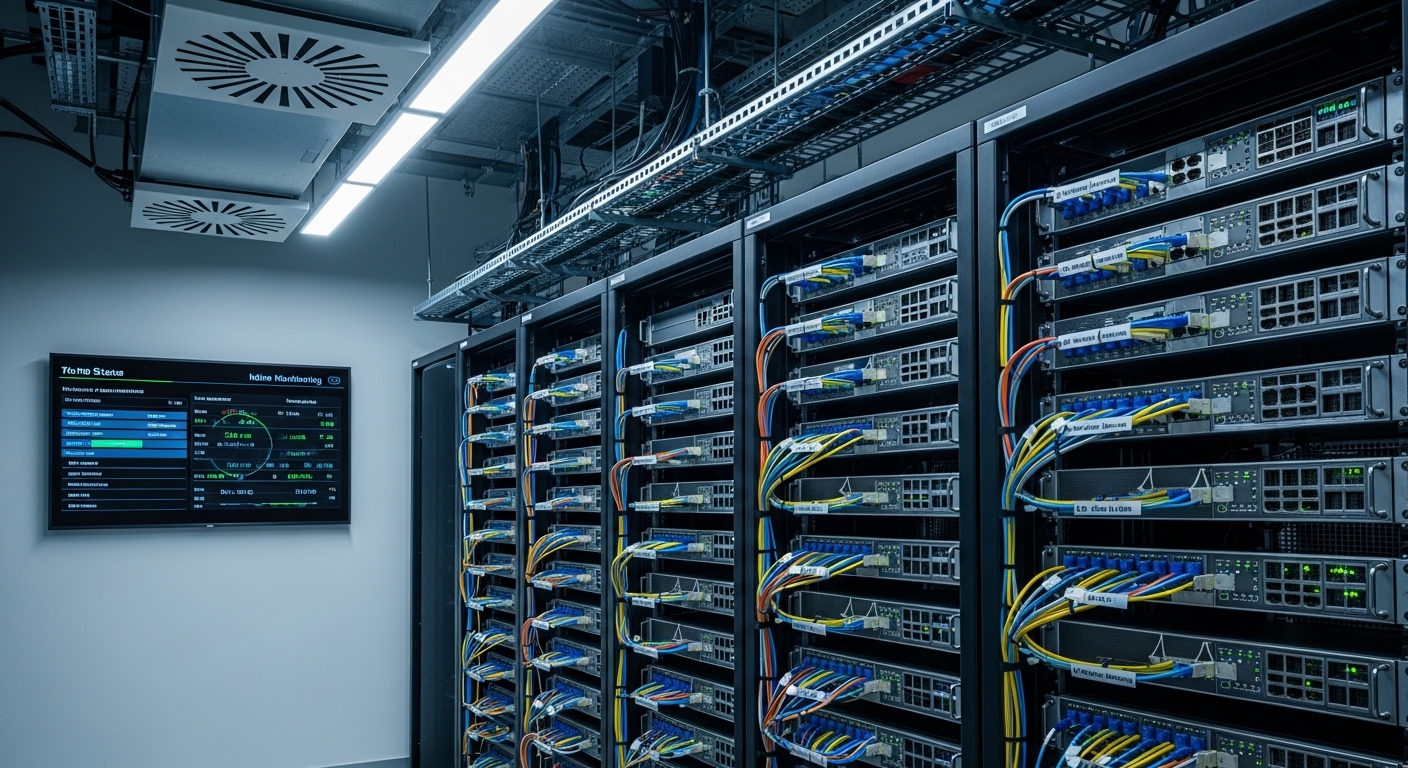
Before buying SFP/QSFP modules, align the physical and control-plane facts. Confirm your switch vendor and transceiver compatibility list, because optics can be “electrically compatible” yet fail DOM/EEPROM checks. Measure your fiber plant loss and connector cleanliness; in many AI sites, the biggest limiter is not reach—it is margin.
Have these ready: (1) switch model numbers (for example, Cisco Nexus 9336C-FX2 or Arista 7050X3), (2) transceiver part numbers currently in use, (3) fiber type (OM3/OM4/OS2) and patch panel map, and (4) expected traffic profile for training vs inference. Also decide whether you need deterministic latency behavior for distributed training, which pushes you toward tighter budgeting and fewer oversubscription surprises.
Expected outcome: you can map each physical port to a fiber strand pair and know what reach and optics format your switches will accept.
Step-by-step implementation: optical networking for machine learning
Choose the link budget using real fiber measurements
Start from measured link loss, not marketing reach. Use an OTDR or at least a certified loss test report for each path; then add conservative margins for aging and connector rework. For multimode, OM4 is common for 10G/25G/40G due to higher modal bandwidth; for longer runs or strict budgets, OS2 single-mode is the safest bet.
Expected outcome: a per-link “safe reach” number you can compare against datasheet reach and your transceiver’s minimum/typical power.
Pick the right transceiver class and data rate for AI traffic
Most AI clusters today run 10G, 25G, 40G, or 100G Ethernet depending on the leaf-spine design and oversubscription. For machine learning training traffic, you usually want predictable throughput and low packet loss; for inference, you care about steady utilization and stable optics under temperature swings.
Use IEEE 802.3 Ethernet PHY families as your baseline: 10GBASE-SR, 25GBASE-SR, 40GBASE-SR4, and 100GBASE-SR4 for multimode; and long-reach variants over OS2 single-mode. Then verify your switch supports the specific module type and that it reads DOM correctly for monitoring.
Compare common optics specs before purchase
Below is a realistic comparison engineers use when designing AI fabric links. Always check your switch’s optics compatibility guide and confirm the exact wavelength and connector type match your fiber plant.
| Module example | Data rate | Wavelength | Reach (typical) | Connector | Avg Tx/Rx power class | DOM / monitoring | Temperature range |
|---|---|---|---|---|---|---|---|
| Cisco SFP-10G-SR (10GBASE-SR) | 10G | 850 nm | ~300 m (OM3), ~400 m (OM4) | LC | Vendor-specific, multimode optical budget | Digital diagnostics (DOM) | 0 to 70 C (typical) |
| Finisar/FOA 25GBASE-SR (SFP28) | 25G | 850 nm | ~100 m (OM3), ~150 m+ (OM4) | LC | Vendor-specific | DOM | -5 to 70 C (typical) |
| FS.com SFP-10GSR-85 (10GBASE-SR) | 10G | 850 nm | ~400 m (OM4 class) | LC | Vendor-specific optical budget | DOM (varies by listing) | 0 to 70 C (typical) |
| 100GBASE-SR4 QSFP28 (example) | 100G | 850 nm (4 lanes) | ~100 m (OM4 typical) | LC | Lane-based optical budget | DOM | 0 to 70 C (typical) |
Expected outcome: you can choose multimode for short intra-rack and single-mode for longer or noisy environments, while matching your switch’s port optics.
Validate with link bring-up and DOM thresholds
After installation, bring links up one rack at a time and capture DOM telemetry. On Cisco NX-OS, for example, you can check transceiver status and optical alarms; on Arista EOS, use the built-in optics and interface diagnostics. The goal is not just “link up,” but verifying that receive power, temperature, and bias current stay inside vendor-recommended thresholds.
Set alerts for rising error counters (FCS/CRC), optics “low RX power,” and DOM temperature drift. For machine learning clusters, a single marginal link can trigger retransmits that quietly erode effective training throughput.
Expected outcome: stable links with no optical alarms and clean error-rate baselines.
Operationalize monitoring for machine learning traffic patterns
Machine learning workloads are bursty: a dataloader spike can change traffic profiles in milliseconds. Correlate interface utilization with optical error counters and application-level metrics (GPU utilization, step time, and queue depth). If you see CRC spikes aligned with high utilization, suspect marginal optics, dirty connectors, or a patch panel cross-connect issue.
Expected outcome: you can explain performance changes with link-layer evidence, not guesswork.
Common mistakes and troubleshooting for AI optics
These are the top failure points I see in the field when optics meet machine learning traffic.
- Mistake 1: Assuming “reach” equals “works.” Root cause: connector loss, dirty endfaces, and patch panel transients eat the optical budget. Solution: use certified loss reports, clean with proper lint-free methods, and verify DOM receive power margin under load.
- Mistake 2: Buying third-party optics without switch compatibility testing. Root cause: DOM/EEPROM quirks or PHY parameter mismatches. Solution: test in a staging rack, confirm DOM readouts, and keep a compatibility matrix per switch model.
- Mistake 3: Ignoring temperature and airflow around transceivers. Root cause: high inlet temperatures shift laser bias and raise error rates. Solution: measure inlet air temps, confirm fan tray behavior, and move modules if you see repeated “temperature” DOM alarms.
Expected outcome: faster recovery when a link degrades, with a repeatable diagnostic path.
Selection criteria checklist engineers actually use
- Distance and fiber type: OM3/OM4 for short links, OS2 for longer runs.
- Switch compatibility: match transceiver format (SFP28, QSFP28) and vendor optics requirements.
- DOM support and monitoring integration: ensure you can alert on low RX power and temperature.
- Operating temperature and airflow: validate worst-case inlet temps in the AI hall.
- Budget and power/TCO: include failure rate, spares strategy, and labor for cleaning/replacement.
- Vendor lock-in risk: test third-party modules early; keep at least one known-good spare per type.
Pro Tip: In high-density AI racks, the most common “mystery” link flaps come from patch panel rework and connector cleanliness, not the transceiver itself. If DOM shows stable bias current but RX power is intermittently noisy, clean and re-seat first, then escalate optics replacement.
Cost and ROI note for machine learning environments
Typical pricing ranges vary widely by vendor and speed grade, but in many enterprise markets you might see 10G SR optics in the roughly tens-of-dollars range per module, while 25G and 100G optics can cost several times more. OEM modules often carry higher upfront cost but can reduce compatibility friction and shorten downtime during failures; third-party modules can cut BOM cost but require validation and a tighter spares plan. ROI comes from lowering retraining impact: even a small increase in packet loss can extend training time and increase GPU hours, which usually dwarfs the optic delta.
Expected outcome: a procurement decision that accounts for downtime, cleaning labor, and monitoring maturity—not just purchase price.
FAQ
How does optical networking affect machine learning training time?
Training time is sensitive to effective throughput and retransmits. If optics or fiber margins cause CRC/packet
