
Optical Link Issues: A Field Checklist for Fast Fixes
When optical link issues hit, your switches start acting like drama queens: flaps, CRC storms, and “link up” that feels more like “link maybe.” This quick reference helps network engineers and field techs diagnose high-speed Ethernet optics in minutes, not weekends. You will get a practical checklist, a specs comparison table, and common failure modes with root causes and fixes.
Spot the symptoms: what optical link issues look like in the real world
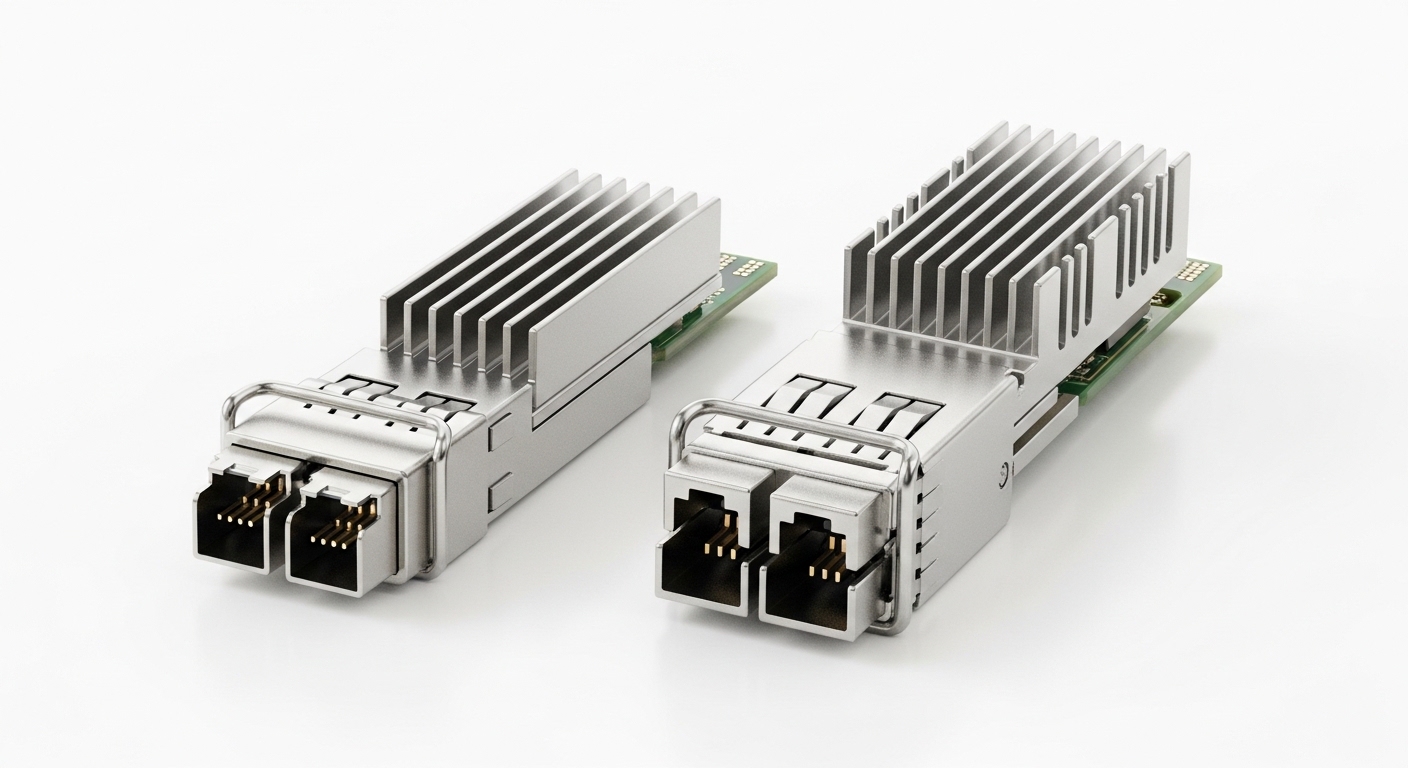
Optical link issues show up as patterns, not mysteries. Start by correlating alarms with physical-layer counters and optical measurements, because “it’s not working” is the network equivalent of saying “the car makes noise.” On Ethernet, the usual suspects are marginal optical power, fiber contamination, lane mismatch, incompatible optics, or a bad transceiver.
Fast symptom-to-cause mapping
- Link flaps every few seconds: often connector contamination, intermittent fiber, or marginal receiver sensitivity.
- Link stays up but traffic is bad: CRC errors, BER issues, or patch-cord loss exceeding budget.
- “Digital optical monitoring” shows low Tx power or high Rx power: aging optics, wrong wavelength optics, or cable damage.
- Port negotiates oddly or stays down: incompatible transceiver type, wrong optics (SR vs LR), or switch compatibility constraints.
Pro Tip: If the port is “up” but counters scream, do not trust only link state. Pull optical diagnostics (DOM) and compare trend over time; a slowly degrading Tx power can pass link training today and fail tomorrow under the same traffic load.
Measure like an engineer: optical budgets, wavelength, and DOM sanity checks
Before swapping everything that fits in a cage, verify the basics that govern optical budgets. For Ethernet optics, you are balancing transmitter launch power, fiber attenuation, connector loss, and receiver sensitivity to keep the signal above the required minimum. IEEE 802.3 defines optical link behavior and electrical/optical requirements for Ethernet PHYs, but vendors define the practical operating limits via datasheets. Reference: IEEE 802.3 overview and Counter behavior context in management MIBs (for how errors are reported).
Key spec checks that prevent the classic “wrong optics” facepalm
- Wavelength: 850 nm (SR) vs 1310 nm (LR) vs 1550 nm (ER/LR4/FR4 variants). Wrong wavelength often yields weak or zero link.
- Data rate and module type: 10G SFP+ vs 25G SFP28 vs 40G QSFP+ and 100G QSFP28.
- Connector standard: LC duplex vs MPO/MTP. Mixed connector types can still physically mate with adapters, but performance will suffer.
- DOM support: Many switches require DOM compliance; some third-party optics work, some are “mostly compatible.”
- Temperature range: Field failures often happen in hot cabinets where optics run near max spec.
Example modules and typical parameters
Below is a practical comparison using common transceiver families you will see in enterprise and data center gear. Always confirm exact values in the vendor datasheet for your specific part number.
| Transceiver example | Data rate | Wavelength | Typical reach | Connector | Avg Tx power (typ.) | Rx sensitivity (typ.) | DOM | Operating temp |
|---|---|---|---|---|---|---|---|---|
| Cisco SFP-10G-SR | 10G | 850 nm | Up to 300 m on OM3 | LC duplex | ~ -1 to -7 dBm class | ~ -14 dBm class | Supported | ~ 0 to 70 C class |
| Finisar FTLX8571D3BCL (10G SR) | 10G | 850 nm | Up to 300 m on OM3 | LC duplex | Vendor-specific | Vendor-specific | Supported | Commercial range |
| FS.com SFP-10GSR-85 (10G SR, 300 m class) | 10G | 850 nm | 300 m on OM3 class | LC duplex | Vendor-specific | Vendor-specific | Often supported | Commercial range |
| Example: 25G SFP28 SR module family | 25G | 850 nm | ~ 70 m on OM3 class (varies) | LC duplex | Vendor-specific | Vendor-specific | Supported | Vendor-specific |
Note: the numeric fields are “class-level” unless you pull the exact datasheet for your part number. In the field, the winning move is comparing DOM readings to the vendor’s min/max values and validating your fiber link loss against the optical budget.
Selection criteria checklist: pick the right optics before you debug them
Engineers usually choose optics during install, not after failure. Use this ordered checklist to reduce optical link issues at the source. It is boring in the best way: it prevents surprises.
- Distance and fiber type: confirm OM1/OM2/OM3/OM4 and actual installed length including patch cords. Remember that “runs look short” until you count jumper slack.
- Budget math: compare your measured end-to-end insertion loss to the module’s optical budget (including connector and splice loss). Use vendor budgets, not vibes.
- Switch compatibility: confirm the switch vendor’s optics compatibility list (or documented support). Some platforms have stricter optics validation.
- DOM support and thresholds: verify the module reports expected DOM fields and that the switch accepts them. Mismatched DOM behavior can trigger “no link” or “link flaps.”
- Operating temperature: check cabinet airflow and whether the optics are in spec at peak ambient. Over-temperature can degrade Tx output and increase BER.
- Connector and polish grade: clean LC/MPO ends with APC/UPC awareness and verify polish grade. Contamination is a top cause of optical link issues.
- Vendor lock-in risk: OEM optics can be pricier; third-party can be cheaper. Evaluate RMA rates, lead time, and whether your monitoring stack expects specific DOM fields.
Deployment scenario: leaf-spine data center with flaky optical links
In a 3-tier data center leaf-spine topology with 48-port 10G ToR switches, a team replaced several 10G SR optics after a cabinet refresh. The new optics were “SR compatible,” but the path lengths were tight: 180 m of OM3 backbone plus 2 patch cords of 5 m and 4 mated connectors with older dust-prone bulkheads. Within 24 hours, they saw CRC errors rising and brief link drops during peak traffic. DOM showed Rx power drifting toward the sensitivity limit on specific ports, and cleaning the LC ends plus re-seating optics stabilized the links; a couple of ports also needed replacement because one transceiver’s Tx power was out of vendor range.
Common mistakes and troubleshooting tips that actually work
Here are field-tested failure modes with root causes and fixes. If you do these in order, you will usually stop wasting time on random swaps.
The “it fits, so it must work” connector problem
- Root cause: wrong connector type or adapter chain (LC to SC to LC) increases insertion loss and introduces reflection/return loss issues.
- Fix: remove unnecessary adapters, verify connector type at both ends, and confirm cleaning before mating. Inspect fiber ends with a microscope.
Contamination masquerading as a bad transceiver
- Root cause: dust on fiber endfaces causing attenuation spikes and CRC bursts.
- Fix: clean with lint-free wipes plus isopropyl alcohol (where appropriate) and/or proper cleaning cartridges; re-test optical power after each cleaning step.
Overlooked temperature and marginal budgets
- Root cause: optics operating near max temperature; Tx output droops and BER rises. Marginal links that barely pass at install can fail later.
- Fix: confirm cabinet ambient and airflow; validate link budget with measured loss and compare DOM trends. If needed, shorten patch cords or swap to a higher-margin optics choice.
DOM mismatch or optics not truly supported
- Root cause: third-party optics may report DOM fields differently; some switches enforce stricter thresholds or vendor-specific behaviors.
- Fix: test one known-good OEM or a verified compatible module; check switch logs for DOM-related messages; use the vendor compatibility list.
Practical debug sequence: (1) check link state and counters, (2) pull DOM readings, (3) verify wavelength/data rate/module type, (4) inspect and clean connectors, (5) measure or estimate end-to-end loss, (6) swap optics only after physical and DOM checks.
Cost and ROI: OEM vs third-party optics without the horror stories
Typical street pricing varies by region and volume. As a rough field range: OEM 10G SR SFP+ optics often cost more than third-party equivalents, but third-party can still be cost-effective if they are verified compatible and come with solid RMA support. TCO is not just purchase price: include labor time for swaps, downtime risk during maintenance windows, shipping delays, and failure rates under your temperature and cleaning practices.
- OEM: higher upfront cost; often smoother compatibility and predictable DOM behavior.
- Third-party: lower cost; can be fine when compatibility is verified and DOM behavior matches expectations.
- Operational ROI: the biggest savings usually come from reducing repeat failures via cleaning discipline and budget validation.
Update date: 2026-05-02. For exact prices and warranty terms, check your local distributor and the module datasheet.
FAQ: optical link issues in the questions engineers ask at 2 a.m.
Q1: Why is my optical link “up” but traffic has CRC errors?
CRC errors typically indicate marginal optical signal quality or rising BER. Check DOM for Rx power and compare against vendor min/max. Then clean and re-test the fiber ends before replacing optics.
Q2: How do I confirm I did not install the wrong wavelength optics?
Verify the module label and datasheet: 850 nm SR optics are not interchangeable with 1310 nm LR optics. Also confirm the switch port type supports the module family; compatibility matters.
Q3: What is a good first measurement when troubleshooting optical link issues?
Pull DOM readings (Tx power, Rx power, and alarm flags if available) and check interface error counters. Pair that with a quick fiber inspection for contamination and connector damage.
Q4: Can I use third-party transceivers safely?
Often yes, but only after validating switch compatibility and DOM behavior. Test a small batch first, monitor for link flaps, and ensure your monitoring system reads DOM fields correctly.
Q5: My link works at low traffic but fails during load. What does that mean?
That pattern points to signal quality under stress: marginal optical budget, temperature-induced degradation, or connector issues that worsen with vibration. Compare DOM trends during peak load and consider improving budget headroom.
Q6: What should I do if cleaning does not fix optical link issues?
If cleaning fails, check for physical fiber damage, connector polish mismatch, excessive loss, or a defective transceiver. Validate end-to-end loss with an OTDR or certified test equipment when available.
If you want a companion checklist for the next layer up, see fiber cleaning and inspection best practices for a step-by-step workflow that prevents repeat optical link issues. Next, update your optics inventory with DOM baselines so you can catch degradation before it becomes an outage.
Author bio: Field engineer turned educator, I have debugged optical link issues in live data centers with measured DOM trends, connector inspection microscopes, and budget validation. I write so teams can fix problems fast, document evidence, and avoid swapping parts like it is a magic show.
