
Edge sites fail in ways data-center teams rarely see: high temperature swings, vibration, patch-panel chaos, and mixed vendor optics. This guide helps field engineers and network architects make fast, defensible network choices for optical transceivers in edge applications. You will get practical selection criteria, a spec comparison table, and troubleshooting steps grounded in IEEE practice and vendor documentation. Update date: 2026-05-02.
Edge constraints that should drive your network choices
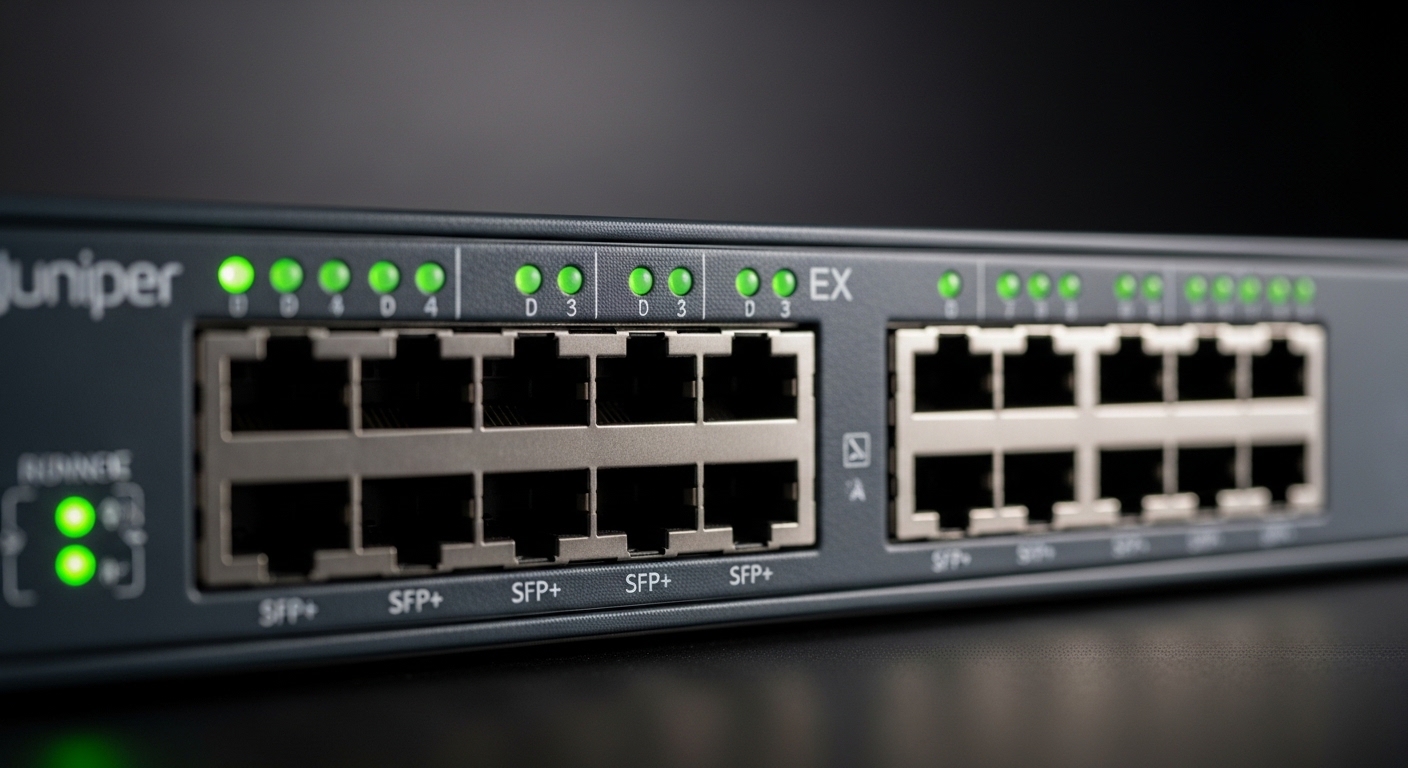
At the edge, your optics must survive harsh operating conditions while staying compatible with your switch ASIC and optics management features. Typical edge environments include cabinets in warehouses, roadside cabinets, and small PoP rooms where airflow is limited and fans cycle. In these settings, you should treat temperature margin, optical budget, and DOM support as first-class requirements, not afterthoughts. For standards alignment, start from IEEE 802.3 Ethernet PHY requirements and then validate against switch vendor compatibility matrices. [Source: IEEE 802.3-2022]
What “good” looks like in real edge deployments
In a common leaf-switch edge pattern, you may uplink from an access switch to an aggregation switch over multimode fiber inside a campus or micro data center. A field-tested target is to run links with at least 3 dB to 5 dB of optical margin after accounting for connector loss, patch cords, and aging. When you cannot measure end-to-end loss during commissioning, you should prefer transceivers with well-characterized link budgets and conservative reach claims from the datasheet. [Source: Cisco SFP module datasheets]
Transceiver selection: map distance, fiber type, and wavelength
Your network choices should begin with the physical layer: fiber type (MMF vs SMF), nominal wavelength, and required data rate. For Ethernet over fiber, the most common edge optics patterns are 10G SR over multimode, 25G/40G SR over multimode in newer builds, and 10G/25G LR over single-mode for longer runs. Confirm that your switch supports the exact transceiver form factor (SFP+, SFP28, QSFP+, QSFP28, QSFP56) and that it tolerates vendor optics without strict part-number whitelisting.
Quick spec comparison table for edge-ready optics
Use this table to compare typical module families engineers deploy at the edge. Always verify exact values in the OEM datasheet for your specific part number.
| Module family (examples) | Data rate | Wavelength | Typical reach | Fiber type | Connector | DOM | Operating temperature |
|---|---|---|---|---|---|---|---|
| Cisco SFP-10G-SR (10G SR) | 10G | 850 nm | Up to 300 m (OM3) / 400 m (OM4) | MMF | LC | Yes (where supported) | 0 to 70 C (verify exact SKU) |
| Finisar FTLX8571D3BCL (10G SR) | 10G | 850 nm | Up to 300 m (OM3) / 400 m (OM4) | MMF | LC | Yes (Digital Diagnostics) | -5 to 70 C (verify exact SKU) |
| FS.com SFP-10GSR-85 (10G SR) | 10G | 850 nm | Up to 300 m (OM3) / 400 m (OM4) | MMF | LC | Often yes (model-dependent) | -5 to 70 C (verify exact SKU) |
| Common 10G LR SFP+ class | 10G | 1310 nm | Up to 10 km | SMF | LC | Often yes | -5 to 70 C |
For reference on PHY behavior and link training, IEEE 802.3 defines Ethernet optical interfaces and electrical characteristics, while vendor datasheets define optical budgets, transmitter power, and receiver sensitivity. [Source: IEEE 802.3-2022]
Pro Tip: In edge cabinets, field failures often correlate more with connector contamination and temperature drift than with the transceiver itself. Build a commissioning step that includes APC/UPC cleanliness checks and re-seat cycles, then log DOM temperature and optical power at first boot and again after 2 hours of thermal soak.
Decision checklist engineers actually use for network choices
When time is tight, you need an ordered checklist that prevents rework. Below is the sequence many field teams follow during edge expansions.
- Distance and fiber type: Confirm MMF vs SMF, core size, and OM rating (OM3/OM4). Match SR vs LR families to the run length including patch panels.
- Data rate and port type: Ensure the switch port is truly compatible (SFP+ vs SFP28 vs QSFP+). Do not assume “10G capable” means “any 10G optics work.”
- Wavelength and optics budget: Validate transmitter power, receiver sensitivity, and required margin. Include connector loss, splice loss, and patch cord length.
- DOM and monitoring needs: If you rely on optical power alarms, confirm Digital Diagnostics support and that your monitoring stack reads them correctly.
- Operating temperature range: Compare cabinet ambient profiles to the module’s rated temperature. If your edge site hits 60 C ambient, prefer modules rated to at least 70 C plus margin.
- Switch compatibility and lock-in risk: Check vendor compatibility lists for the exact switch model and firmware. Third-party optics can work, but some platforms enforce strict identification rules.
- Connector cleanliness and install tooling: Ensure you have lint-free wipes, inspection scope access, and correct dust caps. This is not optional in edge builds.
Advantages and limitations: OEM vs third-party optics at the edge
OEM transceivers can reduce integration risk because they are validated with the specific switch platform, and many vendors provide stronger warranty processes tied to their part numbers. Third-party optics often cost less and can improve supply resilience, but you must validate DOM behavior, alarm thresholds, and compatibility with your firmware version. In edge deployments where you cannot schedule frequent truck rolls, the cost savings of third-party optics can be offset by higher incident rates if compatibility is not tested.
Cost and ROI note with realistic edge numbers
Typical street pricing varies widely by region and volume. As a practical planning range, many 10G SR SFP+ modules land around $30 to $120 each, while 25G SR and LR variants can be higher depending on reach and DOM feature set. OEM options may be 1.5x to 3x the price, but the ROI improves when they reduce troubleshooting time and prevent repeat dispatches. Total cost of ownership should include optics testing time, cleaning/inspection materials, spares inventory, and downtime risk during maintenance windows. [Source: vendor datasheets and common reseller pricing practices]
Common mistakes and troubleshooting tips for edge optics
Most optics incidents are predictable once you know the failure modes. Use these checks during commissioning and after any link flap.
Link comes up intermittently after a cabinet temperature rise
Root cause: Module exceeds effective thermal margin or the cabinet airflow is insufficient, causing transmitter bias drift. Solution: Compare cabinet ambient readings to the module operating range, add airflow or adjust fan control, and re-seat connectors after thermal soak. Also log DOM temperature and optical power to confirm drift direction.
“Receiver signal not detected” despite correct transceiver type
Root cause: Transmit and receive fibers reversed, or patch panel polarity mistakes during field labeling. Solution: Verify polarity with a continuity test, then clean both ends and inspect with a fiber scope. Confirm the correct duplex orientation (Tx to Rx) and that dust caps were removed before mating.
High error counters even though link is “up”
Root cause: Excessive optical loss from dirty connectors, damaged fiber ends, or an optimistic reach assumption that ignored patch cord and splice losses. Solution: Recalculate optical budget with measured insertion loss, clean and re-terminate as needed, and replace any suspect patch cords. If available, use DOM to compare received power against the datasheet target range.
DOM alarms or monitoring shows “unsupported”
Root cause: DOM not supported by the chosen module variant or the switch firmware does not fully parse the diagnostics format. Solution: Confirm DOM support in the exact part number datasheet and validate with your switch firmware. If monitoring is critical, standardize on a tested module family across the edge fleet.
FAQ: network choices for edge optical transceivers
Q1: What network choices should I prioritize for 10G edge uplinks over short runs?
If your fiber is MMF and the distance fits, choose 10G SR at 850 nm with OM3/OM4 compatibility. Verify connector type (usually LC), DOM support, and ensure you have at least a few dB of optical margin after patch cords and connectors. [Source: IEEE 802.3-2022]
Q2: Will third-party optics always work in edge switches?
They often work, but “always” is risky. Validate against the exact switch model and firmware, and confirm DOM interpretation. If your site cannot tolerate repeated truck rolls, pilot-tested optics families are the safest path.
Q3: How do I choose between SR and LR for edge expansion?
Choose SR for MMF when reach and budget allow, and choose LR for SMF when distance exceeds typical MMF limits. The decisive factor is the measured or conservative optical loss budget, not just the marketing reach number.
Q4: What should I monitor with DOM in the field?
Track module temperature, transmit bias, and received optical power. Establish baseline thresholds during commissioning, then alert on drift rather than only on link-down events.
Q5: What is the fastest troubleshooting workflow for a new edge link?
Confirm port and transceiver form factor, verify polarity, inspect and clean connectors, then compare DOM values to datasheet expectations. Only after that should you suspect switch configuration or fiber damage.
Q6: How many spare optics should an edge site keep?
A common operational practice is to stock at least one spare per transceiver family and data rate used at that site, prioritizing the most failure-prone or hardest-to-replace locations. Base quantities on incident history and maintenance response times.
Network choices for edge optical transceivers come down to distance-fit, compatibility-fit, and thermal-and-cleanliness fit. If you want the next step, review fiber-optic-link-budget-basics to turn “it should work” into a measurable optical budget you can defend.
Author bio: I deploy and troubleshoot optical links in edge and small PoP environments, validating DOM telemetry and thermal soak behavior against vendor specs. My work focuses on reducing real-world downtime through disciplined commissioning and repeatable compatibility testing.
